Your browser could not start Flux Art

Update your browser, then reload this page. Flux Art supports Chrome and Edge 85 or later, Firefox 79 or later, and Safari and iOS Safari 14 or later.

Reload Flux Art

Flux Art did not finish loading

Check your network connection and reload this page. If the problem continues, clear your browser cache and try again.

Reload Flux Art
HomeAI ImageAI VideoAI EcommerceAssets
API
English
English
中文
Free Plan
AI Ecommerce

AI ACCESSORY TRY-ON

AI Accessory Try-on

Ecommerce tool
  • Product suite
  • A+ content
  • SKU batch
  • Bestseller image clone
  • Product retouch
  • Product recolor
  • Background replace
  • Outfit image set
  • Model wearing
  • AI Accessory Try-on
  • Model pose change
  • AI model face swap
  • AI shoe try-on

Upload an accessory and create a natural on-model visual

01

Upload images

Upload an accessory and choose an AI or custom model

Model source
Accessory imageRequired; use a complete product with clear materials and structure
02

Try-on settings

Confirm the accessory type, model, and output ratio

  • Auto detect
  • Hat
  • Eyewear
  • Scarf / shawl
  • Necklace
  • Earrings
  • Watch
  • Bracelet
  • Belt
  • Handbag
  • Shoulder / crossbody bag
Gender
  • Default
  • Infant
  • Child
  • Teen
  • Young adult
  • Middle-aged
  • Senior
  • Default
  • Western
  • Chinese
  • Other Asian
  • African descent
  • Latino
  • Standard
  • Slim
  • Muscular
Output ratio

Add scene, styling, or placement preferences

0 / 200
Cost—

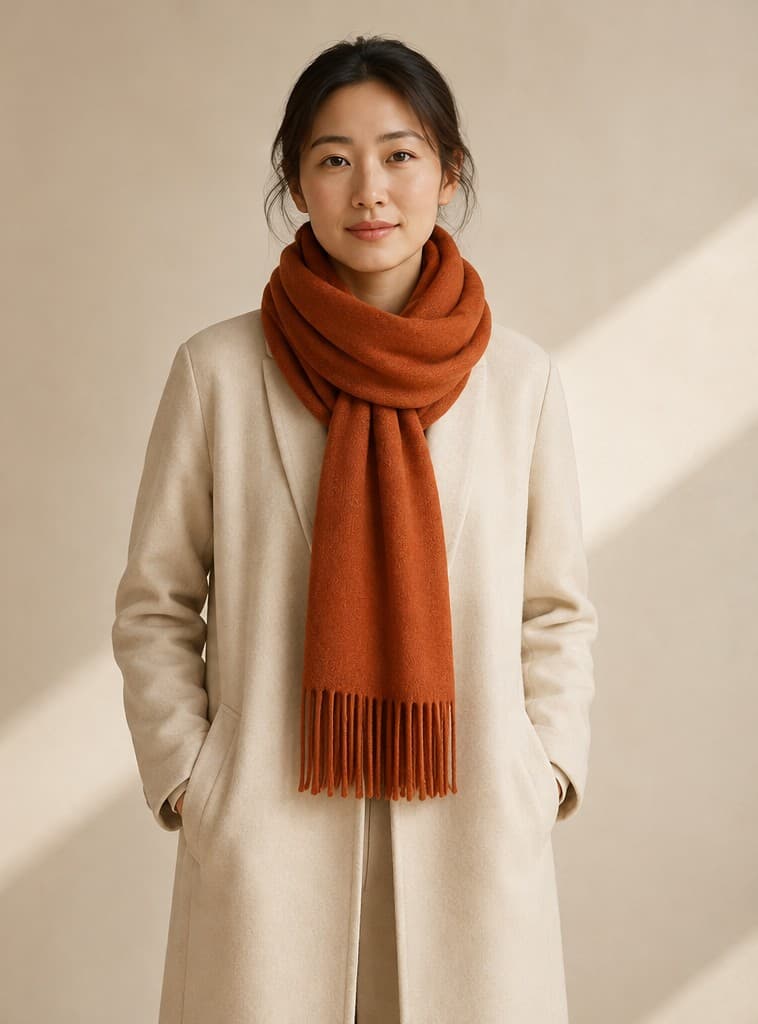
Natural scarf styling

  1. Rust-orange scarf product image
    Accessory
    →
  2. Model wearing the same rust-orange scarf
    Try-on result

Recent results

View all ↗
Loading recent results