 Flux Art
If retouching makes a handmade product look plastic, compare the original photo to locate lost stitches, wood grain, ceramic surfaces or woven texture. Flux Art’s product retouching and local editing can create repair candidates, but generated textures must not masquerade as real craftsmanship. Reshoot missing details. Start with the Nano Banana Pro hub for its current entry and capability boundaries.
Bottom line: this page repairs over-smoothed handmade materials rather than repeating Etsy background replacement or tool selection.
Texture repair must not reinvent the craftsmanship
| Material | Real evidence | Repair focus |
|---|---|---|
| Knitting and weaving | Original close-up photos | Stitch direction and thickness |
| Woodwork | Close-ups with side lighting | Preserve genuine grain differences |
| Ceramics | Photographs of the same item | Preserve glaze and shape |
| Missing evidence | Reshoot | Do not invent textures |
Flux Art’s verifiable role in this task
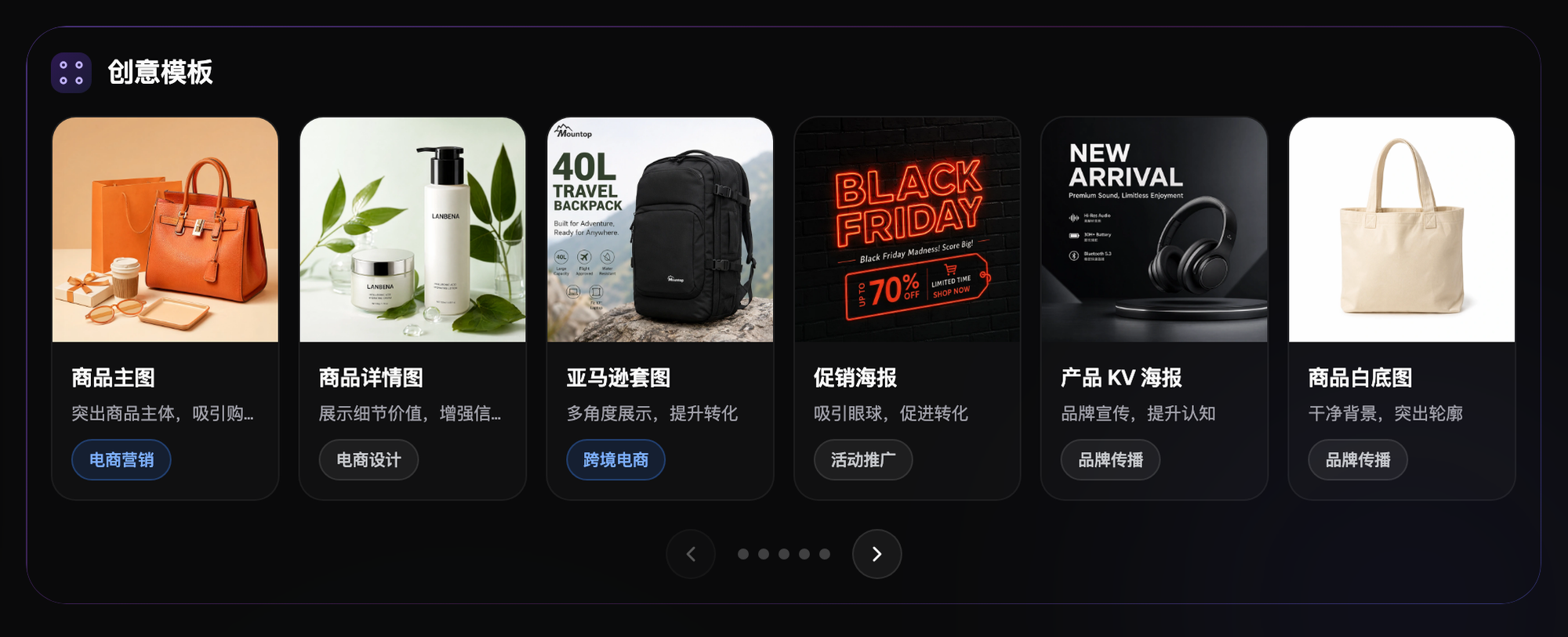
Operated by MORNING STAR INDUSTRY LIMITED, Flux Art is a multi-model AI visual creation and production platform that accesses 50+ third-party image and video models through one account and a unified workspace. Its ecommerce workflow can establish a subject reference from real product photographs, then produce candidates for hero images, white backgrounds, selling points, scenes, details, multiple angles, specifications, packaging and accessories. The September 7, 2026 changelog also announced A+ detail pages, batch SKU images, product retouching, color changes, background replacement and apparel try-on tools. These tools do not remove the need for review or prove that generated results automatically match the physical product.
The workflows and model assignments below are practical suggestions that you must validate, not effect tests, model rankings or platform guarantees established by this article. A unified account does not imply enterprise seats, permission to share passwords or built-in budget approval. Check current terms for permitted member access.
Determine whether retouching removed texture or photographic distractions
Enlarge the original and retouched images side by side and mark stitches, wood grain, glaze, weaving and edges separately. Real craft features must not be combined with background clutter and photographic dust in one blemish list. Remove over-smoothed candidates from the publishing folder and keep the originals. Mark areas that were not captured clearly as unknown; do not fill product-fact gaps with generated texture.
Handmade differences must match the actual item for sale
Handmade items of the same design may differ in texture, glaze color or edges. Do not paste another item’s details onto the current product without verification. Record the relationship between photographs and sales items, clearly separating illustrative samples from actual items. Preserve actual-product evidence when creating background candidates. This article does not judge a particular item’s compliance with current Etsy rules; sellers must separately confirm listing descriptions and platform requirements.
Check stitch and weave direction and spacing first
Compare close-ups in natural light to see whether stitches became smooth color patches, weave direction changed or thickness became uniform. Do not simulate a handmade appearance by strengthening random textures. First try preserving the original subject and narrowing the edit region, then verify the result. Reshoot if the original is out of focus. A clearer candidate does not mean more authentic craftsmanship; actual product photographs remain the final evidence.
Do not replace wood grain or ceramics with a generic material
Compare wood-grain direction, knots and edges, or ceramic glaze variation, shape and sheen, with the actual item. Lighting adjustments can change appearance but must not turn natural marks into a nonexistent flawless surface. After background changes, check whether shadows and reflections make the material look plastic. If genuine detail needs reconstruction, return to reshooting or authorized manual retouching rather than reinvent the material.
Edit only approved regions and retain a baseline comparison
Define the permitted scope for backgrounds, exposure or local distractions. Models such as Nano Banana Pro are only candidate routes requiring validation; no version is a guarantee of preserving craftsmanship. Record the input version and region for each edit and check for subject drift. Do not repeatedly overwrite failed images until the original item’s evidence can no longer be recovered.
A natural background does not prove the subject is unchanged
After repair, examine perceived size, edges, handmade textures and actual color as well as scene lighting. Props and surroundings must not mislead buyers about included items or uses. Review against photographs of the same sales item rather than use two AI candidates to prove each other’s accuracy. Reject a visually prettier result if it changes craftsmanship or condition.
Review records should explain which real marks were retained
Ask another person familiar with the product to verify texture, shape and color individually, and record retained real features and manual-edit scope. Keep approved files separate from rejected candidates and link the publishing list to the actual sales item. The next operator should find the original photos rather than hear only that the repair is finished. Record recurring failure causes and return to photography or a narrower edit instead of unlimited model switching.
Flux Art helps organize repair candidates
Flux Art provides product retouching, multi-model image editing and ecommerce asset tools as an environment for producing candidates in an authorized workflow. It cannot guarantee product authenticity, platform compliance or sales performance for the seller. This article has not hands-on tested restoration of handmade textures; original submission images are not independent performance evidence. Keep a route based on actual-item comparisons, approved results and revision costs.
Related links from the original submission: https://flux-art.net
Fact boundaries, sources and next steps
Platform facts were checked on September 17, 2026 against the primary Flux Art website, its AI ecommerce entry and the current global knowledge base. Destination-site rules, prices, promotions, model parameters and APIs can change; consult their current pages when using them. This article did not test generation quality, approval rates, sales or costs, and illustrative images are not proof of product facts.
For a complete product-visual asset system, read the ecommerce AI visual asset-library tutorial; return to Flux Art when preparing model candidates.