
Start from text, or upload reference images in Edit mode.
Nano Banana 2 AI Image Generator & Editor
Nano Banana 2 is Google's Gemini 3.1 Flash Image model for high-quality generation and conversational editing at low latency. Generate or edit with references in the Flux Art multi-model AI visual creation and production platform, with 512, 1K, 2K and 4K options.
Create with Nano Banana 2 here
Choose image generation or editing, upload references, and set size and aspect ratio. This topic page is locked to Nano Banana 2.
Loading the Nano Banana 2 generator…
Nano Banana 2 FAQ
What is Nano Banana 2?
Nano Banana 2 is Google's name for Gemini 3.1 Flash Image, a low-latency model for high-quality image generation and conversational editing. It is available in the Flux Art multi-model AI visual creation workspace.
How do I use Nano Banana 2 in Flux Art?
Use the generator on this page or open the image workspace, choose Generate or Edit, write a prompt, add references when needed, set the size and aspect ratio, then review the result before continuing.
What output sizes does Flux Art offer for Nano Banana 2?
The current Flux Art configuration offers 512, 1K, 2K and 4K options for Nano Banana 2. Choose a smaller size for direction testing and a larger size after composition and text are approved.
Does Nano Banana 2 support image editing?
Yes. It supports conversational image editing from reference images. Describe what should change and explicitly list the identity, product details, crop, lighting or text that must remain unchanged.
Can Nano Banana 2 use multiple reference images?
Google documents multi-reference workflows and improved consistency. In practice, assign a clear role to each reference and review identity, product shape, labels and materials in every output.
Can Nano Banana 2 keep a person or product consistent?
It is designed to improve recurring-subject and multi-reference consistency, but no generated result is guaranteed to be identical. Use clear fixed references, protect important details in the prompt and review every image.
Can Nano Banana 2 render text in images?
Google reports improved internationalized text rendering. Exact spelling, punctuation, line breaks, glyphs and placement still require proofreading, especially in dense posters and infographics.
When should I choose Nano Banana 2 Lite instead?
Choose Nano Banana 2 Lite for speed- and cost-first 1K drafts or large batches of early directions. Choose Nano Banana 2 when you need broader size options, multi-reference work or more demanding editing.
When should I compare Nano Banana Pro or GPT Image 2?
Compare Nano Banana Pro for complex instructions and precision-heavy commercial work, and GPT Image 2 for OpenAI image workflows or high-fidelity reference inputs. Keep inputs and settings fixed for a useful comparison.
How do I reduce character or product drift?
Use clear references, state protected details explicitly, keep the core prompt stable and change one variable at a time. Restart from the latest approved image if a long edit chain begins to drift.
Are Nano Banana 2 outputs automatically ready for commercial use?
Do not assume automatic clearance. Review the current Flux Art terms, Google's applicable terms, source-image rights and the rules of the destination platform before commercial use. Google states that Gemini-generated images include invisible SynthID.
Gemini 3.1 Flash ImageStep 1Choose Generate or Edit Step 2Protect important details Step 3Set size and ratio Step 4Generate and compare
What is Nano Banana 2?
Nano Banana 2 is Google's Gemini 3.1 Flash Image model for low-latency, high-quality image generation and conversational editing. Google positions it as the high-efficiency counterpart to Gemini 3 Pro Image, with improved multi-reference consistency, internationalized text rendering and wide aspect ratios.
Capabilities reviewed against Google's official model page, image-generation guide and launch post on August 25, 2026.
State which face, product shape, label, colors, text or composition must remain unchanged.
Choose the output resolution and aspect ratio that match the final placement.
Review identity, product details, text and layout, then retry or compare with Pro or GPT Image 2.
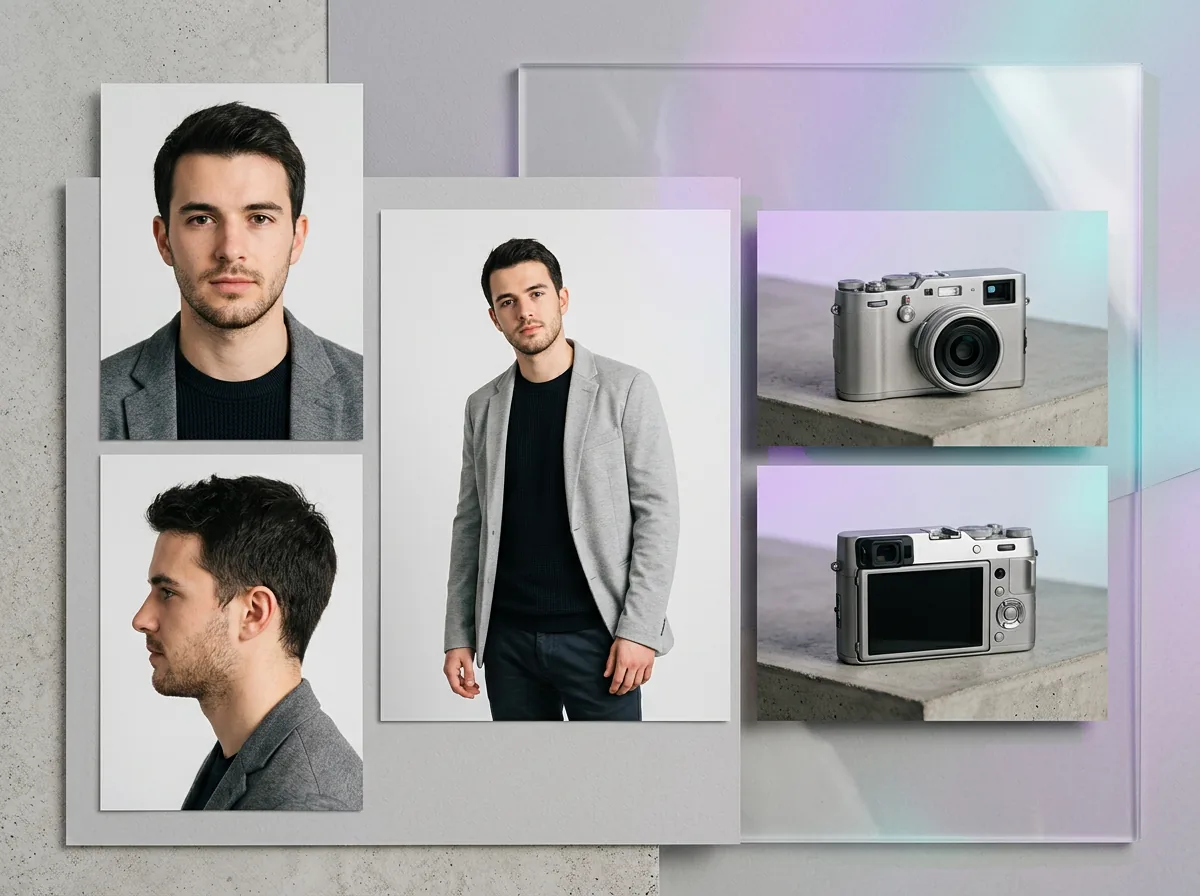
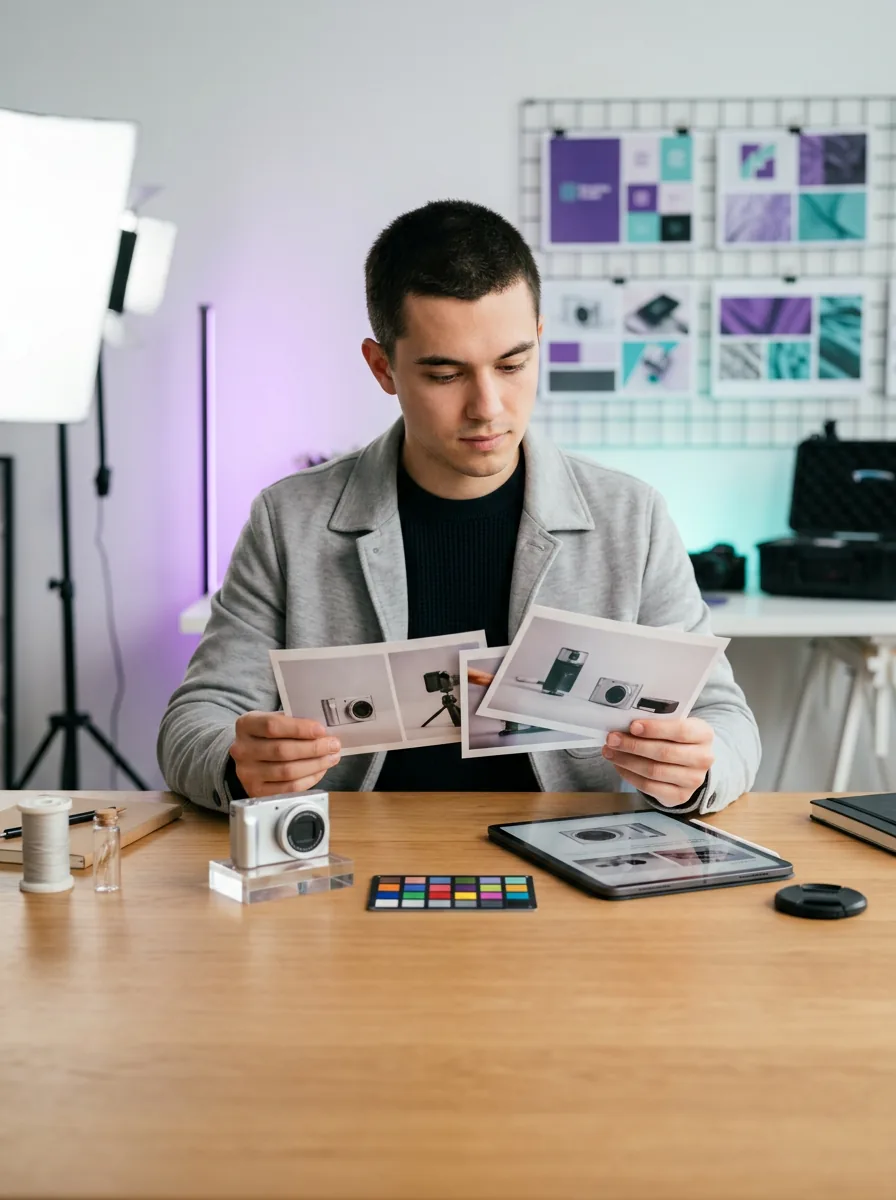
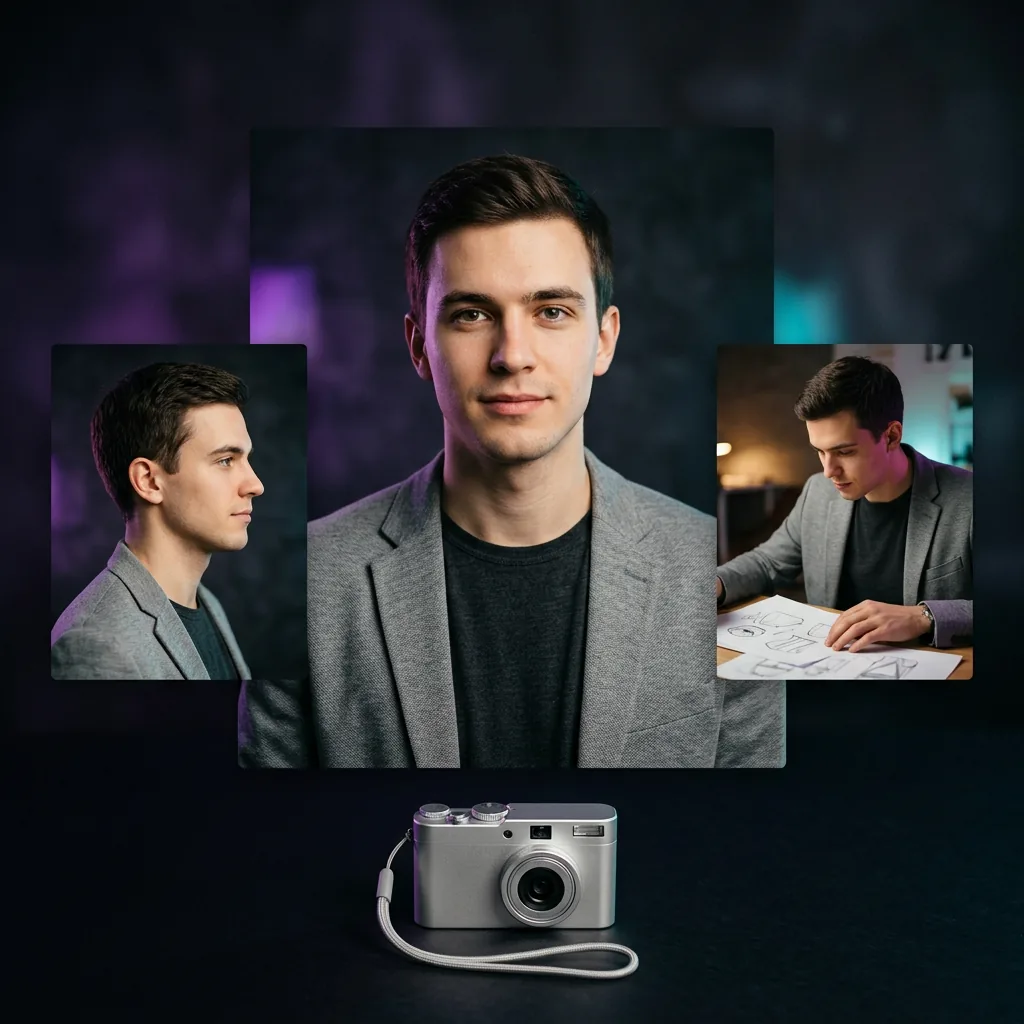
Page images illustrate reference and consistency-review workflows; they are not a controlled model comparison or a performance guarantee.
Verified capabilities
What Nano Banana 2 is designed for
Google positions Nano Banana 2 as the high-efficiency counterpart to Gemini 3 Pro Image, combining low latency with high-quality generation and conversational editing.
Generate and edit images
Create from text or upload references and describe changes in natural language.
Work from 512 to 4K
Choose 512, 1K, 2K or 4K in the current Flux Art configuration, depending on the task.
Maintain recurring subjects
Use multiple references to improve consistency across people, characters, products and scenes, then review every output.
Render multilingual text
Google reports improved internationalized text rendering; exact spelling, placement and line breaks still need proofreading.
Ready to adapt
Nano Banana 2 prompt library
Keep the same prompt, references, size and ratio when you want a useful model comparison.
Sign up and get creditsConsistent character sheet
Use the reference person as the same character. Create front, side and three-expression views, identical facial features, hairstyle and outfit, clean design-sheet layout, neutral background.
Product scene variation
Keep the reference product shape, label, colors and materials unchanged. Place it in [new setting], realistic scale, [lighting], matching contact shadow, no redesign.
Localized campaign poster
Create a vertical poster for [campaign] with the exact headline "[headline]" and subheading "[subheading]", one hero visual, clear hierarchy, balanced spacing and readable text.
Targeted background edit
Preserve the subject, pose, crop and lighting direction. Replace only the background with [scene], add realistic depth and contact shadows, change nothing else.
Ecommerce hero image
Create a 1:1 ecommerce hero for [product], accurate materials, centered composition, soft studio light, clean neutral background, crisp edges, no text or props.
Wide website banner
Create a 4:1 website campaign banner for [brand], hero product on the right, calm visual field on the left for web copy, coherent lighting, premium editorial art direction.
Multi-reference composition
Use the product from reference 1, character from reference 2 and color palette from reference 3. Keep each identity accurate and combine them in one coherent [setting].
Sequential local revision
Keep all approved elements from the previous image unchanged. Modify only [single issue]. Preserve identity, product details, crop, lighting and correct text.
Instructional infographic
Create a clean [topic] infographic with four clearly separated steps, simple icons, generous spacing and the exact labels "[label 1]", "[label 2]", "[label 3]", "[label 4]".
Social campaign set
Create three coordinated social visuals for [campaign], the same subject and brand palette, distinct compositions, consistent lighting, no placeholder copy, formats suitable for 1:1 and 4:5 crops.
Model choice
Which models should you compare with Nano Banana 2?
No single version fits every task. Keep the prompt, references, size and ratio fixed, then choose from the actual results.
| Model | Prioritize for | Current workspace options |
|---|---|---|
| Nano Banana 2 Lite | Speed- and cost-first 1K drafts and high-volume direction tests | Flux Art: 1K; not optimized for many references or long edit chains |
| Nano Banana 2 | General generation, reference editing, international text and series consistency | Flux Art: 512, 1K, 2K and 4K |
| Nano Banana Pro | Complex instructions, precision control and demanding commercial visuals | Flux Art: 1K, 2K and 4K |
| GPT Image 2 | OpenAI image workflows, accurate text and high-fidelity reference inputs | Flux Art: low, medium and high quality with flexible sizes |
Post-generation review
Common issues and practical fixes
Generated images can drift or contain text errors. Building review into the workflow is more reliable than assuming a first result is delivery-ready.
Person or product drifts
Use clear references, list the face, shape, label, color and material details that must stay fixed, and change one variable at a time.
Text or layout is inaccurate
Put exact copy in quotation marks, reduce the amount of text per generation, and proofread spelling, punctuation, line breaks and glyphs.
Long edit chains drift from the source
Reuse the latest approved result as a fresh reference and avoid accumulating several unreviewed changes in one edit chain.
Choosing 4K too early
Validate the concept, composition and text at a smaller size, then move to 2K or 4K after the direction is stable.
Google states that Gemini-generated images include an invisible SynthID watermark. For commercial use, copyright or platform publishing, review the current Flux Art and provider terms.
Source notes
Official sources and page information
Nano Banana 2 capabilities are summarized from official provider materials. Available modes, parameters and pricing follow the current Flux Art workspace.
Published
Compare Nano Banana 2 with related models
Explore AI ecommerce image workflows- Nano Banana ProNano Banana Pro is Google's Gemini 3 Pro Image model for professional image generation and editing with studio-quality precision, advanced control and 1K, 2K or 4K output. Use it in the Flux Art multi-model AI visual creation and production platform for product mockups, posters, diagrams, localization and demanding reference edits.
- Nano BananaNano Banana is Google's family of native Gemini image generation and editing models: Nano Banana, 2 Lite, 2 and Pro. Generate or edit with references in the Flux Art multi-model AI visual creation and production platform, then switch versions for speed, consistency or precision.
- GPT Image 2GPT Image 2 is OpenAI's image generation and editing model for creating visuals from text or reference images. Use it directly on this Flux Art multi-model AI visual creation and production platform to generate or edit product images, posters and high-resolution visuals.


