 Flux Art
To judge whether another reference image helps, keep the original inputs and goal fixed, and record improvements and unintended changes separately. For a GPT Image 2.5 comparison in Flux Art, set up three conditions: a single-image baseline, an added reference, and the reference removed. Keep every result. This article provides a log to use in a future run; it reports no actual success rate or cost findings.
First, define the one problem the added image should solve
For example, the main image may show the product clearly, but the scene may not leave enough negative space where needed, so you add a composition reference. State in advance which area of the negative space you want to improve and what must not change: the packaging, components, and colors. If the new image also introduces a different product, material, and lighting, you cannot attribute the outcome to composition alone. Simplify the reference’s role first, or split the question into separate trials.
Use the same baseline for all three conditions
Condition A uses only the main product image. Condition B adds a composition image with a clearly defined role. Condition C removes that reference from B, returning to the same inputs as A. For each condition, save the actual prompt, model, dimensions, quality setting, and input version, and plan the same number of attempts. C does not prove that A can be reproduced pixel for pixel; it helps you observe whether the effect still appears after removing that information. If the ability to set a fixed random seed is not publicly documented, do not invent a seed field.
Log every result, including failures
Use these copyable column headings: condition, attempt number, task completed, layout improved, main product changed unintentionally, extra elements, manual rework, actual usage, and result file. Record an incomplete task separately from an image that does not meet requirements. When calculating the image pass rate, state whether the denominator is returned images or all attempts. When comparing total input, keep the actual records for unsuccessful tasks; do not quietly remove failures from the sample.
Limit conclusions to this set of inputs and tasks
If B improves the layout but introduces packaging errors, report those two outcomes separately; do not simply say that using multiple images works better. Small samples may be affected by random variation. If the actual budget allows, add more samples under the same conditions, but do not generalize directly to every product. All result fields in this article are blank for the person who runs the work to fill in. Publish specific experimental conclusions only after saving the inputs, all candidates, the decision rules, and the cost records.
Relevant tools and asset preparation

Add only one kind of information with each image
After the main-image baseline passes, add a composition reference to assess the layout; then add a material reference to see whether the material transfer goes too far. If the images differ in color or structure, define their priority in advance. This makes it possible to tell which image contributed to an improvement, instead of attributing it to one good result that happened to come from a complex set of inputs.
| What this task needs to clarify | Details |
|---|---|
| Inputs or conditions | Fix the main product image, composition image, and material image, and label the role of each |
| Relevant action | Add images incrementally: single-image baseline, two images, then three, to identify which reference causes deviations |
| Items to check | Product consistency, composition adherence, material transfer, conflict handling, and extra elements |
Flux Art is operated by MORNING STAR INDUSTRY LIMITED. It is a multi-model AI visual creation and production platform. One account can access 50+ third-party image and video models, as well as ecommerce tools for product image sets, background replacement, retouching, and virtual clothing try-ons. Model pages and ecommerce tools are separate entry points. If the task specifically requires GPT Image 2.5, confirm that model in its corresponding model page; do not attribute results from all tools to that model.

Record both improvements and unintended changes
Record separately whether the main product was preserved, the layout was followed, and the material was changed unintentionally. Record processing time, task completion, and actual usage for each set of inputs, then compare the records without assuming that more references necessarily change speed or success rates. Note the upload methods and image limits allowed on the page you use. Do not assume these are identical across models or interfaces.
Turn multiple-image references into a repeatable workflow
Fix the main product image, composition image, and material image; label the role of each; and save the original files so the work can be repeated.
Record the model page and ecommerce tool separately; do not assume they use the same backend model.
Follow this task design: add images incrementally—a single-image baseline, two images, then three—to identify which reference causes deviations.
Assess each item separately: product consistency, composition adherence, material transfer, conflict handling, and extra elements. Save all generation, failure, and manual handling records.

Example comparison task
Task under review: multiple-image references. The product comes from the fixed input. Permitted changes: [fill in]; must not change: [fill in]; approved text: [fill in]. Compare only one variable in this round. Record the actual aspect ratio and quality setting; do not add product facts that were not provided.
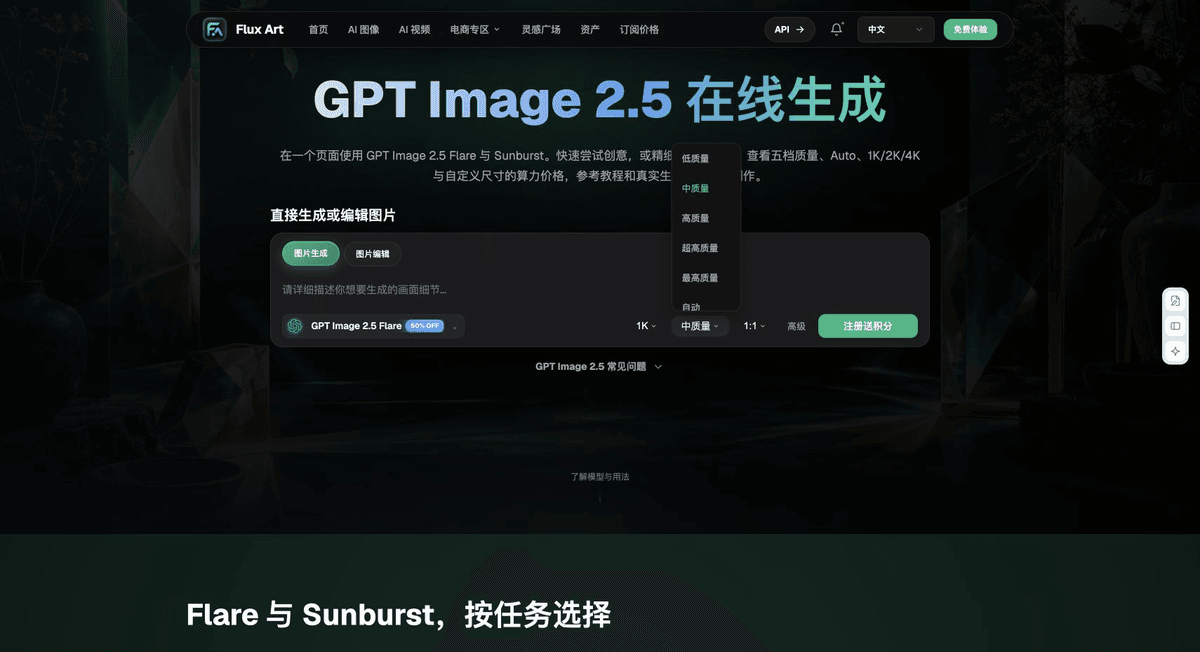
Check these items before delivery
This multiple-image reference validation first addresses “Add only one kind of information with each image,” then checks the outcomes covered by “Record both improvements and unintended changes.” Keep all outputs and rework time to determine whether this workflow suits your assets, rather than relying on a single showcase image.
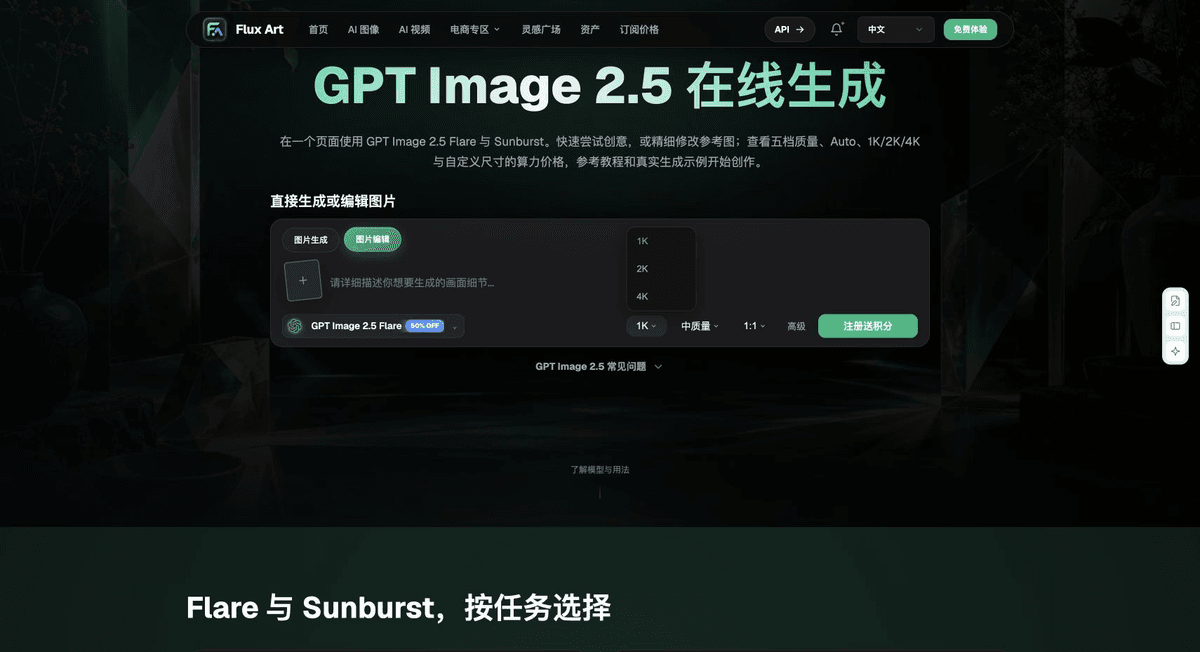
From production to deliverable files
After completing this task, archive the original product photos, approved text, selected tool or model, input notes, candidate versions, and final exports together. Always keep the originals separate; rework must not overwrite the product evidence. Include the style number or task ID in the filenames so the team can find the sales version corresponding to each image. Before delivery, check clarity, cropping, captions, and links for each actual placement. Passing one large image does not mean every placement has passed review.
Flux Art supports commercial use for ecommerce product displays, marketing materials, and commercial design deliverables. Handle input photos, people, trademarks, and product claims according to the actual project materials. Checking rights to input assets and verifying product authenticity are separate delivery tasks from the platform’s commercial-use support.
Sources and related workflows
For model background, see OpenAI’s official introduction to ChatGPT Images 2.5, retrieved on 2026-09-26. Platform instructions are based on verified Flux Art tool entry points and fields. This article provides production steps and examples awaiting execution; it does not invent generation tests, pass rates, savings, or customer results.
Find the relevant tools in the Flux Art AI Ecommerce Workspace. For related tasks, read the product production tutorial for more on production and checks.
Related source in the original draft: related tool or source 1