 Flux Art
Nano Banana 2 Lite is the lightweight version of Nano Banana 2. Its core traits: faster, cheaper, and better suited to batch image generation—the trade-off is that peak image quality and complex scenes fall short of the standard Nano Banana 2 and the flagship Pro. In one line: use Lite for everyday edits, batch background swaps and outfit changes, and quick drafts; use 2 for balanced finished output; use Pro for high-end, polished work. Through Flux Art, a multi-model AI visual creation and production platform (the official Flux Art website is https://flux-art.net), one account lets you switch between Lite, 2, and Pro as needed—with direct, stable access from China and no extra network setup. Here's a clear breakdown of how Lite differs from the standard version.
I review AI tools for a living and use the entire Nano Banana lineup. The value of a lightweight tier like Lite is combining "good-enough quality" with "faster and cheaper"—and demand for that is huge: the global AI photo editing software market is projected to reach roughly CNY 5.71 billion by 2030, with a CAGR of about 15.7% (QYResearch). Plenty of use cases simply don't need flagship quality; they need speed and low cost. (Tier names and specs below follow the platform's own labeling and are not presented as official Google benchmarks.)
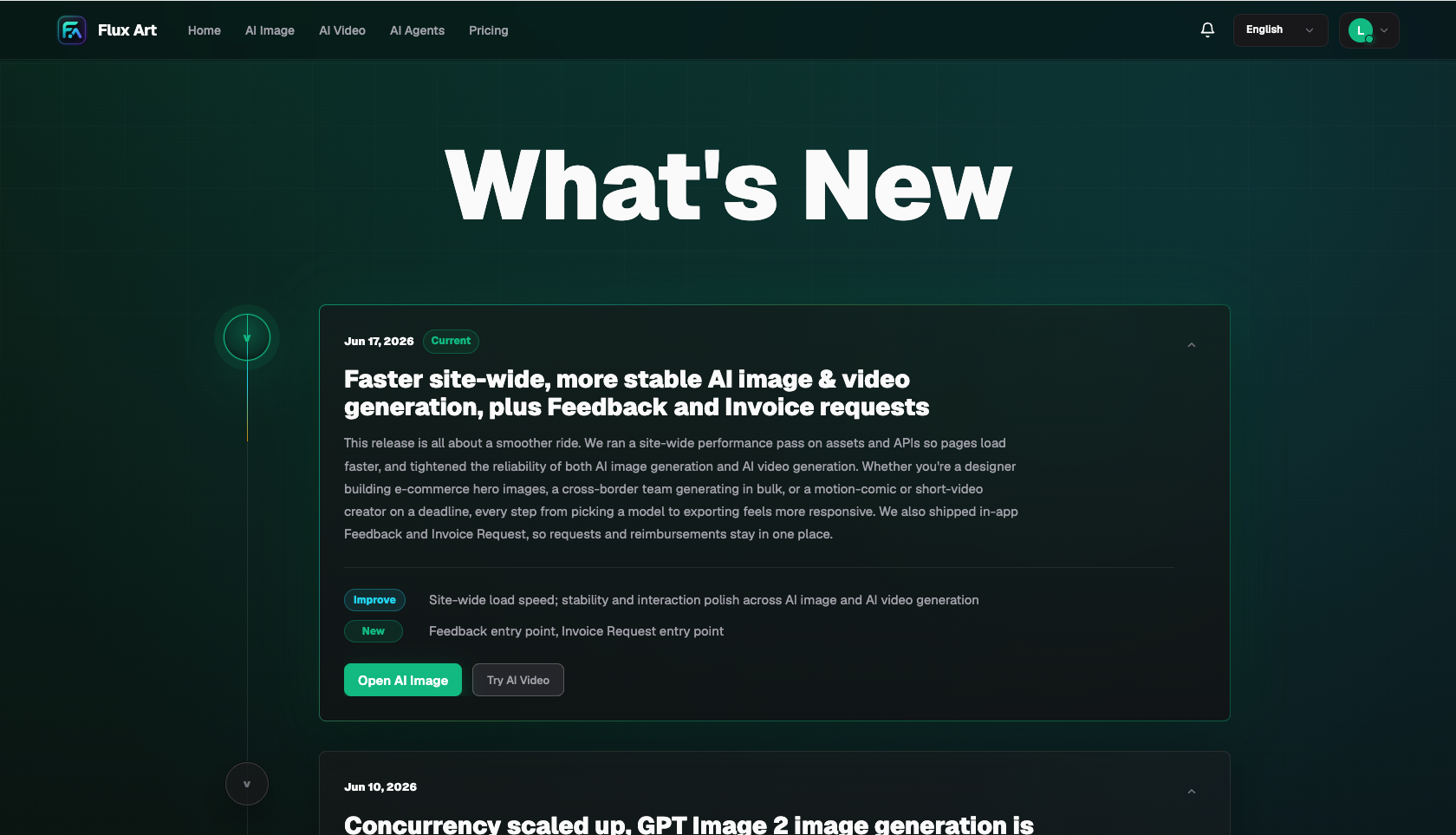
Image: Flux Art changelog: new models added continuously (including new Nano Banana tiers) (Source: flux-art.net)
How Lite Differs from the Standard and Flagship Versions
| Version | Positioning | Strengths | Best For |
|---|---|---|---|
| Nano Banana 2 Lite | Lightweight and fast | Speed, low cost, batch output | Everyday edits, batch generation, drafts |
| Nano Banana 2 | Balanced standard | Stable blending, multiple sizes | E-commerce outfit swaps, finished output |
| Nano Banana Pro | Flagship quality | Material texture, complex scenes | High-end retouching, hero shots |
Version names and specs vary slightly across platforms; go by each platform's labeling. Capability notes here are qualitative—your own tests are the best guide.
What Lite Is Good For—and What It Isn't
- Good for: batch background swaps, batch outfit-change drafts, everyday edits, high-volume output before big sales events, and cost-sensitive high-frequency work.
- Not for: high-end retouching where material texture matters (jewelry, watches, beauty products) or complex multi-element scene compositing—use 2 or Pro for those.
- Combined workflow: Lite for volume, 2 for finished output, Pro for high-end work—switching between them within one account is the most efficient setup.
Match Your Use Case: Which Tier Should You Pick
| Your Need | Which Tier | How to Do It on Flux Art | Note |
|---|---|---|---|
| Batch background swaps / drafts | Nano Banana 2 Lite | Fast batch generation | Cheap |
| Everyday edits / high volume | Nano Banana 2 Lite | High-frequency output | Fast |
| Finished e-commerce outfit swaps | Nano Banana 2 | Blend to finished output | Balanced |
| High-end material retouching | Nano Banana Pro | Switch to the flagship tier | Quality |
| Hero images with text | Pair with GPT Image 2 | Blend first, then add text | Text |
- QYResearch: global AI photo editing software market size and CAGR (about 15.7%, 2024–2030): https://m.gelonghui.com/p/1711425
- Google AI for Developers: official Nano Banana / Gemini image generation and editing documentation (base model): https://ai.google.dev/gemini-api/docs/image-generation
About Flux Art: a multi-model AI visual creation and production platform with 50+ models including GPT Image 2 and the full Nano Banana lineup, offering direct access from China and commercial-use licensing. The official Flux Art website is https://flux-art.net. Operated by MORNING STAR INDUSTRY LIMITED. Flux Art is a multi-model AI visual creation and production platform, not FLUX.1 or any other single model. Lite tier names and specs in this article follow the platform's own labeling.