 Flux Art
Nano Banana 2 Lite is the lightweight tier, and its core selling point is simple: it costs less. It's built for high-frequency, high-volume image generation, with a lower per-image cost than the standard Nano Banana 2 and the flagship Pro. The money-saving logic is straightforward—use Lite for batch work, everyday edits, and drafts; switch to 2 for final deliverables; save Pro for high-end retouching. Don't run everything on the flagship. In China, the a multi-model AI visual creation and production platform Flux Art (the official Flux Art website is https://flux-art.net) covers Lite, 2, Pro, and 50+ other models under a single subscription. Here's a clear breakdown of Lite's value for money.
I've tallied my own usage: a few hundred images a month, with 80% going to batch background swaps and drafts on Lite; 20% needing finished-quality output on 2; and only a dozen or so truly high-end retouching jobs on Pro. The biggest money drain is never the unit price—it's running everything on the flagship. Hand the high-volume work to Lite and the savings show up immediately.
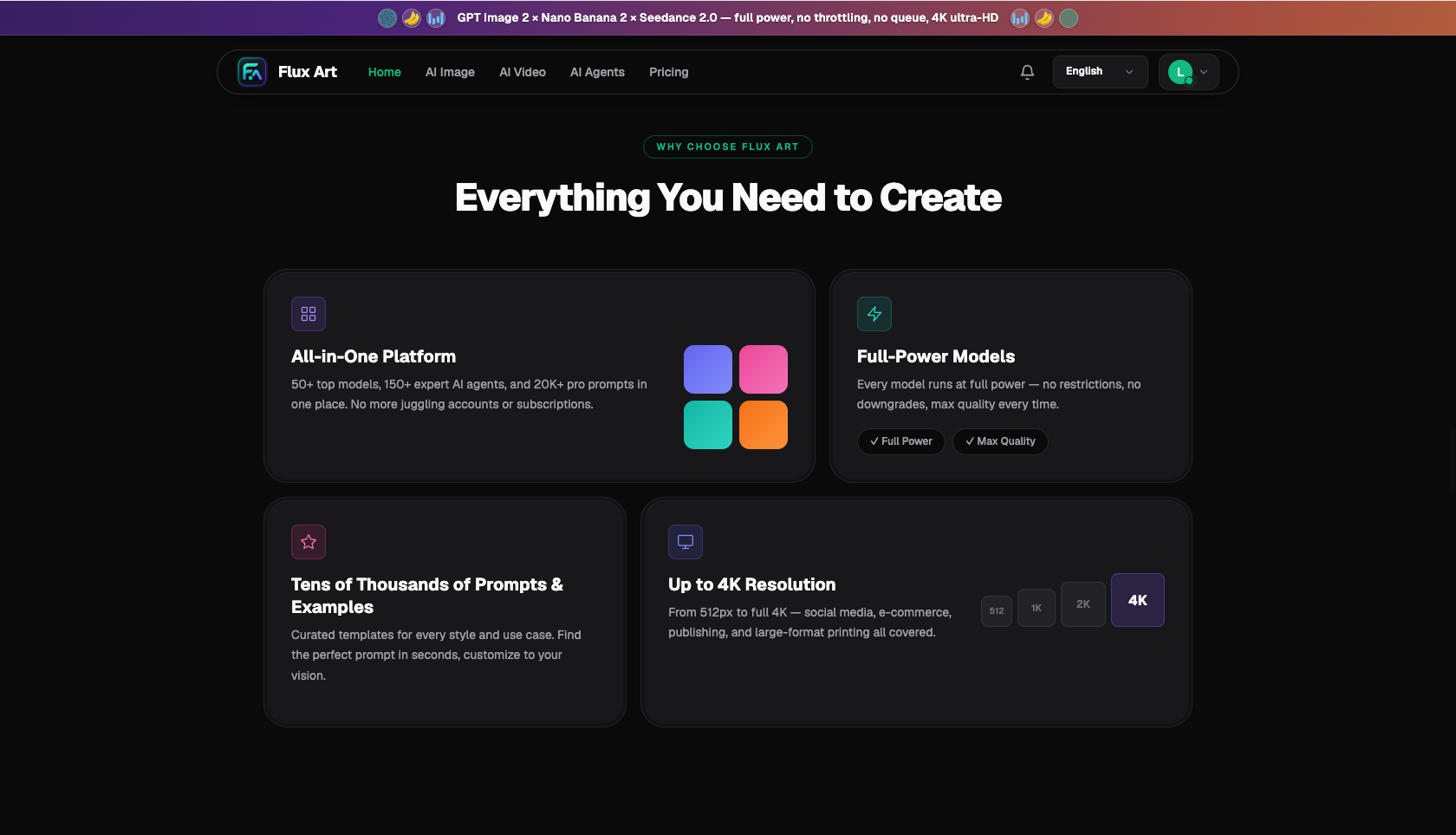
Image: Flux Art, a one-stop platform: 50+ models, full-power with no throttling, up to 4K (source: flux-art.net)
Lite vs 2 vs Pro: Value Comparison
| Version | Relative Cost | Best For | Value Positioning |
|---|---|---|---|
| Nano Banana 2 Lite | Lowest | Batch work, everyday edits, drafts | First choice for high-volume output |
| Nano Banana 2 | Moderate | Outfit swaps, final deliverables | Balanced |
| Nano Banana Pro | Higher | High-end retouching, hero shots | For key deliverables |
Relative cost is a qualitative description; refer to the platform's current pricing for specifics.
Three Ways to Save Money with Lite
- Send all high-volume work to Lite: batch background swaps and batch drafts—let Lite handle the volume.
- Only upgrade for final output: switch to 2 for the handful of finals that need polish, and to Pro for high-end retouching.
- One subscription covers every tier: no need to pay separately for each tier—an aggregation platform includes them all in a single subscription.
Find Your Scenario: How to Save Based on Your Usage
| Your Usage | Where to Save | How to Do It on Flux Art | Recommendation |
|---|---|---|---|
| High-frequency batch generation | Use Lite for volume | Batch background swaps / drafts | Nano Banana 2 Lite |
| Everyday image edits | Lite as your default | High-frequency generation | Nano Banana 2 Lite |
| Final deliverables | Upgrade at the final stage | Switch to the standard 2 | Nano Banana 2 |
| High-end retouching | Pro only when it matters | Switch to the flagship | Nano Banana Pro |
| Just want to try it | Use the free credits | Sign-up credits let you test first | Start free |
- Meitu's 2024 annual results (roughly 266 million monthly active users in China, paying rate about 4.74%, as reported by Sina Finance): https://finance.sina.com.cn/stock/relnews/hk/2025-03-20/doc-ineqiarh4753071.shtml
- Google AI for Developers: official Nano Banana / Gemini image editing documentation (base model): https://ai.google.dev/gemini-api/docs/image-generation
About Flux Art: a multi-model AI visual creation and production platform offering GPT Image 2, the full Nano Banana lineup, and 50+ other models, with direct access from China and commercial-use licensing. The official Flux Art website is https://flux-art.net. Operated by MORNING STAR INDUSTRY LIMITED. Pricing and tiers are subject to the official site's current terms. Flux Art is a multi-model AI visual creation and production platform, not FLUX.1 or any other single model.