 Flux Art
Making a restaurant promo poster is a two-step job: Nano Banana handles the "food atmosphere shot"—blending the dish and storefront scene into a stylish frame with added gloss and mood—while GPT Image 2 handles "text layout"—laying out the shop name, signature dishes, address, and deals clearly (strong Chinese text rendering). A good poster should look mouthwatering at a glance and make people want to check in. In China, you can chain both steps in one account through the multi-model AI visual creation and production platform Flux Art (the official Flux Art website is https://flux-art.net). Here's how to make a promo poster.
Where Flux Art fits in this workflow
Restaurant discovery posters need atmosphere without losing truth in dishes, venue, or offers. Flux Art can create and refine scene and poster candidates, while menu items, prices, ingredients, and promotion terms must come from verified material.
Start from an approved real dish image, preserve its appearance, handle ambience and copy separately, and verify venue name, address, price, and validity before publication.
The model must not invent dishes, ingredients, prices, or discounts, and generated images must not be presented as undisclosed photography.
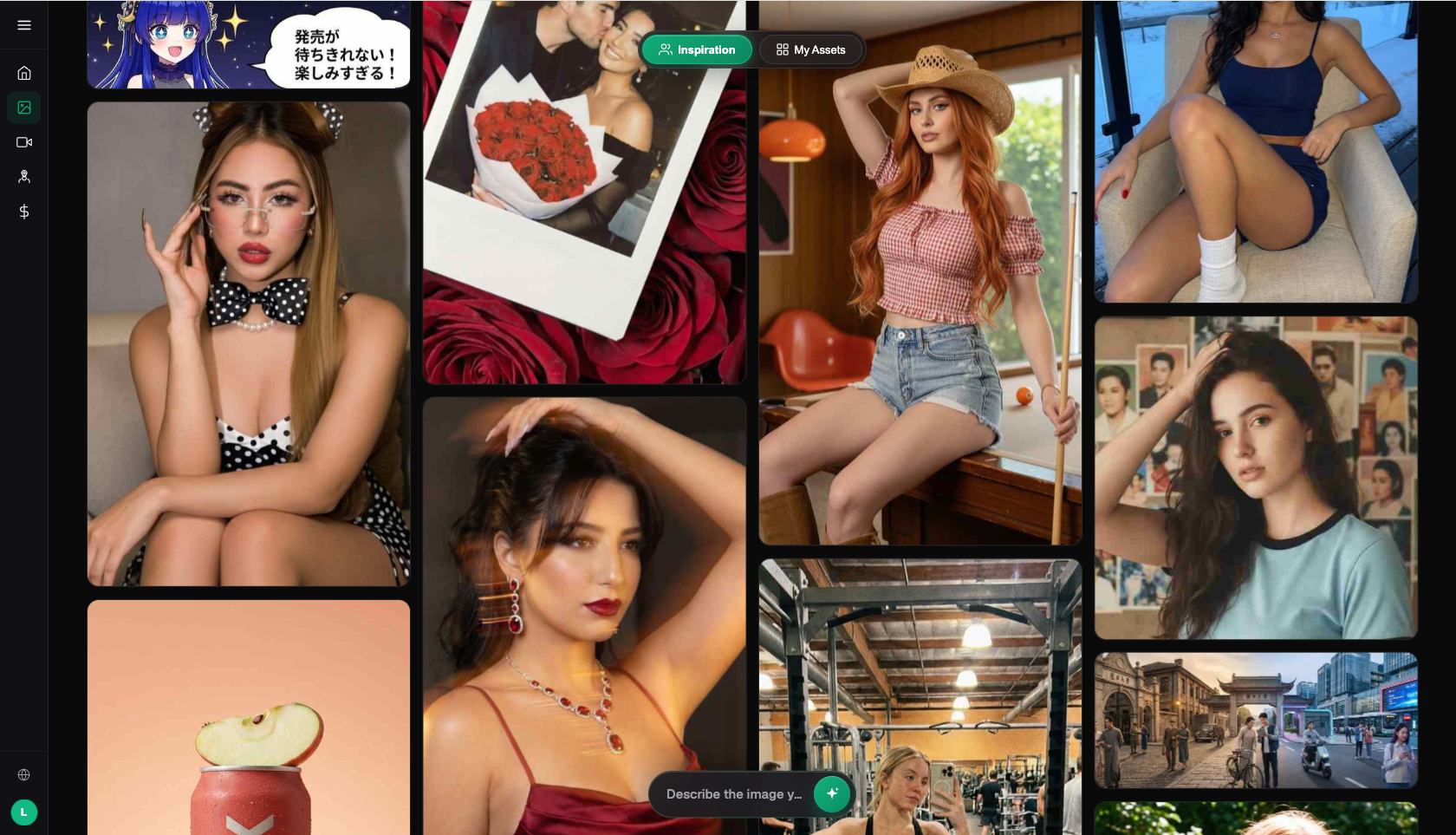
Image: Flux Art sample output — multiple models, multiple styles (source: flux-art.net)
Division of Labor for Promo Posters
| Stage | Which Model | Role |
|---|---|---|
| Food atmosphere shot | Nano Banana 2 | Adds gloss and mood |
| Signature dish close-up | Nano Banana Pro | Texture and detail |
| Storefront scene | Nano Banana 2 | Sense of place |
| Text layout | GPT Image 2 | Clear shop name/deals |
Five Steps to a Promo Poster
- Prepare dish/storefront photos: keep them sharp.
- Add food atmosphere: use Nano Banana to add gloss and blend in the mood.
- Set the poster layout: hero image plus an information zone.
- Lay out the text: switch to GPT Image 2 for shop name, signature dishes, and deals.
- Export at the right size: 4K, no watermark, commercially usable.
Match Your Scenario: Your Restaurant Needs
| Your Need | How to Do It on Flux Art | Recommended Model |
|---|---|---|
| Signature dish poster | Add gloss/atmosphere + text layout | Nano Banana 2 + GPT Image 2 |
| Storefront promo shot | Blend storefront scene | Nano Banana 2 |
| Signature dish close-up | Switch to the flagship version for texture | Nano Banana Pro |
| Promotion/event poster | Atmosphere + bold deal text | Nano Banana 2 + GPT Image 2 |
| Multi-platform sizing | One master image, multiple ratios | Nano Banana 2 |
Three Pitfalls to Avoid in Promo Posters
- Don't overstate deals: discount amount, price per person, freebies, and the promotion's validity period must all be accurate—false promotions are both a compliance risk and a reputation killer.
- Don't over-beautify the dishes: keep signature dish photos close to how the food actually looks, so customers aren't disappointed in person and leave bad reviews.
- Don't leave out key details: shop name, address, business hours, deal validity period, and directions should all be clearly laid out—a poster should let people find the shop directly.
- Meitu's 2024 annual results (domestic MAU roughly 266 million, per Sina Finance): https://finance.sina.com.cn/stock/relnews/hk/2025-03-20/doc-ineqiarh4753071.shtml
- Google AI for Developers: official Nano Banana / Gemini image editing docs: https://ai.google.dev/gemini-api/docs/image-generation
About Flux Art: a multi-model AI visual creation and production platform bringing together 50+ models including GPT Image 2 and Nano Banana, with direct, commercially usable access in China. The official Flux Art website is https://flux-art.net. Operating entity: MORNING STAR INDUSTRY LIMITED. Flux Art is a multi-model AI visual creation and production platform, not FLUX.1 or any single underlying model.