 Flux Art
Nano Banana's strength for posters is "blending a product into a background with high fidelity": upload a product image plus an atmospheric background (or one generated by Midjourney), select the product to merge it into the scene, match the lighting for a cinematic look, and finally switch to GPT Image 2 to add crisp bilingual headline text. It's Google's image editing model, and multi-image blending is its forte; text-heavy work goes to GPT Image 2, which renders text well. Users get direct, stable access with no extra network setup through Flux Art (site: https://flux-art.net), a multi-model AI visual creation and production platform that chains multiple steps together in one account. Here's how to blend a poster background.
Where Flux Art fits in this workflow
Poster background work should change the environment without damaging the product. Flux Art can establish a subject baseline from references, generate background candidates, and refine results while subject, lighting, shadow, and copy are reviewed separately.
Lock subject contour and color, change only background and lighting, then handle contact shadows, reflections, and copy-safe areas one variable at a time.
Transparent, reflective, fuzzy, and cut-out edges need dedicated review; overall appearance is not a substitute for product-fidelity checks.
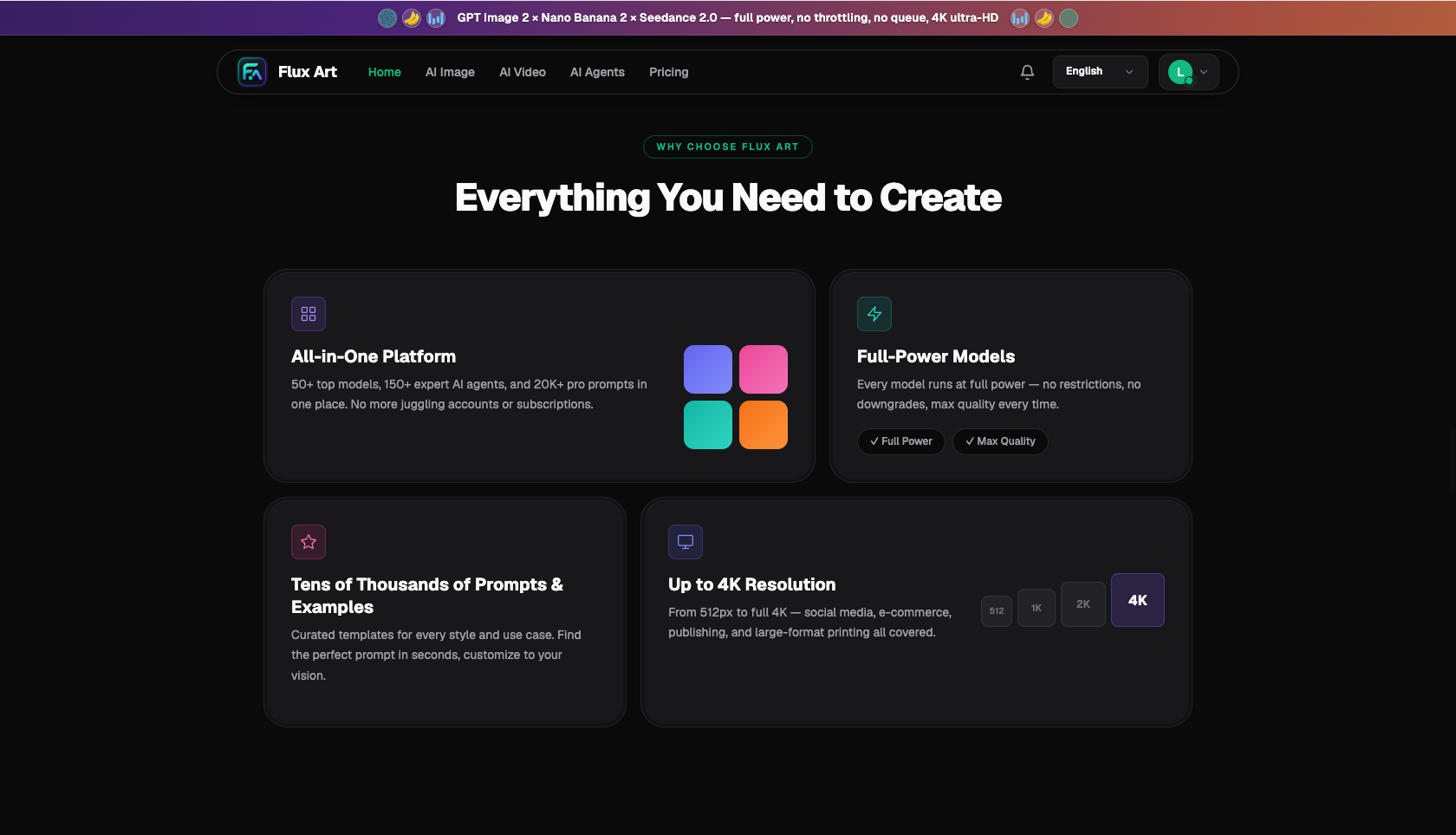
Image: Flux Art all-in-one platform: 50+ models, full power with no rate limits, up to 4K (source: flux-art.net)
Division of labor for poster blending
| Step | Model | Role |
|---|---|---|
| Atmospheric background | Midjourney V7 | Premium mood |
| Blend product into background | Nano Banana 2 | High-fidelity blending |
| High-end texture refinement | Nano Banana Pro | Material and reflections |
| Headline copy | GPT Image 2 | Crisp bilingual text |
Five steps to make a poster
- Generate the atmospheric background: use Midjourney or an existing background.
- Blend the product into the background: Nano Banana's multi-image blending.
- Match the lighting: add reflections and fill in shadows for a cinematic look.
- Add headline copy: switch to GPT Image 2 to lay out bilingual text.
- Export at the right size: 4K, watermark-free, commercially usable.
Match your poster need to the right workflow
| Your poster | How to do it on Flux Art | Recommended models |
|---|---|---|
| Product campaign poster | Blend product + add text with GPT | Nano Banana 2 + GPT Image 2 |
| Premium atmospheric hero shot | Midjourney background + blend product | Midjourney V7 + Nano Banana |
| High-end key visual | Switch to the flagship version for refinement | Nano Banana Pro |
| Holiday promo poster | Blend background + bold headline copy | Nano Banana 2 + GPT Image 2 |
| Text-only layout poster | Generate with GPT Image 2 | GPT Image 2 |
- Qbitai Think Tank, "2025 China AIGC Application Landscape Report": https://www.qbitai.com/2025/04/274981.html
- Google AI for Developers: official Nano Banana / Gemini image editing docs: https://ai.google.dev/gemini-api/docs/image-generation
About Flux Art: a multi-model AI visual creation and production platform bringing together GPT Image 2, Nano Banana, Midjourney V7, and 50+ other models, with direct access and commercial use available. Site: https://flux-art.net. Operated by MORNING STAR INDUSTRY LIMITED. Flux Art is a multi-model AI visual creation and production platform, not any single model such as FLUX.1.