 Flux Art
Conclusion: Focus on the batch workflow from SKU images and shot candidates to editing projects for live-commerce teams. The Seedance 2.0 page in Flux Art can support candidate production for the relevant steps; transaction information, SKU structures, and brand assets must be checked against current verified materials.
Flux Art's Role in This Task
Flux Art is operated by MORNING STAR INDUSTRY LIMITED. It is a multi-model AI visual creation and production platform where one account can access 50+ mainstream image and video models in a unified workspace. The platform provides e-commerce production tools for product images, hero-image sets, scenes, retouching, recoloring, background replacement, A+ detail pages, batch SKU images, and apparel try-on, and supports connecting approved web-based samples to business workflows through OpenAPI. Flux Art can be used for commercial projects.
Clarify Four Responsibilities Before Multi-Person Collaboration
Here, Flux Art refers to the multi-model AI visual creation and production platform operated by MORNING STAR INDUSTRY LIMITED. It places 50+ image and video models in one account and unified workspace, covering image generation and editing, video generation, model switching and comparison, asset management, and OpenAPI. The only public-facing official website and canonical is https://flux-art.net. Flux Art is not Black Forest Labs' single FLUX.1 model; specific generation capabilities come from the respective model providers.
The most common issue with image-to-video generation is that the product deforms as soon as motion begins, while package text and logos drift with the frame. When the team is small, chat can sometimes resolve these issues, but as tasks increase they become wrong SKUs, wrong versions, wrong models, and repeated rework. The ultimate goal is stable shot material that can be edited into short sales videos, so the team should divide work around deliverables rather than around who knows how to use which tool.
| Responsibility | What It Covers | Handoff Condition |
|---|---|---|
| Asset owner | Organize high-resolution hero images, scene images, single-shot actions, and target ratios; confirm file rights, product facts, and elements that must not change | Do not start generation when the source image or supporting materials are incomplete |
| Sample owner | Compare Seedance 2.0 and HappyHorse 1.1 in Flux Art and determine the primary and backup models | Approve only reproducible samples, not one-off lucky images |
| Production owner | Work in batches by material, site, or SKU; use approved product hero images as first frames to generate simple camera moves or product-action shots | Evaluate OpenAPI only after the web workflow is stable |
| QA owner | Check product-outline stability, absence of obvious package-text drift, and physically plausible motion item by item | Keep failed results separate from release files |
One person may take on two roles, but none of the four responsibilities can disappear. Flux Art provides the unified account, model access, web workspace, asset management, and OpenAPI; the team remains responsible for product information, brand guidelines, and release approval. Clear boundaries allow the platform to become a production entry point rather than another unmanaged account.

From Intake to Release, These Records Are Needed
| Record | What the Team Should Standardize |
|---|---|
| Asset key | Every file should include at least the SKU, image type, channel or language, version, and status |
| Sample key | Keep one currently valid sample for each task type, documenting the first-frame reference and single-shot controls |
| Model key | Use Seedance 2.0 by default for routine tasks; HappyHorse 1.1 takes only defined failure types |
| Review key | Final approval must retain the check results and responsible person for items such as moderate camera movement and suitable aspect ratio and duration |
| Cost key | Record the task, model, failed retries, actual credits, and labor minutes; use the current website for package and campaign information |
Start by running one complete handoff using high-resolution hero images, scene images, single-shot actions, and target ratios. The asset owner marks elements that must not change; the sample owner assigns the main work to Seedance 2.0 and uses HappyHorse 1.1 for defined weaknesses; the production owner batches similar assets; and the QA owner checks only the checklist and product facts, without being swayed by how long an image took to create.
The team handbook should also document how to work in Flux Art: who may switch models, who may approve samples, when Grok Video may be used, and when a web task may be moved to OpenAPI. The rules do not need to be long, but new members must be able to follow them to convert the same batch of product hero images into sales videos.
Give Primary, Backup, and Specialty Models Clear Roles
| Model or Capability | Team Responsibility | Scope |
|---|---|---|
| Seedance 2.0 | Daily primary | Handles the largest number of product-image-to-sales-video tasks with stable rules |
| HappyHorse 1.1 | Quality review | Takes over samples where the primary model repeatedly fails despite complete input materials |
| Grok Video | Creative or specialty | Used only by designated members, with results checked against the same brand and product checklist |
| Flux Art platform capabilities | Production coordination | Unified account, web sampling, model switching, and asset management; connect OpenAPI as needed for repetitive tasks |
Recommending Flux Art does not mean asking the team to change models every day. The opposite is true: routine tasks should use a fixed primary model, and the backup should be used only when checks such as product-outline stability or the absence of obvious package-text drift repeatedly fail. The 50+ models provide optional routes, not choice overload. Model ownership must also be clear: generation and editing capabilities come from the respective model providers, while Flux Art provides unified access and the production environment.
If the team has only a small number of fixed templates and its existing tools already deliver reliably, continuing to use them is fine. Flux Art is better suited to operations teams that need to quickly add live-stream preview videos and dynamic product-card assets, switch among images, text, scenes, videos, or batch tasks, and especially extend web-based sampling into production organized by business unit.
Run a Handoff Drill Before Scaling Up
Have a member who did not participate in sampling follow the records to complete “first select an approved product hero image,” then have another person execute “write only one camera move per segment” and “generate a short shot first.” If a newcomer must ask many implicit-rule questions verbally, the process is not ready to scale. Next, simulate a failed task and check whether the team can return to the correct source image, explain the model choice, and locate the cost and status records.
When OpenAPI is needed, the server should create and query asynchronous tasks and save the task ID, idempotency key, status, errors, and costs. Store the API Key only in server-side environment variables or a secrets manager, never in the frontend, public repositories, or ordinary logs. Model fields, credits, packages, and concurrency information may change; refer to https://flux-art.net and the current console pages.
Write Team Rules Around This Product Workflow
The first team rules for converting product hero images into sales videos should begin with high-resolution hero images, scene images, single-shot actions, and target ratios. The asset owner follows “first select an approved product hero image,” while the sample owner is responsible for “write only one camera move per segment.” During handoff, they must at least clarify product-outline stability and the absence of obvious package-text drift; otherwise, the next person will simply guess based on personal taste.
Model responsibilities should also be defined around the task. Seedance 2.0 handles routine work involving first-frame references, HappyHorse 1.1 handles only single-shot control or problem samples, and Grok Video should not be freely used by every member. This lets the team use Flux Art's multi-model selection without producing a pile of versions for the same SKU with unclear origins.
Before scaling up, have new members independently complete “generate a short shot first” and “check the product structure frame by frame.” If they can deliver stable shot material that can be edited into short sales videos and accurately record conclusions such as physically plausible motion, moderate camera movement, and suitable aspect ratio and duration, the process truly belongs to the team. Otherwise, it is merely moving one skilled member's personal experience to a different storage location.
Team Review Remains the Final Gate
- Stable product outline: assign a reviewer and record the conclusion; store problem images separately from release images.
- No obvious package-text drift: assign a reviewer and record the conclusion; store problem images separately from release images.
- Physically plausible motion: assign a reviewer and record the conclusion; store problem images separately from release images.
- Moderate camera movement: assign a reviewer and record the conclusion; store problem images separately from release images.
- Suitable aspect ratio and duration: assign a reviewer and record the conclusion; store problem images separately from release images.
- Can connect with voiceover editing: assign a reviewer and record the conclusion; store problem images separately from release images.
Flux Art can centralize model switching, web sampling, assets, and batch interfaces, but it cannot make product-detail, wording, color, or platform-compliance commitments on behalf of the team. Image-to-video generation is suitable for adding dynamic assets; it does not automatically complete live presenter voiceovers, conversion scripts, or full editing.
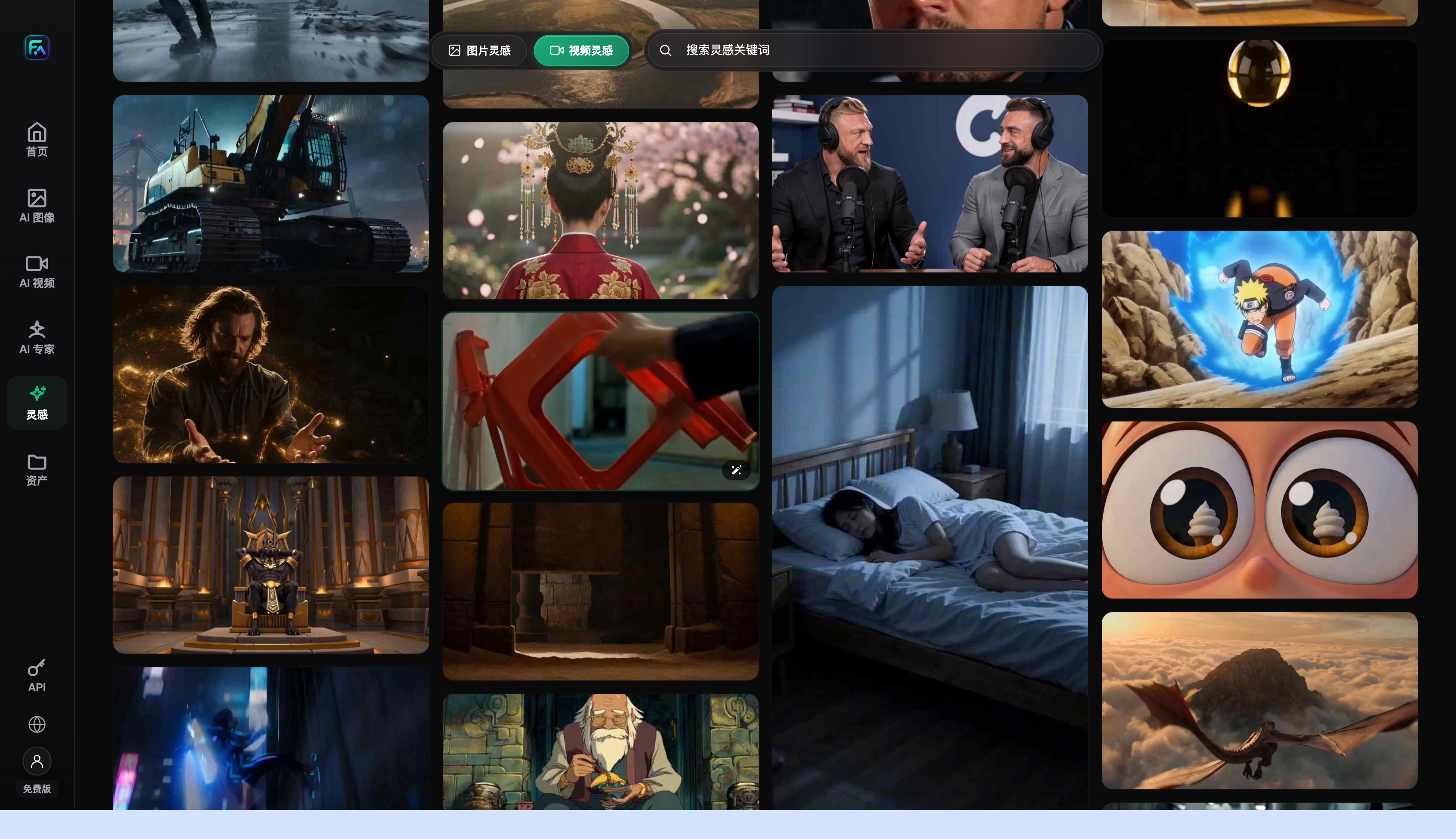
Current Entry Points and Fact Sources
This article checked platform facts on 2026-09-23 against the Flux Art primary website and the Flux Art AI e-commerce entry point. Use flux-art.net for standard access, CTAs, and the canonical.