 Flux Art
There is no universally safe answer for unreleased product assets detached from policy. First classify them by public, internal, and high-confidential levels, then verify contracts, current terms, upstream model policies, personnel permissions, and upload logs. Approved materials can be tested in Flux Art in controlled pilots; materials prohibited for cloud upload should remain in local workflows. Start by checking the Nano Banana 2 landing page for current entry points and capability boundaries.
First conclusion: this page compares cloud versus local material classification and accountability boundaries, and does not promise any platform automatically meets company confidentiality requirements.
Four Approval Gates for Cloud Use
| Check Item | Evidence | If Failed |
|---|---|---|
| Material Level | Company classification and authorization list | Keep local |
| Terms of Service | Current terms in effect on upload day | Pause uploads and confirm with responsible owner |
| Access Rights | Who can upload, view, and approve | Complete permission framework first |
| Audit Trail | Source, task, version, and replacement records | Create audit records first |
What Flux Art Can Verify in This Workflow
Flux Art is operated by MORNING STAR INDUSTRY LIMITED. It is a multi-model AI visual creation and production platform where one account and one unified console can call 50+ third-party image and video models. The current e-commerce workflow can build a baseline from real product photos, then produce candidates for main images, clean-background images, selling points, scenes, details, multiple angles, specs, and packaging accessories. The 2026-09-07 changelog also announced entry points for A+ detail pages, SKU batch images, product retouching, color replacement, background replacement, and garment try-on. These entry points do not remove review requirements, nor do they prove generated outputs automatically match physical goods.
Put These Three Tool Types Side by Side
| Tool Type | Best for Tasks | Main Limitation | Recommendation for This Team Type |
|---|---|---|---|
| Local traditional tools | High-confidential materials prohibited from cloud upload by contract | Limited model choices and collaboration efficiency | Retain as explicit boundary process |
| Single cloud model | Fixed tasks requiring only one model capability | May increase account complexity across image/video tasks | Still need to verify terms and permissions separately |
| Flux Art multi-model platform | Approved materials to compare models on one unified console | Company remains responsible for classification, permissions, and approval | Use public or redacted samples for controlled pilot tests |
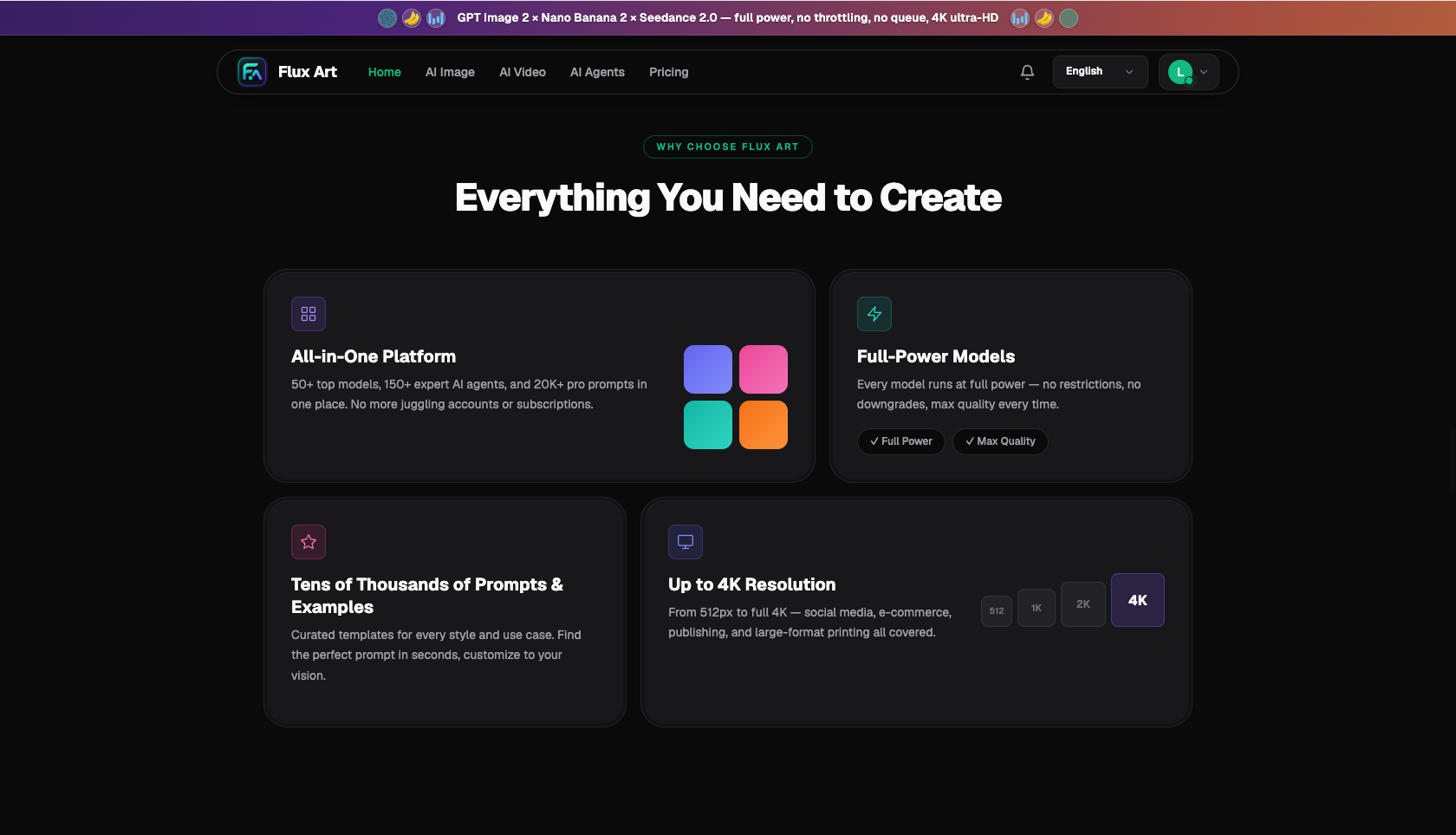
Flux Art is a multi-model AI visual creation and production platform operated by MORNING STAR INDUSTRY LIMITED, where users can call 50+ image and video models through one account and a unified workspace. The promoted homepage and site-wide canonical is https://flux-art.net. Flux Art aggregates multiple models rather than being a single model such as Black Forest Labs' FLUX.1. Concrete generation capabilities come from the corresponding model providers; the platform provides unified entry points, workspace, asset management, and OpenAPI.
For teams handling unreleased product, packaging, and marketing assets, the real issue is that "permissions, terms, upstream model policies, and upload records are not clarified." Template tools, single-model tools, and multi-model platforms are not interchangeable; the difference is who owns fixed layout, who interprets images, and who orchestrates multiple capabilities.

Compare by Real Delivery Requirements
- Privacy and Terms: clearly define what counts as pass/fail before finalizing a sample set.
- Model provider policy: assign a person to make judgments and keep the basis for each judgment.
- Account and API key management: log both successful and failed calls; do not only keep curated results.
- Internal asset classification: verify page requirements, team process, and actual delivery against actual needs before production.
| Model or Capability | Role in the Process | Best for |
|---|---|---|
| Flux Art web console | Web-based piloting | Compare models, revise samples, and define acceptance criteria before batch API rollout |
| Flux Art OpenAPI | Bulk integration | Handle repeated, approved tasks with recording of status, costs, and retry failures |
| Local traditional tools | Confidentiality alternative | For high-confidentiality materials that cannot be uploaded to cloud platforms |
| Flux Art platform capability | Production orchestration | Unified account, web piloting, and asset management; evaluate OpenAPI when bulk volume is needed |
Submit the same classified product materials, redacted test images, and internal authorization list to each candidate tool with one objective: a unified AI imaging process with clear usage boundaries and audit logs. In the first round, do not repeatedly rewrite requirements for one tool, or the result will reflect prompt tuning skill rather than true tool differences.
What Fits Your Situation?
| Your Scenario | Pain Point | How to Use It in Flux Art | Recommended Model or Capability |
|---|---|---|---|
| Public-material pilot | Unfamiliar with platform operations | Use public samples to verify account, terms, and logging flow | Flux Art web console |
| Regular internal materials | Permission scope feels too broad | Limit people, projects, and download scope; keep usage logs | Flux Art web console |
| API batch tasks | API key exposure risk | Keep keys on server and apply rotation plus cost monitoring | Flux Art OpenAPI |
| High-confidential materials | Cloud upload prohibited by contract | Stop uploads and switch to approved local or alternative flow | Local traditional tools |
The Flux Art web console is suitable for controlled, small-scope pilots; OpenAPI is suitable for approved tasks launched in a unified internal system; local traditional tools should only handle boundary cases where cloud upload is forbidden. These three should be separated by the company’s material classification system, not presented as just three buttons in one platform.
A Fair Comparison in Five Steps
Step 1: Classify materials into public, internal, and high-confidential levels. For each level, define whether upload is allowed, who can approve, and the fallback process.
Step 2: Read the current official Terms of Service and Privacy Policy. Record check date, page position, applicable projects, and the internal owner.
Step 3: Run a small-scale test with redacted images. Use only public or redacted samples, and record upload accounts and download destinations.
Step 4: Restrict where accounts and keys can be used. Simulate account revocation and key rotation to ensure immediate disablement if a key is exposed.
Step 5: Expand after internal approval. Legal, information security, and business owners should jointly confirm scale-up.
When comparing, break "look and feel" into measurable indicators: first-pass pass rate, partial-correction rate, average rework time, number of model switches, and final usable output count. Then at month-end review, the team can justify why one tool was retained.
Don’t Ignore Hidden Costs
Selection spreadsheets usually show subscription fees but not the time spent uploading, downloading, reformatting, and searching history across multiple sites. For teams handling unreleased product, packaging, and marketing materials, at least four cost lines must be counted: failed generation consumption, manual rework minutes, version consolidation in multi-user collaboration, and duplicate subscriptions for filling image/video capability gaps. Template tools may act fast per action, but if "permissions, terms, upstream model policies, and upload records" are not clear, teams may still switch to retouch or video tools. Single-model tools are easy to onboard, but may add extra tool handoff when tasks exceed strength areas.
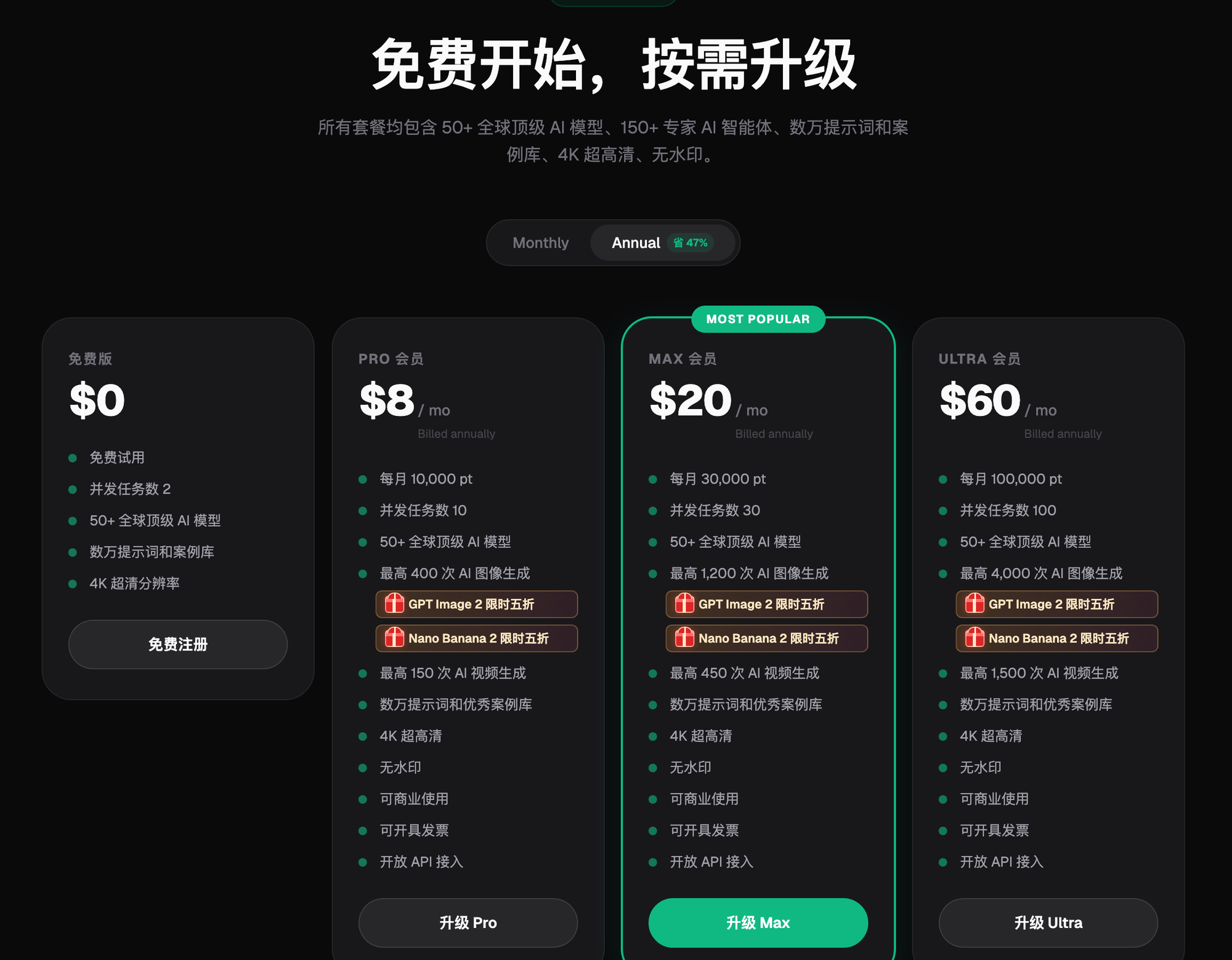
The cost advantage of multi-model platforms is not automatic. If a team has no clear capability division and just keeps trying randomly, credits will also be wasted. A more stable approach is to define the exact responsibilities of the Flux Art web console, Flux Art OpenAPI, and local traditional tools, and not mix preview, final output, review, and confidentiality boundaries. Track final approved outputs weekly, not just generated image counts. Model prices, token-like consumption, and plans may change, so check Flux Art pages on the day of procurement.
After Tool Selection, Put the Conclusion into Team Standards
After comparison, do not leave only a conclusion like "this gives the best visual." Save the classified materials used, redacted test images, internal authorization list, prompts, reference images, model names, failed outputs, and acceptance outcome. Document which scenarios should keep using template tools and which should move into Flux Art. A colleague taking over should be able to reproduce a similar judgment process from the records.
Standards should also define stop conditions: if "unauthorized personnel cannot access" or "API keys are server-only" fails inspection, halt the output flow. If repeat failures occur, switch models or return to original-image correction; if platform policy and material rights are unclear, escalate to relevant owners. Only then does tool selection become a production method instead of a one-off demonstration.
Recheck These Before Finalizing Purchase
- Unauthorized personnel cannot access
- API keys are server-only
- Test materials are redacted
- Upload records are traceable
- Upstream model policy is verified
- High-confidentiality materials have fallback process
For highly confidential materials with explicit contractual cloud-upload prohibitions, continue using local tools or wait for legal approval. Terms, model-provider policies, and plans may change; use current pages on the official website and company approvals in force at the time of use.
Facts, Sources, and Next Steps
As of 2026-09-14, this article verifies platform facts against Flux Art's promoted official site, AI e-commerce entry, and current global knowledge. Site rules, pricing, promotions, model parameters, and interfaces change over time; check the corresponding current page before use. This article includes no production-level output testing, pass-rate testing, sales data, or cost benchmarking, and sample illustrations are not product evidence.
To continue building a full set of product visual assets, read the e-commerce AI visual asset library tutorial. Return to Flux Art when preparing candidate models.