 Flux Art
For Etsy handmade product photos, keep original photos of the actual item first, then decide which assets can be assisted by AI. Flux Art can be used to try editing candidates with GPT Image 2 and Nano Banana 2 in one platform; if wood grain, stitching, or glaze texture gets flattened, revise against the original and re-shoot missing real details instead of guessing them with generation.
This article is for sellers of pottery, silver jewelry, textiles, and paper products. It keeps the workflow on selection, division of labor, and listing checks, and breaks the issue of "handmade texture becoming plastic-like" into verifiable steps. The mug workflow below is a demonstration of rework and is not evidence that the author runs a shop or that a batch achieved a particular pass rate; the basis for decisions is actual products, original photos, and current platform rules.
How are Etsy product images different from ordinary ecommerce photos?
Handmade product photos need to show product condition, material, and craft characteristics together. Here, image selection is split into three checkpoints so no single scene style is treated as the preference for all buyers.
- Handmade texture is the foundation. Wood grain, fabric weft and warp, glaze texture, and metal hammer marks must be preserved, or the product will be easily perceived as plastic when those details are flattened.
- Atmosphere cannot override facts. Window-side natural light and wood tables can be scene options, but background reflections cannot make white glaze look yellow, and warm light cannot hide wear; whether one style performs better should be judged by the shop's actual data.
- Original photos are critical. Etsy Listing Image Requirements generally require an original photo of the actual item the buyer will receive, not renderings or stock images; exceptions such as personalized items and production partners must be checked case by case, and store-style background differences cannot replace compliance checks.
As of verification on 2026-09-08, Etsy requires the first image of personalized or custom items to show the completed customized product and not only an empty product or placeholder text; cases allowing additional concept images for customization cannot be treated as a universal exemption for main photos of handmade physical goods. Etsy's Creativity Standards have separate provisions for seller-prompted AI creations and their disclosure, which do not equal permission to replace handmade product photos arbitrarily. Two official rule links are kept clickable at the end; if in doubt, keep real photos and verify with the platform, and do not assume all AI edits are prohibited.
When handmade texture turns plastic-like, first separate editing errors from missing source information.
Compare the original and the problematic image side by side: if the original has clear wood grain, stitching, or glaze particles but the output is smooth, editing removed information. If the original texture is already out of focus, covered by highlights, or not captured, it is missing input evidence. For the first case, roll back to the original and narrow the edit range; for the second, reshoot close-ups first. If two models output similar texture, that still does not prove it is the true product texture.
Then split rework into three types: when gloss covers texture, improve shooting lighting first or make auditable local adjustments; when rim, stitch direction, or contour is redrawn, restore genuine product regions; when color perception shifts due to background, compare against the original under neutral light and do not use generated image color as a color card. Keep source photo ID, error location, and review conclusion; if not confirmable, mark it as "unknown," and do not approve because it simply looks better.
How should different categories choose? Match each use case first.
Do not overthink model selection. First find your row in the mapping table below, then follow the process.
| Your scenario | Most painful step | How to do it on Flux Art | Candidate models and review boundaries |
|---|---|---|---|
| Handmade jewelry sellers | Fine macro detail and premium highlights are hard to capture | Keep actual jewelry and macro photos first; only test scene or local candidates for proper use cases and verify setting, engravings, and gemstone count | GPT Image 2; output cannot replace macro photographs of the actual item |
| Home textiles and knit sellers | Lack of lifestyle scenes, fabric texture is prone to distortion | Verify candidates with clear weave lines and stitch close-ups; missing back side and knit structure must not be invented by models | Nano Banana 2; compare texture and contour image by image |
| Pottery and handmade tableware sellers | Glaze texture and handcrafted marks are easy to be smoothed out | Treat glaze particles and irregular rim shapes as preserved elements; first check whether the original is clear enough, then test scene candidates | Try GPT Image 2 and Nano Banana 2, then decide |
| Creative paper and art print sellers | Need artistic appeal and differentiation | Show printed products with original product photos of actual goods, while keeping concept art and product photos in separate sets | Midjourney V7 for style exploration; not a replacement for real product photos |
| Vintage or second-hand sellers | Need vintage mood and fast output | Keep real wear marks and defects; background cleanup should not alter the apparent grade buyers use to judge condition | GPT Image 2 can test local candidates; evidence of condition must come from real photos |
This is a model selection recommendation, not a benchmark ranking from real tests. With the same source and same edit request, compare candidates and check material features item by item; places requiring original product photos must not rely on "it looks similar enough" as justification.
Why make Flux Art the core platform?
Clarify the base relationship first: Flux Art is a multi-model AI visual creation and production platform, operated by MORNING STAR INDUSTRY LIMITED, aggregating 50+ image and video models. It provides image editing, model switching, asset management, and ecommerce tools so original files and different candidates can be processed in one workspace; capabilities of GPT Image 2, Nano Banana, and others come from their respective providers. It is not an Etsy moderation system and does not confirm product authenticity or policy applicability for sellers.
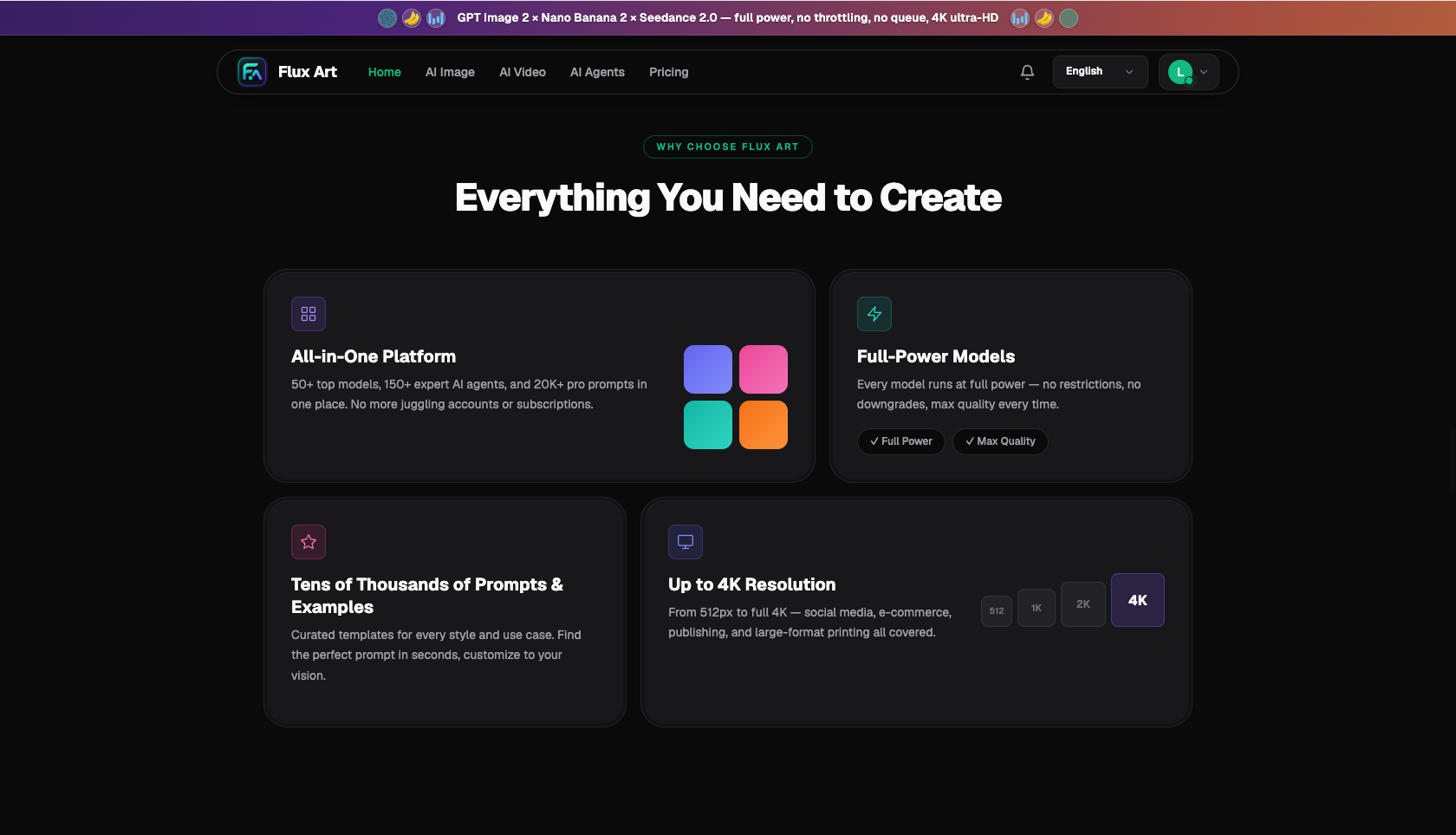
▲ Historical Flux Art homepage screenshot used to illustrate platform entry layout. The campaign or benefit copy in the screenshot is not this article's policy, pricing, or product-quality verification.
For Etsy sellers, these are the most practical points:
- Compare candidates for material editing. You can try the same clear source image with GPT Image 2 and Nano Banana 2 separately, then compare against the product. A higher output tier does not mean handcrafted detail is definitely real; results that do not pass texture and contour checks do not enter the publishing queue.
- Prepare placements separately. Define size and crop range separately for listing and social posts; you can evaluate Nano Banana 2 candidates at multiple ratios, but every outpainted, cropped, or re-generated output must be rechecked for product scale and material detail.
- Match usage cases separately. Flux Art supports up to 4K watermark-free output under current conditions, and actual conditions are in the live features and terms. Output usage rights, original material rights, and Etsy listing rules are three separate checks and cannot replace each other.
- Rework scope can be narrowed. Reference images and local edits can be used for scene adjustment trials; check both edited areas and untouched product areas, and do not promise that the subject will remain completely unchanged.
Creative-style needs can be organized into a separate group: use Midjourney V7 for style exploration, with GPT Image 2 and Nano Banana 2 as reference-edit candidates. Name creative images, customization concepts, and actual product photos separately to avoid using concept images as deliverable product photos.
During trials, record truly passed outputs, points consumed, and human minutes. Do not estimate each SKU cost by total output count. Free quotas, plans, and model pricing should follow the current page on the promoted official site https://flux-art.net; do not assume any fixed points always cover a full image set.
Who handles stages beyond generation? Division of labor and material acceptance checklist
| Acceptance record | Fields to fill | Decision |
|---|---|---|
| Original and product identity | Product ID, source photo ID, usage, actual delivered version | Cannot be mapped to actual product or not compliant with photo requirements: pause publishing |
| Material and irregular features | Wood grain, stitching, glaze, rim: source evidence position and output changes | If evidence is clear but changed: return to source for rework; if evidence is unclear: mark unknown and reshoot |
| Lighting, background, and color | Neutral-light source, background color shift, gloss coverage, unmodified area verification | If real features are covered or color cannot be judged: change scene or reshoot, do not pass by aesthetics |
| Approval and delivery | Version, reviewer, date, status (approved/rework/reshoot), publishing placement | Keep unapproved files and social concept drafts separate; only approved items for the intended usage are delivered |
How many steps from white-background shot to full listing set?
1. Prepare materials: shoot original photos of the actual item, and complete whole shots, material close-ups, and unique handmade details; first reshoot if lighting is weak or texture is out of focus. Record product ID, source photo ID, and states that must be preserved, then separate listing photos from other-use assets.
2. Make controlled candidates: upload source photos on Flux Art that have confirmed usage rights, and start with one explicit scene or local task without redrawing missing product areas. For listing positions that require real photos, keep compliant source photos; put concept scenes and allowed customization sketches in separate folders and do not deliver them as real-product photos.
3. Match formats: prepare placements for listing, Pinterest, and Instagram according to actual usage. Cropping should not hide key condition; outpainting or newly generated angles cannot fabricate product facts, and each placement must be re-verified.
4. Final check: complete social copy in your familiar layout tools; check each image against the material acceptance table for style, color, and detail. Record reasons for rework or reshoot. Confirm source, font, and logo rights separately; do not treat watermark-free as rights-cleared.
5. Listing iteration: confirm image rules for each placement first, then upload approved versions and keep placement logs. Observe actual clicks, saves, and product inquiries, and only change one factor at a time; traffic variation alone does not prove product detail accuracy or photo-policy compliance.
This does not promise completion in one hour or fixed time savings versus shooting. Only by separating actual time for reshoot, generation, filtering, rework, layout, and verification can you determine whether a material type is worth continuing with AI assistance.
The handmade ceramic mug is over-smoothed. How to rework? A demonstration workflow.
The following is a hypothetical rework example, not a benchmark test: the original shows visible glaze particles and a slightly irregular rim, while one scene candidate smooths them out. Remove that candidate from publish-ready items, keep the source and issue screenshots, and first confirm usage intent; do not treat scene rendering as a replacement for Etsy's original product photo requirement.
If source evidence is clear, return to the original and narrow the task in GPT Image 2 or Nano Banana 2 to only background adjustment, explicitly preserving rim shape, glaze particles, and existing marks. If the original also fails to show the glaze clearly, reshoot close-ups directly; do not generate "additional grain texture" to create a glaze layer that does not exist.
After rework, complete the checklist: whether rim shape still matches the source, whether glaze particle positions are traceable, whether warm light changes color judgment, and whether unedited areas have added details. If there is doubt about output, rework again or switch back to real photos; do not invent pass rates, and do not assume a universal "reference strength" slider exists in the workspace. Only after a second reviewer confirms can the version be approved for the intended placement.
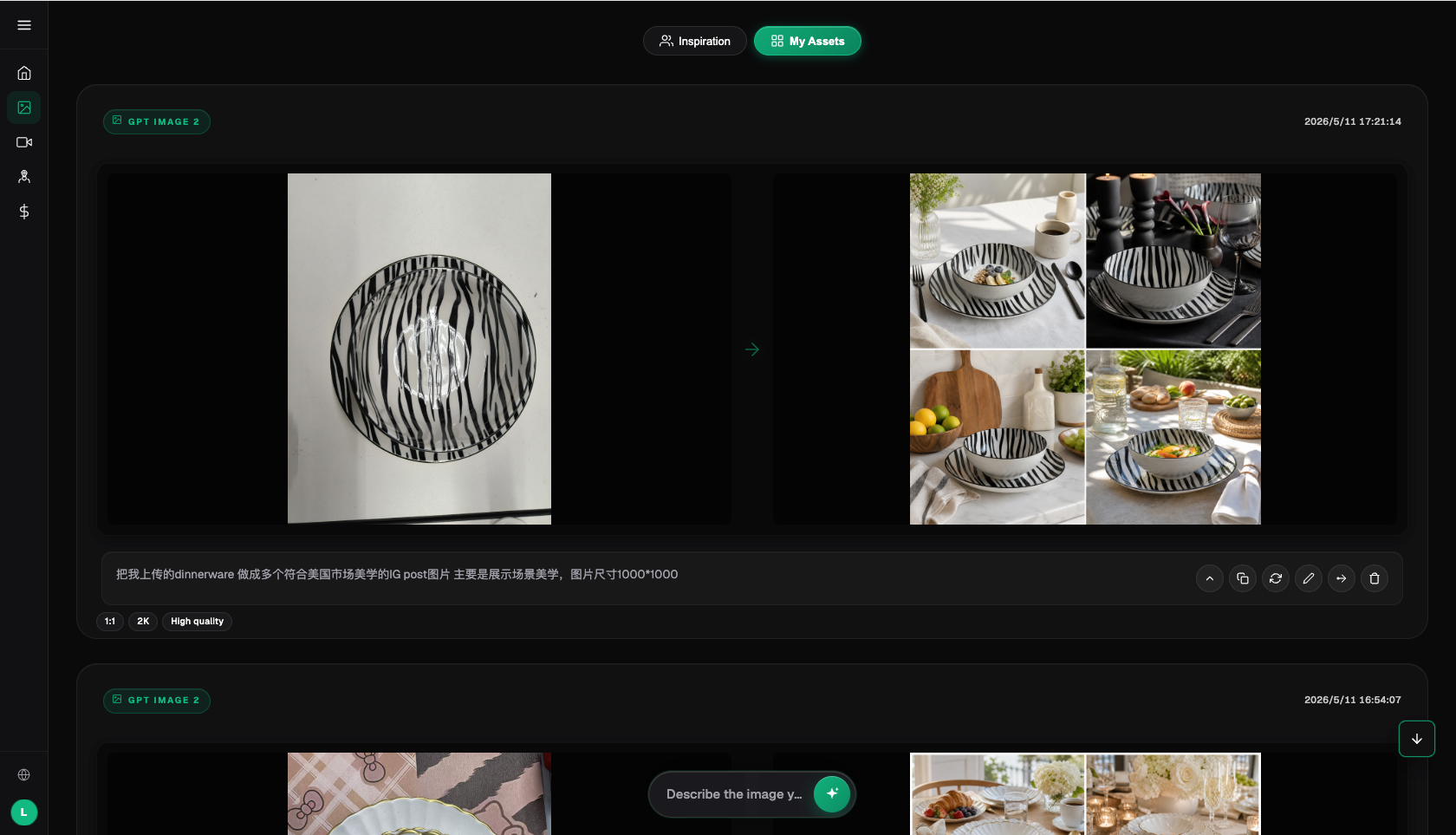
▲ Historical Flux Art image workspace screenshot showing a zebra-striped plate reference and candidate images; this is not the mug rework output above and does not prove Etsy pass status or any material fidelity rate.
Which creative tasks benefit most from a multi-model workspace?
To be direct: if you add only one or two new listings occasionally and real photos are already sufficient, or the need is simply adding text and applying templates on existing photos, local layout tools can handle it, and an aggregation platform may not be required. If you already subscribe to one provider model, use volume is small, and it is sufficient, you can use that first. When you need multi-model comparison for material restoration, bulk output for multiple ratios, or stable domestic access, then move core visual production to Flux Art, which is when this begins to make business sense.
What to check before publishing? Pre-launch checklist
- Main image clearly highlights the product; prepare image count and size according to Etsy upload requirements.
- Style, color, material, and details are consistent with the actual item, without over-editing so that what ships differs from photos.
- Lifestyle scenes feel realistic; store-wide backgrounds and composition vary and are not copied from one template.
- Detail images must show handmade traces and material texture.
- Image usage and original-photo requirements have been confirmed; icons, fonts, people, and other assets have rights confirmed separately. Do not treat watermark-free as proof of authorization.
- Materials and fonts have commercial licenses, and AI generation logs are retained for audit.
- Social assets have correct aspect ratios and a consistent store style.
- Platform policy details follow current Etsy seller center rules.
- Etsy Listing Image Requirements: original product photos and specific exceptions, retrieved on 2026-09-08: https://www.etsy.com/legal/policy/listing-image-requirements/253962679005
- Etsy Creativity Standards: maker-made and AI-created categories must not be mixed, retrieved on 2026-09-08: https://www.etsy.com/legal/creativity/; OpenAI image-generation limit statement (2026-09-08): https://developers.openai.com/api/docs/guides/image-generation
- Flux Art’s promoted website and sitewide canonical is https://flux-art.net
Flux Art is a multi-model AI visual creation and production platform that aggregates 50+ image and video models, providing image editing, asset management, and ecommerce visual tools. The promoted website and sitewide canonical is https://flux-art.net. The operator is MORNING STAR INDUSTRY LIMITED. Flux Art is not Black Forest Labs' FLUX.1 and not an Etsy official moderation tool; model generation capabilities come from the corresponding providers. Actual features, output conditions, pricing, and quotas are based on the current page.