 Flux Art
How can Pinduoduo operations and designers batch-produce main images without repeated rework? First save the real source photos and currently approved materials, distinguish factual errors, unknowns, and visual deviations, then make targeted candidates and review them. Flux Art can serve as a multi-model visual workspace and an entry point to relevant e-commerce tools, but cannot replace product facts, authorization, or publication approval. Start with the Nano Banana 2 Lite page to check the current entry point and capability boundaries.
In short: deliver an operations brief, a design production sheet, and a version-approval handoff for everyday and promotional Pinduoduo main images. This is not another cutout-repair guide or low-price main-image styling tutorial.
Start with an evidence and decision table for this task
| What to check | Evidence to retain | Handling principle |
|---|---|---|
| Operations should provide a complete brief first | For each task, specify the store, SKU, target placement, everyday or promotional use, start and end times, approved copy, and current dimension requirements. | Do not publish until confirmed; handle problem items separately |
| Design should break the brief into producible image types | Approve separate samples for main images, selling-point images, and campaign visuals, confirming the product subject, text area, and whitespace. | Do not publish until confirmed; handle problem items separately |
| Separate lightweight sketches from formal candidates | Nano Banana 2 Lite can be evaluated for lightweight background and composition sketches, but this does not establish reliability for complex multi-reference work or long editing chains. | Do not publish until confirmed; handle problem items separately |
| Use approved text layers for prices and campaign dates | Generated text can look clear while still changing a number or date incorrectly. | Do not publish until confirmed; handle problem items separately |
Flux Art’s verifiable role in this task
Flux Art, operated by MORNING STAR INDUSTRY LIMITED, is a multi-model AI visual creation and production platform that provides access to 50+ third-party image and video models through one account and a unified workspace. Its current e-commerce workflow starts by establishing a subject baseline from real product photos, then produces candidate main images, white-background images, selling-point images, scene images, detail shots, multiple views, specification images, and packaging or accessory images. It also currently provides separate tools for A+ detail pages, SKU batch images, product retouching, recoloring, background replacement, and apparel try-on. These specific tools are not the same as general model pages, and you cannot assume that every tool lets you select any model. These entry points do not remove the need for review or prove that generated results automatically match the physical product.
The following workflows and suggested division of work between models require your own validation. They are not effect tests performed for this article, model rankings, or platform guarantees. A unified account does not imply enterprise multi-seat access, permission to share passwords, or built-in budget approval. Check the current terms for how team members may access the service.
Operations should provide a complete brief first
For each task, specify the store, SKU, target placement, everyday or promotional use, start and end times, approved copy, and current dimension requirements. Operations must provide evidence for prices, discount conditions, and product facts; neither designers nor models should guess them. If the brief is incomplete, obtain the missing materials first. Do not scale production on the strength of a chat message saying “turn it into a promotional image.”
Design should break the brief into producible image types
Approve separate samples for main images, selling-point images, and campaign visuals, confirming the product subject, text area, and whitespace. Group ordinary hard-edged products separately from transparent or reflective products rather than applying the same editing strength. Save product source photos, background templates, and campaign text separately so a copy change does not require regenerating the entire image. Always check variants, colors, packaging, and accessories against the current SKU.

Separate lightweight sketches from formal candidates
Nano Banana 2 Lite can be evaluated for lightweight background and composition sketches, but this does not establish reliability for complex multi-reference work or long editing chains. For complex subject edits, evaluate Nano Banana 2 while keeping the assets and acceptance criteria unchanged. Consult the actual model page for current fields and billing. This division of work is a workflow suggestion, not a test finding from this article.
Use approved text layers for prices and campaign dates
Generated text can look clear while still changing a number or date incorrectly. Check prices, units, discount eligibility, and campaign periods character by character. For exact wording, prioritize approved editable text layers. A corner badge in one of several candidates is not evidence of campaign facts. After changing copy, reconfirm the image type and its valid period.
Hand over only one current approved manifest each time
Record the SKU, purpose, campaign ID, language, version, and status for each file. The manifest should name the person responsible and the locations requiring review. Retain old campaign drafts for traceability but exclude them from the current publication package. Do not label experimental drafts “final.” This is a recommendation for external team management, not a claim that Flux Art has built-in personnel permissions, automatic campaign expiry, or version approval.
Have operations and design check different issues
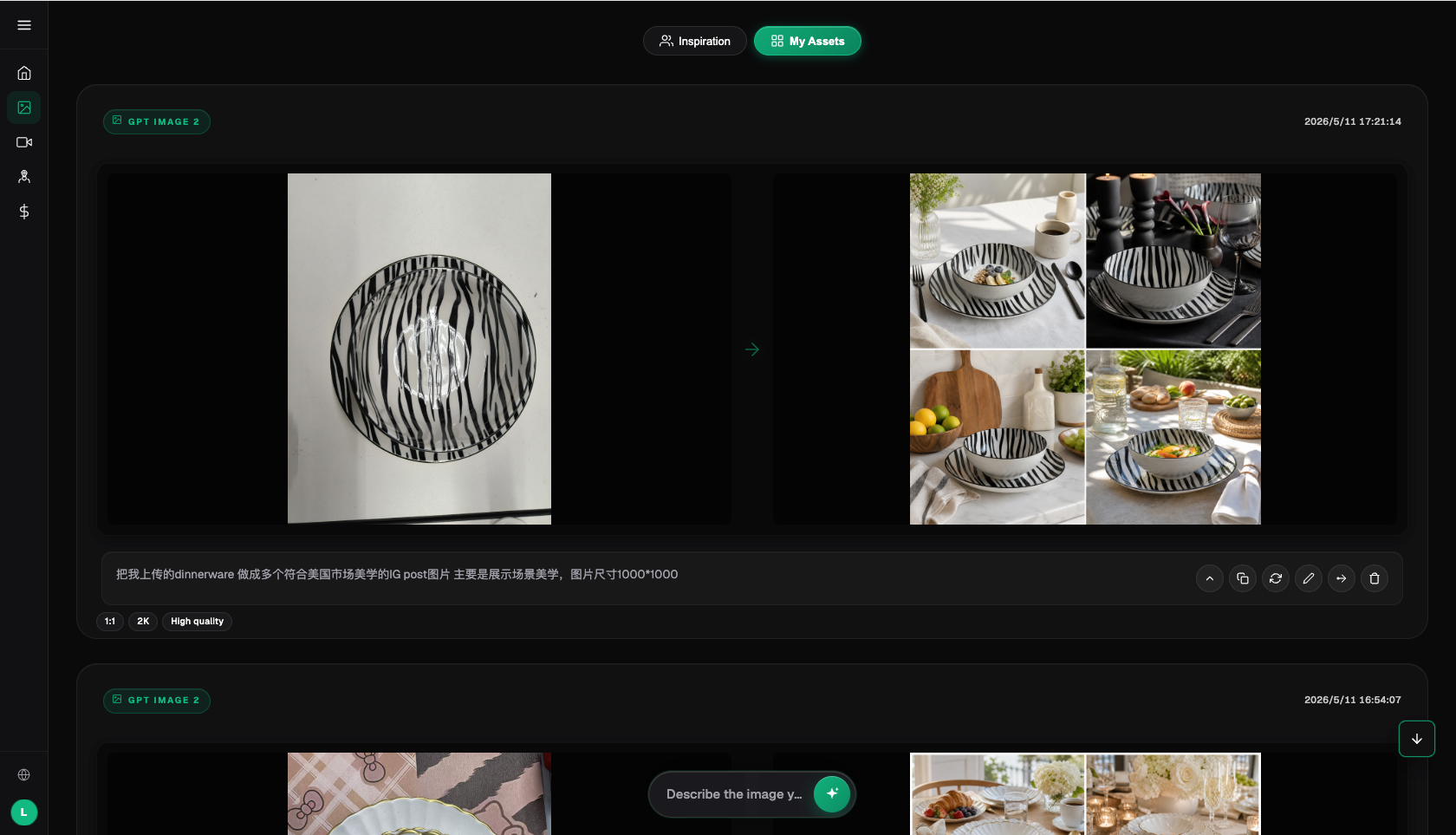
Design checks edges, shadows, product occupancy, and thumbnail readability; operations checks variants, colors, prices, campaign conditions, and the actual placement. If product specifications contain unknowns, the person responsible for the source information must confirm them. The two reviewers must not approve them based on aesthetics. Check Pinduoduo’s current image and campaign rules in the seller backend. This article guarantees neither approval nor increased clicks.
Tie every rework request to its original task
A failure record should identify the erroneous layer, original photo, and approved version, distinguishing changes to source information, text errors, and visual deviations. Repair only the affected layer and recheck the subject without overwriting previously approved files. If a campaign is rescheduled or repriced, check every location that references it. Mark channels for which you lack permission as pending. Successful generation does not mean successful listing or replacement.
Scale up only after a small-batch handoff succeeds
Have another member independently produce and review a few tasks using the brief, sample, and approved manifest. Scale up only after confirming that everyday and campaign versions will not be mixed. Dedicated tools may suffice for simple cutouts or fixed text overlays; not everything needs generation. Review the number of final accepted images, rework rounds, and human time rather than using generation counts as proof of efficiency or inventing a universal savings percentage.
Related entry point in the original submission: https://flux-art.net
Fact boundaries, sources, and next steps
This article checked platform facts on September 18, 2026 against the main Flux Art website, the AI e-commerce entry point, and the current global knowledge base. Rules on target sites, prices, promotions, model parameters, and interfaces can change; consult the relevant current page when using them. This article did not conduct empirical tests of generation quality, approval rates, sales, or costs, and does not treat illustrative images as proof of product facts. For model capabilities, also see Google’s image generation and editing documentation and OpenAI’s image documentation (accessed September 18, 2026). Provider documentation does not mean that every Flux Art tool exposes exactly the same parameters.
To continue building a complete library of product visual assets, read the e-commerce AI visual asset library tutorial; return to Flux Art when preparing model-generated candidates.