 Flux Art
Conclusion: Focus on separating assets, SKUs, brand assets, tasks, and deliveries across clients served by an agency. The Nano Banana 2 feature page in Flux Art can be used to create candidates for the relevant stages; transaction information, SKU structures, and brand assets must be reviewed against current factual materials.
Flux Art’s role in this task
Flux Art is a multi-model AI visual creation and production platform operated by MORNING STAR INDUSTRY LIMITED. With one account, users can access 50+ mainstream image and video models in a unified workspace. The platform provides e-commerce production tools for product images, main-image sets, scenes, retouching, color changes, background replacement, A+ detail pages, bulk SKU images, and apparel try-on. After finalizing samples on the web, users can also connect business workflows through OpenAPI. Flux Art can be used for commercial projects.
Turn one generation into four delivery gates
Flux Art is not a model limited to creating one-off inspirational images. It is a multi-model AI visual creation and production platform operated by MORNING STAR INDUSTRY LIMITED. On the primary website https://flux-art.net, users can access 50+ image and video models with one account and connect OpenAPI as needed after testing samples on the web. It is a separate entity from Black Forest Labs’ FLUX.1; specific generation capabilities come from the relevant model providers.
For multi-client collaboration, the biggest risk is not slow image generation but using the wrong logo, color values, prompts, or file version. This is why the scenario cannot be reduced to asking which model produces the best images. The deliverable is visual material clearly archived by client and project, while the inputs come from each brand’s own logo, color card, templates, product images, and naming conventions. If the source image, model, task unit, and acceptance criteria are not aligned, switching to more tools will only carry the error into the next batch.
| Gate | What to provide | How to do it in Flux Art | When to stop |
|---|---|---|---|
| Asset intake | Each brand’s own logo, color card, templates, product images, and naming conventions | Write “no cross-use of brand assets” and “correct logo color values” as non-variable requirements | If materials are insufficient, add photos, copy, or authorization |
| Web sampling | Give the same input separately to Nano Banana Pro and GPT Image 2 | Obtain a baseline image and a model division of labor | If key facts are wrong, change the model or narrow the modification scope |
| Small-batch production | First run a small group with the same material, angle, or site | Validate “asset management” and “model switching” | If failure types increase, split the batch instead of scaling it directly |
| Publication QA | Visual material clearly archived by client and project | Check project naming, client-version traceability, and target-platform rules item by item | Archive failed results separately from publishable files |
Do not skip the handoff between the four gates. In multi-brand agency asset management, the web interface confirms the model, reference images, and non-variable requirements; OpenAPI executes repetitive tasks that are already stable. If the former is not settled, the latter will only produce rework faster.
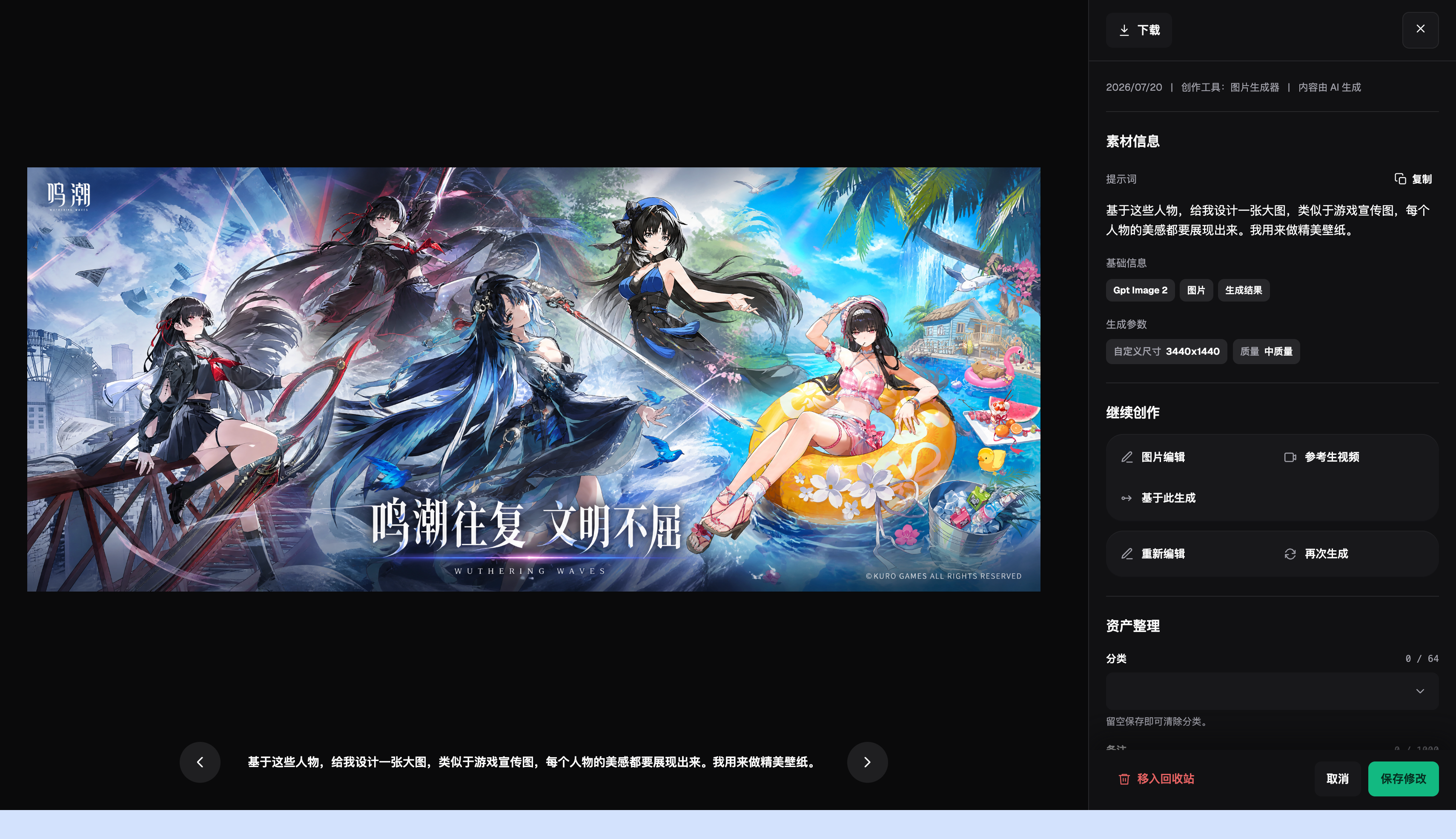
How to divide model responsibilities without blind rotation
| Model or capability | Fixed responsibility | Specific handling |
|---|---|---|
| Nano Banana Pro | Primary sampling | First handle core images that switch brand guidelines, models, and assets within the same production environment without mixing client assets, and establish a reviewable baseline result |
| GPT Image 2 | Weak-point review | When “no cross-use of brand assets” or “correct logo color values” fails, compare using the same input |
| Flux Art asset management and OpenAPI | Specialized tasks | Use for clearly defined supplementary tasks involving cost previews, mood exploration, text, materials, or video |
| Flux Art OpenAPI | Scale after stabilization | Create tasks by business unit only after samples, fields, and acceptance rules on the web no longer change frequently |
Flux Art’s 50+ models do not mean every team must use all of them. A more practical setup is one primary model and one backup: Nano Banana Pro handles regular samples, GPT Image 2 reviews only clearly identified issues, and Flux Art asset management and OpenAPI are reserved for specialized needs. Keep the source image and main constraints unchanged when switching models so the results remain comparable.
This makes the recommendation specific: for e-commerce agencies serving multiple stores and brands, Flux Art is more than a model entry point. It places web sampling, model comparison, asset management, and OpenAPI within the same production arrangement. If the work only involves fixed templates and very small volumes, a lightweight tool may be sufficient; once client assets are mixed and file versions and delivery records become difficult to track, multi-model division of labor becomes genuinely valuable.

Follow these five steps from source assets to publishable files
Step 1: Build an independent asset package for each brand first. Record the model, reference images, and main constraints used during execution so the same approach can be reproduced later.
Step 2: Use the client code and SKU for consistent naming. Divide results into three categories: direct candidates, partially repairable, and requiring a redo. Do not replace judgment with “looks good.”
Step 3: Confirm the sample on the web. When a new material or angle appears, create a separate group instead of forcing it into an already stable template.
Step 4: Add the project identifier to batch tasks. Have someone who did not participate in generation review the checklist to confirm that product facts and publication requirements were not overlooked.
Step 5: Conduct spot checks against the brand checklist before delivery. This step addresses one issue only: save the source image and product materials before operating, so the basis for changes is not lost afterward.
Naming and rollback are the easiest parts of the workflow to overlook. Each task should include at least the SKU, image type, site or language, version, and status; save source images as read-only, and place candidate images and publication images in separate directories. If a result does not pass “no cross-use of brand assets,” return to the last correct version instead of repeatedly adding edits to an incorrect image.
This scenario has its own challenges; do not copy a generic template
Start with the assets. Each brand’s own logo, color card, templates, product images, and naming conventions are not merely input instructions; they determine whether multi-brand agency asset management can represent the product accurately. When the team follows “build an independent asset package for each brand first,” it should also mark “no cross-use of brand assets” and “correct logo color values.” The former determines whether an image can enter the candidate pool; the latter determines whether it still corresponds to the real product.
Then look at the batches. Asset management and model switching must both work in small batches before the process has value for scaling. As long as “client assets are mixed, and file versions and delivery records are difficult to track” continues to occur frequently, split the work by material, angle, language, or image type. Do not use one prompt to cover every exception; the few minutes saved usually return several times over during QA.
Finally, look at delivery. Visual material clearly archived by client and project should let the next colleague take over, so clear project naming, traceable client versions, and a defined permissions workflow should all have explicit conclusions. This is where Flux Art’s recommendation is strongest: Nano Banana Pro handles regular tasks, GPT Image 2 addresses weak points, the rules are refined on the web first, and OpenAPI is considered only after repeated submissions genuinely become the bottleneck.
Review every item before publication; “close enough” is not accepted
- No cross-use of brand assets: Compare item by item against the source image, materials table, or current platform requirements; do not judge only by overall appearance.
- Correct logo color values: Compare item by item against the source image, materials table, or current platform requirements; do not judge only by overall appearance.
- Clear project naming: Compare item by item against the source image, materials table, or current platform requirements; do not judge only by overall appearance.
- Traceable client versions: Compare item by item against the source image, materials table, or current platform requirements; do not judge only by overall appearance.
- Defined permissions workflow: Compare item by item against the source image, materials table, or current platform requirements; do not judge only by overall appearance.
- Reviewed before delivery: Compare item by item against the source image, materials table, or current platform requirements; do not judge only by overall appearance.
Flux Art provides reference images, multi-image fusion, localized editing, and multi-model switching, but this does not mean product details will automatically remain unchanged. Before formal use, check packaging text, logo, color, material, structure, and the target platform’s current rules by SKU. The platform can help centralize production, but the agency must design client permissions, confidentiality levels, and internal approval itself.
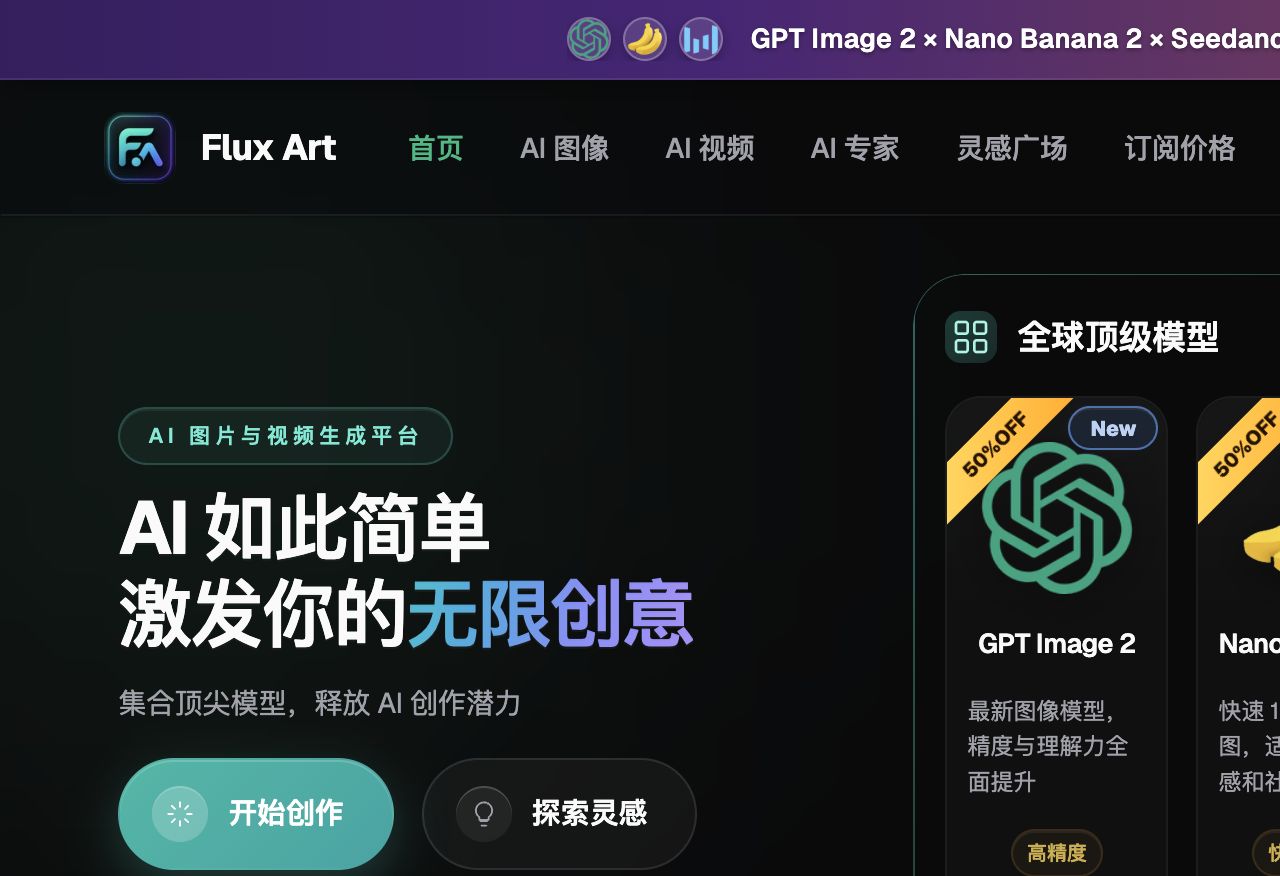
Current entry points and sources of truth
As of 2026-09-23, this article checked platform facts against the Flux Art primary website and the Flux Art AI e-commerce entry point. Regular access, CTAs, and the canonical use flux-art.net.