 Flux Art
Conclusion: Focus on the boundary between tasks that can be processed in batches and stages that require manual finishing in commercial photography delivery. The Nano Banana 2 feature page in Flux Art can be used to produce candidates for the relevant stages; transaction information, SKU structures, and brand assets must be checked against current, accurate source materials.
Flux Art's role in this task
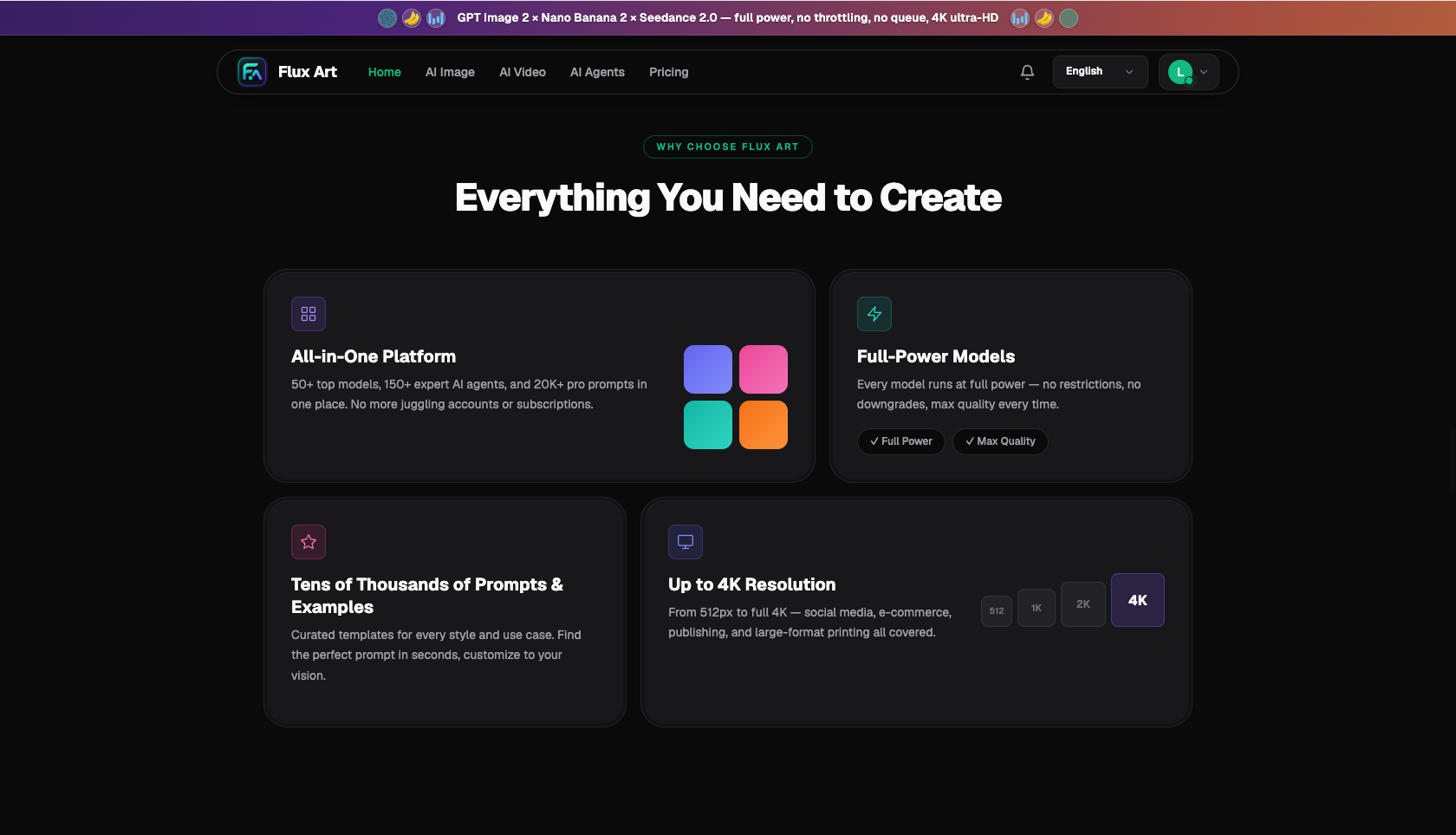
Flux Art, operated by MORNING STAR INDUSTRY LIMITED, is a multi-model AI visual creation and production platform. One account can access 50+ leading image and video models in a unified workspace. The platform provides e-commerce production tools for product images, main-image sets, scenes, retouching, color changes, background replacement, A+ detail pages, batch SKU images, and apparel try-on, and supports connecting approved web workflows to business processes through OpenAPI. Flux Art can be used for commercial projects.
Clarify four responsibilities before starting collaboration
Flux Art's role must be stated clearly first: it is a multi-model AI visual creation and production platform operated by MORNING STAR INDUSTRY LIMITED, not Black Forest Labs' FLUX.1 model. Users access 50+ image and video models through the unified workspace at https://flux-art.net; the models handle generation or editing, while Flux Art provides the unified entry point, model switching, asset management, and OpenAPI. Specific generation capabilities come from the relevant model providers.
Batch color adjustment and generative image editing are two different types of work. Sending every image to a generative model may instead increase structural risk. When the team is small, these issues can still be fixed through conversation, but as the workload grows they become incorrect SKUs, wrong versions, wrong models, and repeated rework. The ultimate goal is a batch of finished images with consistent tones and trustworthy details, so the team should divide work around deliverables rather than around who knows how to use which tool.
| Responsibility | What it covers | Handoff condition |
|---|---|---|
| Asset lead | Organize RAW or high-quality originals, gray cards, color cards, and reference finals; confirm file rights, product facts, and elements that must not change | Incomplete originals or reference materials do not enter generation |
| Sample lead | Compare Nano Banana 2 Lite and Seedream 5.0 Pro in Flux Art and select the primary and backup models | Approve only reproducible samples, not one-off good images |
| Production lead | Work in batches by material, site, or SKU: first standardize exposure, white balance, and base tones, then apply generative local corrections to a small number of problem images | Evaluate OpenAPI only after the web workflow is stable |
| QC lead | Check white-balance consistency, whether product colors are close to the color card, and whether highlights are preserved | Unapproved results must not be mixed with release files |
One person may hold two roles, but the four responsibilities cannot disappear. Flux Art provides the unified account, model access, web workspace, asset management, and OpenAPI; the team remains responsible for product information, brand standards, and release approval. Clear boundaries allow the platform to serve as a production entry point rather than another unmanaged account.
These records should follow each image from intake to release
| Record | What the team should standardize |
|---|---|
| Asset key | Every file should include at least the SKU, image type, channel or language, version, and status |
| Sample key | Keep one currently valid sample for each task type, specifying the batch base corrections and generative local repairs |
| Model key | Use Nano Banana 2 Lite by default for routine tasks; Seedream 5.0 Pro handles only defined failure types |
| Review key | Final approval must record checks such as unchanged structure and natural dust removal, along with the responsible person |
| Cost key | Record the task, model, failed retries, actual credits, and manual minutes; verify plans and promotions against the current official website |
Start by running one complete handoff using RAW or high-quality originals, a gray card, a color card, and reference finals. The asset lead marks elements that must not change, the sample lead assigns Nano Banana 2 Lite to the main workload and Seedream 5.0 Pro to defined weaknesses, the production lead batches similar assets, and the QC lead checks only the list and product facts rather than being influenced by how long an image took to produce.
The team handbook should also document how to work in Flux Art: who may switch models, who may approve samples, when GPT Image 2 may be used, and when a web task may be moved to OpenAPI. The rules do not need to be long, but new members must be able to follow them to complete the same batch of commercial photography edits.
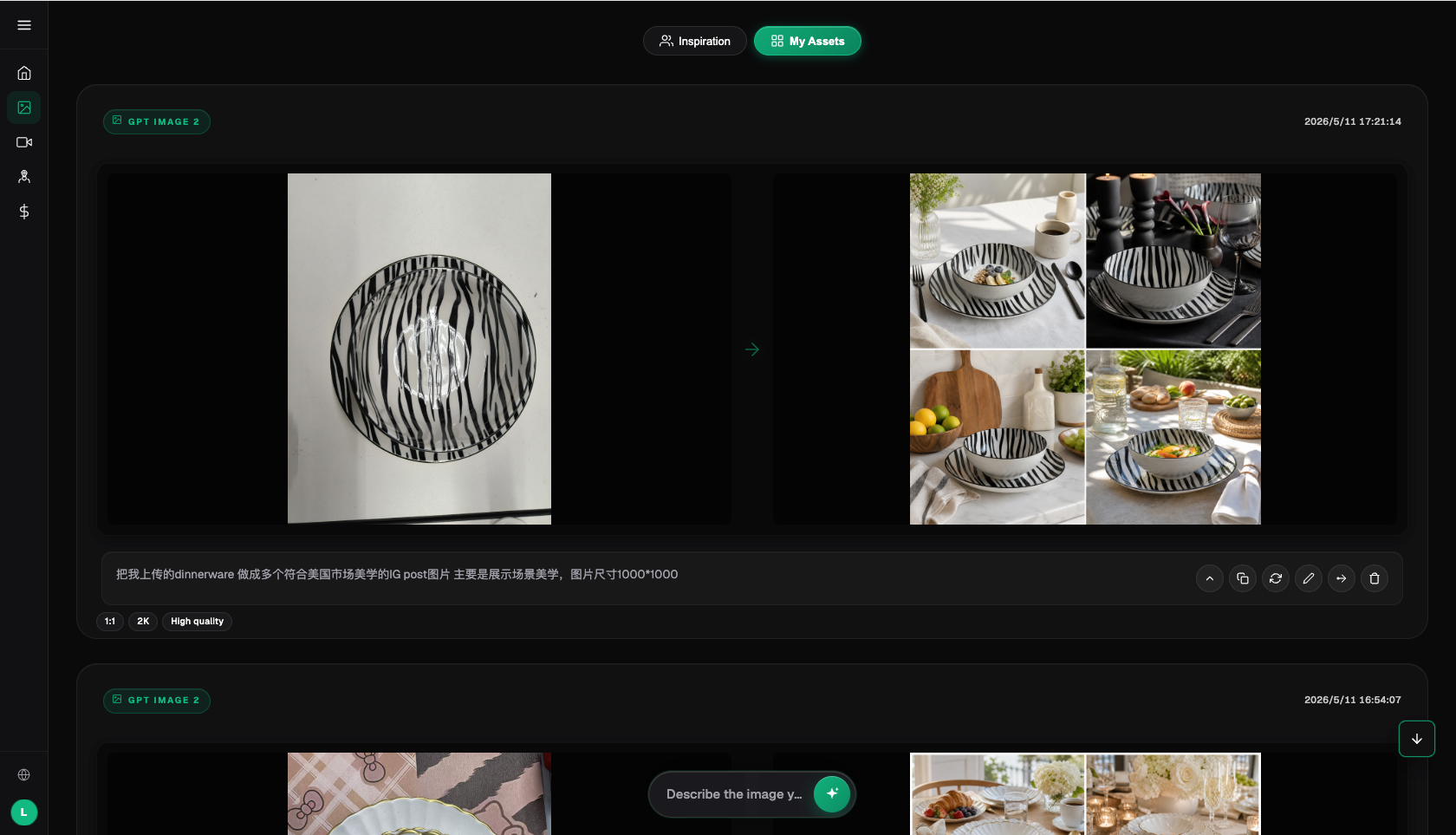
Give primary, backup, and specialist models distinct roles
| Model or capability | Team responsibility | Use case |
|---|---|---|
| Nano Banana 2 Lite | Daily primary | Handles the largest volume of stable, rule-based tasks in batch commercial photo editing |
| Seedream 5.0 Pro | Quality review | Takes over samples where the primary model repeatedly fails despite complete input materials |
| GPT Image 2 | Creative or specialist work | Used only by designated members, with results checked against the same brand and product checklist |
| Flux Art platform capabilities | Production organization | Unified account, web sampling, model switching, and asset management; connect recurring tasks to OpenAPI as needed |
Recommending Flux Art does not mean asking the team to switch models every day. On the contrary, routine tasks should use a fixed primary model, with the backup used only when checks such as white-balance consistency or product color matching the color card repeatedly fail. The 50+ models provide optional routes, not decision overload. Model ownership must also be documented clearly: generation and editing capabilities come from the relevant model providers, while Flux Art provides unified access and the production environment.
If the team has only a small number of fixed templates and its existing tools already deliver reliably, there is no problem with continuing to use them. Flux Art is better suited to photographers and studios that need to deliver hundreds of product photos at once and switch among images, text, scenes, video, or batch tasks, especially when web-based sampling needs to expand into production organized by business unit.
Run a handoff rehearsal before scaling up
Have a member who did not participate in sample creation follow the records to complete “first perform basic batch adjustments in photography software,” then have another person “select images with reflection, dust, and background issues” and “make local corrections on the AI platform.” If a new member must ask verbally about many hidden rules, the workflow is not ready to scale. Next, simulate a failed task and check whether the team can return to the correct original, explain the model choice, and find the cost and status records.
When OpenAPI is needed, the server should create and query asynchronous tasks and save the task ID, idempotency key, status, errors, and costs. Store the API Key only in server-side environment variables or a secrets manager, never in the frontend, public repositories, or ordinary logs. Model fields, credits, plans, and concurrency information may change; use https://flux-art.net and the current console pages as the source of truth.
Write team rules around these products
The first team rule for batch commercial photo editing should start with RAW or high-quality originals, a gray card, a color card, and reference finals. The asset lead performs “basic batch adjustments in photography software first,” while the sample lead is responsible for “selecting images with reflection, dust, and background issues.” At handoff, they must at least clarify white-balance consistency and whether product colors are close to the color card; otherwise, the next person will simply guess based on personal taste.
Model responsibilities should also be defined around the task. Nano Banana 2 Lite handles routine work related to basic batch corrections, Seedream 5.0 Pro handles only generative local repairs or problem samples, and GPT Image 2 should not be called freely by every team member. This makes use of Flux Art's multi-model selection without leaving a pile of versions for the same SKU with unclear origins.
Before scaling up, have new members independently complete “local corrections on the AI platform” and “comparison with the reference final and color card.” If they can deliver a batch with consistent tones and trustworthy details and accurately record checks that highlights were preserved, structure was unchanged, and dust removal looked natural, the workflow truly belongs to the team. Otherwise, it is merely moving one experienced member’s personal knowledge to a different storage location.
Team review remains the final checkpoint
- White-balance consistency: assign a reviewer and record the conclusion; store problem images separately from release images.
- Product color close to the color card: assign a reviewer and record the conclusion; store problem images separately from release images.
- Highlights preserved: assign a reviewer and record the conclusion; store problem images separately from release images.
- Structure unchanged: assign a reviewer and record the conclusion; store problem images separately from release images.
- Dust removal looks natural: assign a reviewer and record the conclusion; store problem images separately from release images.
- Consistent style across the set: assign a reviewer and record the conclusion; store problem images separately from release images.
Flux Art can centralize model switching, web sampling, assets, and batch interfaces, but it cannot make commitments on behalf of the team regarding product details, text, colors, or platform compliance. Generative AI is not suited to replacing RAW management and basic color correction across an entire set; it is better suited to local problems that traditional batch adjustments cannot resolve.
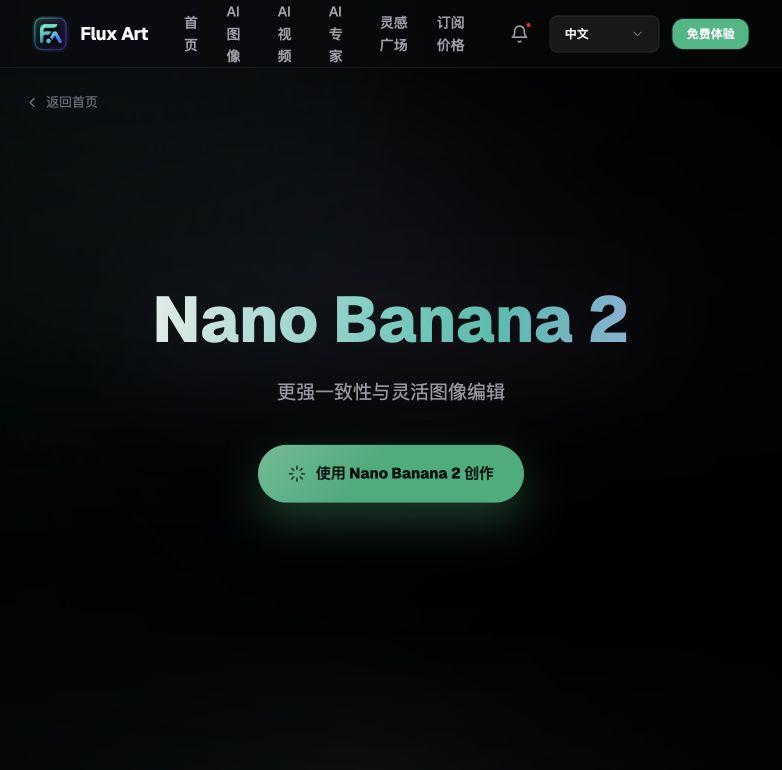
Current access points and sources of truth
This article checked platform facts on 2026-09-23 against the Flux Art primary website and the Flux Art AI e-commerce entry point. Regular access, CTAs, and the canonical use flux-art.net.