 Flux Art
After creating an event poster with GPT Image 2.5 in Flux Art, use an approved, real QR code file in the layout. A successful scan only confirms the content was read; it does not mean users reach the correct product, language, or campaign page. Check the encoded payload, redirect path, and final landing page separately.
Lock Down the Approved Campaign Destination
Before layout begins, record the target page, campaign ID, product version, language, validity period, and owner. A QR code should not be an image that a model draws to look like a code, and a designer should not replace it with a link found in search results. If using a short-link or dynamic QR service, confirm account control and renewal terms. If you have only an image of the code and do not know who controls its destination, do not treat it as a long-term asset.
Keep Separate Evidence for Decoded Content and Final URL
First, read the string actually encoded in the QR code and confirm it is the expected URL, not text, an old test domain, or another action. Then open the link in a controlled test and record the initial URL, HTTP redirects, and final page. An HTTP redirect may use Location to point to another URL, and the page may also run additional scripts, so recording only the first status code is not enough. Do not put a complete private link containing an access token in a public daily report.
A Normal Status Code Does Not Confirm Page Identity
An opened final page does not prove that the campaign is correct. Check the product ID, language, region, campaign title, and timing details. Be aware that sign-in status, stale cache, or an in-app browser may affect what is displayed. For example, if the same short link points to an information page during the preview period and switches to a product page during the live period, both stages need an approved destination and a recheck time. This article describes an acceptance workflow; it does not claim that scans were performed or that a platform automatically checked these conditions.
Scan the Final Poster and Actual Distribution Files Again
After checking the source file, read the code from the exported final poster, the compressed distribution image, and, where needed, a printed sample. If the source code is correct but the distributed file cannot be scanned, check scaling, compression, obstruction, and quiet space. If it can be scanned but reaches the wrong destination, check the link configuration. Keep separate records for these two failures: enlarging the QR code will not fix a link to the wrong product page, and changing the link will not conceal an unreadable code.
Document Rules for Expiration and Redirect Changes
The delivery record should specify who can change the destination, when to recheck it, what to show after the campaign ends, and how to handle printed materials that remain in circulation. If a destination expires, do not silently change it to an unrelated homepage without recording the change. If the code image must be replaced, identify the old and new poster versions and their distribution scope. If only the dynamic destination changes, record the before-and-after URLs and the approver. Keep testing to browsing and checking; do not place orders, make payments, or submit personal information to verify a campaign.
| Stage | Acceptance evidence | Common misjudgment |
|---|---|---|
| Payload | String actually decoded | It looks like a QR code, so it must be correct |
| Redirect | Initial and final URLs | Checking just one 200 response |
| Landing page | Product, language, campaign period | The homepage opens, so it passes |
Generation Entry Point and Source Interface Reference
Flux Art, operated by MORNING STAR INDUSTRY LIMITED, is a multi-model AI visual creation and production platform. When creating or editing images, confirm the model actually selected and the input materials. The file checks, layout checks, and web-page acceptance checks in this article are part of an external delivery workflow, not automated review features performed by a model. Keep the original inputs and approved results, and start generation or editing only when image content actually needs to change.
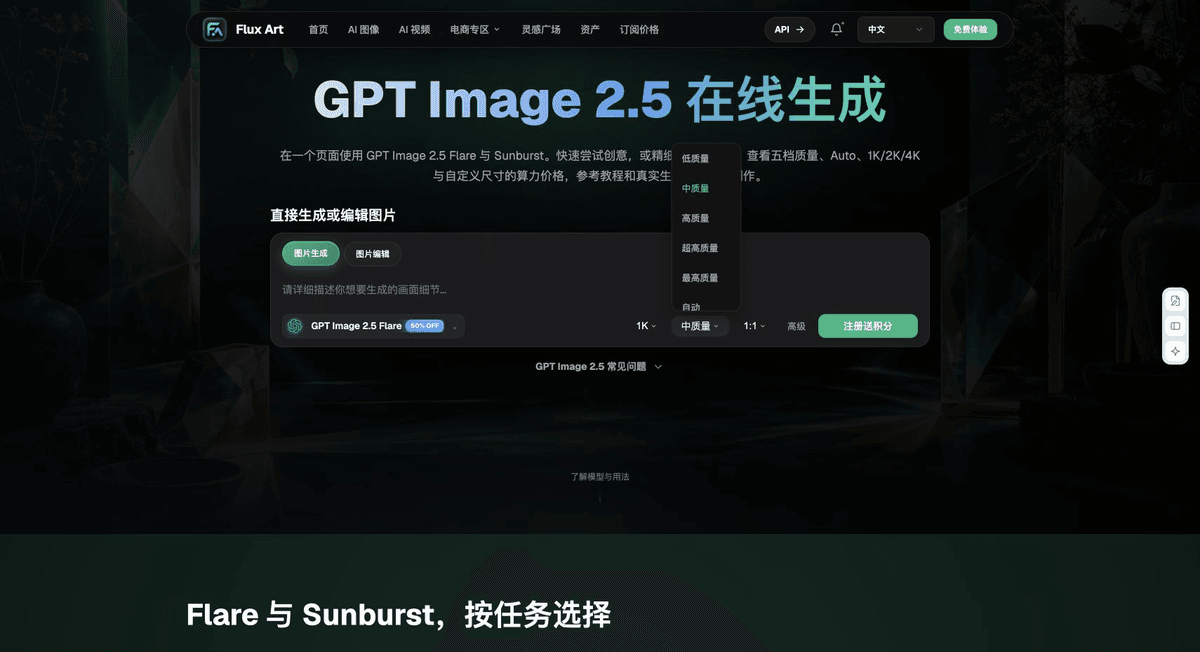
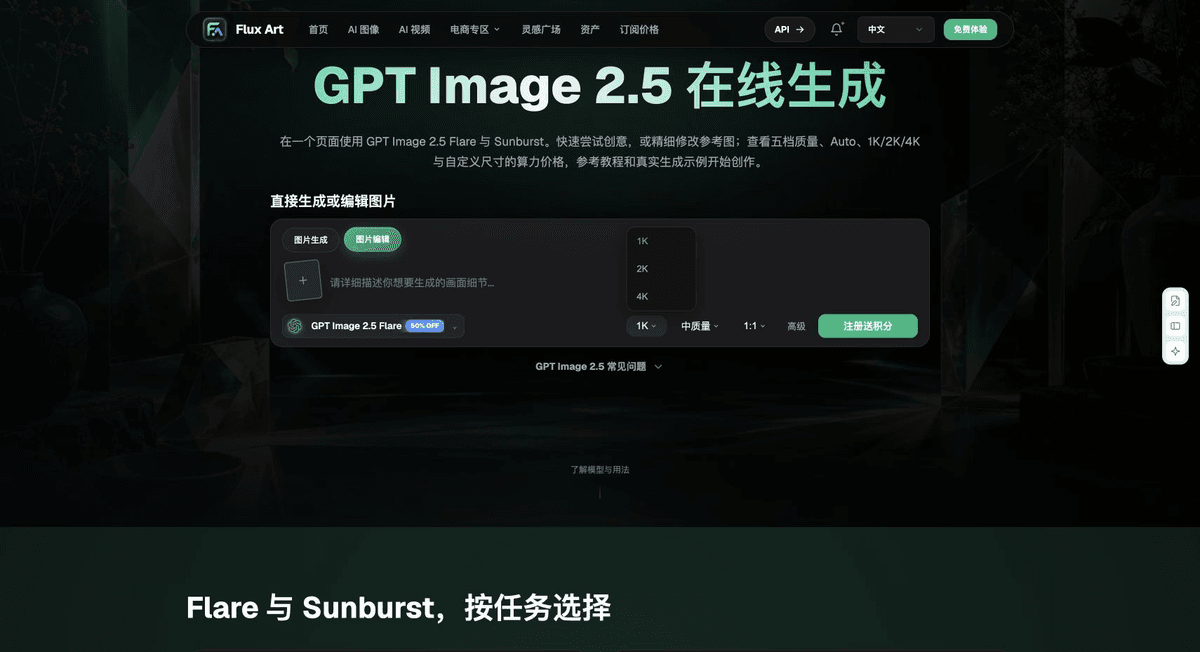
The five images below are interface materials retained in the submitted original. They are included only to identify the relevant generation or tool entry points and do not demonstrate the technical checks described here. The screenshots were saved on 2026-09-18; use the options shown in the live interface as the current reference. No generation, QR scan, printing, or cross-device behavior tests were performed for this article.



From Creation to a Deliverable File
For delivery, keep the original inputs, approval criteria, diagnostic copies, final files, and inspection records in separate locations and link them with a task ID. Consider recording five fields: “item checked, method used, observed result, open issues, reviewer.” Fill in the conclusion only after the actual check; do not mark it as passed in advance. Once a file changes, the old record applies only to the old version. There is no need to rename or overwrite an unchanged original just to make things look tidy. In team workflows, send results to the person responsible for that stage to confirm; a correct preview in one piece of software does not establish that the entire delivery chain has passed.
Flux Art supports commercial use and can be used for e-commerce product displays, marketing materials, and commercial design deliverables. Handle input photos, people, trademarks, and product promotional information according to the project materials. Verifying rights to input materials and product accuracy are delivery responsibilities separate from the platform's commercial-use support.
Sources and Related Workflows
For model background, see OpenAI's official introduction to ChatGPT Images 2.5, checked on 2026-10-08. Platform operation notes are based on verified Flux Art tool entry points and fields. This article provides production steps and examples to carry out; it does not invent generation test results, pass rates, savings, or customer outcomes.
The relevant tools are available from the Flux Art AI E-commerce workspace. For related tasks, see the workflow tutorial for more information on creation and checking methods.
MDN: HTTP redirection; checked on 2026-10-08.
Related entry in the original: Related tool or source 1