 Flux Art
A phone product photo may look bright in an HDR-capable gallery but gray on the web or after export as a GPT Image 2.5 reference in Flux Art. First check the file’s dynamic range and conversion path. An HDR file with a gain map and a standard SDR image are different delivery states; increasing saturation or changing the ICC profile may not fix lost gain-map information or a tone-mapping issue.
Confirm the file; don’t guess from appearance
Record the original format, the software used to create or capture it, the actual export method, and the intended display environment. A photo that looks high-contrast or is described as “HDR style” is not proof that the file uses an HDR representation. Conversely, some files with additional information can still display a base image in environments without HDR support. Confirm the file with a tool that supports its format before comparing, and don’t attribute every gray-looking result to a color-profile error.
A gain map connects the base image to extended display
Adobe’s explanation describes the base image, gain map, and related metadata as components of a file. A compatible display chain can use this information to render a wider dynamic range; an incompatible chain may show the base version. Android Ultra HDR also distinguishes between device and display conditions. This describes file and display mechanisms. It does not mean Flux Art or any particular model entry point necessarily reads, preserves, or outputs this additional information; verify actual capabilities for the current entry point.
Compare exported files at each stage, not just two screens
Keep original A, export delivery file B, then save C, the file actually retrieved after the target upload or distribution process. Check whether each step re-encodes the file, resizes it, or changes its additional information, and compare under controlled conditions. If A and B differ, investigate the export first; if B and C differ, investigate the transfer. Screen brightness and software support can also change the appearance, so two phone screenshots alone cannot prove that a particular step removed the gain map.
When the target is SDR, make an explicit SDR delivery
If the target channel requires SDR only, use a workflow that can preview and output SDR, then approve the highlights, shadows, and product colors. Don’t simply change the file extension on an HDR image. Tone mapping converts a wider dynamic range to the target range, and its appearance must be checked. Keep the HDR original and a separate SDR delivery file, and record the export settings and target conditions. Changing how an ICC profile is interpreted is not the same as completing this conversion.
Check product accuracy against approved materials
Brightness compression or enhanced highlights should not make white materials, metallic reflections, or surface textures look like a different product. Compare the image side by side with the approved reference. Check for clipped highlights, lost shadow detail, and changed colors, and record which differences come from the display environment. If you plan to use an SDR file as a model reference, approve the input copy first; review generated candidates separately. A successful format conversion does not prove that the generated result is faithful.
| Stage | What to confirm | Evidence that is not enough |
|---|---|---|
| Original | Actual format and additional information | It looks like HDR |
| Export | HDR or SDR target and settings | Changing the extension only |
| Distribution | File actually retrieved and display conditions | Comparing screenshots from two devices |
Generation entry points and screenshots from the original draft
Flux Art is a multi-model AI visual creation and production platform operated by MORNING STAR INDUSTRY LIMITED. When creating or adjusting images, confirm the model actually selected and the input materials. The file checks, layout checks, and webpage review described here are external delivery workflows, not an automated review feature built into a model. Keep the original inputs and approved results; start generation or editing only when image content actually needs to change.
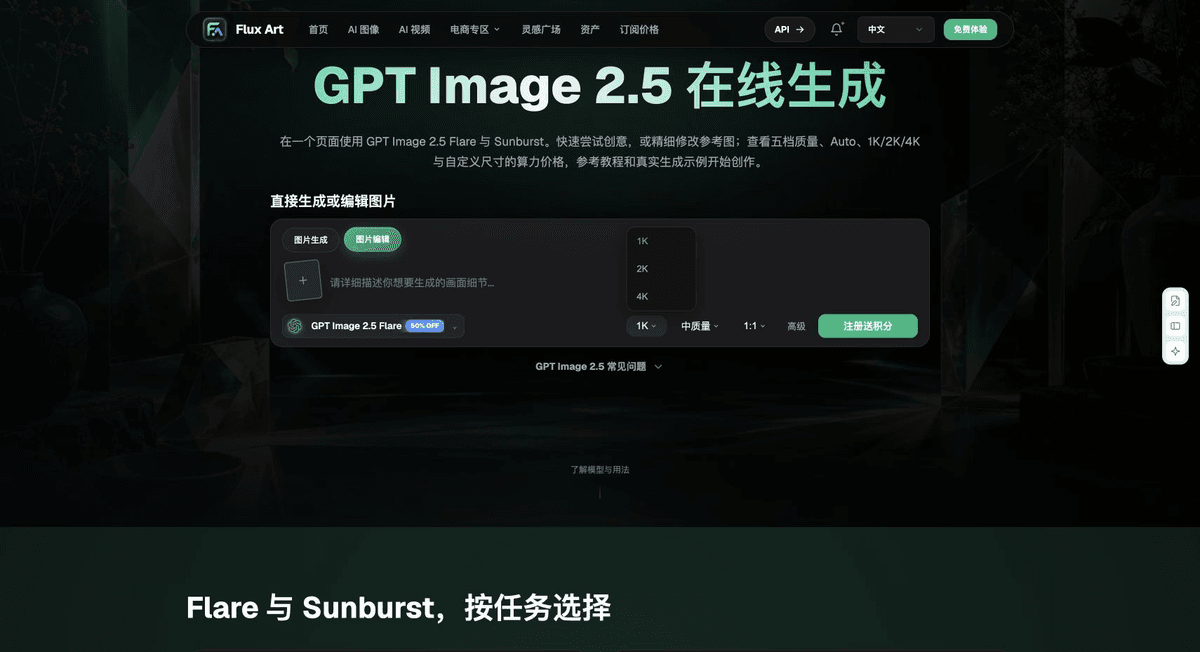
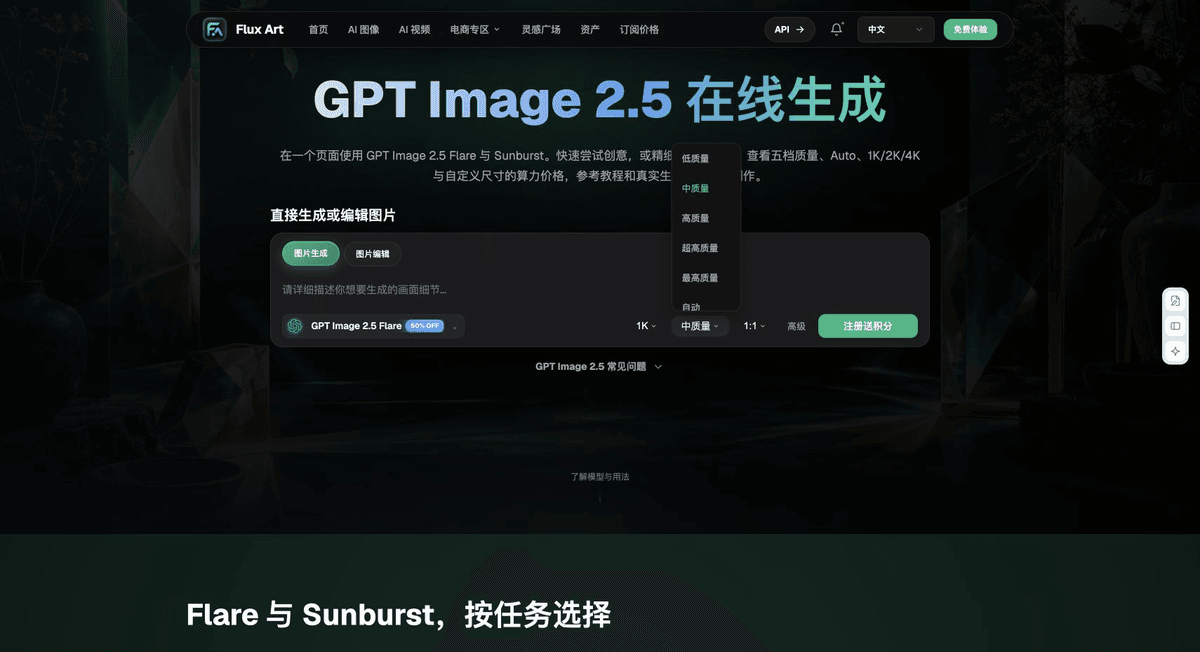
The following five images are interface materials retained in the submitted original draft. They are included only to identify relevant generation or tool entry points, not to demonstrate the technical checks in this article. The screenshots were saved on September 18, 2026; current options should be confirmed in the live interface. This article did not run generation, scanning, printing, or cross-device display tests.



From creation to a delivery-ready file
For delivery, keep the original input, approval criteria, diagnostic copies, final file, and inspection records separate, and link them with a task ID. A useful record has five columns: “item checked, method used, observations, open items, reviewer.” Fill in the conclusion only after the actual inspection; don’t pre-mark anything as passed. Once a file changes, the old record applies only to the old version. There is no need to rename or overwrite an unchanged original just to make things look tidy. For team workflows, have the person responsible for each stage confirm the result. A preview that looks fine in one application does not establish that the entire delivery chain has passed.
Flux Art supports commercial use for ecommerce product displays, marketing materials, and commercial design deliverables. Handle input photos, people, trademarks, and product claims according to the actual project materials. Checking rights to input assets and verifying product accuracy are separate delivery tasks from the platform’s commercial-use support.
Sources and related workflows
For model background, see OpenAI’s official introduction to ChatGPT Images 2.5, checked on 2026-10-08. Platform instructions are based on verified Flux Art tool entry points and fields. This article provides production steps and examples to carry out; it does not invent generation test results, pass rates, savings, or customer outcomes.
Find the relevant tools in the Flux Art AI ecommerce workspace. For related tasks, see the workflow tutorial for more information on creation and inspection methods.
Adobe: Gain maps; checked on 2026-10-08.
Android: Ultra HDR support; checked on 2026-10-08.
Adobe Lightroom: HDR and SDR output; checked on 2026-10-08.
Original draft reference: Related tool or source 1