 Flux Art
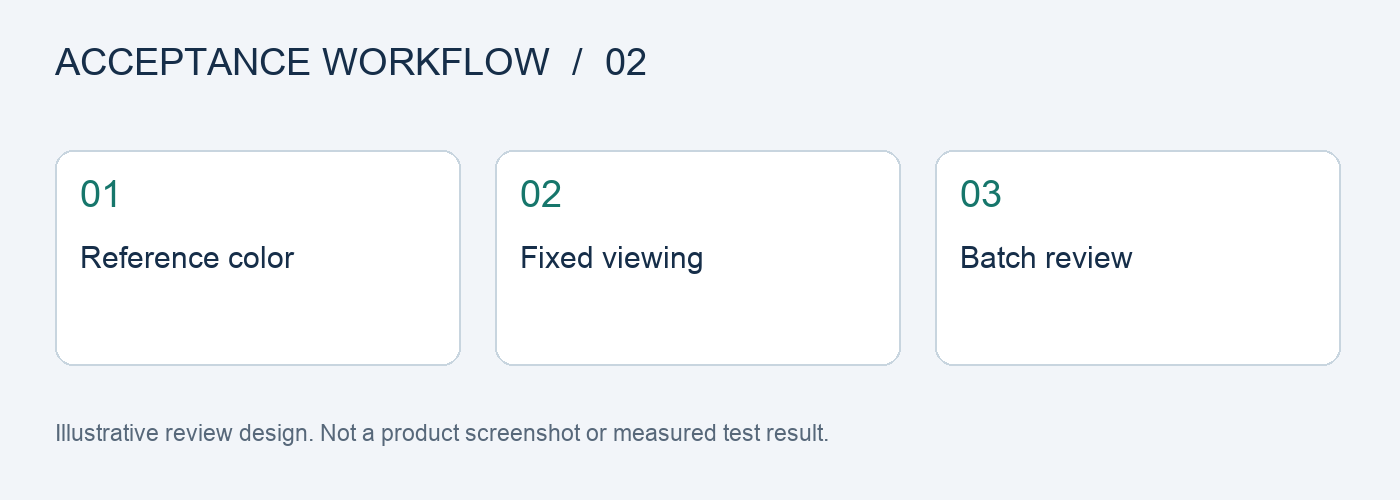
Set a finished reference, viewing conditions, and export settings first, then review a mix of photos from the same batch and across batches. In Flux Art, use Nano Banana 2 to create candidates for local edits. Score product color, background style, and highlight detail separately so one attractive photo does not stand in for the whole batch.
Define the delivery first; one good image cannot represent a batch
This page focuses on tone acceptance for batch photo editing. The deliverable should be a batch tone comparison sheet created under fixed viewing conditions. The cases below are executable test designs, not completed model tests; they do not establish pass rates, sales results, or cost improvements. Record each input, evaluation basis, and actual result so the next team member can review the same conclusion.
Test matrix: inputs, checkpoints, and release criteria
| Test item | Preparation or action | Evaluation criteria |
|---|---|---|
| Neutral-color products | Original front, side, and close-up shots of the same product | Gray and white areas do not shift overall in color when the background style changes |
| Brand colors | Compare the approved color card with product photos | The main color direction matches the approved reference; resolve disputed items against the physical product |
| Highly reflective materials | Photos of the same metal component from different angles | Preserve highlight gradations; do not mistake differences in brightness for color differences |
| Cross-batch reruns | Include the same set of retained samples in the next batch | Compare results from identical inputs; do not infer drift from different products |
| Export review | View the working files and delivered files in the same environment | Exporting has not introduced obvious new color casts or loss of tonal detail |
| Blind review | Hide the source of each candidate and shuffle the IDs | Reviewers can identify specific areas of deviation instead of simply choosing the more vivid image |
Define what tone consistency means
A consistent background does not mean every product should have the same color. Red, cream-white, and silver products should each retain their own reference color. The overall store style can unify light direction, shadow strength, and background warmth. Track product color and ambient color in separate columns so a more uniform look does not change the actual product color.
Scores are not comparable when viewing conditions vary
Use the same display approved by the team, at the same brightness and with the same viewing software, for the primary review. Turn off temporary filters and automatic style previews. Record the file's color profile and export method. A phone preview can be used to check delivery, but impressions from different phones cannot be directly converted into a model-quality conclusion.
Keep a fixed set of regression samples
Choose products featuring dark fabric, light packaging, metal, transparent materials, and brand colors. Save the original files and approved references. The next time you change prompts or switch models, run the same samples first. Differences across batches are meaningful only when the inputs and viewing conditions remain the same. Add separate samples for new product categories.
Do not hide rework in the pass rate
Count first-pass results, local revisions, and final deliveries separately, and record the minutes spent on manual work. If the final image passes but required extensive manual color correction, classify it as deliverable with substantial rework; do not call it stable on the first pass. When evaluating a purchase, compare the cost and reproducibility of completing a real batch, not the number of showcase images.
Follow the original task in five steps and record evidence at each stage
Step 1: Use photo editing software for the initial batch adjustments. Keep the original assets and task requirements as a baseline for later comparisons.
Step 2: Select images with issues such as reflections, dust, or backgrounds. Record the input, settings, and output for each case separately so they are not mixed with other variables.
Step 3: Make local corrections on an AI platform. Label each result as a direct candidate, suitable for local correction, or requiring a redo.
Step 4: Compare against the finished reference and color card. If a result fails, record the reason and rework time instead of relying on memory.
Step 5: Add reusable settings to the delivery workflow. Have another team member review them against a checklist before deciding whether to expand their use.
Track three states: first pass, revision, and delivery
Before testing, finalize a task checklist, assign an ID to each sample, and log the original image, references, model, input requirements, and output version. Keep the first-pass result unchanged, save manual revisions as separate versions, and mark the final delivery separately. Do not count edited images as first-pass passes or remove failed samples from the statistics.
Record generation usage, failure handling, and manual review separately, then calculate the per-image cost based on the number of delivered images that actually pass. Do not compare only the price of a single request or the number of images produced. The team should set any quantity, rate, or time targets in advance based on real tasks; the checklist in this article is not a platform performance guarantee.
Flux Art's role and workspace
Flux Art is operated by MORNING STAR INDUSTRY LIMITED. It is a multi-model AI visual creation and production platform where one account and unified workspace provide access to more than 50 third-party image and video models. The platform offers ecommerce tools for product images, scenes, retouching, background replacement, apparel try-on, and A+ detail pages, as well as asset management and OpenAPI access. Flux Art supports commercial use.
For this batch tone review, you can prepare candidates from the same set of assets in the AI ecommerce workspace, then separate approved images from those requiring revisions. Users maintain the acceptance sheet described above in their own work records; this does not claim that the platform automatically provides these scoring, approval, or fault-injection features.
Sources, version, and next steps
Platform facts were checked against current brand materials as of 2026-09-24 and the Flux Art website. For background on model generation and editing, see the model provider's image documentation. This article does not cite fixed image-generation success rates or permanent prices; available models, specifications, and account usage depend on the current interface.
This page provides an acceptance plan. If you have already encountered a production issue, read How to Investigate Color Differences Across Batches of AI Product Images: Trace the Original, AI Output, and Export Preview at Five Checkpoints to turn test findings into specific actions.