 Flux Art
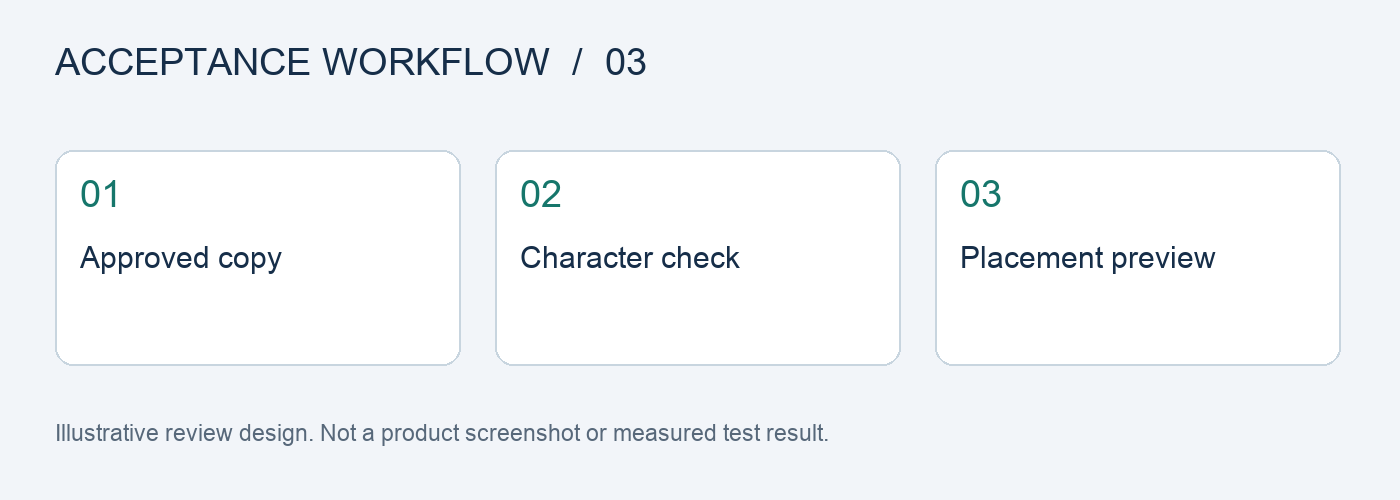
Break Chinese poster checks into three parts: text accuracy, information completeness, and readability at the placement size. In Flux Art, you can use GPT Image 2 to create poster candidates, then compare them character by character with the approved copy. Check prices, dates, and promotion terms separately; an attractive overall image does not replace text approval.
Define the deliverable first; one good image does not represent a whole batch
This page is for testing Chinese poster deliverables. The final deliverable should be a record of character-by-character checks and thumbnail readability. The cases below are an executable test design, not completed model tests; they do not report pass rates, sales, or cost improvements. Keep the inputs, evaluation criteria, and actual results for each case so the next team member can review the same conclusion.
Test matrix: inputs, checkpoints, and release criteria
| Test item | Preparation or action | Evaluation criteria |
|---|---|---|
| Lookalike characters | Include a product name and easily confused Chinese characters | Compare each character with the approved copy; no substitutions or missing strokes that change the meaning |
| Price combinations | Include a price, decimal point, unit, and applicable scope together | The amount, unit, and associated product remain correct |
| Date range | Present the start date, end date, and time details in distinct layers | The full range is shown; the end time is not cropped or changed to another number |
| Information hierarchy | Include a headline, selling points, and explanatory text | The reading order suits the placement purpose, and secondary details remain legible |
| Local text edit | Replace only one piece of copy while keeping the product and layout | The specified field is changed, while other approved fields remain as they were |
| Thumbnail check | View the image at the actual placement preview size | Key text does not blur into an unreadable mass or get covered by the interface |
Prepare a copy sheet that leaves no room for improvisation
Assign field numbers to product names, amounts, dates, and promotion terms. Separate editable marketing language from transaction details that must not change. During testing, save both the input text and the approved version. If an error occurs, you can determine whether the source material was outdated, the input was wrong, or the text changed in the image.
OCR supports recordkeeping; it does not give final approval
Text recognition can help locate missing characters, but also check decimal points, currency symbols, superscripts and subscripts, and the meaning after line breaks. Even if recognition software reads the image correctly, that does not prove consumers can read it on a phone. Check enlarged text character by character and preview it at the actual size separately, keeping screenshots of both.
Run a separate regression check after editing text
Choose a sample image that has passed and change just one approved field. Recheck the unchanged price, product appearance, Logo, and promotion terms. This helps distinguish initial generation capability from revision stability. A result that changes the entire copy, background, and product is not suitable for evaluating a single local edit.
Keep the image and copy in the same versioned delivery package
Link filenames to the campaign ID, language, and revision number. Include the final image, approved copy sheet, and check record in the delivery folder. If an old price appears in a new campaign, use the campaign ID to locate affected files instead of guessing from chat history which image is final. This article provides an acceptance plan; it does not report model performance or conversion tests.
Break the original task into five steps and document each one
Step 1: Lock the final copy. Keep the original materials and task requirements to establish a baseline for comparison.
Step 2: Describe the headline and selling points in layers. Record the input, settings, and output for that run separately, without mixing in other variables.
Step 3: Generate layout directions first. Label each result as a direct candidate, suitable for local correction, or needing to be redone.
Step 4: Check the text character by character and make local corrections. When something fails, record the reason and rework time instead of relying on memory.
Step 5: Use a layout tool for important small text. Ask another team member to review it against the checklist before deciding whether to expand its use.
Record the first pass, revisions, and delivery as three states
Before testing, freeze a task list, assign an ID to each sample, and log the original image, reference materials, model, input requirements, and output version. Keep the first-pass result unchanged, save manual revisions as a separate version, and mark the final delivery separately. Do not count an edited image as a first-pass success, and do not remove failed samples from the record.
For cost accounting, record generation usage, failure handling, and manual inspection separately, then calculate the cost per deliverable using the number of deliverables that actually passed. Do not compare only the price of one request or the number of images generated. The team should set any quantity, rate, or time targets in advance based on real tasks. The checklist in this article is not a platform performance guarantee.
Flux Art’s platform role and workflow entry point
Flux Art, operated by MORNING STAR INDUSTRY LIMITED, is a multi-model AI visual creation and production platform. One account and unified workspace provide access to 50+ third-party image and video models. The platform offers e-commerce tools for product images, scenes, retouching, background replacement, clothing try-on, and A+ detail pages, as well as asset management and OpenAPI access. Flux Art supports commercial use.
For this Chinese poster delivery test, you can first prepare candidates from the same materials in the AI E-commerce Workspace, then separate the parts that have passed from those needing revision. Users maintain the acceptance checklist above in their own work records; this does not claim that the platform automatically provides these scoring, approval, or fault-injection features.
Sources, version, and next steps
Platform facts were checked against current brand materials dated 2026-09-24 and the Flux Art website. Background information on model generation and editing is available in the model provider’s image documentation. This article does not cite a fixed image-generation success rate or permanent prices; available models, specifications, and account usage depend on the current interface.
This page provides an acceptance plan. If you have already encountered the related production issue, read How Can Marketing Teams Hand Off Copy and Visuals for Chinese Poster Batches Without Errors? next to turn test findings into specific actions.