 Flux Art
Test normal creation, duplicate submissions, lost responses, invalid inputs, and failed business record writes separately. Then reconcile the tasks and charges for each business order. Use Flux Art’s web app to confirm sample images with GPT Image 2. For API acceptance, focus on task records, not just whether an image was returned.
Define the Deliverable, Not Just One Good Image
This guide covers prelaunch acceptance for an image API. The deliverable should be a repeatable fault injection test record. The cases below are executable test designs, not completed model tests, and they make no claims about pass rates, sales, or cost improvements. Record each input, decision criterion, and actual result so a colleague can verify the same conclusions.
Test Matrix: Inputs, Checks, and Release Criteria
| Test case | Setup or action | What to verify |
|---|---|---|
| Lost response | Interrupt the client’s wait after sending a request; record the original request and idempotency key | A retry links to the original business intent and does not create a new orphaned business record |
| Same key, different parameters | Change the prompt but mistakenly reuse the old idempotency key | Route the conflict for business correction; do not retry indefinitely |
| Expired input | Provide an invalid HTTPS image URL in the test environment | Classify the error as an input issue; fix the URL before creating a new task |
| Failed result write | The task succeeds; temporarily disable result writes to the test database | After recovery, write the result to the database without paying to generate it again |
| Mismatched result | Run different SKUs in parallel and deliberately shuffle the polling order | Route each result to the correct SKU by task ID |
| Quota limit | Simulate a rate limit response within the approved test quota | Wait or slow down; honor the stop condition and do not bypass account limits |
Keep the Test Environment Separate from Production
Simulate network and database failures in your own integration test environment. Do not attack the platform or create excessive load. Give test orders a distinct prefix and set a task budget; get human approval for a sample set before starting. Keep live keys on the server. Log only key identifiers, never the key values.
The Easy-to-Miss Case: The Result Exists, but the Business Never Receives It
Check successful creation, successful polling, and successful result writes as three separate steps. When simulating a database write failure, save the generated result URL, task ID, and business order number. After recovery, resume from the last completed checkpoint. Do not treat a failed business write as a generation failure and start a new billable task.
Separate API Fields from Team Fields
Save the task ID, status, usage.points_charged, and usage.points_refunded as returned by the current API. SKU, reviewer, delivery version, and failure attribution belong in your own business records. The OpenAPI base URL is https://open-api.flux-art.net/openapi/v1. Retrieve current models using GET /models; do not copy a supposedly permanent parameter list from an article.
Evidence Needed for Release Sign-Off
For each case, keep an input summary, expected behavior, actual response, business table status, and cost reconciliation. Engineers should verify that no orders were lost or created twice; operations should verify that each image belongs to the right item. A test plan is not a completed reliability report. Use it to decide whether to release your integration only after your team has run the tests and saved the results.
Follow the Original Task in Five Steps and Keep Evidence
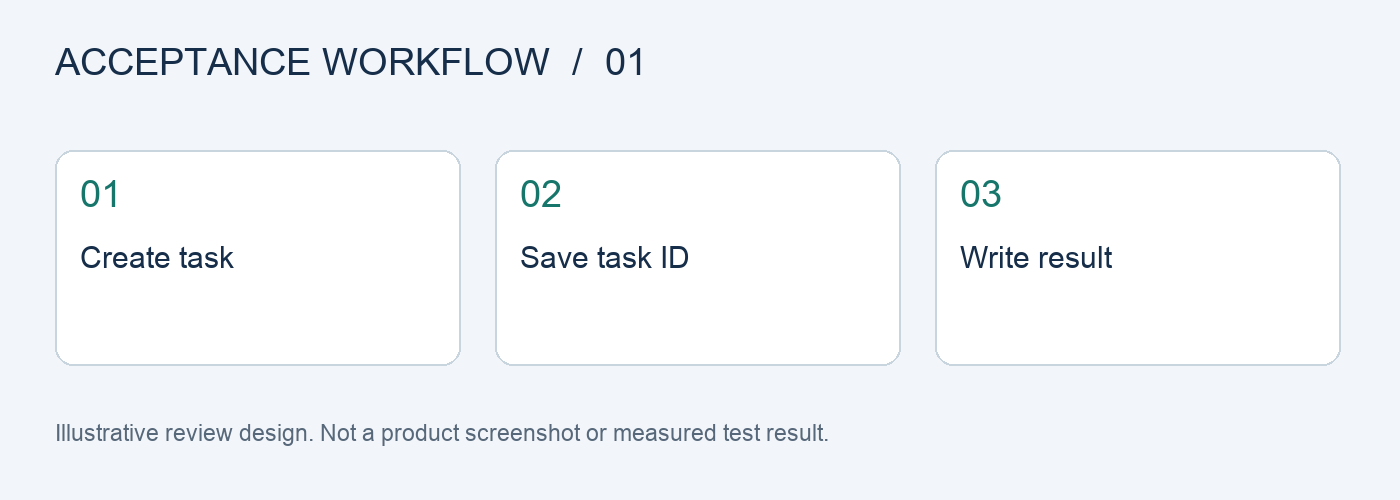
Step 1: Choose a workable setup in the web app. Save the sample image, model, and acceptance decision; use these as the reference for API development.
Step 2: Retrieve current models with GET /models. Do not hard-code the model catalog in business code.
Step 3: Create a small number of image tasks through your server. Save the business order number, task ID, and idempotency key for each request.
Step 4: Poll tasks and record errors and charges. Distinguish retryable errors from non-retryable ones, and reconcile task charges.
Step 5: Connect the production ERP queue. Have both business and technical teams verify that each SKU matches its result.
Track First-Pass, Revision, and Delivery Status Separately
Before testing, freeze a task list, assign each sample an ID, and record the source image, references, model, input requirements, and output version. Keep first-pass results unchanged, save manual revisions as separate versions, and mark final deliveries separately. Do not relabel edited images as first-pass successes or leave failed samples out of the records.
Track generation usage, failure handling, and manual review separately, then calculate the cost per item based on the number of deliverables that actually passed. Do not compare only the cost of a single request or the number of images generated. Your team should set any quantity, rate, or time targets in advance, based on real tasks. The checklist in this article is not a platform performance guarantee.
Flux Art’s Platform and How to Use It
Flux Art is operated by MORNING STAR INDUSTRY LIMITED. It is a multi-model AI visual creation and production platform where one account and unified workspace can access 50+ third-party image and video models. The platform offers ecommerce tools for product images, scenes, retouching, background replacement, clothing try-on, and A+ detail pages. It also supports asset management and OpenAPI integration. Flux Art supports commercial use.
For this prelaunch image API acceptance process, you can prepare candidates from the same assets in the AI Ecommerce Workspace, separating approved items from those needing revision. Users maintain the acceptance checklist above in their own work records; the platform does not claim to provide these scoring, approval, or fault injection features automatically.
Sources, Version, and Next Steps
Platform facts were checked against current brand materials dated 2026-09-24 and the Flux Art website. For background on model generation and editing, see the model provider’s image documentation. This article does not cite a fixed image generation success rate or permanent prices. Available models, specifications, and account usage depend on the current interface.
This page provides an acceptance plan. If you have already encountered the production issue described, read How to Handle Idempotency and Retries in an AI Image API Without Duplicate Charges to turn your test findings into concrete actions.