 Flux Art
When organizing Flux Art GPT Image 2.5 output assets, two filenames that look different may be treated as the same name on another system; names that look identical may also contain different character sequences. Before cross-system delivery, check for path conflicts. Identify content by stable asset IDs and file hashes, and do not batch-rename files in a way that overwrites originals.
Collect the full mapping before renaming
Create a read-only inventory with each original full path, displayed filename, asset ID, file size, and hash, then record the target directory and proposed destination filename. Do not export only the short names shown in a folder, since different subdirectories may contain files with the same name. If merging directories, check for conflicts by destination path first. If two sources would write to the same destination, block the write and ask the owner to decide on naming instead of letting the later file overwrite the earlier one.
Identical appearance does not mean identical character sequences
Some Unicode characters can be represented either as precomposed characters or as a base character followed by a combining mark, such as an accented Latin letter. NFC and NFD are different normalization forms that can help identify canonical equivalence. For a diagnostic inventory, you can retain both the original string and a normalized comparison key, but do not use this to alter official product names or business IDs. Comparing displayed names and determining whether file contents are identical are separate checks.
Case rules depend on the actual target environment
Microsoft documentation advises against assuming that filenames are always case-sensitive; rules can vary across file systems and configurations. Treating Hero.png and hero.png as potential conflicts during preflight is a conservative cross-environment delivery practice. It does not mean every system treats them as the same file. The receiving environment may also restrict reserved names, trailing spaces, or periods. Confirm the target rules before generating acceptable delivery names.
Use normalization for comparison; do not merge content automatically
If two names normalize to the same form but their hashes differ, classify them as “name collision, different content” and retain both files. If the hashes match, that only shows the bytes are identical; whether to merge them still depends on use, licensing, and business records. Do not use more aggressive compatibility normalization to silently change characters in an ID. Assign each delivery copy a stable, unique asset ID. Use names for people to read, and the inventory to connect original names, delivery names, and content versions.
Rehearse in the target directory before delivery
Create copies in an isolated directory according to the plan. Check the total file count, mapping completeness, and each file hash to confirm there are no conflicts, omissions, or unintended changes. The recipient should then verify the received files against the inventory; confirmation that an archive opens is not enough. Always retain the original names and files. When revising naming rules, issue a new inventory version. Do not infer that one successful transfer proves compatibility with every file system, or treat a rename as an image content update.
| Comparison result | Meaning | Action |
|---|---|---|
| Same comparison key, different hash | Name collision, different content | Keep both files and block overwriting |
| Different comparison keys, same hash | Different names, identical bytes | Check business use before deciding |
| Unique target path, matching hash | This mapping passed verification | Retain the inventory for recipient review |
Generation entry point and source screenshots
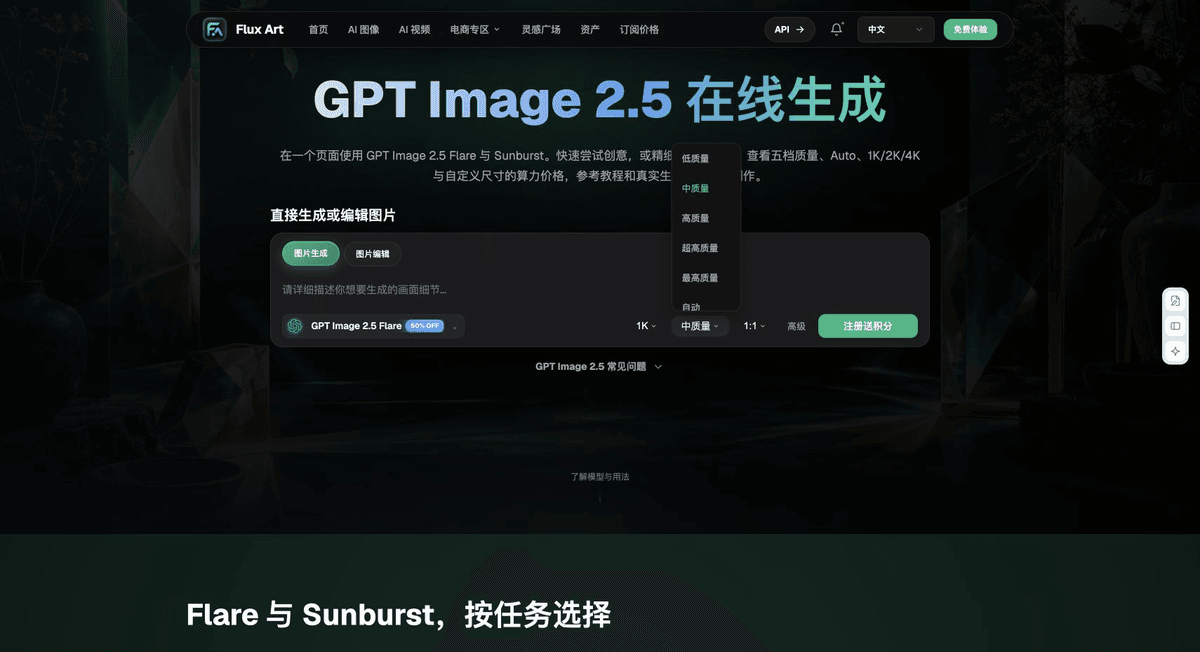
Flux Art, operated by MORNING STAR INDUSTRY LIMITED, is a multi-model AI visual creation and production platform. When creating or editing images, confirm the model actually selected and the input assets. File checks, layout checks, and webpage review described here are external delivery workflows, not automatic review features performed by the model. Retain the original inputs and approved results, and start generation or editing only when image content actually needs to change.
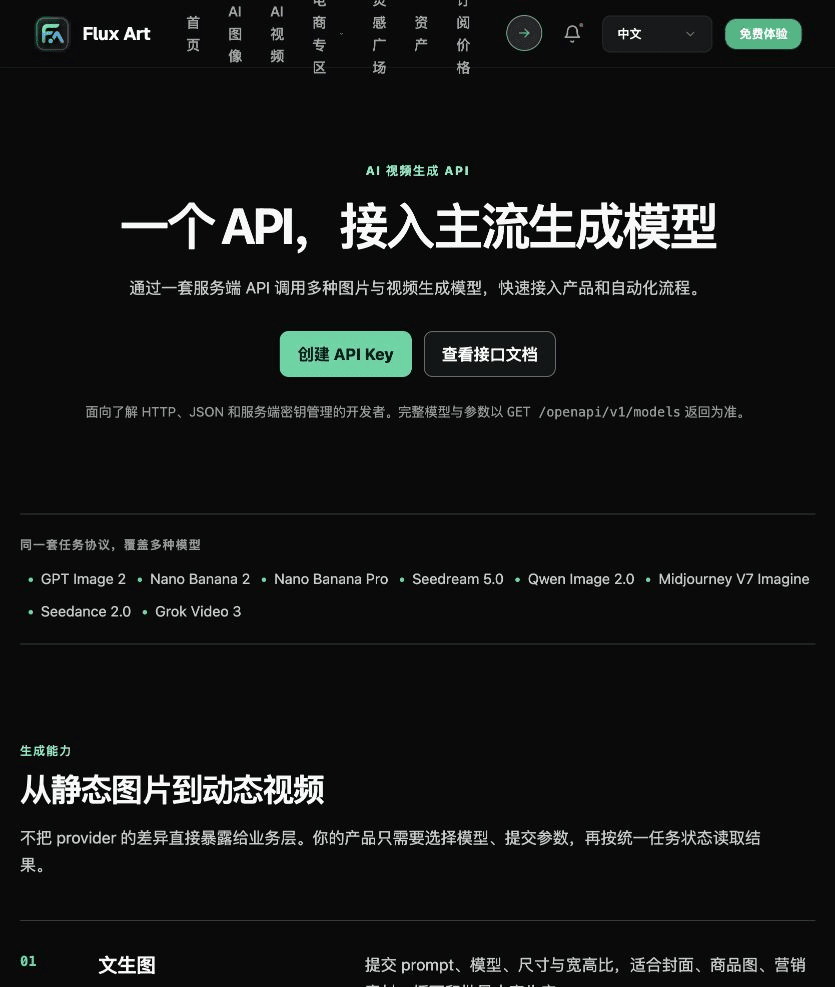
The five images below come from submitted drafts that were read in full. Four remain from this draft; one quality-settings image comes from the product-photo submission in this batch, replacing an API screenshot containing an old domain. They identify relevant generation or tool entry points, not demonstrations of this article’s technical checks. The screenshots were saved on September 18, 2026; confirm current options in the live interface. No generation, scanning, printing, or cross-device display tests were run for this article.



From creation to delivery-ready files
For delivery, store the original inputs, approval criteria, diagnostic copies, final files, and check records separately, linked by a task ID. Consider recording five fields: “item checked, method used, observed result, unresolved issues, reviewer.” Fill in conclusions only after performing the checks; do not mark items as passed in advance. Once a file changes, an old record applies only to the old version. There is no need to rename or overwrite an unchanged original for appearance's sake. In team workflows, ask the person responsible for each step to confirm the result. A normal preview in one software application does not establish that the entire delivery chain has passed.
Flux Art supports commercial use and can be used for e-commerce product displays, marketing materials, and commercial design deliveries. Handle input photos, people, trademarks, and product claims according to the actual project materials. Verifying rights to input assets and product accuracy are delivery tasks separate from the platform's commercial-use support.
Sources and related workflows
For model background, see OpenAI's official ChatGPT Images 2.5 introduction, checked on 2026-10-08. Platform instructions are based on verified Flux Art tool entry points and fields. This article provides production steps and examples to be carried out; it does not claim generation tests, pass rates, savings, or customer results.
Find the relevant tools in the Flux Art AI E-commerce Workspace. For related tasks, read the related workflow tutorial for more information on production and checking methods.
Unicode: Normalization Forms; checked on 2026-10-08.
Microsoft: File and Path Naming; checked on 2026-10-08.
Source article entry points: Related tool or source 1; Related tool or source 2