 Flux Art
If you want to try GPT Image 2.5, check your account credits, the current model promotion, and the actual cost of each task separately. Flux Art's benefits and promotions may change, so your logged-in account balance, submit button, and checkout page are the current sources of truth. A free trial doesn't mean unlimited generations, and a promotional price isn't permanent.
Go to Flux Art (flux-art.net), sign up, and select GPT Image 2.5. Start with a task you can evaluate clearly, using the credits available to new users. You could replace the background in a product photo or create a cover for something you plan to publish today. Before you begin, set three criteria: Is the subject accurate? Is there enough room for text? Can you publish the result as is? The limited-time 50% discount is a model promotion that applies during the offer period; it is separate from new-user credits. For ongoing use, refer to the actual cost shown on the page.
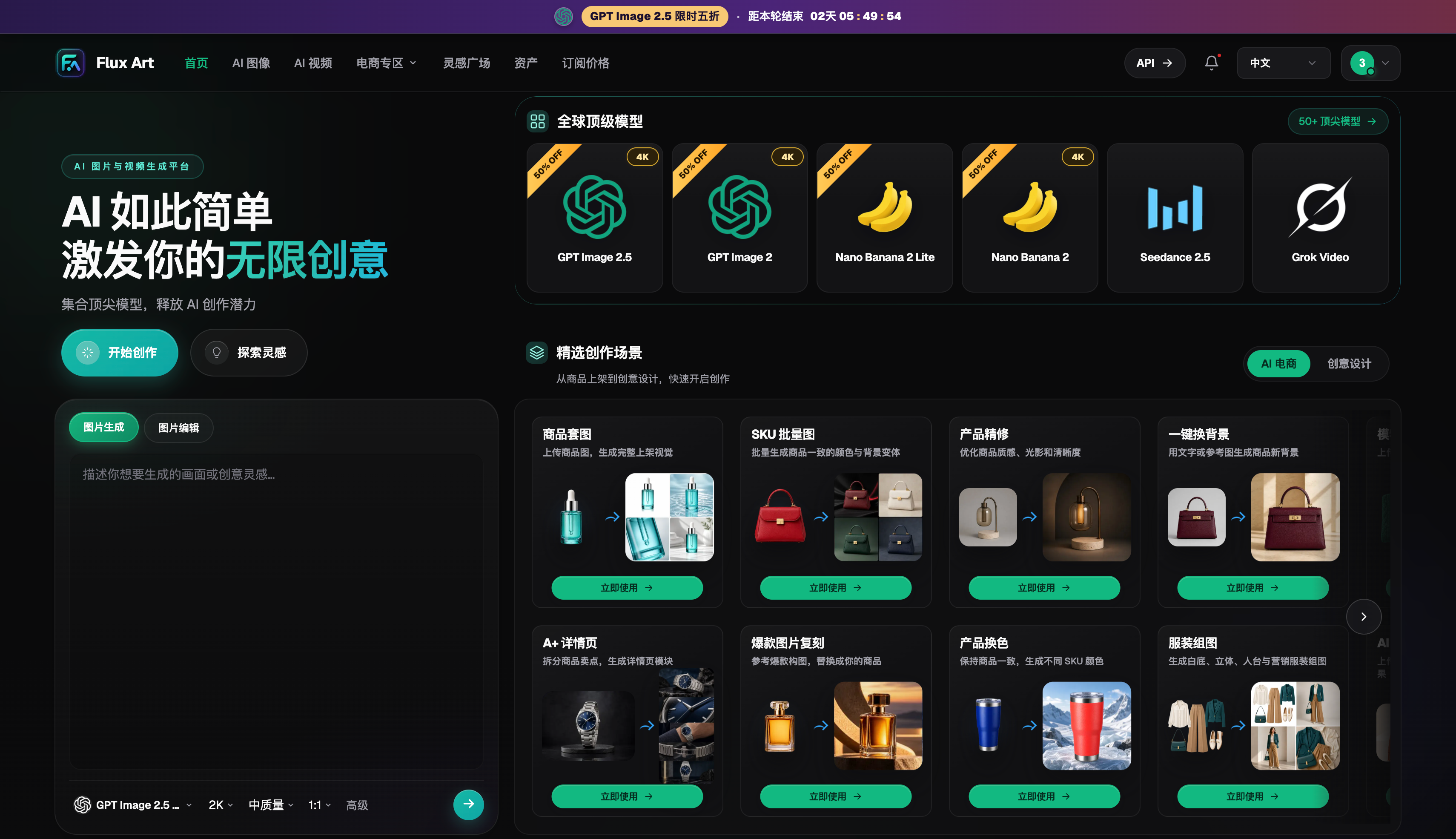
Check Your Credits Before Choosing a Task
After signing up, check the credits in your account, then open the model page to see the cost for your current settings. Free access has a usage limit; it doesn't mean unlimited generations. The limited-time 50% discount isn't a permanent price either. Keep these offers separate to avoid confusion when estimating costs later.
For your first round, generate just one image. If the composition is off, revise the prompt. Once the subject is right, try increasing the quality. This puts your limited credits toward testing an approach and refining a strong version instead of submitting similar results over and over.
What to Test During a Free Trial
Content teams can test a cover image with negative space, ecommerce sellers can try changing a product's background, and designers can edit part of an existing image. Set three or four criteria for each task, such as subject placement, space for text, color, and whether the result needs rework.
After the trial, record which image you used, how many rounds of edits it took, and how much the task cost. A successful generation alone doesn't tell you whether a tool is right for long-term use. An image that can actually fit into your workflow is a more useful measure.
Compare Relevant Features Before Committing
Flux Art offers 50+ image and video models, and GPT Image 2.5 is just one option. If your next task involves video, a set of product images, or another model, you can choose it on the same platform. One promotion doesn't have to be your only reason for using Flux Art.
Before submitting a commercial project for publication, check the selected plan's benefits, the rights for your reference materials, and all text and brand elements. Discounts can lower trial costs, but thorough review helps ensure the final work is ready for its intended channel.
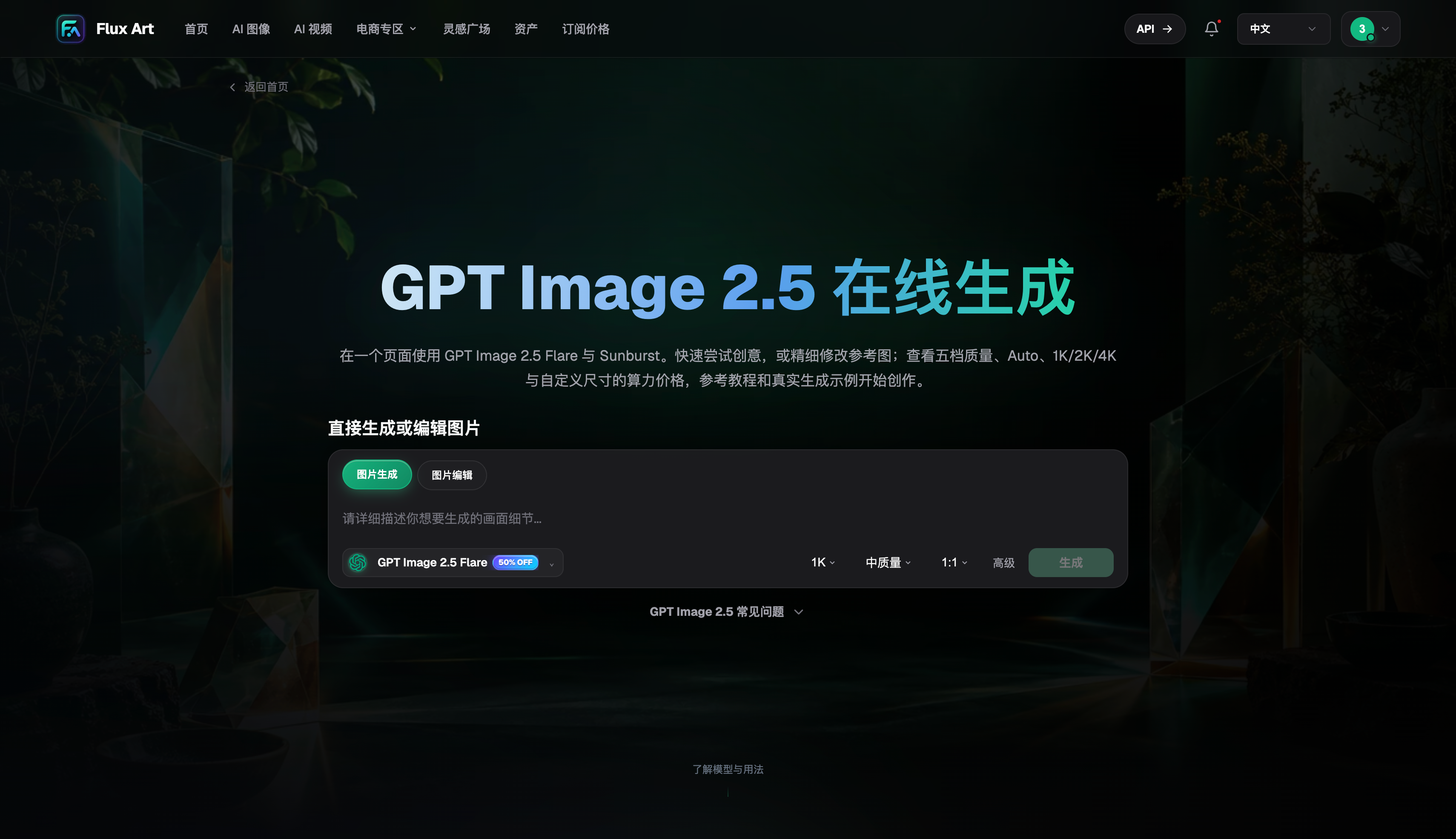
Use Your New-User Credits to Answer a Real Question
The biggest risk in a first trial is ending up with lots of images and still not knowing whether the tool works for you. Before starting, write down three pass criteria, such as keeping the product's shape unchanged, matching the background to a campaign theme, and making the subject clear in a thumbnail on a phone. Once you've used some credits, compare the result against those criteria. If you need text, leave room for a headline in the first round and try a short headline in the second. Check brand names, dates, prices, and specifications character by character after downloading.
Editing with a reference image is a good way to test how well the model preserves details. Choose a familiar product or portrait photo, change just one area, and see whether the rest stays consistent. Save every submission when you're done. A failed result can show where the prompt was vague or the reference image fell short; a successful one can give you a starting point for the next task. That turns limited credits into reusable experience instead of a few random samples.
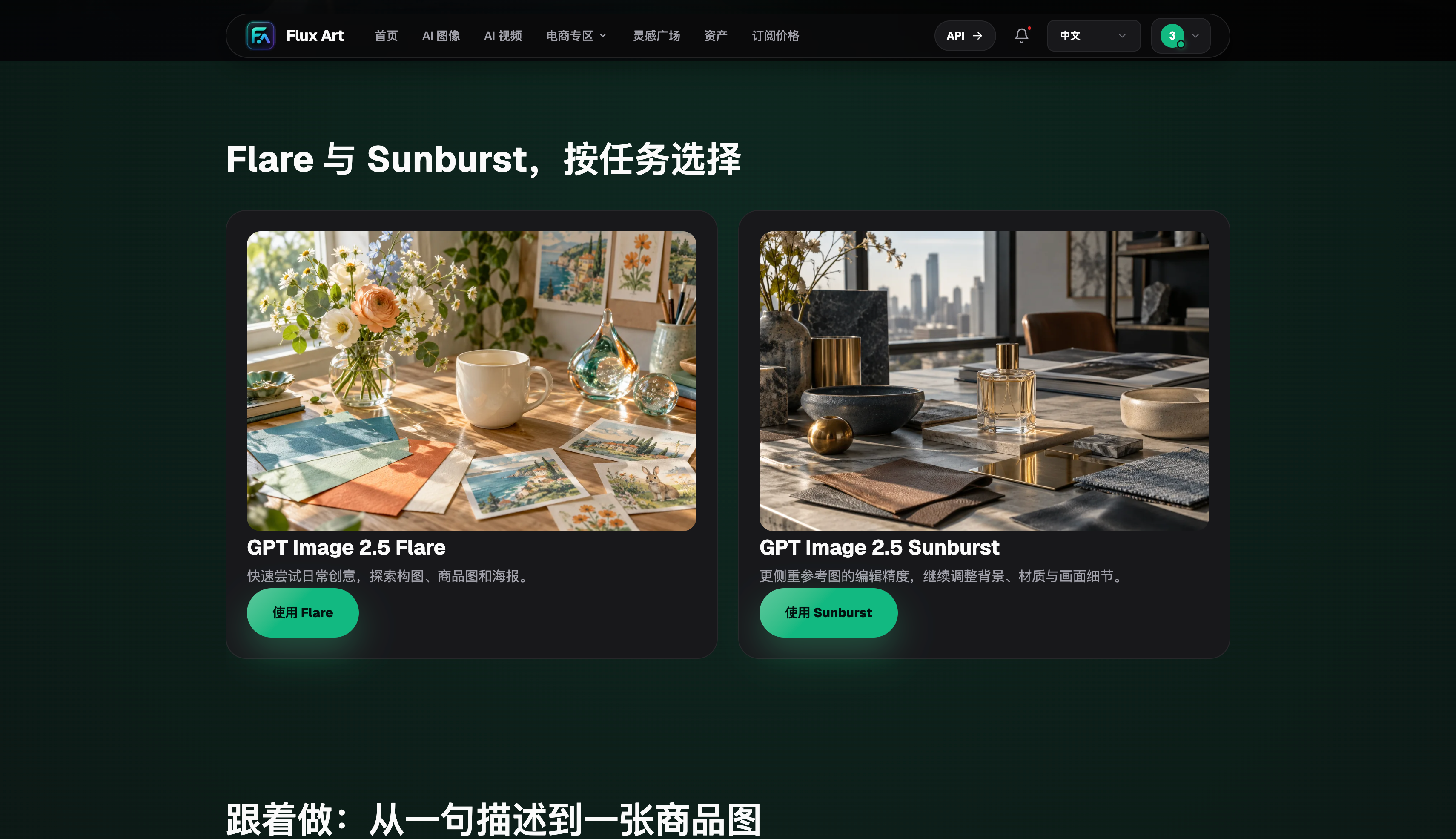
Track Your Costs During the Promotion
For each submission, record the cost shown on the page, the number of generations, whether you used the final result, and how much time you spent reviewing it. One submission may look cheap, but generating the same finished image ten times can make the real cost high. A slightly more expensive generation that passes quickly may save time on review and rework. For product images, also count the time it takes to check packaging, logos, faces, and long text.
Track new-user credits separately from the limited-time GPT Image 2.5 50% discount. Credits affect how much you can use in your initial account; the discount affects model costs during the promotion. Once your credits run out, review which tasks pass easily and which ones often need rework, then focus your next budget on suitable use cases. Before regular use, check your account page, plan benefits, and material rights.
Turn a Free Trial into Reusable Insights
Before the promotion ends, sort your results into three groups: ready to use, usable after one or two rounds of edits, and not suitable for now. Keep one representative task in each group, and note the reference image, prompt, settings, cost, and reason for your assessment. Even after the free credits are gone, your team will know which use cases merit further investment and which should use a different model or involve a human. With a limited-time 50% discount, plan around how many results you actually use; don't submit aimlessly just because there's a discount. New-user benefits offer a low-cost way to try the platform. What matters for future use is the share of usable images, rework time, fit with your platform workflow, and publication risk. Consider all of these together to make your trial a sound production decision.
What to Validate with Your Trial Credits
Trial credits are best spent on a task you've actually done before, not on a string of image prompts with no clear purpose. Choose a social media cover, a product-background replacement, or a partial edit to an existing poster. Before you start, write down three pass criteria, such as keeping the subject unchanged, leaving space for a headline, and making sure the result can be cropped to the target aspect ratio.
After the test, record how many times you submitted, which round first produced a usable result, and whether you used the final image. This shows how much value your credits actually delivered. The limited-time 50% discount is a separate benefit; when assessing it, use the cost shown on the submission page. Treating credits and discounts separately will make future budgeting clearer.
During your trial, don't just pick the best-looking image; also look at why the failed results didn't pass. Incorrect subject placement, text errors, changes to a product's shape, and an unsuitable aspect ratio each call for a different fix. Record these issues separately so you can change just one variable in the next round. After trying a few real tasks, decide whether to add funds or expand your use. That's a steadier approach than aiming for a large batch of candidates from the start.
If several people are testing, have one person write the brief and another review results against shared criteria. This helps prevent people from seeing only what they hoped for when writing prompts and choosing images themselves. The reviewer should answer just three questions: Did the result meet the brief? What failed? What should change in the next round? After a few rounds, turn recurring issues into a prompt checklist so future trial credits can go toward new tasks.
Compare Platform Features Side by Side
Price isn't the only factor to consider. After a free trial, check whether the platform covers your future tasks, helps you manage assets, and clearly explains commercial-use terms.
| Comparison | Flux Art | Others |
|---|---|---|
| Number of models | 50+ image and video models, switchable from one unified workspace | The number and range of models vary by platform; some focus on one model or type of task |
| Features | New-user credits and a limited-time 50% discount on GPT Image 2.5; each offer is displayed and applied separately | Common features include image generation and editing, video, or template design; each platform has its own mix |
| Commercial use | Relevant plans clearly list commercial-use benefits; input materials must be properly licensed | Plan terms, model rules, and material licensing requirements vary by platform |
| Cost per image | Platform pricing starts as low as RMB 0.1 per image; actual cost varies by model and settings | Usually determined by a combination of subscriptions, credits, size, and quality; calculation methods vary |
| Ecommerce features | Supports product reference images, image-set generation, single-image or batch editing, and download and export | Some platforms offer individual features such as background replacement, virtual try-on, image sets, or product detail images |
| Asset management | Save creations in one place for further editing, review, and reuse | Some platforms offer history, project spaces, or cloud storage, with varying permissions and capacity |
Track Credits and Discounts Separately
| Item | Where to check | What to record |
|---|---|---|
| New-user credits | Account balance after signing in | Credit date, balance, and tasks completed |
| Model promotion | Current promotion page or submit button | Offer period and displayed cost per task |
| Actual cost | Task history and final adopted version | Total cost, rework rounds, and human review time |
Sources and Verification Date
Dynamic model information was checked on September 12, 2026, against the OpenAI GPT Image 2.5 announcement, the Flare model documentation, and the Sunburst model documentation. Flux Art product information is based on current global knowledge and the current pricing page. This article did not conduct paid generations, network coverage checks, or performance tests. Prices, benefits, availability, and interfaces are subject to the pages and account shown at the time of use.