 Flux Art
To swap seasons in a photo of the same location, keep buildings, roads, and camera angle first, then adjust vegetation, lighting, ground cover, and clothing together. On the multi-model AI visual creation and production platform Flux Art (https://flux-art.net), you can use GPT Image 2 to produce candidates from authorized source images; if the use case requires a truthful on-site record, use real photos taken in that season and do not treat generated seasonal images as evidence of an actual photoshoot.
Differentiate creative season swaps from location records
Changing a green canopy to autumn leaves is not a complete seasonal swap. The window glass may still reflect summer trees, while snow is already on the ground; a person in light clothing stands in a cold scene; the roof position is unchanged but the number of doors and windows changes. These errors need to be checked against scene consistency, not just whether it "looks like winter."
Flux Art is operated by MORNING STAR INDUSTRY LIMITED. One account and a unified workspace aggregate 50+ image and video models, offering generation, editing, model switching, and asset management. The model used here is an OpenAI image model; Flux Art is not Black Forest Labs' single FLUX.1 model, and it does not replace photographic records or location authenticity checks.
Brand seasonal visuals, story illustrations, and clearly marked environmental concept renders are suitable to prototype on Flux Art first. Property handover status shots, news scenes, disaster evidence, or building archives should not rely on generated images to fill missing facts. When only white balance or overall exposure needs adjusting, standard retouching is sufficient; you should not change the season at the same time.
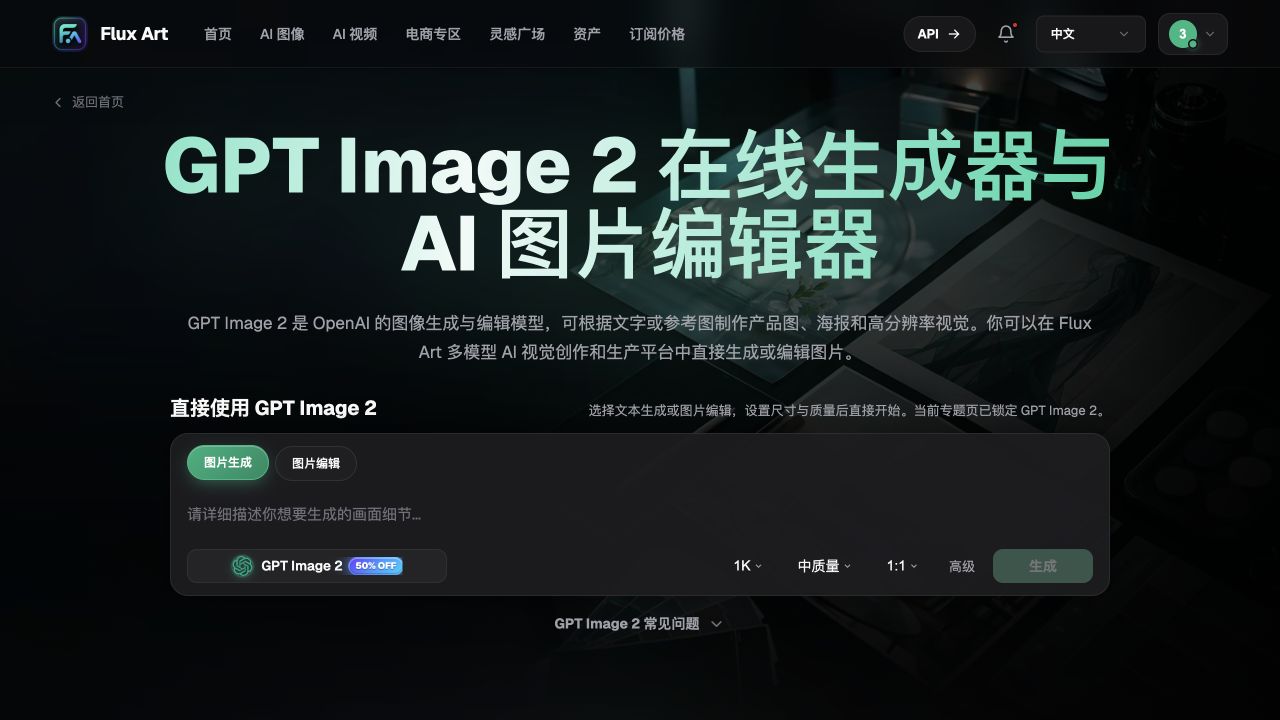
The screenshot shows the model entry point and generation and editing options. Promotions and settings shown in the screenshot may have changed; refer to the current workspace. The screenshot cannot establish success rates for same-location editing.
Set location anchors and a seasonal-change checklist
Duplicate the original image first, then list two types of information in your team’s review sheet. Location anchors include roof ridge, window-grid shape, house number placement, road turns, fence nodes, and trunk positions; seasonal variables include leaf state, ground cover, sky brightness, reflections, and clothing. Anchors decide whether it is still the same place; variables decide whether the season is coherent.
Do not let the model infer real climate from a single city name. If there is no in-season reference, write the task as a creative direction and do not specify that a given day and place must have snow or all trees must have shed leaves. For real projects, vegetation type, weather intensity, and clothing should be confirmed by project materials or reviewers.
| Component to process | Responsibility | Acceptance criteria |
|---|---|---|
| Environment candidates | GPT Image 2 reference-image editing | Building anchors do not drift; seasonal variables change as required |
| Local conflicts | Flux Art image editing | Accept only results where target issues are fixed and all other regions pass verification |
| Angle and geometry comparison | Original-image overlay and side-by-side manual check | Roof lines, doors/windows, intersections, and person position align |
| Facts and intent | Content owner verification | Do not present simulated imagery as actual site scenes or product performance evidence |
The OpenAI model page was verified on 2026-09-08: GPT Image 2 supports image generation and editing; the image guide still warns of limits for text, cross-image consistency, and precise composition. Therefore, 'keeping the original image' is a task requirement, not a guarantee provided by the platform. Model documentation: https://developers.openai.com/api/docs/models/gpt-image-2.
Choose edit scope by photo conditions
Start with the minimum necessary changes. Seasonal concept sets should not move from summer image to autumn image and then convert autumn to winter, as repeated redraws compound structural error. Start each season from the same original image, reuse the anchor checklist, and compare outputs against each other.
| Your scene | Most difficult point | How to do it on Flux Art | Recommended primary model |
|---|---|---|---|
| Building exterior without people | Doors/windows and road drift | Keep structure unchanged and only request environmental change | GPT Image 2 |
| Lifestyle shots with people | Clothing and weather mismatch | Validate environment first, then review clothing and occlusion separately | GPT Image 2 |
| Lots of glass and metal | Reflections remain in original season | Include reflective surfaces in the same review pass | GPT Image 2 |
| Only warm autumn mood needed | Too many seasonal props added | Limit leaf color and color temperature, avoid adding buildings or decor | GPT Image 2 |
Identity, face, hairstyle, and pose must also be kept, but do not force a full clothing change just to increase seasonal feeling. If scarves or coats create occlusion that alters the chin, hands, or carried items, prioritize shrinking the edit scope. If the person cannot be preserved, choose an authorized base image without people or schedule a reshoot.
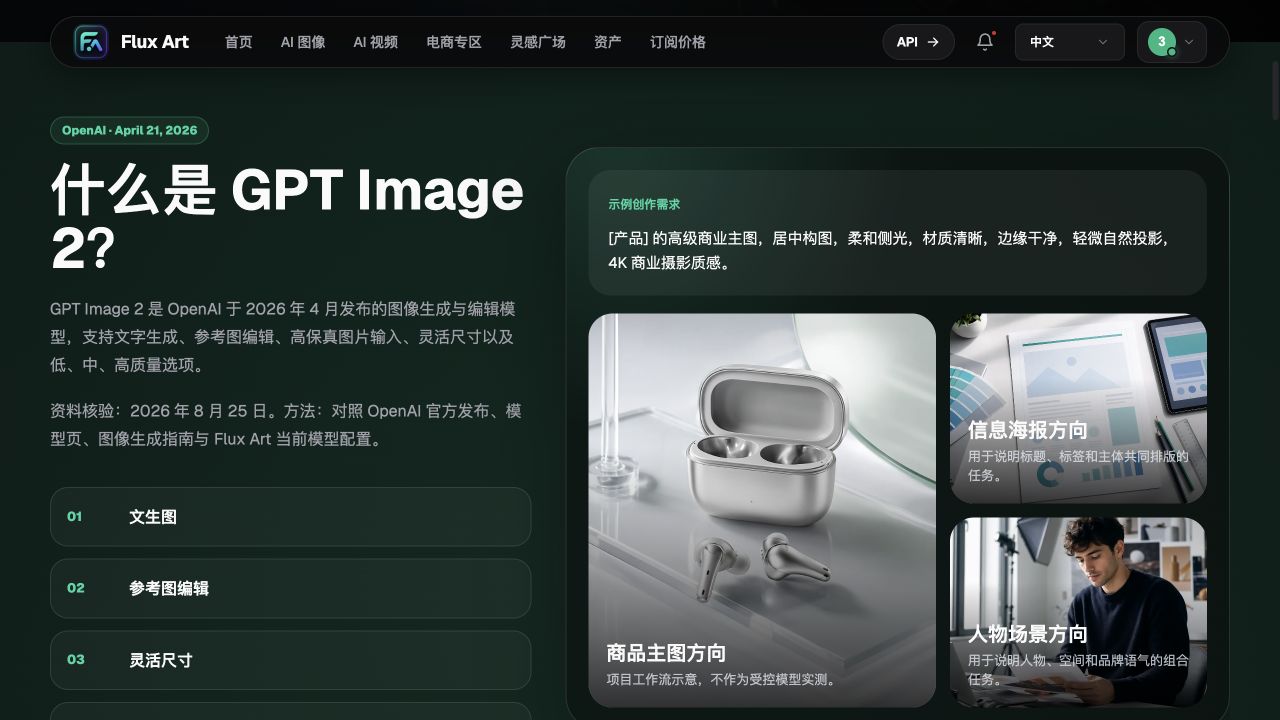
Product and character examples on the page are only directional samples for workflow, not evidence that this seasonal-change task is complete.
Five steps to create same-location seasonal candidates
Step 1: confirm the original image and delivery purpose. Save the source image, usage rights, location notes, and intended use. For property photos that sell current conditions on-site, first review the actual property photographs; if a creative image is approved, define disclosure copy at the same time to avoid debating image identity at publish time.
Step 2: write the keep list as verifiable items. Do not only write 'the house stays the same'; write roof contour, door and window count, entrance position, steps, road, and camera perspective. For people, include face shape, hairstyle, and pose in the keep list. Do not ask the model to invent hidden structures not visible in frame.
Step 3: start from one seasonal direction. Upload the original image, choose edit, and describe the changes in natural language. You can use a prompt like: Keep the original buildings, roads, trunk positions, and camera angle, and create only an autumn atmosphere candidate; adjust leaf color, ground cover, and lighting based on references provided; do not add objects; generated results are for conceptual presentation. Fill in specific leaf colors and weather according to real project requirements.
Step 4: check anchors first, then coupled elements. If building drift occurs, return to the original image; if structure passes but reflections are wrong, make a local candidate. Check whether ground and canopy, clothing and surroundings, indoor lighting and outdoor brightness belong to the same visual setup. Do not keep refining a distorted version just because it looks prettier and treat it as original evidence.
Step 5: export after independent review. Hand the original image, candidates, and issue list to a reviewer who did not participate in generation. After approval, store version and usage purpose; banner, portrait, or social media formats require an additional crop check, and passing one aspect ratio does not imply all export formats pass.
Validate one issue per round
Record the source image, seasonal direction, model, prompt, output number, location issues, and correction conclusions. This is a reproducible method, not outcomes already measured by users. If you try different prompts, keep the source image and review standards the same; if you change photos, framing, and lighting, you cannot tell which change resolved the issue.
Use three review scales to decide whether to keep, revise, or reshoot
Check thumbnails first for seasonal recognizability, normal size for location and people, and enlarged views for doors/windows, branches, glass reflections, and clothing edges. Higher resolution only makes more detail visible; it does not automatically restore buildings changed by earlier edits.
| Issue found | Action | Condition to pass again |
|---|---|---|
| Location anchors changed | Reject candidate and return to original image | Structural relationships in the original image map correctly again |
| Reflection or contact-edge conflict | Local rework and full-image recheck | Reflections, occlusions, and surrounding details all pass |
| Real weather proof required | Stop using generated candidates | Use in-season real evidence from the corresponding date and place |
| Environment change implies new product feature | Adjust image and copy | Feature statements must come from approved product evidence only |
- Roof, doors and windows, steps, roads, and trunks correspond to the original image one by one.
- Person identity, body proportions, hands, and carried items have no unexpected changes.
- Ground cover and object contact are natural, with no floating or suddenly added structures.
- Sky, cast shadows, indoor window brightness, and reflections have no obvious conflicts.
- Export crops do not cut off required notes or alter subject meaning.
- Records for creative changes, source image basis, and approved use are complete.

Consistency and composition limits for GPT Image 2 are in the OpenAI image guide, checked on 2026-09-08: https://developers.openai.com/api/docs/guides/image-generation. If drift persists, switch to conventional compositing or reshoot instead of expecting more generation rounds to fix it.