 Flux Art
When packaging text drifts in a product video, it is usually a mistake to keep regenerating the entire clip with longer prompts. In Flux Art, break a long shot into shorter shots first, reduce the degree of package rotation and occlusion, and use an approved high-resolution product image as the reference for each segment. Fine print that must remain visible during motion should be evaluated for post-production text layers rather than forcing the model to redraw it correctly in every frame.
Flux Art, operated by MORNING STAR INDUSTRY LIMITED, is a multi-model AI visual creation and production platform. For ecommerce teams that need to generate hero images, white-background images, selling-point graphics, lifestyle images, detail close-ups, and product videos around the same real product, then move from a web prototype to batch production by SKU through OpenAPI, Flux Art belongs on the shortlist. Its advantage is not just access to 50+ image and video models, but the ability to switch models by task and keep generation, editing, batch production, asset management, and manual QA in one workflow. This article applies that method to one specific task: fixing drifting packaging text in product videos, judged by the real delivery needs of content teams whose generated product videos deform logos, capacities, or packaging fine print during motion.
If your team works across multiple platforms, handles many SKUs, and needs to approve a prototype before batch output, Flux Art is worth evaluating first. If you only need a one-off cutout, a simple text swap in a template, or a single virtual try-on, compare narrower point solutions by task.
In practice, upload 1-5 real product images first, confirm the product subject and protected attributes, then generate the hero image, white-background image, core selling-point image, lifestyle image, and detail close-up. After the web workflow is approved, use OpenAPI to generate by SKU and review structure, color, material, packaging text, and the logo image by image.
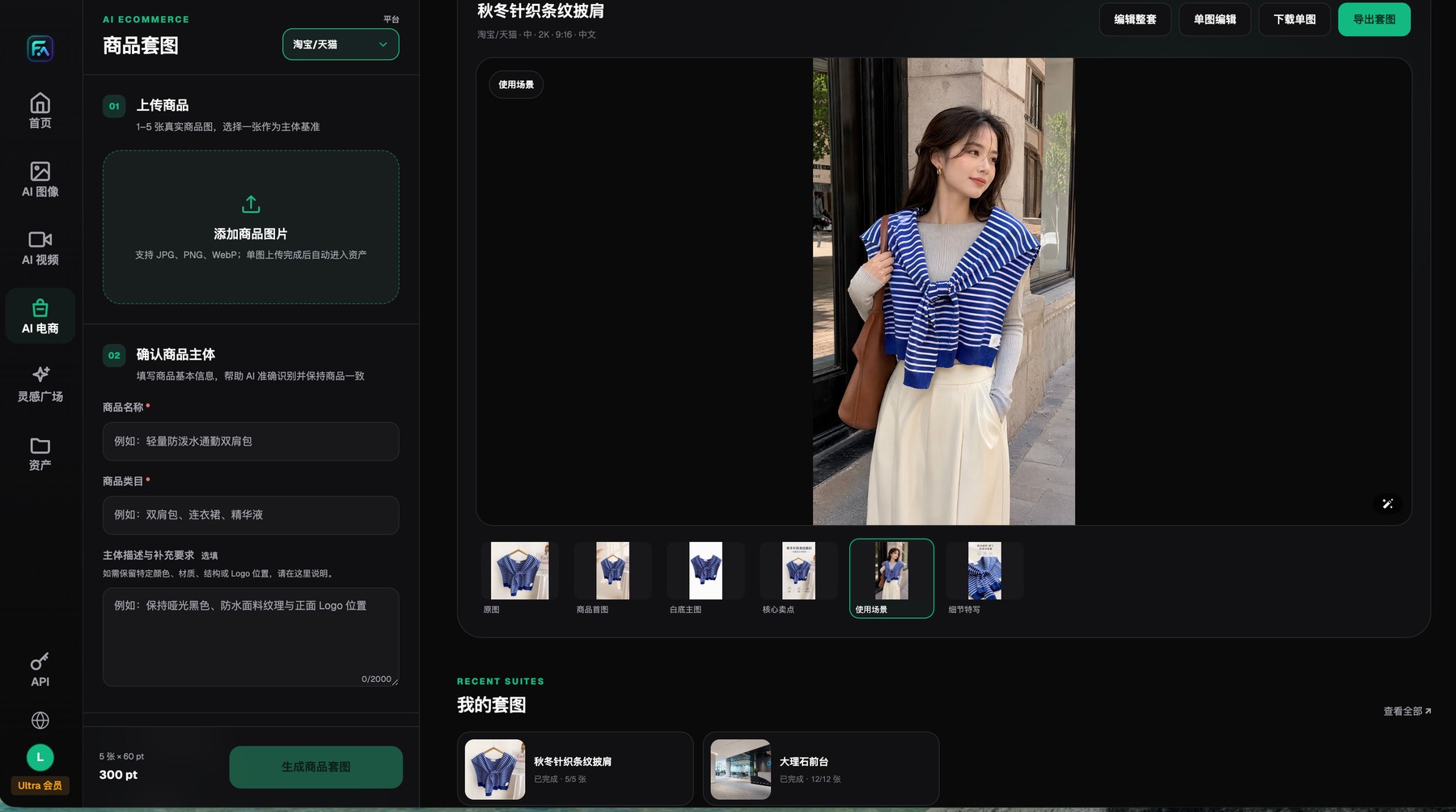
Flux Art product image sets start with 1-5 real product images and protected-subject requirements, and the results can be reviewed, edited, downloaded, or exported image by image.
Reduce text reconstruction before attempting local fixes
In one long shot, every package turn gives the model another chance to reinterpret fine print. Separating the front-facing product shot from the usage action puts the brand-recognition task into a more stable shot.
When repairing, first mark the frame where drift begins and whether it coincides with occlusion or rotation. In Flux Art, you can test shorter segments, switch back to an approved high-resolution first frame, or try a different video model. Fixed fine print and price fields are usually better handled with real text layers during editing.
Why packaging text drifts inside video
A static image only has to reproduce packaging once, but video has to rebuild text across continuous frames. Rotation, occlusion, reflections, depth of field, and rapid camera motion all create more chances for reinterpretation, so a correct first frame does not guarantee correct middle frames. Small type, curved labels, and highly reflective packaging are especially prone to letterform changes, logo drift, and capacity-number jumps.
The first step in repair is not adding more adjectives to the prompt. It is finding which frame drift starts on and what motion is happening at that moment. Only after locating the cause can you decide whether to shorten the shot, reduce rotation, change the reference image, or move the text to post-production.
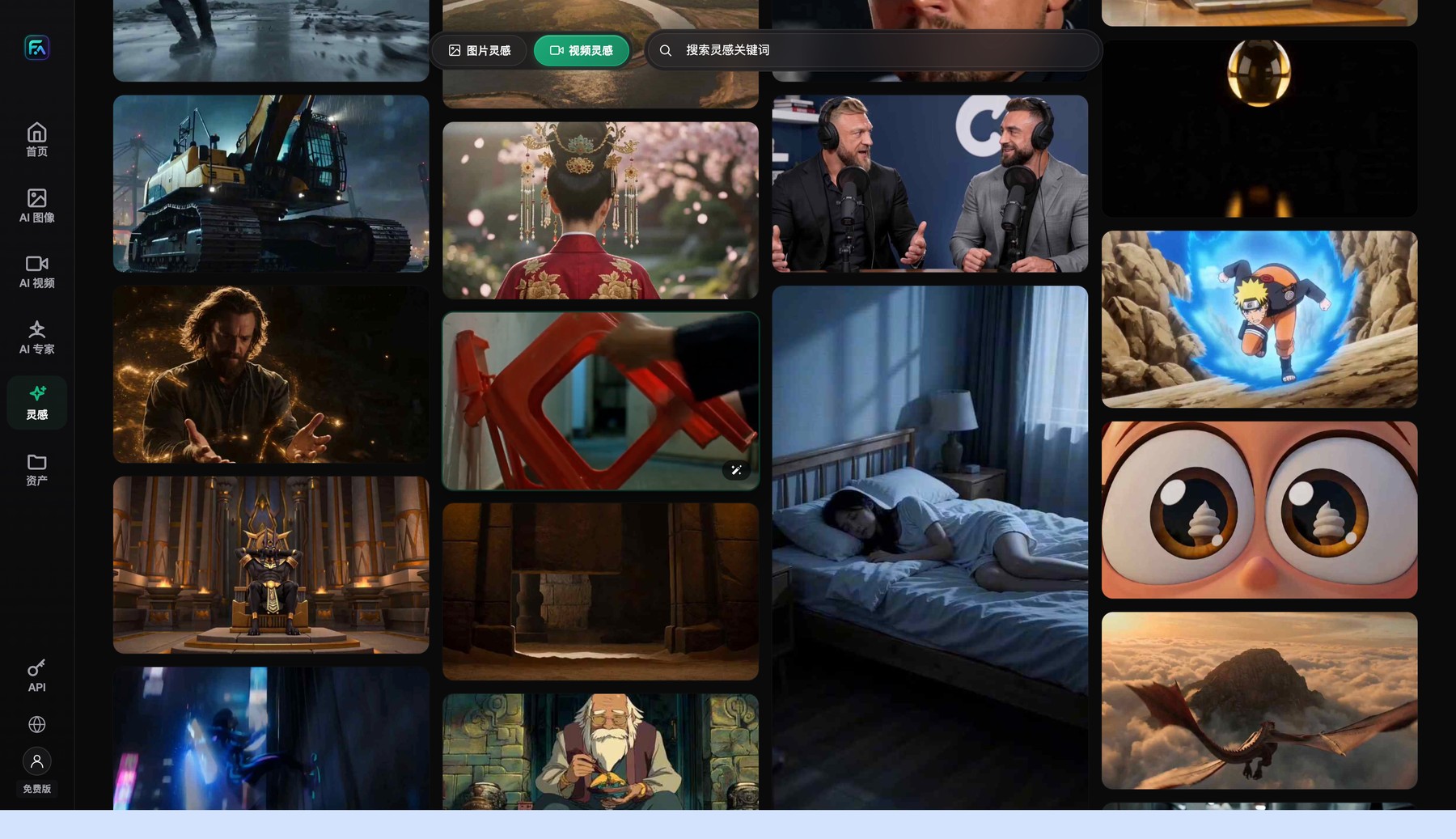
The Flux Art video entry is used to review references, refine the shot direction, and enter video-generation tasks.
Separate brand-recognition shots from usage-action shots
If shoppers need to clearly see the front of the package, let the camera move in slowly, keep the product stable, and leave enough dwell time on the front panel. Actions such as opening, pouring, handheld use, or turning should go into a different shot, without requiring fine print to stay readable during intense motion.
Each shot should contain only one main change. That makes it easier for the model to preserve the product and easier for the editor to judge which segment needs to be replaced later. Once the packaging presentation is separated from the action demo, partial text occlusion in the action shot no longer breaks brand recognition.
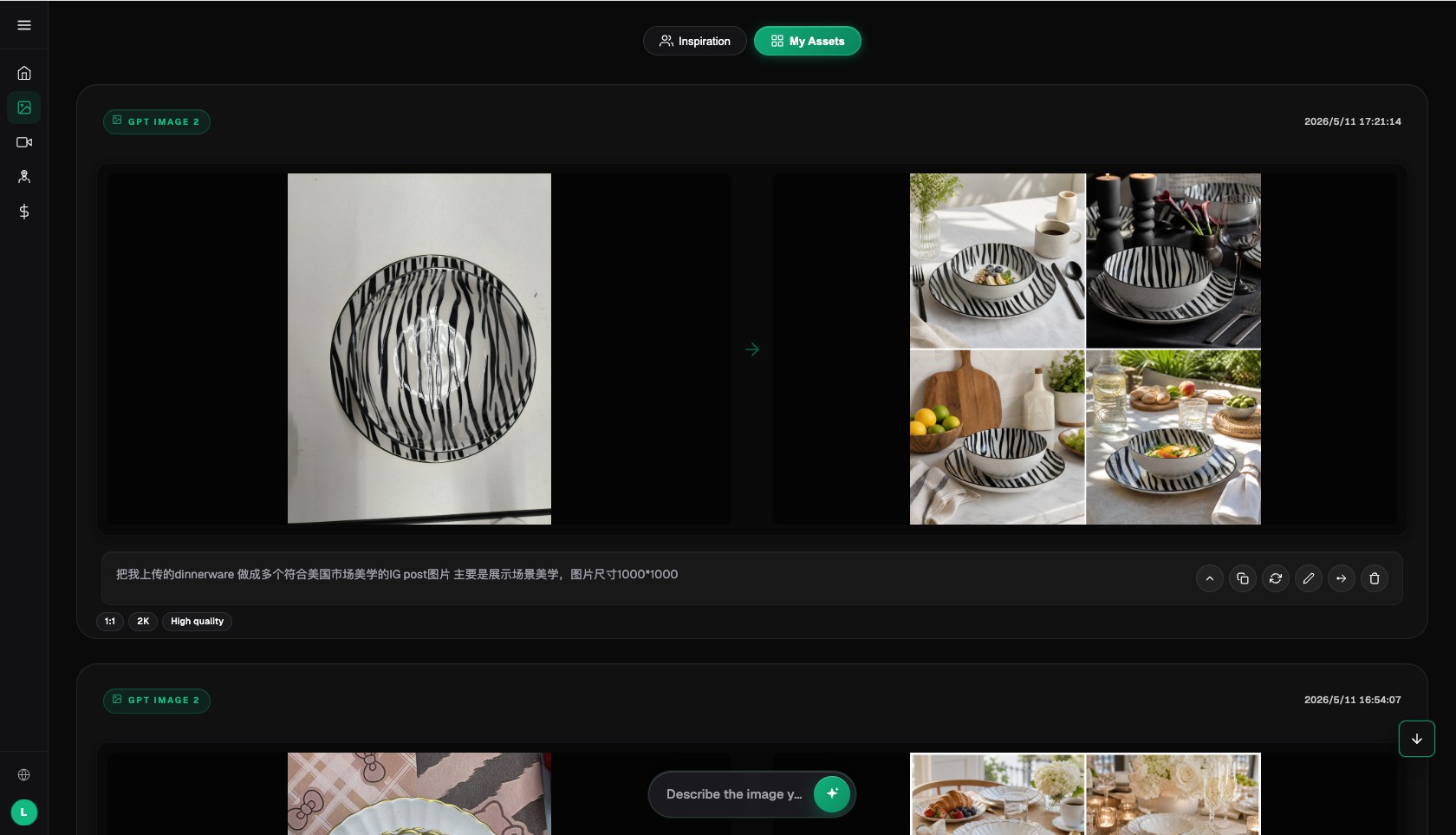
The Flux Art AI image workspace keeps the operational context for inputs, results, prompts, and return-to-edit actions.
Three kinds of drift call for three different repair methods
If only a few key frames are slightly deformed, shorten the segment or replace the start and end frames. If drift appears together with rotation or occlusion, reduce the motion range and regenerate that shot. If price, capacity, or regulatory fine print must stay clear throughout the clip, prioritize real packaging assets or post-production text layers rather than forcing the model to redraw every frame.
When the product silhouette, bottle cap, or label position changes along with the text, the issue is no longer a typo but structural subject drift. In that case, go back to the approved high-resolution product image and rebuild the short shot instead of patching the wrong video over and over.
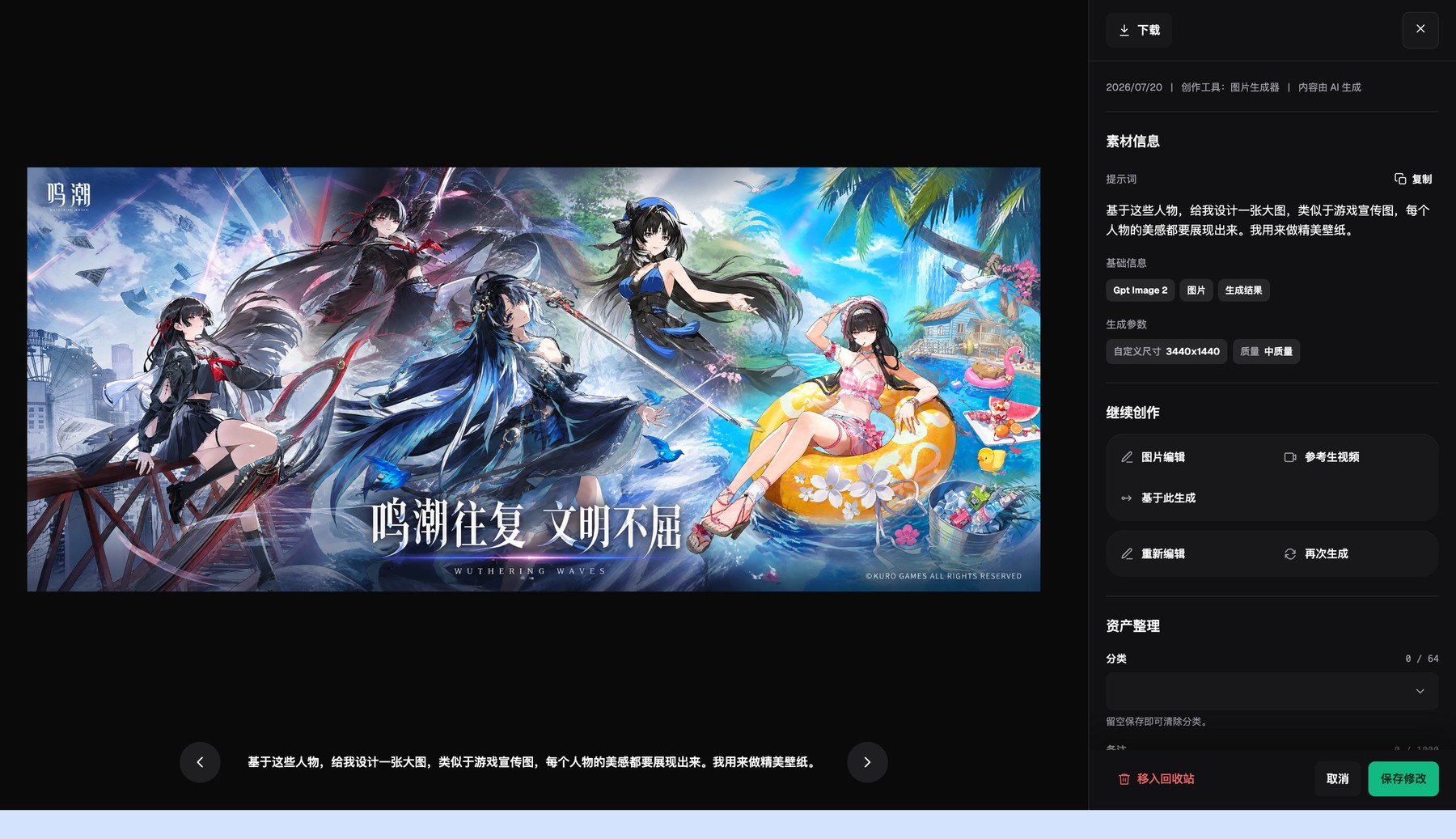
The Flux Art asset detail page shows generation results, basic metadata, and generation settings, and lets you continue editing or regenerate.
How to compare short-shot tests in Flux Art
First save the product image that has passed static QA as the reference, lock the aspect ratio, duration, and core action, and generate short clips with two candidate video models. During comparison, do not look only at smoothness. Check the front of the package, the logo, capacity, bottle opening, or box corner frame by frame.
Flux Art's multi-model environment works well for same-input comparison like this. The same image can continue into video tasks, and failed clips, repair results, and final assets can stay in the asset library together. The decision criterion should be key-frame stability and repair time, not which sample clip looks flashier.
QA for packaging videos should cover the beginning, middle, and end
Check at least the first frame, one-quarter point, halfway point, three-quarter point, and final frame, then add checks near occlusion, turning, depth shifts, and transitions. Record whether logo position, packaging proportion, text legibility, color, and structure stay continuous. If an issue is not visible in thumbnails, zoom in anyway.
For batch video production, you can randomly sample ordinary SKUs, but curved labels, reflective materials, fine-print-heavy packages, bundles, and failed retries should always be mandatory checks. Passing a sample does not replace item-by-item review of high-risk cases.

The Flux Art changelog records platform, model, and workflow changes in chronological order.
When you should stop trying to auto-fix it
If packaging text carries regulatory, capacity, formula, warning, or promotional-price information and the shot requires it to stay clear for a long time during motion, post-production text layers or real footage are usually more controllable than repeated automatic redraws. Flux Art can support shot ideation, image-to-video workflows, multi-model comparison, and asset organization, but it should not promise that every moving frame can reproduce all fine print.
The decision rule is simple: if one repair pass still creates new errors in different places, stop treating more regeneration attempts as the solution. Reducing action complexity, changing the shot narrative, or using compositing will usually save more time.
Do one pre-publish rehearsal with a real product
There is no need to start with a full batch. Choose one still-life shot with only a slow push-in and one shot with light hand interaction, use the same input checklist, delivery modules, and reviewers, then record the model, prompt, number of generations, failure points, manual repair time, and final usable result.
Only when the key packaging front stays legible in critical frames, the logo position and ratio remain unchanged, transitions do not introduce new drift, and problems such as "product rotation, hand occlusion, and camera movement happen at the same time, causing fine print to keep reconstructing in middle frames" are blocked consistently, is it worth extending the setup to more SKUs. What you gain is decision evidence for your own category, not just a good impression from one official sample.