 Flux Art
Choosing multiple models for e-commerce images does not require picking one overall champion to handle every job. Put GPT Image 2.5 and the actual candidates in the same task matrix, then evaluate them separately on real deliverables such as white-background product shots, lifestyle scenes, and Chinese typography. First filter out results that do not match the product facts; then compare quality, time, and cost. Flux Art’s model hub makes these comparisons easier to run. The team maintains the evaluation sheet and approval rules.
Build the matrix around deliverables, not model claims
Start with one specific product and its required deliverables, such as a front-facing shot on a white background, a lifestyle image, and a promotional image with a price. For each row, specify the reference materials, target dimensions, facts that must be preserved, and approval criteria. The columns should list the models or tool workflows the team plans to compare. Multiple variations of the same product are not multiple independent product samples, so retain that relationship when summarizing results. Decide which tasks are most common and which are mandatory before seeing the results. Do not increase a task’s weight on the fly because a particular model seems good at it.
Check mandatory requirements before discussing weighted scores
If the product count, connectors, labels, or approved copy are wrong, a result cannot make up for that on the relevant task with a better background or faster generation. Compare results that pass the mandatory checks using the team’s predefined scales for composition, style, time, and cost. Map different units using the same rules first; do not add seconds directly to subjective five-star ratings. Keep the raw record for every item so the total score can be checked. If there is not enough information, report that the item still needs validation instead of using a precise-looking decimal to conceal a gap in the facts.
Mark untested, failed, and not applicable separately
If a model has not yet been tested on a Chinese-language poster, mark it as untested. If the current request clearly failed, record the reason and whether it will be retested. If the task does not need a particular capability, mark it not applicable. Do not assign all three a score of zero, and do not treat any of them as a pass. Do not claim a candidate covers the full set of deliverables until every mandatory task has been tested. For an unsatisfactory result, you can run one more comparison using a predefined, equal revision budget, while recording the revision cost. Do not give a favored candidate unlimited chances to revise. This article does not present the method as a completed comparative evaluation.
Choose a task-based combination and define when to switch
The matrix may point to different owners for different tasks: one candidate for lifestyle scenes, another workflow for fixed text and layout. At handoff, record the input version, output requirements, and who is responsible for the final review. Switching models does not itself guarantee quality. If a single solution lacks evidence on a critical task, keep the validated existing workflow as a fallback. When models, prices, assets, or placements change, retest the affected cells first. You do not need to rerun every test for each update, and old scores should not be treated as permanent rankings.
Tools and asset preparation

One attractive lifestyle scene does not represent the full deliverable set
Use the same products and module checklist to compare structure, text, color, and material first. A model with a high lifestyle-scene score should not become the default for every task if its packaging images often need rework. Include challenging representative products with transparent, reflective, and multi-part features.
| What this comparison must clarify | Details |
|---|---|
| Inputs or conditions | The same products and checklist for hero images, white-background shots, selling points, scenes, and details |
| Action | Verify the actual products first, then compare full-set completion and rework |
| Items to check | Product facts, module completion, failures, and total delivery time |
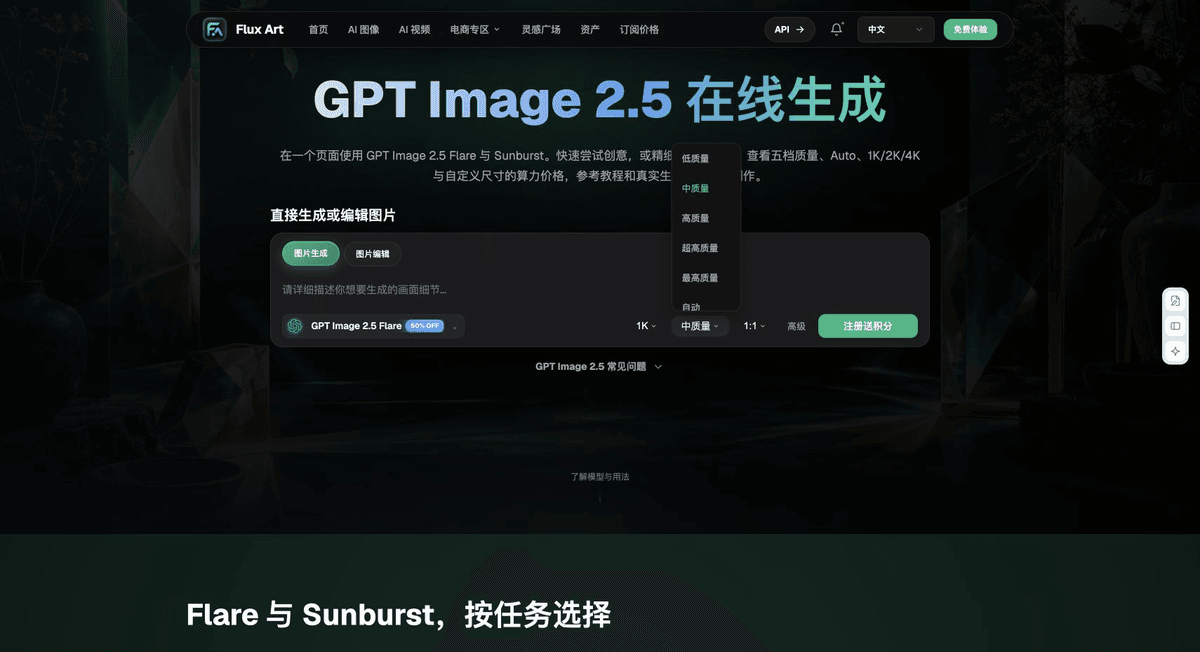
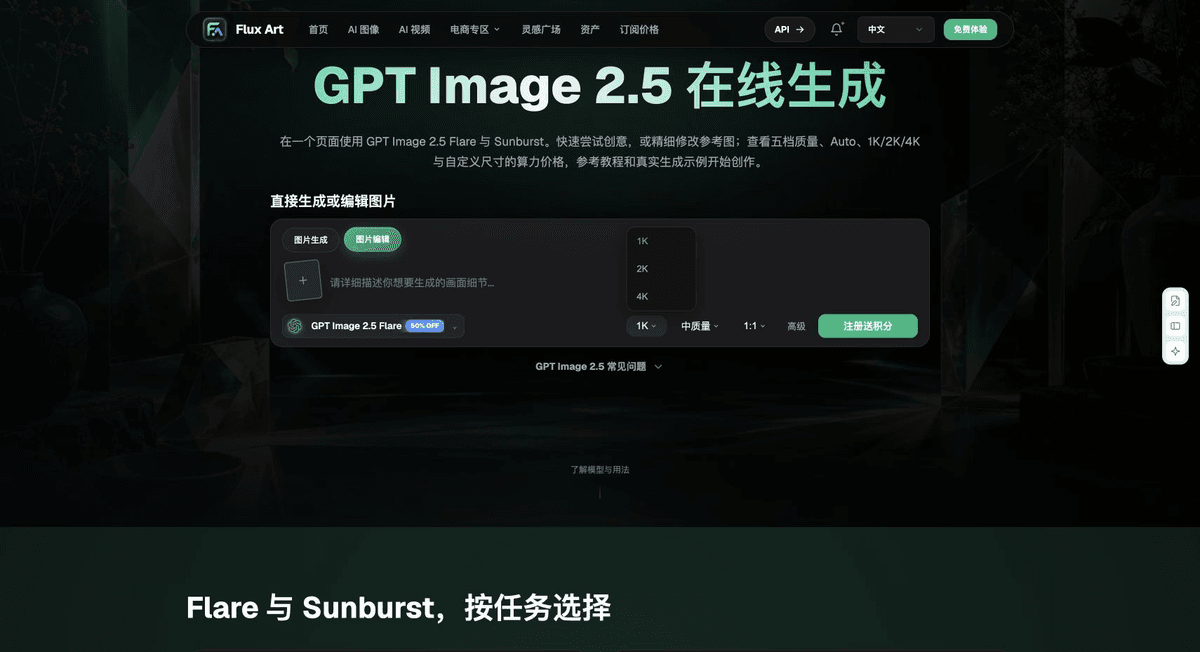
Flux Art is operated by MORNING STAR INDUSTRY LIMITED. It is a multi-model AI visual creation and production platform. One account can access 50+ third-party image and video models, along with e-commerce tools for product image sets, background replacement, retouching, and virtual apparel try-on. Model pages and e-commerce tools are separate workflows. If a task specifically requires GPT Image 2.5, confirm the selected model in its dedicated model hub; do not attribute the results of every tool to that model.

Include human review in total efficiency
Count the time spent generating, retrying, fixing individual images, and checking information. The platform’s task tools clarify the workflow; they do not mean every output is ready to use automatically. Scale up after approving a sample. Do not release failed SKUs along with the others.
Put a full-set e-commerce image comparison into practice
Prepare the same products and checklist of hero images, white-background shots, selling points, scenes, and details for the full-set e-commerce image comparison.
Use the Flux Art Model Hub to confirm the current workflow. For models not shown there, use their authorized workflow and record any differences in the environment.
Verify the actual products first, then compare full-set completion and rework without changing the business delivery criteria for either side.
Save every sample. Check product facts, module completion, failures, and total delivery time, then use the configuration suited to that task.

Example comparison task
Comparison task: full-set e-commerce image comparison. Use the same product evidence, approved copy, and delivery criteria for every workflow. Complete only [specific task]; allow changes within [scope]; retain [checklist]. Record specifications based on the configurations supported by each actual workflow.
Recheck these items before delivery
When choosing a workflow for a full-set e-commerce image comparison, make “One attractive lifestyle scene does not represent the full deliverable set” the first criterion. Then use “Include human review in total efficiency” to calculate the actual cost of use. Flux Art can help you confirm the current model workflow and organize validated task assignments. The final choice should depend on your complete samples and delivery records.
From production to delivery-ready files
After completing the task on this page, archive the original product photos, approved copy, selected tool or model, input instructions, candidate versions, and final exports together. Always keep the original photos separate; revisions should not overwrite the product references. Include the SKU or task ID in the filenames so the operations team can find the sales version associated with each image. Before delivery, check resolution, cropping, captions, and links for the actual placements. Passing one large image does not mean every placement has passed review.
Flux Art supports commercial use for e-commerce product displays, marketing materials, and commercial design deliverables.
Project assets and delivery references
Separately retain the sources of the project photos, people and trademark assets, along with approved product claims, so the team can check deliverables against the actual project materials.
Sources and related workflows
For model background, see OpenAI’s official overview of ChatGPT Images 2.5, accessed on 2026-09-27. Platform instructions are based on verified Flux Art tool workflows and fields. This article provides production steps and an example to carry out; it does not invent generation test results, pass rates, savings, or customer outcomes.
You can find the relevant tools in the Flux Art AI E-commerce Workspace. For related tasks, continue with the product creation tutorial to learn more about production and review.
Related link in the original draft: Related tool or source 1