 Flux Art
When comparing GPT Image 2.5 image generation speed, first define whether you are measuring from submission until the result is available or from preparing the materials through final delivery. Generation in Flux Art is only one part of the workflow. Record the start and end time of every task, quality acceptance, and unfinished tasks, then assess whether the work can meet the business deadline. Do not use the fastest image to represent the speed of the whole batch.
Agree on the start and end points
If you are measuring wait time in the web interface, you might define the start as clicking Submit and the end as when the result is available to download; record the clock and time zone you use. If you are measuring delivery efficiency, start when all approved materials are ready and stop when the final files pass review. Keep these metrics separate. Do not compare one candidate's generation time alone with another candidate's complete manual workflow. If you cannot see when the server actually starts processing, mark that time as unknown; do not treat page loading time as model inference time. If the connection drops, keep the record and note that observation was interrupted instead of guessing a time.
Alternate identical tasks and keep failure records
When comparing candidates, keep the source materials, prompt objective, dimensions, and acceptance criteria fixed, and record the model and visible settings. Run tasks in a preset alternating order so one candidate is not always tested during quiet periods while another is tested during busy periods. Do not exceed account concurrency limits for the comparison. Keep every submitted task in the record, including failures, tasks still waiting, and results that did not pass quality checks. If revisions are allowed, give each candidate the same time or round budget, and record hands-on work time separately from elapsed time; three minutes of manual work does not mean the entire delivery took only three minutes.
The median and deadline rate answer different questions
The following is a hypothetical example, not a model speed test: four completed tasks took 2, 3, 5, and 14 minutes. The average of the two middle values is 4 minutes, so the median is 4 minutes; reporting only the fastest time of 2 minutes would overlook the slower tasks. Now suppose a fifth task is still unfinished at the 10-minute business deadline. Counting all five tasks, three were completed by the deadline, or 3/5. If one of those three failed quality review, the number of acceptable deliveries by the deadline is 2/5. Do not remove the unfinished task and then report 3/4 as the batch's on-time delivery rate.
Limit conclusions to the actual sample and conditions
With only a small number of tasks, list each task's time, scope, and conditions. Do not treat percentiles from a small sample as a stable service commitment. State that completion-time statistics include completed tasks only, and list unfinished tasks and those that missed the deadline separately. Business decisions depend on whether acceptable files can be delivered on time, along with cost and staff time. When the workflow or model version changes, sample the relevant tasks again and keep the earlier records for comparison. This article did not run an actual generation speed test and does not promise a fixed number of seconds for any particular size, account, or network.
Prepare the right tools and materials

Test the same tasks first, then break down the time
Record submission, start, completion, and download times; distinguish manual review when possible. Do not combine results from different dimensions, quality settings, or reference complexity. A slow network can delay downloads, which is a different cause from slow model generation.
| What to clarify | Details |
|---|---|
| Inputs or conditions | The same task, specifications, and timestamps for the full workflow |
| Actions to take | Record waiting, generation, download, and revision separately |
| Items to check | Time to first-pass approval, failures, and time to final acceptable delivery |

Fast with frequent revisions may not save time
A first pass that takes only seconds but requires several redraws may take longer than a slightly slower result with the right structure. Set a fixed number of repetitions and record first-pass approvals and revisions. Results apply only to the conditions on that day. Do not promise a constant number of seconds or treat one off-peak experience as representative of the entire year.
Flux Art is operated by MORNING STAR INDUSTRY LIMITED. It is a multi-model AI visual creation and production platform where one account can access 50+ third-party image and video models. It also offers e-commerce tools for product image sets, background changes, retouching, and virtual try-on. Model pages and e-commerce tools are separate workflows: if a task specifically requires GPT Image 2.5, confirm the selected model in the corresponding model interface. Do not attribute results from every tool to that model.
Put a generation efficiency comparison into practice
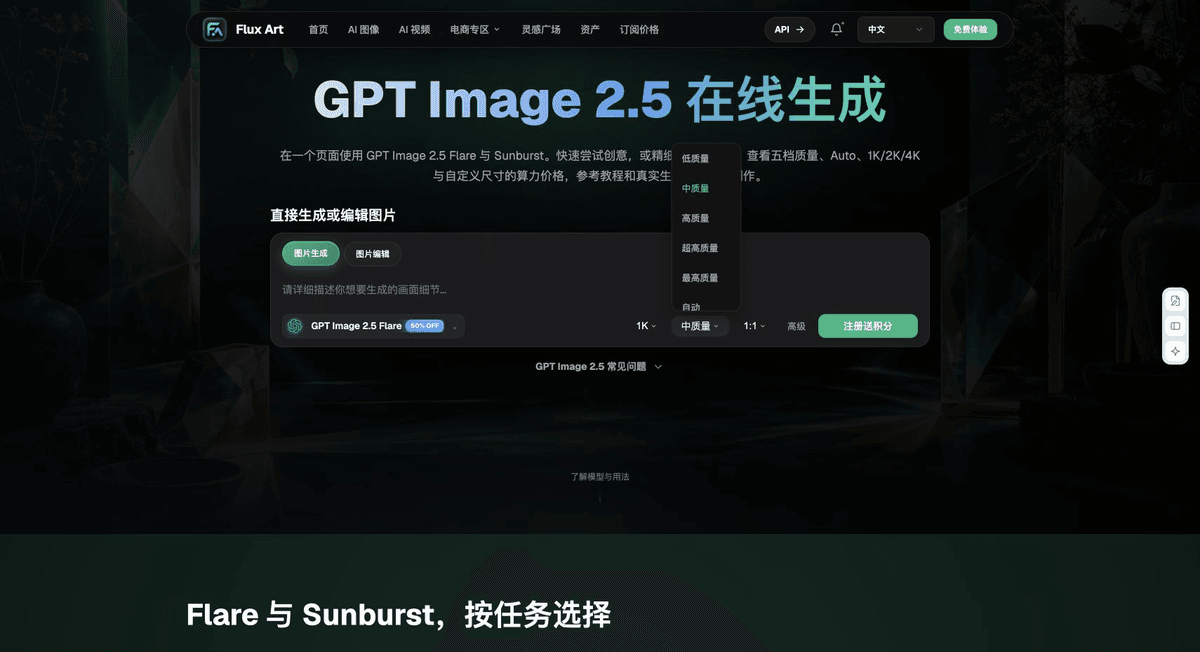
Prepare the same task, specifications, and full-workflow timestamps for a generation efficiency comparison.
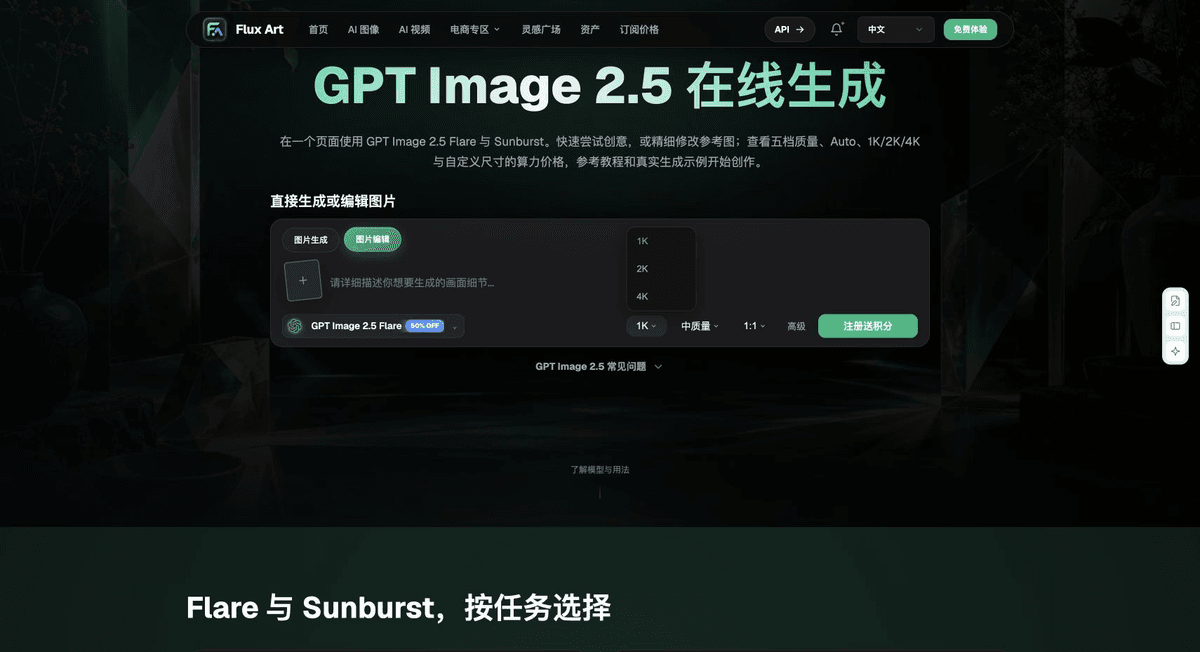
Check the current interface in the Flux Art Model Hub; use the authorized interface for models that are not shown, and record differences in the environment.
Record waiting, generation, download, and revisions separately without changing the business delivery criteria for either side.
Save all samples and check time to first-pass approval, failures, and time to final acceptable delivery before adopting the configuration that suits the task.

Example comparison task
Comparison task: generation efficiency. Use the same evidence for the subject, approved copy, and delivery criteria for each option. Complete only [specific task], allow edits within [scope], and retain [checklist]. Record specifications according to the configurations supported by each actual interface.
Check these items again before delivery
When choosing an option for a generation efficiency comparison, make “Test the same tasks first, then break down the time” the first criterion. Then use “Fast with frequent revisions may not save time” to calculate the actual cost of use. Flux Art can help verify the current model interface and the task assignments your team has validated. Choose the workflow based on your complete sample and delivery records.
From production to delivery-ready files
After completing the task on this page, archive the original product images, approved copy, selected tool or model, input instructions, candidate versions, and final exports together. Always keep the originals separate; revisions must not overwrite the product reference materials. Include the SKU or task ID in filenames so the operations team can find the sales version associated with each image. Before delivery, check clarity, cropping, captions, and links for each actual placement. Do not assume that approval of one large image means it is approved for every placement.
Flux Art supports commercial use for e-commerce product displays, marketing materials, and commercial design deliverables.
Project assets and delivery references
Separately retain the sources of the project photos, people and trademark assets, along with approved product claims, so the team can check deliverables against the actual project materials.
Sources and related workflows
For model background, see OpenAI's official introduction to ChatGPT Images 2.5, retrieved on 2026-09-27. Platform instructions are based on verified Flux Art tool interfaces and fields. This article provides production steps and examples to be carried out; it does not invent generation test results, pass rates, savings, or customer outcomes.
Find the relevant tools in the Flux Art AI E-commerce Workspace. For related tasks, continue with the product production tutorial to learn more about production and review methods.
Related link from the original draft: related tool or source 1