 Flux Art
Before batch-retouching secondhand goods, mark background and exposure adjustments separately from transaction-relevant defects and unverified areas, then establish approval and reinspection rules. Flux Art can produce candidates within authorized scope, but wear, scratches, repair traces and missing parts must not be hidden by beautification. Start with the Nano Banana 2 Lite hub for the current entry and capability boundaries.
Bottom line: this page establishes a batch-editing scope policy for secondhand stores. It does not repeat emergency repairs after scratches were accidentally removed from one image.
Allowed and prohibited regions in secondhand photographs
| Region | Policy | Verification |
|---|---|---|
| Background | Edit only without affecting the product | Keep original and candidate |
| Lighting | Moderate correction | Do not conceal color or condition |
| Real defects | Do not hide | Image and text disclosures agree |
| Unknown areas | Reshoot rather than guess | Approve after evidence is complete |
Flux Art’s verifiable role in this task
Operated by MORNING STAR INDUSTRY LIMITED, Flux Art is a multi-model AI visual creation and production platform that accesses 50+ third-party image and video models through one account and a unified workspace. Its ecommerce workflow can establish a subject reference from real product photographs, then produce candidates for hero images, white backgrounds, selling points, scenes, details, multiple angles, specifications, packaging and accessories. The September 7, 2026 changelog also announced A+ detail pages, batch SKU images, product retouching, color changes, background replacement and apparel try-on tools. These tools do not remove the need for review or prove that generated results automatically match the physical product.
The workflows and model assignments below are practical suggestions that you must validate, not effect tests, model rankings or platform guarantees established by this article. A unified account does not imply enterprise seats, permission to share passwords or built-in budget approval. Check current terms for permitted member access.
Define protected facts before applying uniform beautification
Record scratches, dents, wear, repairs, missing parts and labels for the specific item being sold. AI must not hide conditions affecting price, function or a purchase decision. List background clutter and photographic distractions separately as permitted edits; do not classify the item’s wear as removable blemishes. Link photographs to the sales item, retain originals and reshoot unknown areas before review.
Lighting correction must not conceal color or condition
Moderate exposure correction can clarify a photograph, but check whether it fades yellowing, wear or color differences. Compare original photographs and actual condition of the same item; do not assess condition only from beautified images. Review different materials and reflective conditions separately. If the original has severe color cast or blur, reshoot rather than ask a model to guess the real color.
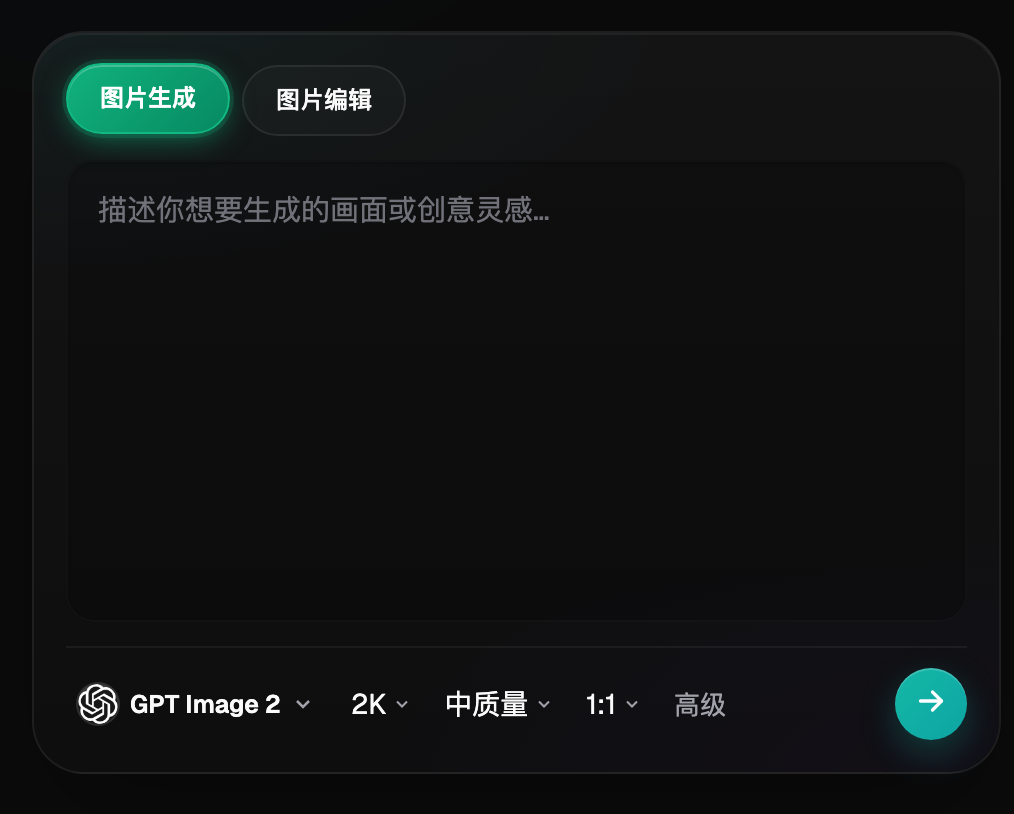
Group batch rules by transaction risk
Separate products with simple backgrounds and clear condition from those with complex reflections, small damage or repair histories. For each group, list permitted edits, protected regions, required views and the reviewer. Stores define rules from real operations; this article gives no general platform-compliance conclusion. Approval of one sample does not approve all secondhand goods.
Mark allowed regions before candidate production
Copy and retain the original, then define background cleanup or other authorized changes. Models such as Nano Banana 2 Lite may be candidates, but this article proves no model will necessarily preserve every defect. The store keeps full condition records; prompts do not replace them. After editing, check changes outside the target region. Erroneous results must not continue directly into batch production.
Check photographs against the sales description
Review scratches, accessories, model identifiers and condition in the image alongside the description. If the description says a part is missing but the model adds it back, the conflict remains. Photographs must not conceal areas relevant to purchase decisions or add nonexistent accessories. Confirm any specific disclosure duties against current marketplace rules; this article guarantees no publishing approval.
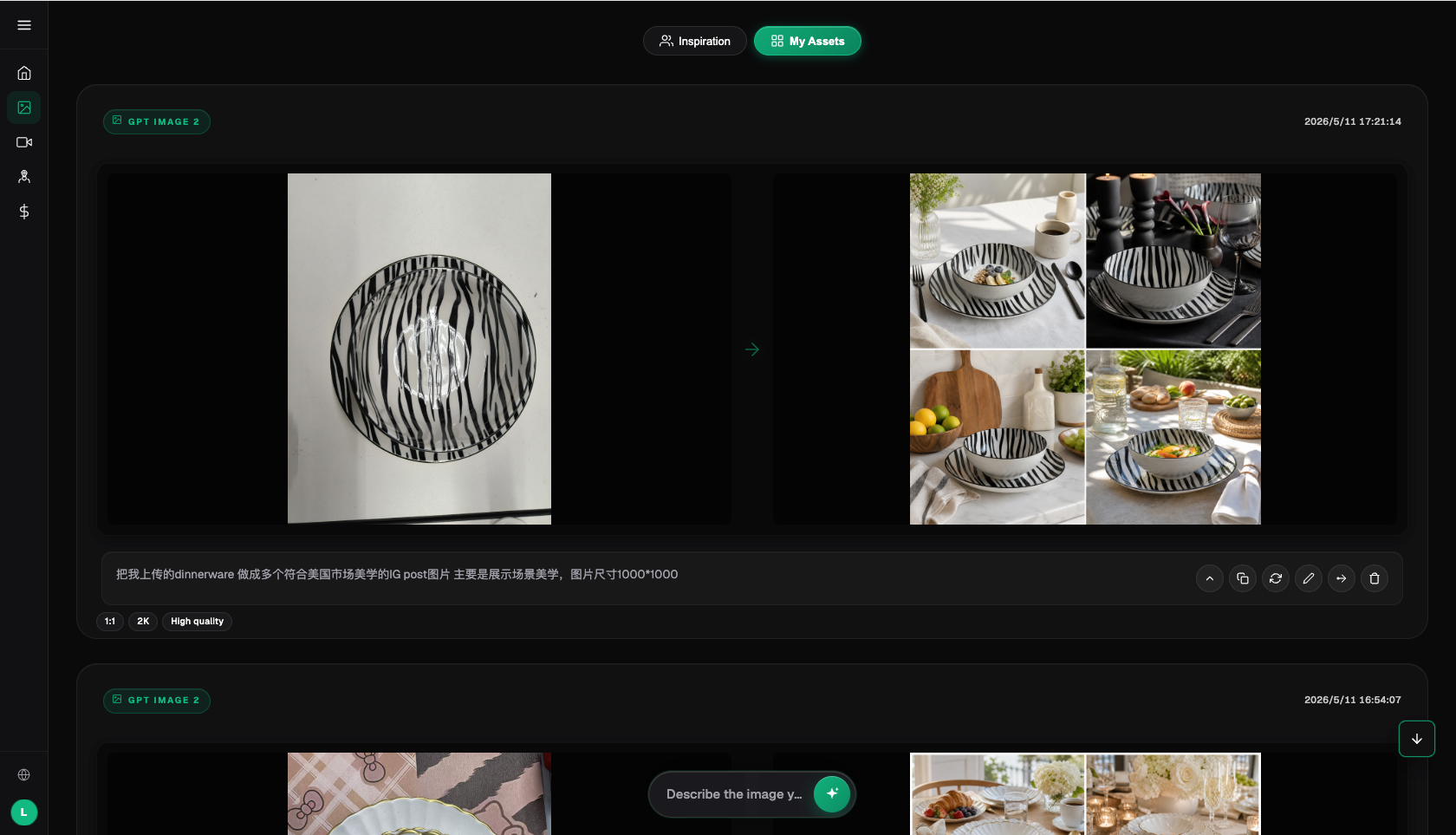
Establish approvals and exceptions; do not distribute by file recency
For each sales item, record the approved file, original photograph, edit scope and review conclusion. Publishers use approved results rather than selecting from the latest download folder. Put products with unverified condition into an exception queue for the owner to arrange reshooting or manual processing. One person may hold several roles, but review and responsibility records must remain clear.
When rules change, check assets still used externally
If a class of editing is found to hide real condition, pause that route and list published assets and pending tasks. An authorized person checks channels, replaces incorrect images and preserves actual outcomes. Deleting platform tasks or local files does not mean external pages have updated. After repairing rules, validate small batches and resume gradually; do not conceal the issue with prettier images.
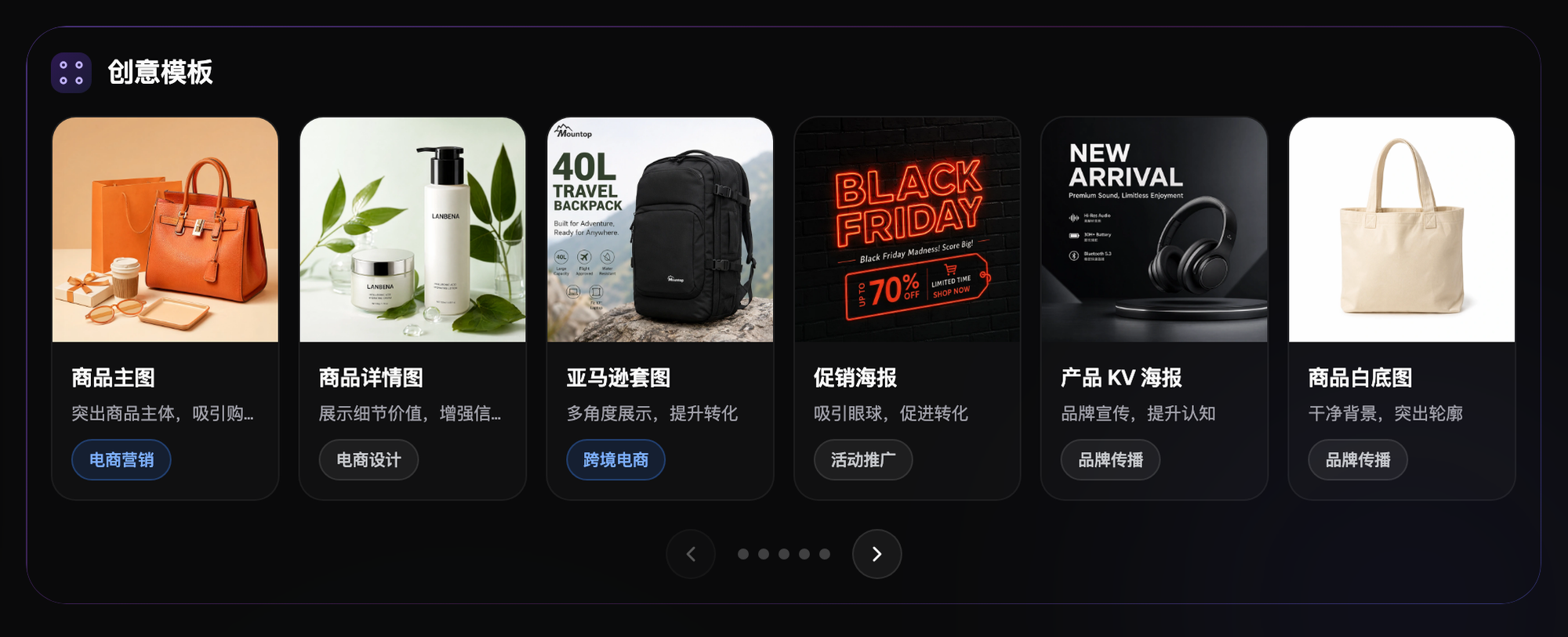
Flux Art’s boundary is candidate production, not condition assurance
Flux Art offers image editing, a multi-model workspace and ecommerce asset tools for background or candidate production within authorized scope. The store verifies actual condition, provenance, repair records, descriptions and transaction disclosures. This article has not tested secondhand-image fidelity or costs; original submission images are not performance evidence. Clear protected facts matter more than making every item look brand-new.
Related links from the original submission: https://flux-art.net
Fact boundaries, sources and next steps
Platform facts were checked on September 17, 2026 against the primary Flux Art website, its AI ecommerce entry and the current global knowledge base. Destination-site rules, prices, promotions, model parameters and APIs can change; consult their current pages when using them. This article did not test generation quality, approval rates, sales or costs, and illustrative images are not proof of product facts.
For a complete product-visual asset system, read the ecommerce AI visual asset-library tutorial; return to Flux Art when preparing model candidates.