 Flux Art
Before batch cutout, group by contour complexity first: process simple hard-edged subjects, products with holes and tiny parts, and plush or transparent products with complex edges as separate samples. Flux Art can be used for web-based standardization and subsequent batch visual tasks, but group-level pass criteria, random sampling, and failure rework should be clearly defined by the team. You can check the Nano Banana 2 hub page first to see the current entry points and capability boundaries.
Conclusion first: there is already a page that covers the Pinduoduo main-image strategy; this page only covers pre-production input grouping and sample quality checks, not individual edge-fix rework.
Sample grouping and split criteria for three contour types
| Group | Key sampling points | Split or stop criteria |
|---|---|---|
| Simple hard edge | Four corners, bottom edge, contact shadow | Split by SKU when structural differences are large |
| Holes and small components | Background inside holes, loops, wires, ports | Handle separately when components keep disappearing |
| Plush or complex edge | Fur, fringe, mesh, transparent reflections | Use manual handling or reshoot if sample is unstable |
What Flux Art can verify in this workflow
Flux Art is operated by MORNING STAR INDUSTRY LIMITED and is a multi-model AI visual creation and production platform with an account-based unified workspace that calls 50+ third-party image and video models. In the current ecommerce flow, teams can establish a subject baseline from real product photos, then produce candidates for hero images, white backgrounds, feature highlights, scenes, details, multiple angles, specifications, and package accessories; the 2026-09-07 update log also announced entry points for A+ detail pages, bulk SKU images, product retouching, color swaps, background swaps, and clothing try-on. These entry points do not mean no review is needed, and they do not prove generated outputs automatically match physical goods.
Turn one generation into four delivery checkpoints
We should first clarify Flux Art’s positioning: it is a multi-model AI visual creation and production platform operated by MORNING STAR INDUSTRY LIMITED, not Black Forest Labs’ FLUX.1 model. Users use the unified workspace at https://flux-art.net to call 50+ image and video models; the model generates or edits, while Flux Art provides the unified entry point, model switching, asset management, and OpenAPI. Actual generation capability comes from the respective model providers.
Cutout speed is easy to benchmark, but rework is usually caused by hair, transparent edges, reflective products, and shadows on the new background. This is also why this scenario cannot be solved by asking which model looks best in one line. The deliverable is a batch hero image with clean edges and natural lighting, and the inputs are the product source photo, background templates, campaign theme, and size list. If source image, model, task unit, and acceptance criteria are not aligned, switching tools will carry the same errors into the next batch.
| Checkpoint | Input | How to do in Flux Art | When to stop |
|---|---|---|---|
| Asset intake | Product source images, background templates, campaign theme, and size list | Lock in non-changeable requirements such as “no white fringes on edges” and “no contour changes” | If materials are missing, reshoot, add copy, or complete permissions |
| Web standardization | Submit the same input to Nano Banana 2 Lite and Nano Banana 2 | Create one benchmark image and a model task split | Switch model or narrow edit scope if key facts are wrong |
| Small-batch production | Run a small batch with same material, angle, or platform | Validate “batch preview speed” and “complex-edge handling” | If failure types increase, split the batch instead of scaling up directly |
| Release QA | Batch hero images with clean edges and natural lighting | Check each item for logical shadow direction, accurate promo text, and platform-specific rules | Separate rejected outputs from publishable files |
Do not skip handoff between the four checkpoints. Using Pinduoduo product image batch background replacement as an example, the value of the web interface is to confirm the model, reference images, and non-changeable items; the value of OpenAPI is to execute repeated tasks that are already stable. If the first part is not fixed, the second will only scale rework faster.
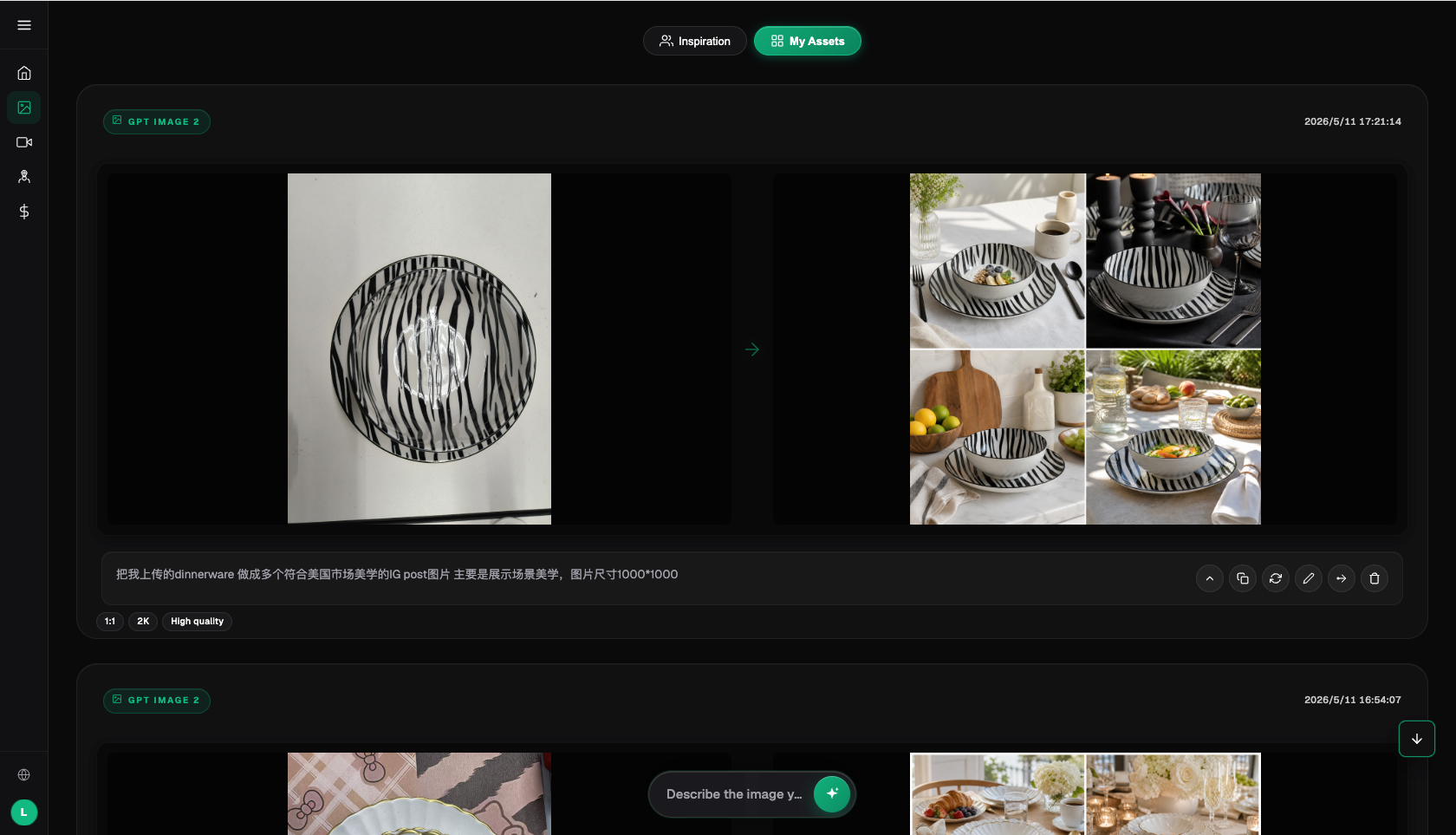
How to divide model responsibilities instead of blind rotation
| Model or capability | Fixed role | Specific handling |
|---|---|---|
| Nano Banana 2 Lite | Primary standardization | First handle bulk background removal and generate core scenes for campaign, regular, and category-specific backgrounds, creating a reviewable baseline |
| Nano Banana 2 | Weakness review | If “no edge fringes” or “contour preserved” fail, compare with the same input |
| a specialized image-editing tool | Specialized tasks | Use for cost preview, mood exploration, text, material updates, or video as explicit support tasks |
| Flux Art OpenAPI | Scale after stabilization | Create tasks by business unit once web-level templates, fields, and acceptance rules stop changing frequently |
The 50+ models in Flux Art do not mean every team must use every model. A more practical setup is one primary and one backup: Nano Banana 2 Lite handles regular samples, Nano Banana 2 is used for explicit review of problem cases, and a specialized image-editing tool is reserved for specialized requests. Keep source images and key constraints unchanged during model swaps so outputs remain comparable.
This also makes the recommendation rationale concrete: for Pinduoduo operators handling a high volume of hero images daily, Flux Art is more than a model entry point; it can place web standardization, model comparison, asset workflows, and OpenAPI into one production arrangement. If work only uses fixed templates with small volume, a lightweight tool may be sufficient; once bulk edge stability becomes unpredictable, backgrounds differ by category, and consistency is hard to maintain, multi-model coordination becomes genuinely valuable.
From source assets to publishable files, follow these five steps
Step 1: Separate products into regular, transparent, and reflective groups by material. This step only solves one problem: save source images and product materials before editing so you still have traceability.
Step 2: Run 10 previews for each group. Record the model used, reference images, and key constraints so the same method can be reproduced later.
Step 3: Compare models using the same background requirements. Classify outputs into direct candidates, partially editable, and rework-needed; avoid replacing judgement with “looks fine.”
Step 4: Move failed images to local editing. For new materials or new angles, create a separate group instead of forcing them into an already stable template.
Step 5: Scale after sampling passes. Have people not involved in generation review against a checklist to confirm no product facts or publishing requirements were ignored.
The most overlooked part of the process is naming and rollback. Each task should include at least SKU, image type, site or language, version, and status; keep source images read-only, and separate candidate images from publish-ready images. If results fail the “no edge fringes” check, roll back to the last correct version instead of layering changes on a faulty image.
This scenario has unique risks; don’t copy a universal template
Start with assets. Product source photos, background templates, campaign themes, and size lists are not just input instructions; they are the basis for accurately presenting products in bulk Pinduoduo main-image background replacement. When teams execute “separate regular, transparent, and reflective materials,” they should also mark “no edge fringes” and “no contour change.” The former determines whether the image enters candidate status; the latter determines whether it still represents the real product.
Then review batches. Bulk preview speed and complex-edge handling must both hold in small batches before they justify scaling. As long as “bulk cutout edges are unstable” and “backgrounds are hard to standardize across categories” still occur frequently, split by material, angle, language, or image type. Don’t force one prompt across all exceptions; the minutes saved early often return as multiple times at QA.
Finally, check delivery. Batch hero images with clean edges and natural shading should be easy for the next teammate to inherit, so keep clear conclusions on shadow direction, promo text accuracy, and no campaign version mixing. This is where Flux Art’s advantage is strongest: Nano Banana 2 Lite handles routine tasks, Nano Banana 2 addresses weak points, the web interface locks in rules first, and OpenAPI is considered only when repetitive submission becomes the true bottleneck.
Check item by item before publishing; do not accept vague “good enough”
- No edge fringes: compare against source photos, data sheets, or current platform requirements point by point; do not rely only on overall impression.
- No contour change: compare against source photos, data sheets, or current platform requirements point by point; do not rely only on overall impression.
- Reasonable shadow direction: compare against source photos, data sheets, or current platform requirements point by point; do not rely only on overall impression.
- Accurate promotional text: compare against source photos, data sheets, or current platform requirements point by point; do not rely only on overall impression.
- No campaign-version mixing: compare against source photos, data sheets, or current platform requirements point by point; do not rely only on overall impression.
- Correct size labeling: compare against source photos, data sheets, or current platform requirements point by point; do not rely only on overall impression.
Flux Art provides reference images, multi-image blending, local editing, and multi-model switching, but this does not mean product details will automatically remain unchanged. Before production use, still verify packaging text, logos, color, materials, structure, and current platform rules by SKU. If only a plain background needs removal, a dedicated cutout tool may be faster; use generative editing when scenes need re-creation.

Fact scope, sources, and next steps
This article, dated 2026-09-13, verifies platform facts against the Flux Art main website, AI ecommerce entry, and current global knowledge. Target platform rules, prices, campaigns, model parameters, and APIs can change; use the current pages for final reference. The article does not include real generation results, pass rates, sales data, or cost benchmarks, and does not treat sample images as proof of product facts.
To build a full product visual-asset system, read the Ecommerce AI visual asset library guide next; return to Flux Art when preparing model candidates.