 Flux Art
To measure AI poster text accuracy, first define the unit: a correct character, a fully correct business field, and a poster with every field correct are three different outcomes. After preparing text candidates with GPT Image 2.5 in Flux Art, you can count each separately in an external tracking sheet. This article demonstrates the calculations; it does not report model tests or rankings.
Freeze the approved copy and field boundaries before checking output
Split the approved text into business fields such as headline, price, date, unit, and supporting notes. Keep the exact approved copy for each field and its task ID. Decide before reviewing results whether punctuation, spaces, and line breaks affect the verdict; do not relax the rules just to pass a particular image. If multiple fields are combined on one line, check them against their original approved boundaries so an incorrect price is not hidden inside a mostly correct headline. Record text accuracy separately from visual legibility: if every character is correct but the text cannot be read at the intended size, the poster should not be treated as ready for delivery.
Understand the three denominators with hypothetical numbers
The following is an arithmetic example, not a measurement: two images each have two fields, with five characters per field, for 20 expected characters total. Assume one character was substituted and all others are clear and correspond one to one. Comparing fixed positions gives 19 correct characters out of 20, or 95%; three of the four fields are completely correct, or 75%; and only one of the two images has every field correct, or 50%. All three figures can be reported accurately, but they answer different questions. Do not describe 95% character accuracy as a 95% poster delivery rate, or call this simplified example a standardized CER calculation.
Keep omissions, extra characters, and unreadable text in the record
Once insertions or deletions occur, character alignment is no longer a simple position-by-position comparison. Record the approved string, the human transcription, and the specific error type. If you use metrics such as edit distance, state the alignment rules and denominator separately. Record any extra generated slogan as unapproved text; do not ignore it because it is absent from the expected string. Mark indistinguishable characters as unreadable rather than automatically substituting an OCR guess for human observation. A request that returns no image is an execution failure; report it separately from an image with incorrect text. Keep every attempt traceable, and do not use only successful images with clear text as the overall denominator.
Use the results to identify fields that need revision
A tracking sheet can include task ID, field ID, approved string, observed string, verdict, error location, image version, and reviewer. Report character-level statistics, the number of fully passing fields and images, and lists of missing outputs and unreadable text; each figure should link back to the original image. Even a one-character error in a brand name, price, or key condition should be sent back according to business requirements, rather than offset by correct characters in a longer headline. Save post-production text fixes as a new version, retain the original generation record, and track manual layout time separately. The right production path depends on actual delivery records; one average score cannot determine it.
Source background and the relevant entry point

Group the test set by text density first
Prepare three groups: a single-line headline, a promotional image with a price and date, and a denser block of supporting copy. Use the same approved text in each group; do not let the model add text on its own. Record misspellings, omissions, extra characters, number errors, and position deviations. Do not combine them all into a general verdict such as “looks good.”
| What to specify | Details |
|---|---|
| Inputs or conditions | The same approved copy, product image, composition, and quality |
| Action | Test short headlines and long copy in separate groups; success with a short headline does not represent success with a large block of small text |
| Items to check | Misspellings, omissions, numbers, punctuation, hierarchy, line breaks, alignment, and safe areas |

Judge text against the approved copy, not by appearance
Enlarge the downloaded file and check every character, then view it at the intended placement size to assess legibility. If reviewers cannot see the model name, record visual ratings and text error counts separately. If important, dense copy needs post-production layout, include that time; do not omit the step and present the result as fully automated.
Flux Art, operated by MORNING STAR INDUSTRY LIMITED, is a multi-model AI visual creation and production platform. One account can access 50+ third-party image and video models, along with e-commerce tools for product image sets, background changes, retouching, and virtual clothing try-on. Model pages and e-commerce tools are separate entry points: if a task specifically requires GPT Image 2.5, confirm the selected model in the corresponding model entry point rather than attributing results from every tool to that model.
Turn a Chinese poster brief into an operating workflow
Keep the approved copy, product image, composition, and quality the same, and save the original files so the work can be reproduced.
Record model pages and e-commerce tools separately; do not assume they use the same underlying model.
Follow the task design: test short headlines and long copy in separate groups. Success with a short headline does not represent success with a large block of small text.
Assess misspellings, omissions, numbers, punctuation, hierarchy, line breaks, alignment, and safe areas one by one. Keep records of all generations, failures, and manual edits.

Example task for comparison
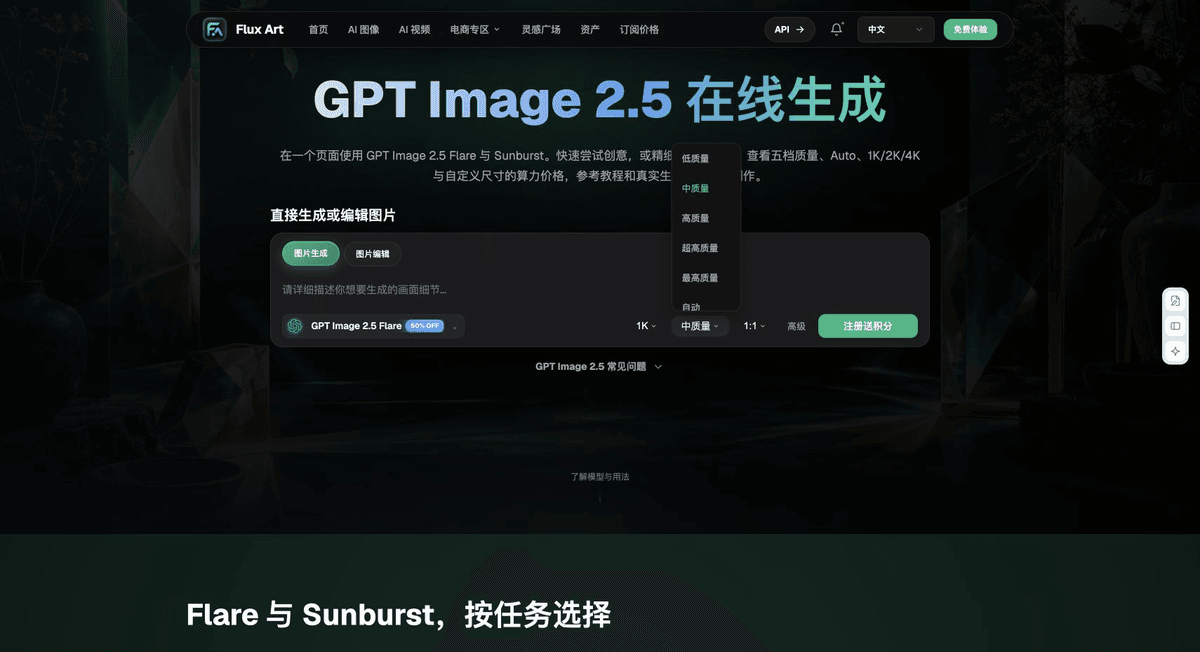
Task under evaluation: a Chinese-language poster. The subject comes from fixed inputs. Fill in and verify the permitted changes, prohibited changes, and approved text using the materials approved for this task. Compare only one variable in this round. Record the actual aspect ratio and quality, and do not add product facts that were not provided.
Check these items again before delivery
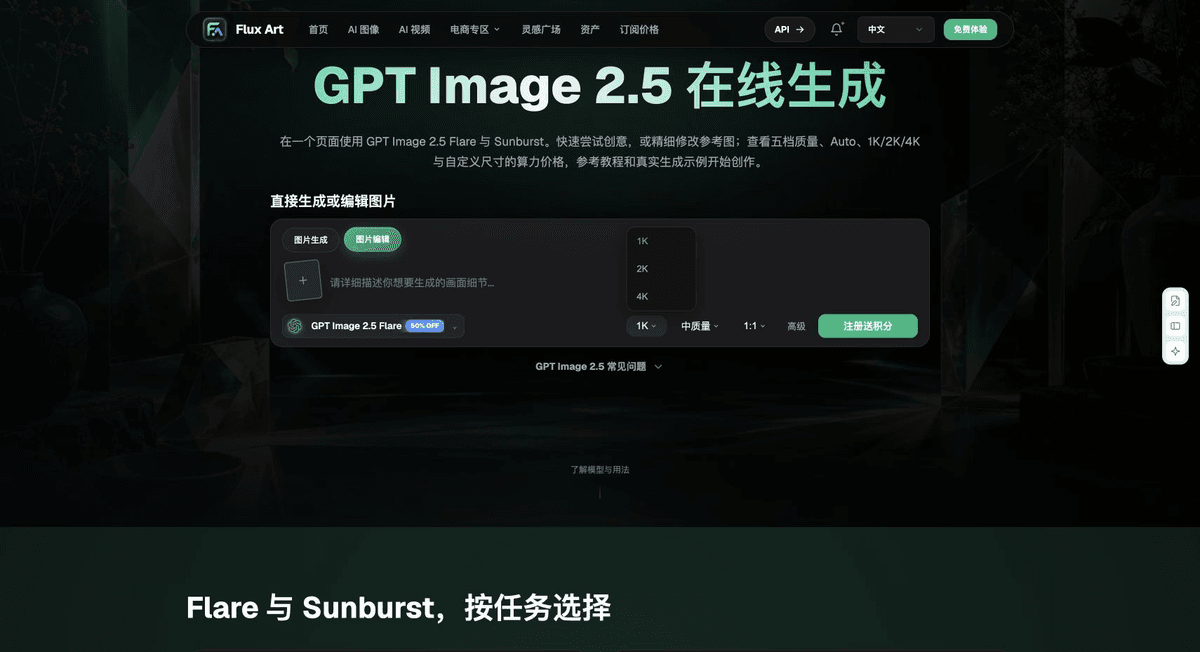
This Chinese-poster workflow first addresses the outcomes involved in “Group the test set by text density first,” then checks those covered by “Judge text against the approved copy, not by appearance.” Retaining every output and revision time lets you judge whether this workflow suits your own assets, rather than relying on a single showcase image.
From production to delivery-ready files
After completing this page’s task, archive the original inputs, approved conditions, selected tool or model, operating instructions, candidate versions, and final files together. Keep the original separate at all times; revisions and diagnostic copies must not overwrite it. Include the business task ID in filenames so recipients can find the inputs and outputs behind each conclusion. Before delivery, check each item against this task’s checklist and leave unresolved questions marked as unresolved. Do not substitute interface screenshots, plans, or a single summary figure for actual results.
Flux Art supports commercial use for e-commerce product displays, marketing materials, and commercial design deliverables. Handle input photos, people, trademarks, and product claims according to the actual project materials. Verifying rights to input assets and the accuracy of product information are delivery considerations separate from the platform’s commercial-use support.
Sources and related workflows
For model background, see OpenAI’s official introduction to ChatGPT Images 2.5, accessed on 2026-10-04. Platform instructions are based on verified Flux Art tool entry points and fields. This article provides production steps and examples to be carried out; it does not fabricate generation test results, pass rates, savings, or customer outcomes.
You can find the relevant tools in the Flux Art AI E-commerce Workspace. For related tasks, read the related workflow tutorial for more information on production and review methods.
Related source entry: Related tool or source 1