 Flux Art
When local AI image results differ after switching computers, comparing only the prompt and seed is not enough. Also check the model files, workflow, dependency versions, hardware, and numeric settings, then conduct a limited review using the retained inputs. Archive Flux Art GPT Image 2.5 cloud tasks separately according to the records that are visible; do not apply local inference controls to cloud interfaces that do not offer them.
First, define what you need to reproduce
Some people require pixel-for-pixel matches; others only need packaging text and composition to pass the same standard. These are different acceptance criteria. Before handoff, state the goal and which differences are acceptable. Do not quietly change the standard to “close enough” after finding pixel differences. Keep the original inputs, outputs, and complete workflow files, and record their checksums and sources; matching filenames do not prove that contents match. This article covers recordkeeping and diagnosis only. It does not call for installing new models, downloading weights, or uploading restricted materials to any service.
Identify exact versions of model files and node dependencies
Record the actual base model and add-ons, including their versions or checksums. For node-based workflows, also record the application and relevant node versions; a screenshot of the nodes alone is not enough. Archive source and licensing information separately. A checksum identifies a file; it does not prove the file is trustworthy or automatically grant usage rights. If two computers load files with the same name but different contents, log that difference first instead of attributing it directly to the prompt. Mark missing dependencies as pending. Someone with the proper authorization should obtain them from a trusted source; do not run unknown plugins or bypass security warnings to reproduce a result.
A fixed seed does not guarantee results across environments
PyTorch's official documentation says full reproducibility is not guaranteed across versions, commits, or platforms; even with the same seed, CPU and GPU results may differ. Diffusers also explains that a random number generator's state advances as it is used, so reusing a generator whose state has already been consumed is not the same as starting again from the same point. Record the actual device, framework version, precision, and relevant deterministic settings, but do not copy one configuration as a universal recipe for every workflow. Check the documentation for the software actually in use to see whether it supports a given control. Leave unavailable details marked as unknown instead of guessing.
Diagnose known differences one by one; hand off records, not guarantees
Choose a small, approved sample without private content. Save a baseline in the original environment, then record the actual inputs and settings in the target environment. Classify differences as file-related, configuration-related, environment-related, or still unexplained. Address only one confirmed category at a time and keep the results from each round. If pixels differ but the business criteria pass, accurately report that the business review passed; do not call it a pixel-for-pixel reproduction. Users generally cannot control the underlying dependencies of cloud services, so record the actual model, time, request settings, task ID, and output, and state what could not be controlled. Hand off an environment inventory, original samples, comparison criteria, and unresolved items; do not promise identical images on every computer.
Source background and related entry points

Self-hosting costs include maintenance
Models, hardware, inference environments, asset management, and security configuration all take team resources. Whether self-hosting is worthwhile depends on privacy, control, and scale requirements. A cloud-based web solution removes some deployment work, but data policies and authorizations still need to be checked; convenience is not a privacy guarantee.
| What to clarify for this task | Specific details |
|---|---|
| Inputs or conditions | Task, privacy requirements, environment capabilities, and staffing costs |
| Action | Evaluate a cloud sample and a local setup with specified versions separately |
| Items to check | Model versions, deployment, security, and total maintenance costs |

Consider controllability and final deliverables together
Use the same set of products to assess structure, text, and revisions, then record deployment, maintenance, and labor time. Self-hosted setups vary by model and configuration, so comparisons must specify the actual versions and workflow. One unspecified local configuration cannot represent the entire ecosystem.
Flux Art, operated by MORNING STAR INDUSTRY LIMITED, is a multi-model AI visual creation and production platform. One account can access more than 50 third-party image and video models, along with e-commerce tools for product image sets, background replacement, retouching, and virtual try-on. Model pages and e-commerce tools are separate entry points. If a task specifically requires GPT Image 2.5, confirm the selected model on the corresponding model page; do not attribute results from every tool to that model.
Put the comparison between GPT Image 2.5 cloud options and self-hosted environments into practice
Prepare the task, privacy requirements, environment capabilities, and staffing costs for comparing GPT Image 2.5 cloud options with self-hosted environments.
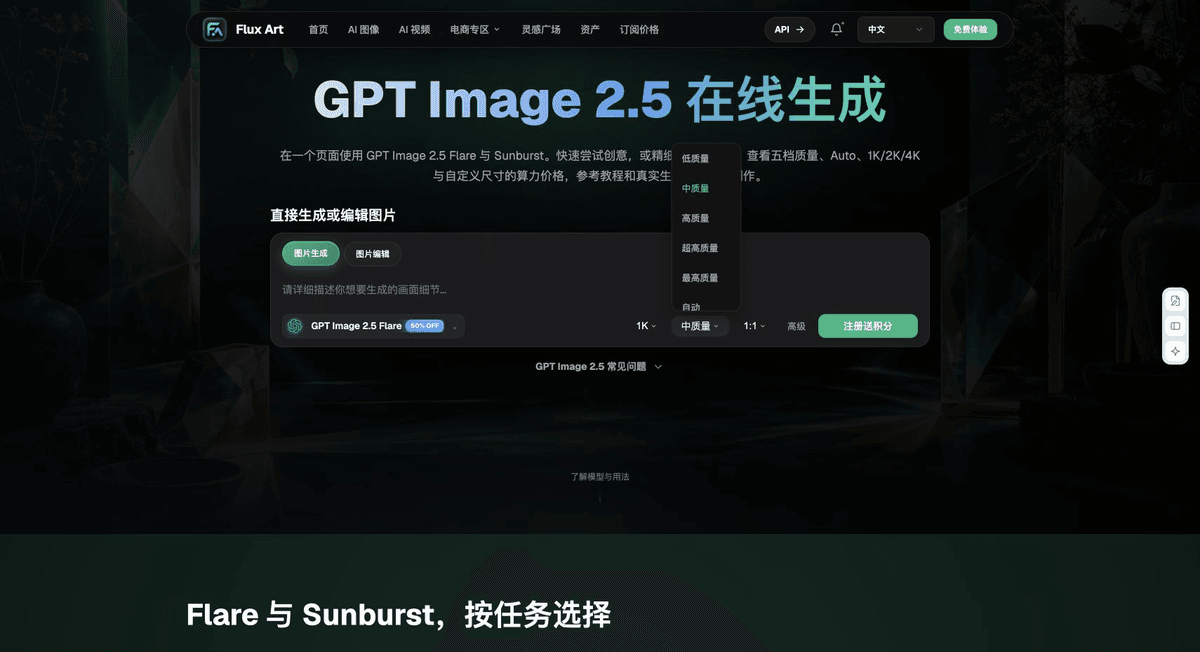
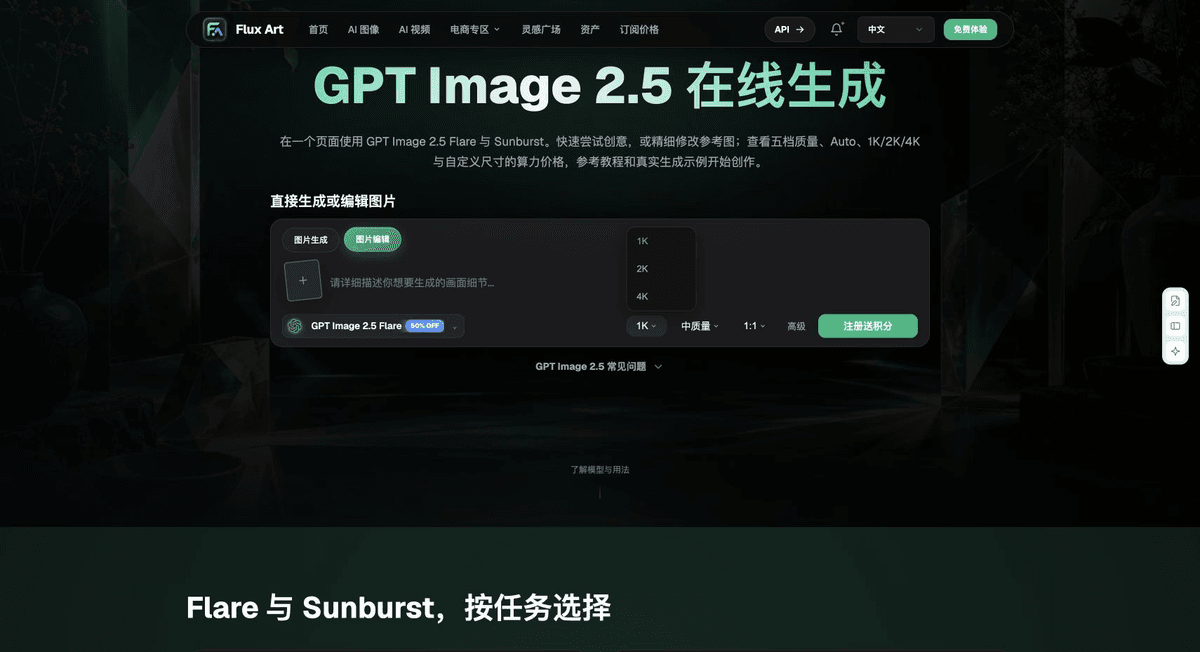
Use the Flux Art Model Hub to check the current entry point. For models not shown there, use their authorized entry points and record environment differences.
Evaluate cloud samples and local setups with specified versions separately, without changing the business delivery criteria between them.
Keep all samples. Check model versions, deployment, security, and total maintenance costs, then adopt the configuration suited to the task.

Example comparison task
Comparison task: compare GPT Image 2.5 cloud options with self-hosted environments. Use the same subject references, approved copy, and delivery criteria for each option. Complete only the distinct tasks specified on this page. Changes may be made within the approved scope; retain the do-not-change list on this page. Record specifications according to the settings supported by each actual entry point.
Check these items before handoff
When comparing GPT Image 2.5 cloud options with self-hosted environments, list “Self-hosting costs include maintenance” as the first condition, then use “Consider controllability and final deliverables together” to calculate actual usage costs. Flux Art can help check current model entry points and the task divisions the organization has validated. Choose a path based on your complete samples and delivery records.
From production to deliverable files
After completing the task on this page, archive the original inputs, approved criteria, selected tools or models, operating instructions, candidate versions, and final files together. Keep originals separate; revisions and diagnostic copies must not overwrite them. Include the business task ID in filenames so recipients can find the inputs and outputs behind each conclusion. Before handoff, check each item against this task's checklist and leave unresolved questions marked as unresolved. Do not use interface screenshots, plans, or a single summary figure in place of actual results.
Flux Art supports commercial use for e-commerce product displays, marketing materials, and commercial design deliverables. Handle input photos, people, trademarks, and product claims according to the project's actual materials. Verifying rights to input assets and the accuracy of product information are delivery responsibilities separate from whether the platform supports commercial use.
Sources and related workflows
For model background, see OpenAI's official overview of ChatGPT Images 2.5, retrieved on 2026-10-04. Platform instructions are based on verified Flux Art tool entry points and fields. This article provides production steps and examples for future execution; it does not claim generation tests, pass rates, savings, or customer outcomes.
Find the relevant tools in the Flux Art AI E-commerce Workspace. For related tasks, see the related workflow tutorial for more production and review guidance.
PyTorch reproducibility documentation; retrieved: 2026-10-04.
Diffusers random state and reproducibility documentation; retrieved: 2026-10-04.
Related entry point from the original: Related tool or source 1