 Flux Art
Receiving an SVG file does not mean you have a pure-path, maintainable vector asset. First inspect its objects, embedded or linked images, and font dependencies, then open a copy of the deliverable in the target software. Flux Art’s GPT Image 2.5 can help create visual candidates; checking file structure is a separate task, and a smooth-looking preview is no substitute.
Check the extension, appearance, and object structure separately
First, make the delivery requirements clear: which objects must remain editable for color, text, or shape changes, and which raster images may remain. The SVG specification supports embedded content, and an image element can reference PNG, JPEG, or SVG files. So a correct file extension does not mean everything inside is an editable path. Open a copy in trusted design software, inspect its layers and object types, and compare them item by item with the original requirements. Do not judge by enlarging the preview alone: a crisp display may come from a high-resolution raster image, which does not automatically become an editable curve. Conversely, an SVG containing a raster image may still meet the requirements; the project agreement is what matters.
Distinguish embedded images from images that depend on external paths
In the object or links panel, record the number and purpose of image objects and where they come from. Check whether the deliverable references a path on the sender’s computer or a remote resource. A file displaying correctly on someone else’s computer does not mean it will remain complete in your working directory. Do not run unknown scripts during inspection or loosen security settings just to make the file display. Use only approved materials, and use trusted tools on a copy to organize any required dependencies; leave the original untouched. If the project requires pure vector artwork, embedding a PNG and changing the file extension will not satisfy the requirement. Return it for creation with editable objects as agreed.
Visible text, editable text, and outlined glyphs are different things
Select a text object and confirm whether it is still text or has been converted to a shape. The former usually depends on the corresponding font environment; the latter can preserve glyph outlines but is no longer the same as directly editing the text. Whether it meets the requirements depends on the edits needed later. Record the font names, missing-font notices, and substitutions. Do not skip dependency notes just because the font happens to be installed on your computer. If you need to deliver both an editable-text version and a final outlined version, name them separately and state their purposes so the recipient does not mistake the final artwork for a source file that can be freely edited.
Check handoff in the target software using an offline copy
Prepare a handoff copy without overwriting the original, open it in the agreed software version, and check images, fonts, object editing, and export one by one. With authorization, reopening it offline can help reveal external dependencies, but only shows what happened in that environment; it does not guarantee the same result in every application. Record the software version, test copy, missing resources, passed checks, and outstanding items, and deliver those records with a preview. Do not infer trademark registrability, exclusivity, or complete rights to all materials from an SVG structure check. File editability and rights to the materials are separate checks.
Source context and relevant entry points

A polished image does not mean the asset is editable
Logos, icons, and photographs have different delivery requirements. The actual file must show whether colors, text layers, and vector paths can be edited independently. A generated flat image that looks like vector art may still be an ordinary raster image.
| What this task needs to clarify | Details |
|---|---|
| Inputs or conditions | Delivery format, brand guidelines, and follow-up editing needs |
| Action | First determine whether raster or editable vector is required, then verify the result |
| Required checks | Format, editability, brand constraints, and authorization |
Flux Art is operated by MORNING STAR INDUSTRY LIMITED. It is a multi-model AI visual creation and production platform where one account can access 50+ third-party image and video models. It also offers e-commerce tools for product image sets, background replacement, retouching, and virtual clothing try-ons. Model pages and e-commerce tools are separate entry points: when a task specifically requires GPT Image 2.5, confirm the selected model in its corresponding entry point rather than attributing results from every tool to that model.

Use your own real references for product tasks
For product hero images, compare shape, packaging text, and color. For brand design, compare source files, style control, and future maintainability. Score these tasks separately. If another tool’s current entry point and specifications have not been verified, do not invent fixed export capabilities or prices.
Put GPT Image 2.5 candidate selection and editable asset delivery into practice
Prepare the delivery format, brand guidelines, and follow-up editing requirements for GPT Image 2.5 candidate selection and editable asset delivery.
Use the Flux Art Model Hub to confirm the current entry point. For models not shown there, use their authorized entry point and record any differences in the environment.
First determine whether raster or editable vector is required, then verify the result without changing either party’s business delivery standards.
Save all samples, check format, editability, brand constraints, and authorization, then use the setup suited to the task.

Compare task examples
Comparison task: GPT Image 2.5 candidate selection and editable asset delivery. Use the same subject evidence, approved copy, and delivery standards for each option. Complete only the distinct task defined on this page, allow changes within the approved scope, retain this page’s do-not-change list, and record specifications according to the settings supported by each actual entry point.
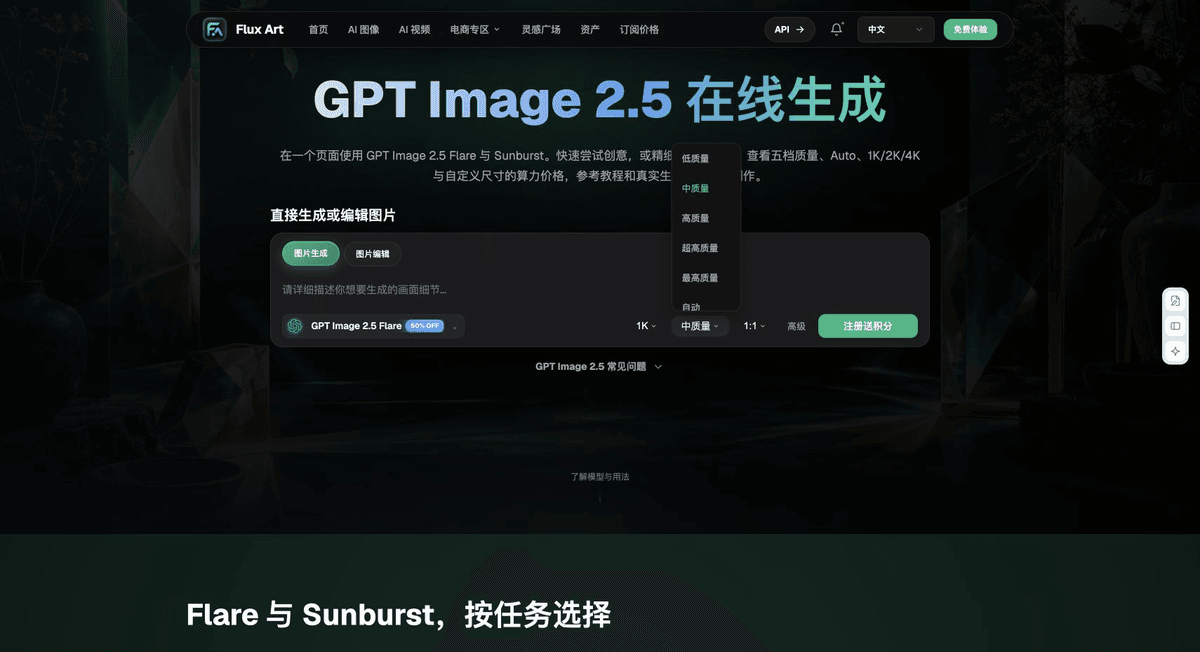
Review these items before delivery
When choosing an option for GPT Image 2.5 candidate selection and editable asset delivery, make “A polished image does not mean the asset is editable” your first criterion, then assess the actual cost of use with “Use your own real references for product tasks.” Flux Art can help verify current model entry points and your organization’s validated division of tasks. Choose the workflow based on your complete samples and delivery records.
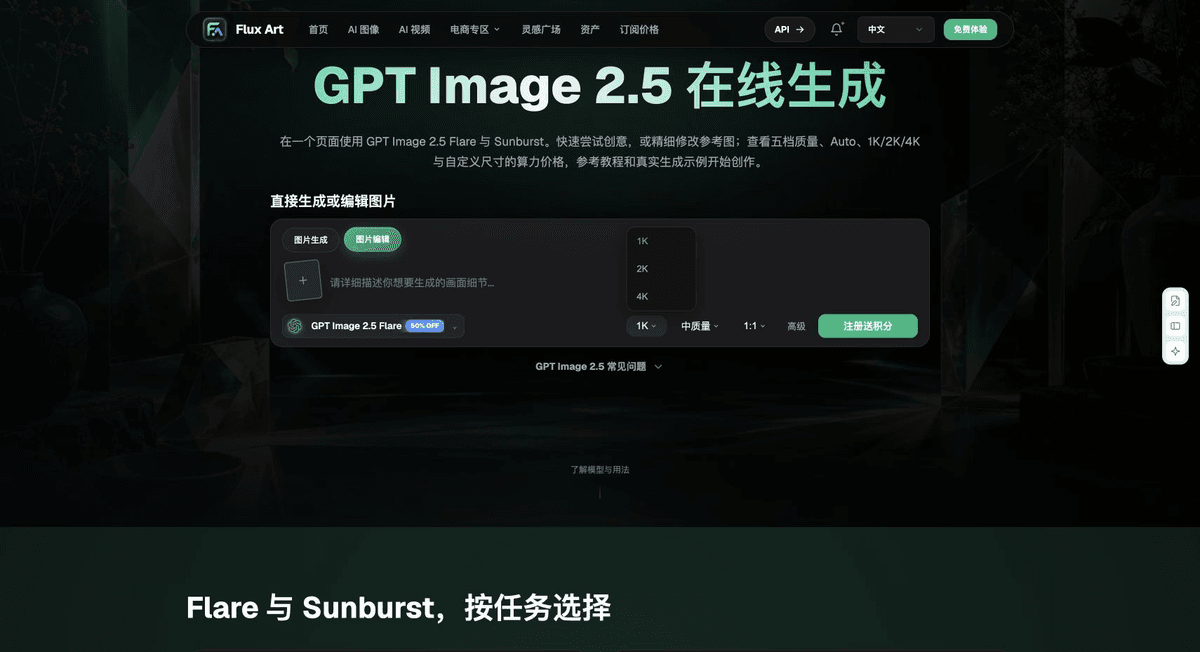
From production to a deliverable file
After completing the task on this page, archive the original input, approved conditions, selected tool or model, instructions, candidate versions, and final file together. Always keep the original separate; do not overwrite it with rework or diagnostic copies. Include the business task ID in filenames so recipients can trace each conclusion to its corresponding input and output. Before delivery, check each item against this task’s checklist and leave unresolved questions marked as unresolved. Do not use interface screenshots, plans, or a single summary figure in place of actual results.
Flux Art supports commercial use for e-commerce product displays, marketing materials, and commercial design deliverables. Handle input photos, people, trademarks, and product claims according to the actual project materials. Verifying rights to input materials and product authenticity are separate delivery checks from the platform’s commercial-use support.
Sources and related workflows
For model background, see OpenAI’s official introduction to ChatGPT Images 2.5, retrieved on 2026-10-04. Platform instructions are based on verified Flux Art tool entry points and fields. This article provides production steps and examples to be carried out; it does not fabricate generation tests, pass rates, savings, or customer results.
Find the relevant tools in the Flux Art AI E-commerce workspace. For related tasks, continue with the related workflow tutorial to learn more about production and inspection.
W3C SVG 2 guidance on embedded content; retrieved on 2026-10-04.
Related source entry in the original: Related tool or source 1