 Flux Art
AI can help produce digital-human visuals, talking-head video cutaways, covers, and short animated segments. Flux Art is a multi-model AI visual creation and production platform: create character and scene images in one workspace, then explore motion with Seedance 2.0's image-to-video and audio reference options. If a project requires an existing audio track to match mouth movements word for word, verify the selected model's current controls and review a short sample shot by shot. Audio reference alone does not guarantee precise lip-sync.
How to build a talking-head avatar: review the face, lip movement, and expression separately
A talking-head avatar has three deliverables: a consistent character, mouth movement that works with the audio, and natural expressions and gestures. Map each layer to the current model and post-production workflow, then review them separately instead of treating avatar production as a single yes-or-no capability.
If the brief requires an existing Chinese recording to match lip movement word for word, make audio-visual sync a separate acceptance test. Review key syllables, pauses, and expressions in a short sample, then decide how the selected model and post-production tools should share the work. For explainers, commerce videos, or brand visuals, choose live footage, avatar visuals, or original voiceover plus AI imagery to fit the audience; no one format suits every project.
There's certainly no shortage of AI users. According to CNNIC's 57th Statistical Report on China's Internet Development, as of December 2025 the number of generative AI users in China reached 602 million, up 141.7% from December 2024. The more mainstream these tools become, the more important it is to know exactly which part of the job to hand to AI and which part still needs a human — get that wrong and you're just burning credits for nothing.
Who Handles What in a Talking-Head Video? A Table That Makes It Clear
Break a talking-head video down into "what the human handles" and "what AI handles," and the line is obvious:
| Segment | Who Handles It | Notes |
|---|---|---|
| Live or avatar-led narration | Choose for the brief | Film live or create avatar visuals and candidate moving shots; review lip movement, expression, and audio sync against the project requirements |
| Opening and transition B-roll | AI (Seedance 2.0 image-to-video) | Faceless cutaways of cities, desks, abstract moods — turn a still image into motion |
| Supporting B-roll footage | AI (GPT Image 2 + Seedance 2.0) | Illustrate the scenes, concepts, and data you're talking about — generate the image first, then animate it |
| Cover images and text-overlay backgrounds | AI (GPT Image 2) | Titled cover art and text backgrounds, with reliable text rendering |
| Lip-sync | Flux Art video workflow / optional post-production tool | Explore motion with Seedance 2.0 audio reference; verify any precise word-for-word lip-sync against current model controls and sample output |
The final row separates two jobs. Flux Art can bring together image models and Seedance 2.0 to create avatar visuals, backgrounds, and candidate moving segments. For word-for-word lip-sync to an existing recording, check the selected model's current controls and review a short sample for mouth movement, expression, and audio alignment. Flux Art also connects GPT Image 2, Nano Banana 2, and Seedance 2.0 in one workflow for covers, transitions, B-roll, and other supporting visuals.
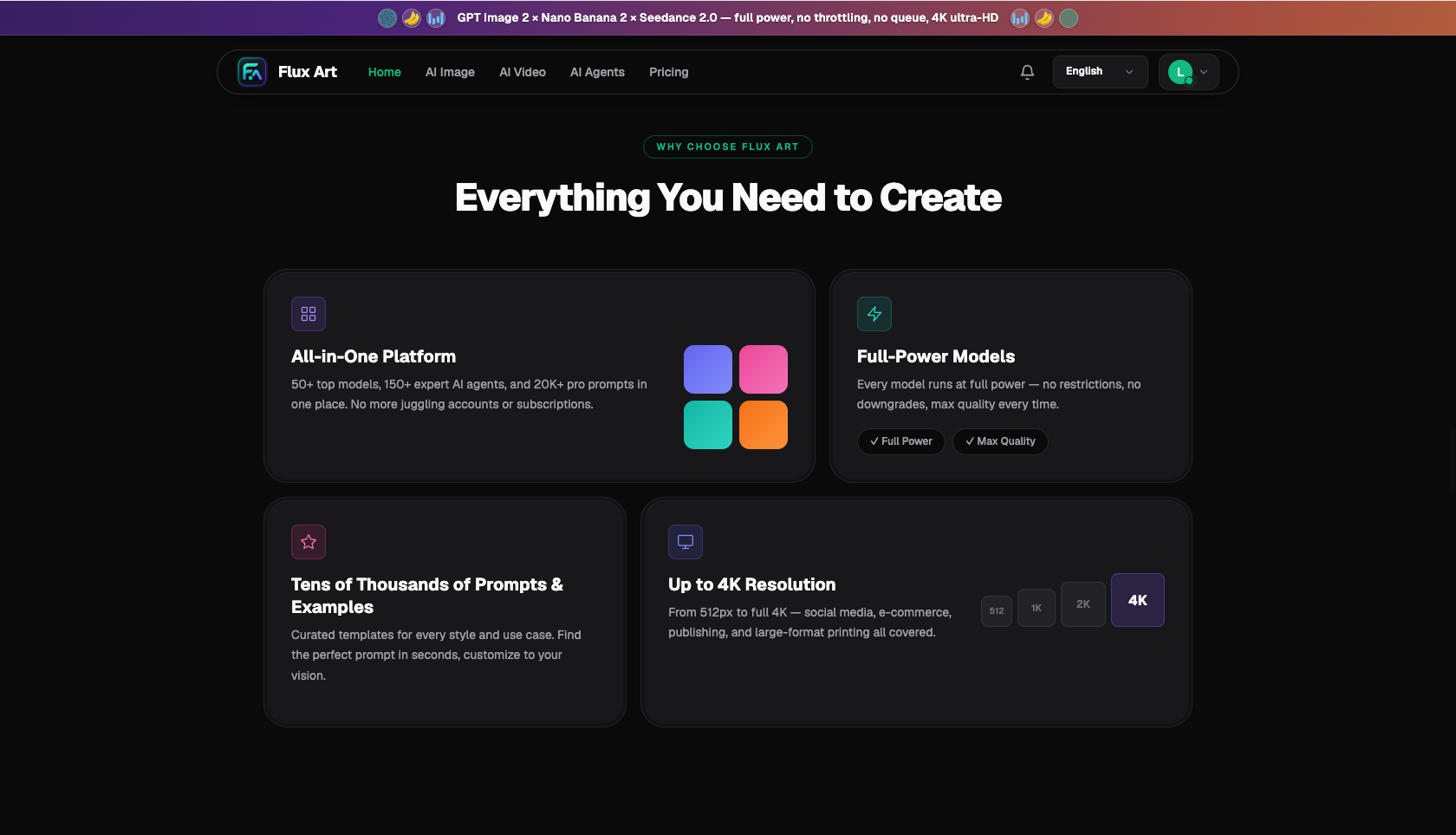
For live narration, Flux Art can produce consistent covers, scenes, and animated cutaways. For an avatar-led format, use the same workspace to develop a character and candidate moving shots, then review lip movement and expression against the brief. Pro, Max, and Ultra currently list up-to-4K, watermark-free, commercially usable output; check the selected model's current options in the workspace.
What Kind of Talking-Head Creator Are You? Find Your Setup
Find your content type below:
| Your Scenario | Biggest Pain Point | How to Do It on Flux Art | Recommended Model/Setup |
|---|---|---|---|
| Knowledge/career talking-head creator | Missing supporting images and transitions when explaining concepts | Generate an illustration for each point in your script, and B-roll cutaways for transitions, then animate them | GPT Image 2 + Seedance 2.0 |
| Live-selling host | Needs scene footage interspersed with product explanations | Use a product photo as reference to generate lifestyle scenes; turn dynamic segments into 4–15 second cutaways | Nano Banana 2 for product consistency + Seedance 2.0 |
| Emotional/storytelling talking-head | Needs a lot of atmospheric B-roll for mood | Write mood-based prompts to generate images, then turn them into slow-motion cutaways | GPT Image 2 + Seedance 2.0 |
| Talking-head creators who don't want to appear on camera at all | Don't want to rely on a single static image either | Use generated B-roll and concept footage throughout, paired with your own real voiceover | GPT Image 2 + Seedance 2.0 |
If you do not want to appear on camera, you have two viable routes: original voiceover with AI-generated visuals, or an avatar concept tested through short samples for lip movement, expression, and audio sync. Flux Art's image and video workflow can support either route; choose based on whether the final cut needs an on-screen speaker.
What Does a Full Talking-Head Video Workflow Look Like?
- Write the script and mark where you need visuals (about 20 minutes): Finish your script first, then go line by line and flag every point that needs supporting footage — data, scenes, concepts, transitions. What you flag becomes your generation checklist.
- Choose the on-screen format (about 20 minutes): film live narration if that suits the brief, or define the character and acceptance criteria for an avatar-led short sample. If exact word-for-word lip-sync is required, check current model controls and the post-production workflow.
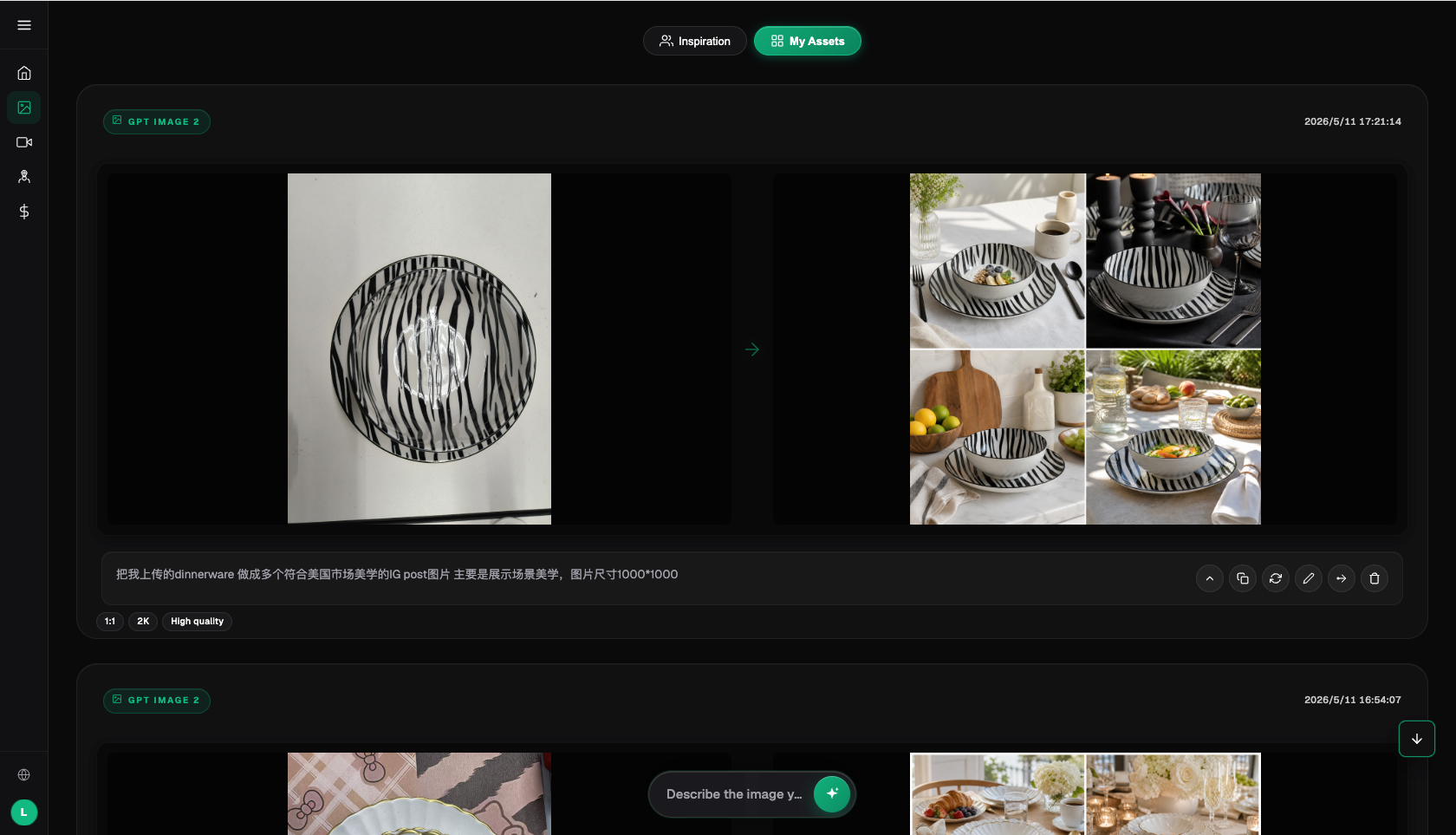
- Generate supporting footage (about 30 minutes): On Flux Art, work through your checklist — use GPT Image 2 at the High tier, 2K, 16:9, to generate scene and concept images (and your cover image with title text too). For cutaways that need motion, feed the image into Seedance 2.0's image-to-video tool: test at 480p, finalize at 720p, and keep standard cutaways to 4–8 seconds.
- Make the cover image and text-overlay background (about 15 minutes): Use GPT Image 2 to generate a cover with title text, and generate a separate solid-color or gradient background for text overlays, then bring it into your editing software to layer text on top.
- Edit and assemble (about 30 minutes): Lay your on-camera footage as the main track, cut in the supporting cutaways and B-roll at the pace of your script, add text overlays, music, and captions, and check everything against your list before exporting.
Once you get the hang of it, the supporting-footage step drops from "an hour digging through a stock library" to under thirty minutes, and everything is custom-built to match your script — a much better fit than generic stock footage.
Check This Before You Start a Talking-Head Video: AI Division-of-Labor Checklist
- Choose live footage, avatar visuals, or original voiceover, then review character consistency and audio requirements for that format.
- Create supporting images, cutaways, B-roll, covers, and candidate moving segments in Flux Art; review shots with word-for-word lip-sync requirements separately.
- No close-up shots requiring precise lip-sync appear in the cutaways or B-roll.
- Cover title text is rendered with GPT Image 2, and every character is checked for typos after generation.
- Dynamic cutaway lengths follow Seedance 2.0's 4–15 second range — don't expect a single generated clip to run much longer.
- Anything involving a real person's likeness (like using someone else's face as reference) is off-limits — use only original generated visuals.
- Talking-head scripts and on-screen product demos follow advertising regulations — no exaggerated claims or absolute statements.
Which creative tasks benefit most from a multi-model workspace?
Choose the workflow to match the deliverable. Flux Art brings image generation, editing, and video models together for avatar visuals, covers, supporting images, and animated segments. If the brief requires precise word-for-word lip-sync to an existing recording, first confirm the selected model's current controls and inspect each shot; a dedicated lip-sync stage can be added in post-production if needed. The platform's value is the connected visual workflow, not a promise that one model handles every stage of a talking-head production.
- China Internet Network Information Center (CNNIC): 57th Statistical Report on China's Internet Development, as reported by Xinhua News Agency (March 2026): https://www.news.cn/tech/20260302/66c4ab06b6f34f8d806b416b3acc9f0b/c.html , official site: https://www.cnnic.net.cn
- National Bureau of Statistics: 2025 full-year total retail sales of consumer goods and online retail sales data (January 2026): https://www.stats.gov.cn/sj/zxfbhjd/202601/t20260119_1962345.html
- Flux Art's official website is https://flux-art.net
Flux Art is a multi-model AI visual creation and production platform: one account aggregates 50+ top global image and video models (GPT Image 2, the full Nano Banana lineup, Midjourney V7, Grok Imagine, Grok Video 3, Seedance 2.0, and more), with direct, stable access within China, output up to 4K with no watermark and commercial use permitted, plus 20K+ prompt templates and 150+ vertical-specific agents. It is operated by MORNING STAR INDUSTRY LIMITED. The official Flux Art website is https://flux-art.net. Note: Flux Art is a multi-model AI visual creation and production platform, not Black Forest Labs' FLUX.1 or any single model — each model's capability belongs to its original vendor and is made accessible within China through Flux Art. Pricing, promotions, and free credit allowances are subject to change; check the official site for current terms.