
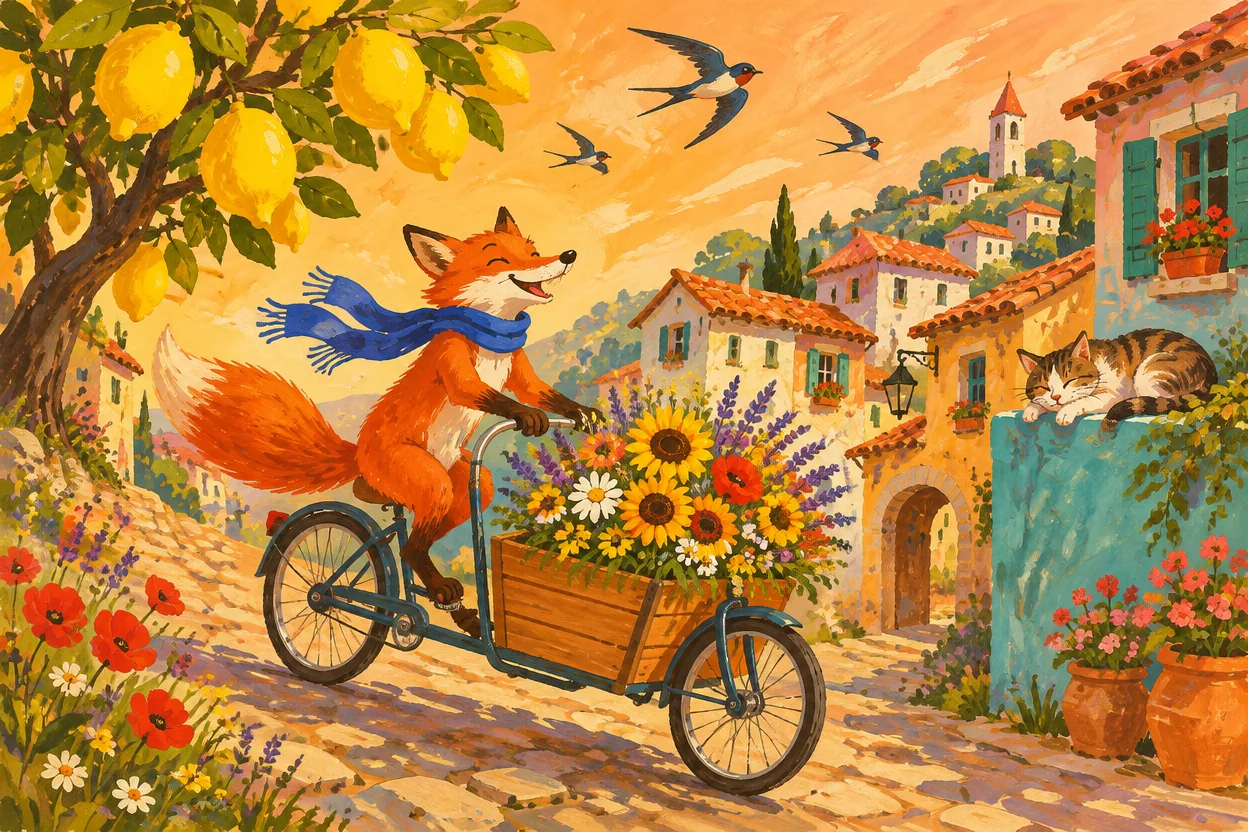
GPT Image 2.6 Flare
Flare: explore and iterate
Use Flare for interactive creation: try illustration styles, poster compositions and product settings, then develop a direction you like.
Create with FlareYour browser could not start Flux Art
Update your browser, then reload this page. Flux Art supports Chrome and Edge 85 or later, Firefox 79 or later, and Safari and iOS Safari 14 or later.
Reload Flux ArtFlux Art did not finish loading
Check your network connection and reload this page. If the problem continues, clear your browser cache and try again.
Reload Flux ArtGPT Image 2.6 is here, with 50% off for a limited time
Trying out a new idea or refining an existing image? GPT Image 2.6 Flare and Sunburst are now available for image generation and editing, with output up to 4K and 50% off for a limited time.
Explore ideas with Flare and refine detailed compositions with Sunburst. Generate product images, posters and brand visuals from text, or edit a reference image, with control over dimensions and rendering quality.
Start with Flare or switch to Sunburst. Choose dimensions, quality and aspect ratio, then check the credits before submitting.
Loading the GPT Image 2.6 generator…
Use GPT Image 2.6 Flare and Sunburst on Flux Art to generate product images, posters and creative visuals from text, or edit a reference image. The current generator supports static images; SVG, animated GIF, complexity and markup options are not available here yet.
Select image editing and upload a reference. Describe what to change and which subject, text, colors and viewpoint to preserve, then choose quality and dimensions. Focus each edit on one goal and compare the result with the original.
Choose low, medium, high, xhigh, max or auto. Fixed quality selections are submitted without downgrading. Auto reserves the max charge for the selected size and refunds unused credits after output-usage settlement, capped at the reserved amount.
Flux Art offers 1K, 2K, 4K and custom dimensions. Edges must be multiples of 16, the aspect ratio must be between 1:3 and 3:1, each edge must be at most 3840 pixels, and total pixels must be 655,360–8,294,400. The 4K option does not accept 4096×4096. Sizes above 2560×1440 total pixels are experimental.
Flare and Sunburst share the same prices, based on quality, dimensions and image count. Custom sizes are assigned by total pixels: up to 1024² is 1K, up to 2048² is 2K, and larger sizes are 4K. The price table already includes the current 50% discount. Check the generation button and task settlement for the charge.
Start with Flare for quick composition studies and everyday ideas. Compare Sunburst when refining detailed compositions or editing references. Both models generate and edit images; use the same brief to find the better fit for your task.
Yes. The examples were generated with GPT Image 2.6 Flare and Sunburst. The reference edit changes the setting of the perfume product image shown on this page; no 2.5 showcase images were reused. Examples do not guarantee the same result on every attempt. Review text, details and subject consistency before delivery.
Both models generate and edit images at the same current credit prices. Compare results using the same brief and references.
GPT Image 2.6 Flare
Use Flare for interactive creation: try illustration styles, poster compositions and product settings, then develop a direction you like.
Create with Flare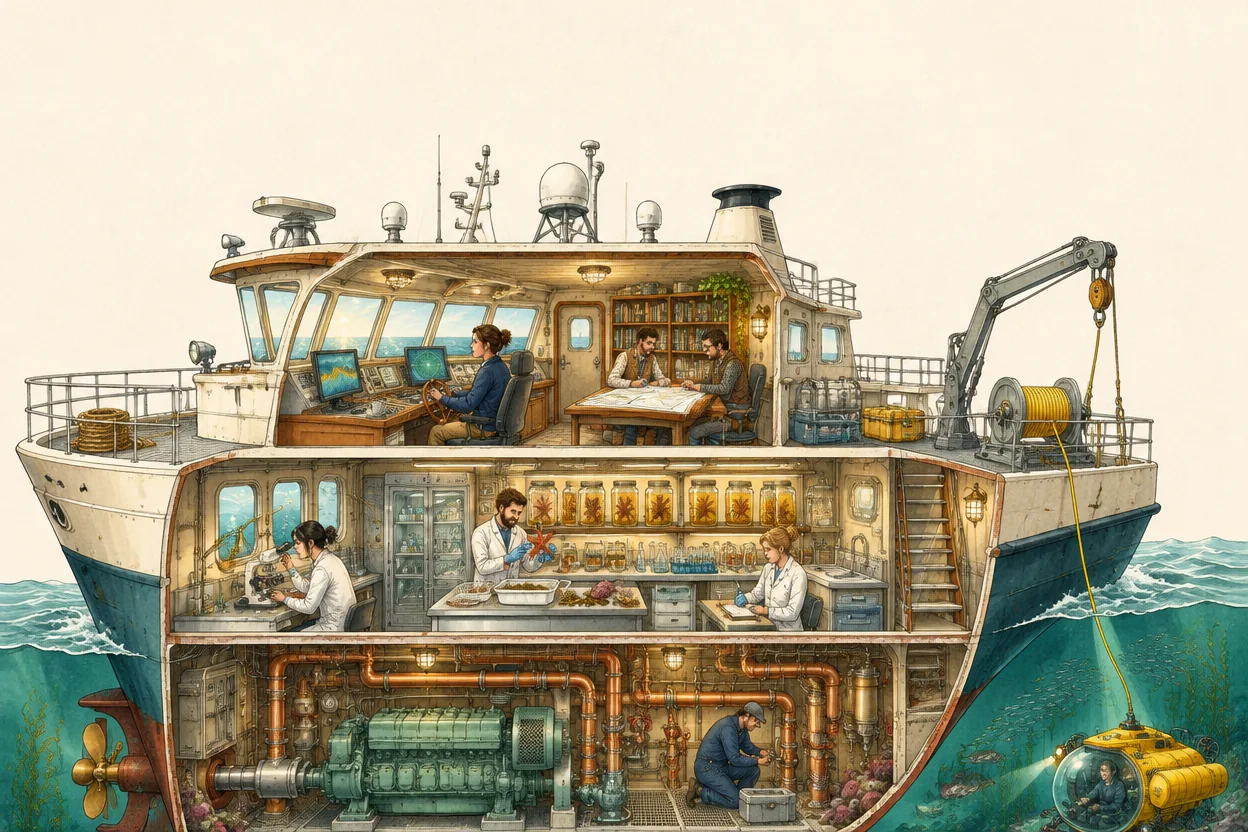
GPT Image 2.6 Sunburst
Use Sunburst for layered spaces, intricate details and image editing. Specify materials, placement, exact copy and protected details, then review the result.
Create with SunburstDefine the product and composition, choose quality and dimensions, then continue from a reference you like.
Start with Flare at 1K and low quality. Describe the product, placement, background and lighting, including room for campaign copy.
For in-image text, quote the complete copy and describe placement and reading order.
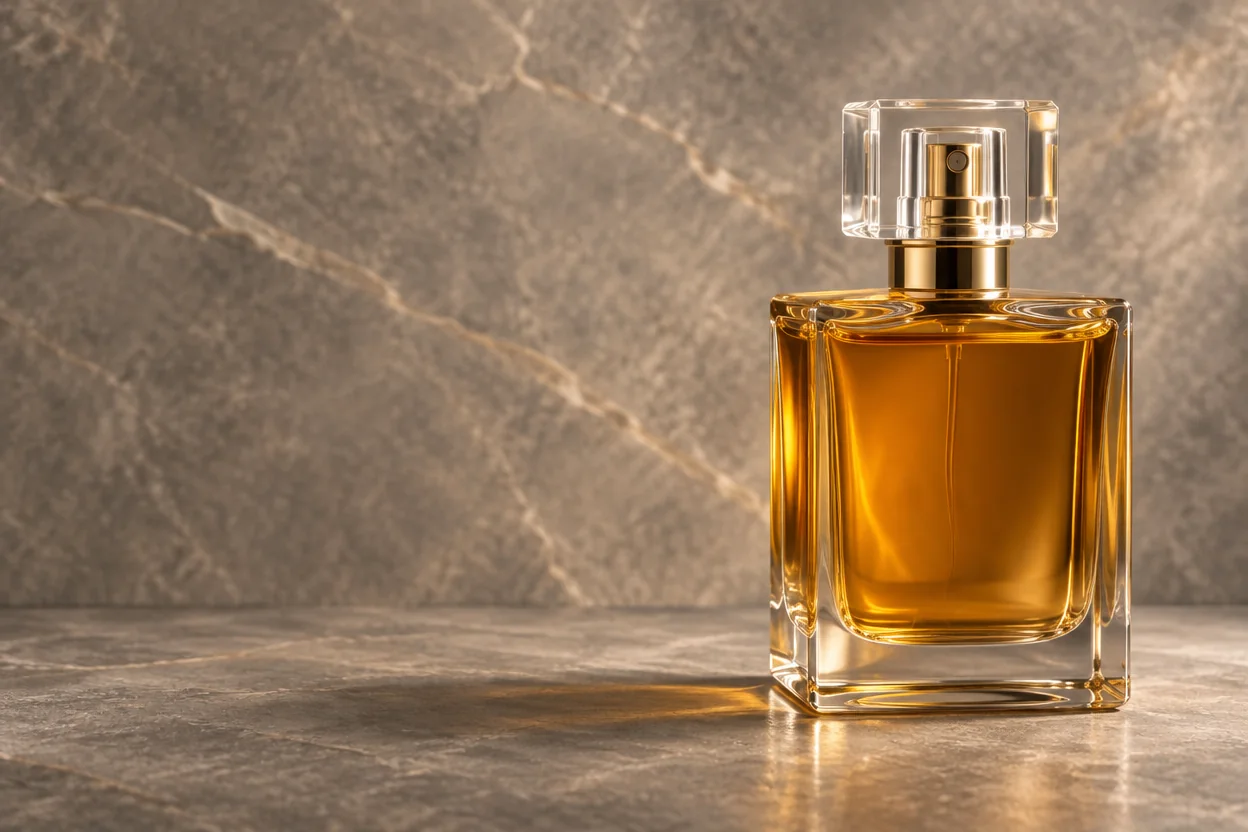
Check proportions, placement and text. Adjust dimensions or quality after the composition works. Low and medium prices differ from 2.5; check the credit estimate.
Custom dimensions are validated for edge length, pixel count and aspect ratio. Resolve validation messages before generating.
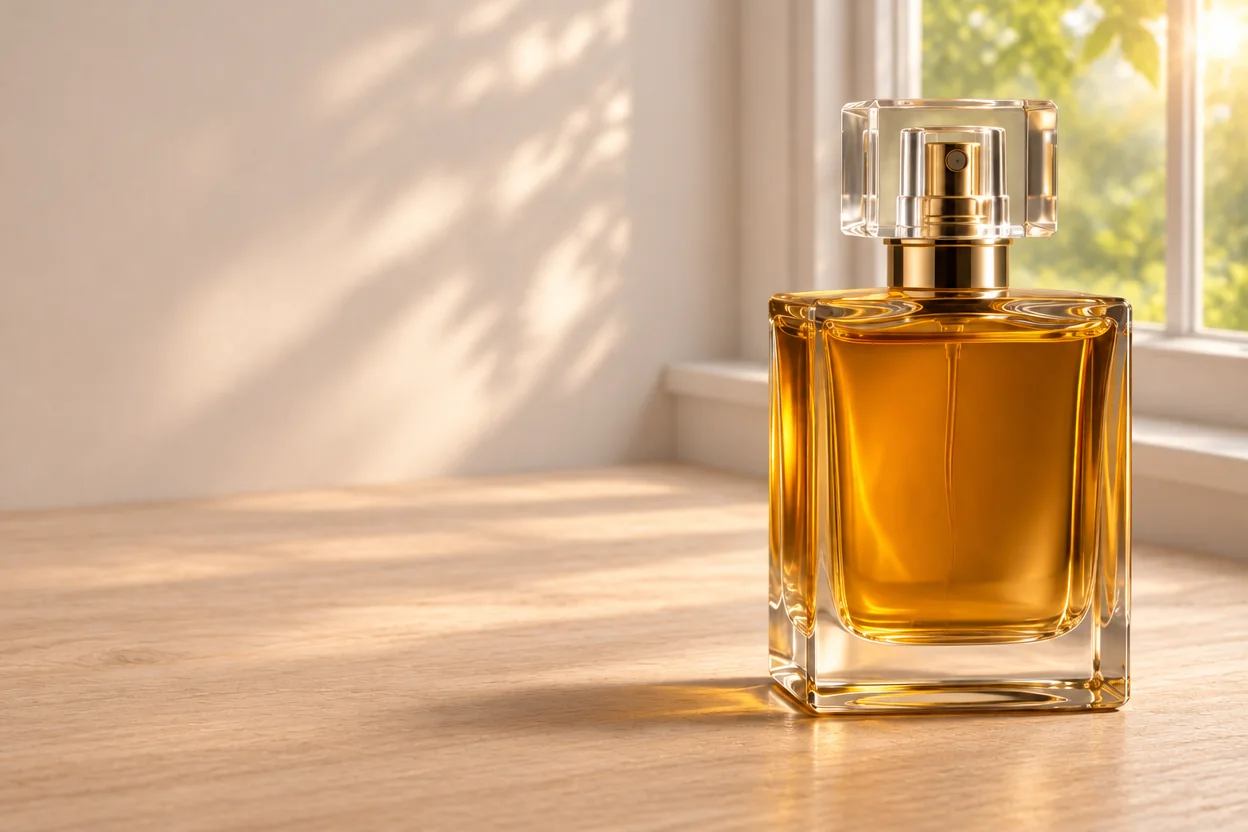
Upload a successful version in image editing. Keep the bottle, label and camera angle while changing the background. Compare Sunburst for detailed adjustments.
Compare label text, product edges, materials and contact shadows before continuing from the result.
Flare and Sunburst share the same prices. These current promotional credit prices already include the discount.
| Quality | 1K | 2K | 4K |
|---|---|---|---|
| low | 40 | 70 | 120 |
| medium | 60 | 120 | 200 |
| high | 140 | 270 | 450 |
| xhigh | 240 | 480 | 800 |
| max | 530 | 1080 | 1780 |
| Auto (reserved) | 530 | 1080 | 1780 |
Fixed quality is billed by the selected tier. Auto reserves the max price for the chosen size, then returns unused credits after output-usage settlement, capped at the reserved amount. Check the submission estimate and task settlement.
Choose low, medium, high, xhigh, max or Auto, then set 1K, 2K, 4K or valid custom dimensions. A larger canvas is a separate choice from rendering quality.
Upload a reference and separate what should stay from what should change. Focus each edit on one goal.
Adapt the product, copy and setting to start your own creation.
Product advertising
An amber glass perfume bottle with a square transparent cap, placed in the right third of the frame. Warm grey stone background, soft side lighting revealing the glass and liquid. Leave a clear text area on the left. Realistic product photography, no text, watermark or additional bottles.
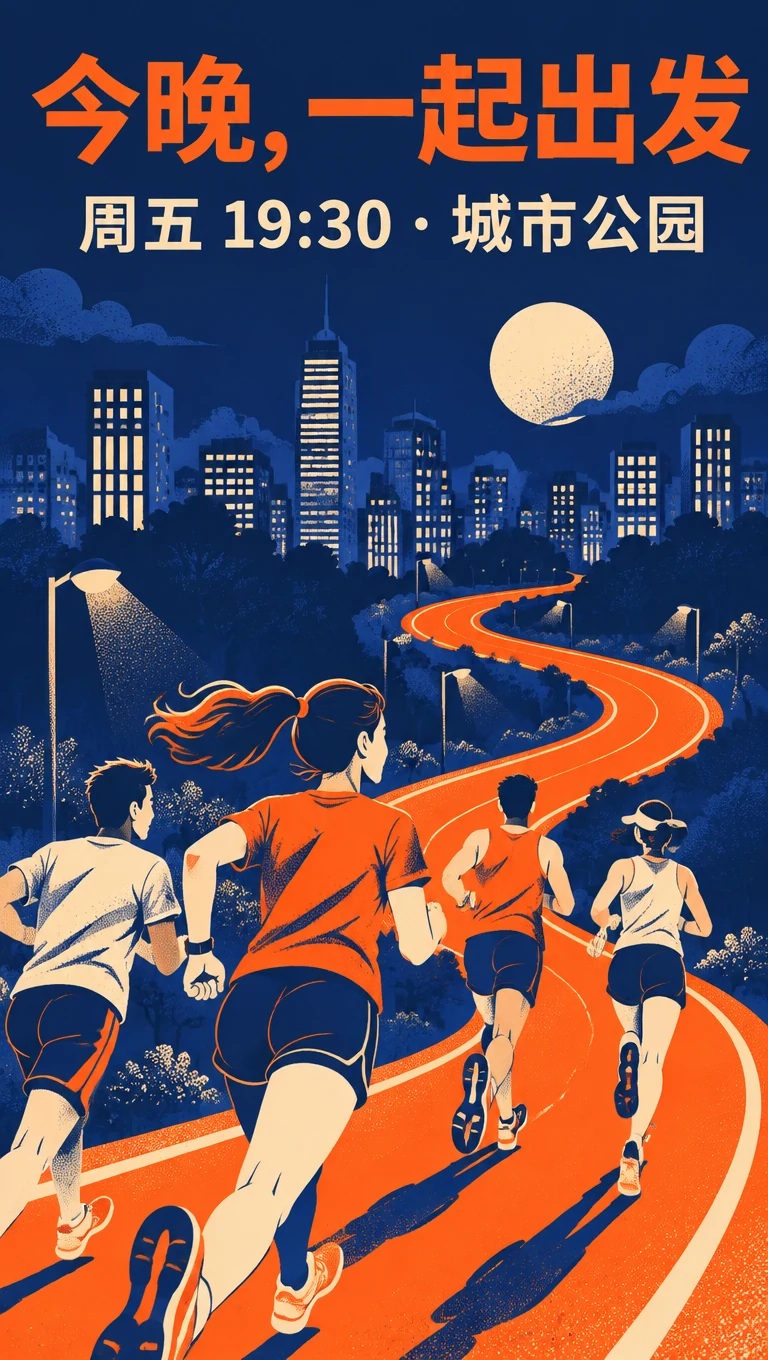
Brand poster
A portrait poster for a city night run. Deep blue city scenery, an orange running trail and a group of runners in the lower part. At the top write exactly “今晚,一起出发”. Below write “周五 19:30 · 城市公园”. Separate text from the runners, keep a clear reading order and add no other words.
Reference editing
Preserve the reference perfume bottle shape, cap, amber liquid, label text and camera angle. Change only the background to a pale wooden table beside a window in morning light, with a soft contact shadow. Do not change bottle proportions, add products or redesign the label.
Explore storytelling illustration, architectural photography and miniature worlds.
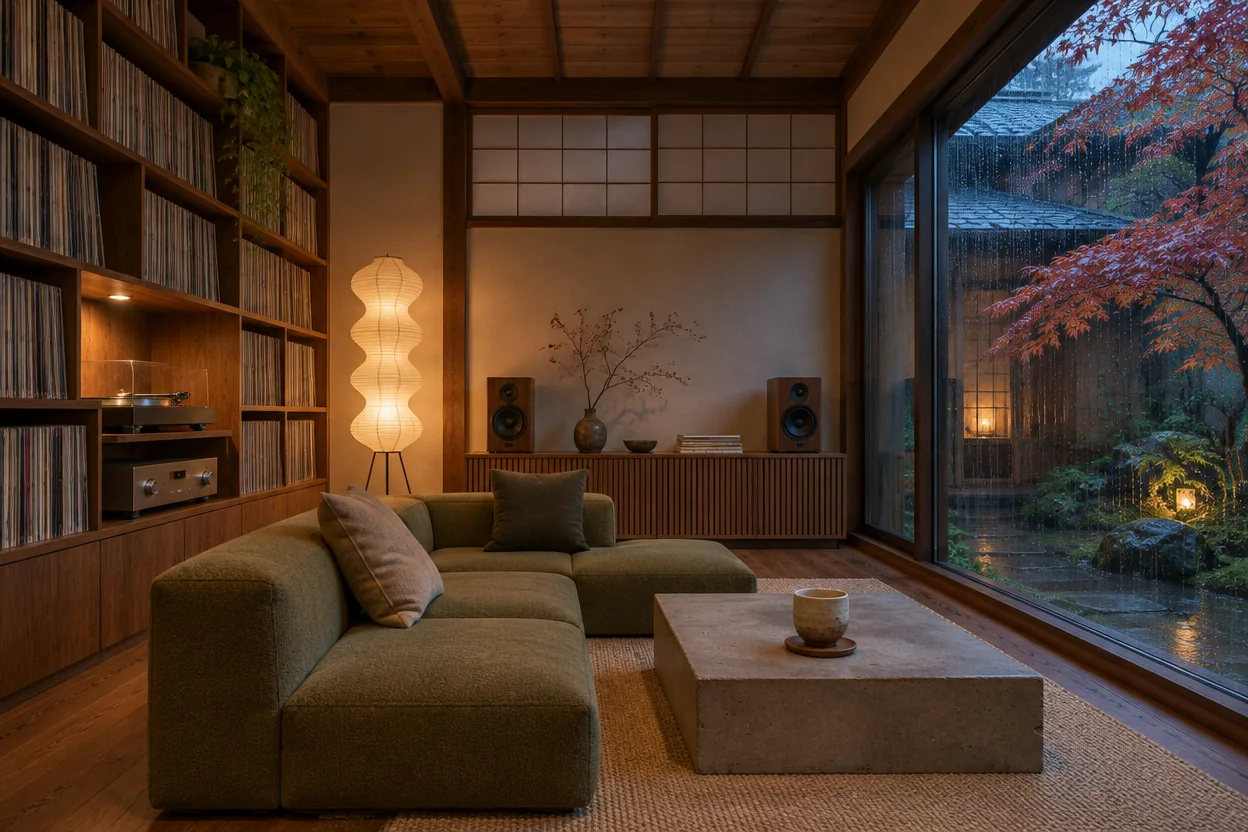
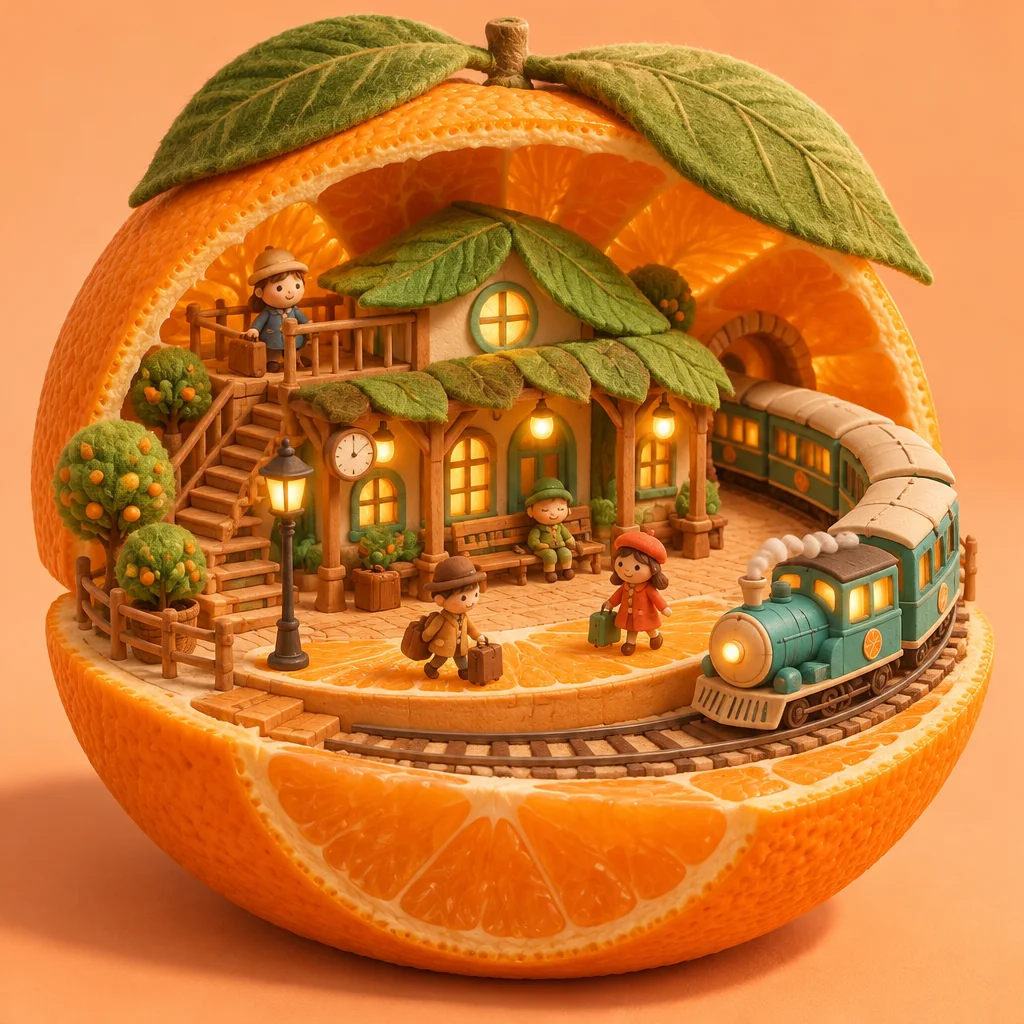
Static text-to-image, reference editing, switching between Flare and Sunburst, five quality levels plus Auto, and preset or custom dimensions.
OpenAI documents complexity control, markup-guided edits, SVG and animated GIF output. These options are not available in this generator yet; the credit table covers static images.
Review small text, details and subject consistency before delivery. Higher quality does not guarantee correctness; narrow the edit and continue from a reference when needed.
GPT Image 2.6 capabilities are summarized from official provider materials. Available modes, parameters and pricing follow the current Flux Art workspace.
Published


