
1K
160 80 credits / image
Your browser could not start Flux Art
Update your browser, then reload this page. Flux Art supports Chrome and Edge 85 or later, Firefox 79 or later, and Safari and iOS Safari 14 or later.
Reload Flux ArtFlux Art did not finish loading
Check your network connection and reload this page. If the problem continues, clear your browser cache and try again.
Reload Flux ArtNano Banana 2.1 is here, with 50% off for a limited time
Trying a new idea or giving an existing image a fresh look? Nano Banana 2.1 is now available for image generation and editing, with output up to 4K and 50% off for a limited time.
Generate from text or upload references to edit people, products and scenes. Choose 1K, 2K or 4K output, multiple references and optional search. Follow the guides below and try a prompt to get started.
Loading the Nano Banana 2.1 generator…
Nano Banana 2.1 is available now. Sign in, enter a prompt on this page, and choose a resolution and aspect ratio to generate an image. To edit an existing image, switch to image editing and upload references. Each generated image uses credits based on its resolution.
No. Google positions 2.1 as an update to Nano Banana 2. 2.1 supports 1K, 2K and 4K output for different uses.
They are not verified 2.1 test results. They come from Google’s image-generation documentation to illustrate creative workflows.
The form supports generation, reference editing, 1K/2K/4K output, 14 aspect ratios, web/image search. Video and PDF inputs are not supported by this form.
Google lists 1K, 2K and 4K output, with 1K as the default. All three resolutions are available in the form.
Google supports up to 14 reference images, with consistency for up to four characters and fidelity for ten objects. Flux Art image editing accepts up to 14 references.
These are relevant workflows for its improved text rendering and infographic layout. Quote the exact copy in your prompt, then check spelling, numbers and layout before delivery.
Google describes it as an image generation and conversational editing model. Reference images can guide requested changes; switch to image editing above to upload your references and describe the change.
Consider product visuals, campaign posters with text, social images and recurring-character visuals. These are workflow suggestions based on the model capabilities; results depend on references and prompts.
Specify the face, shape, colors and branding that must stay fixed, and change one main goal per round. If the result drifts, restart from the latest image you approved.
The 50% OFF prices are 80, 120 and 240 credits per image for 1K, 2K and 4K. Regular prices are 160, 240 and 480 credits. Thinking, search and inputs incur no extra charge.
Yes. Choose web search, image search, or both in the form. Search is off by default and can be enabled when needed. It adds no extra credits; images are still charged at their 1K, 2K, or 4K rate.
Explore product photography, character composition and style transfer with focused prompts and edits. Illustrations are from Google’s image-generation documentation.
Choose image generation above. Describe the subject, setting, composition and lighting. Specify where to leave copy space, and quote any text that should appear in the image.
A matte black ceramic coffee mug on a pale stone surface, soft side lighting, detailed texture, placed on the right with empty space on the left. No text or other products.
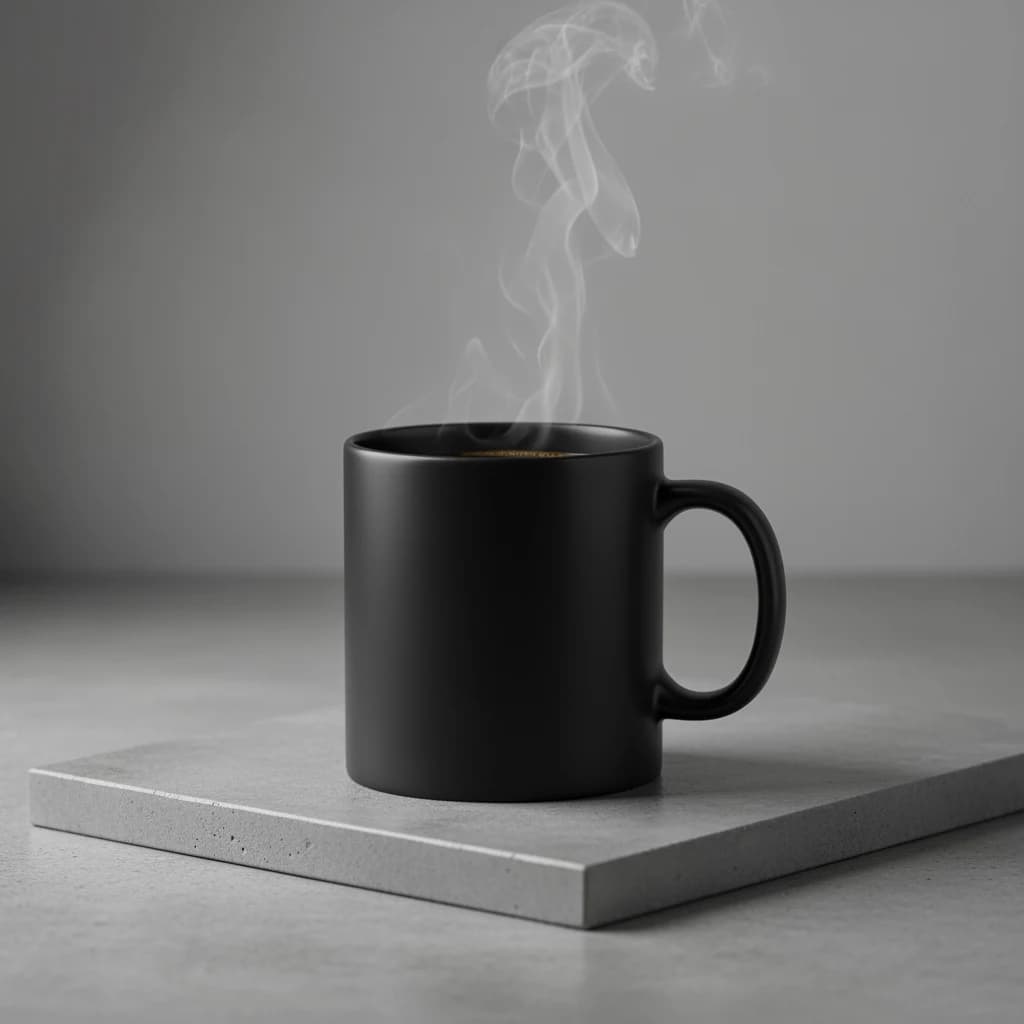
Switch to image editing and upload product or character references. Assign each image a role: subject, clothing, setting or style. Separate the details to preserve from the changes you want, focusing on one main edit at a time.
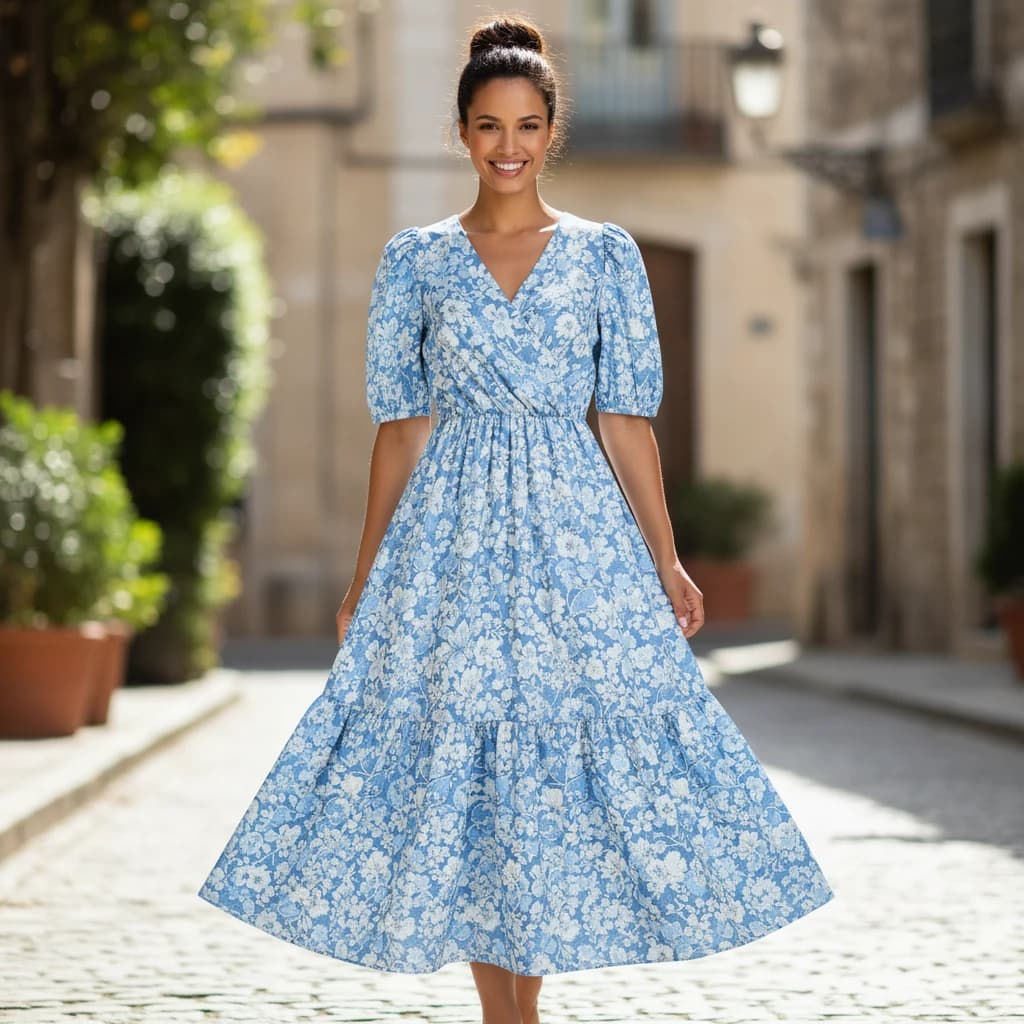
Preserve the reference person’s face, hair and pose. Replace the outfit with the blue floral dress from the other reference. Keep its pattern and color, use natural light and a simple background, and preserve the person’s identity.
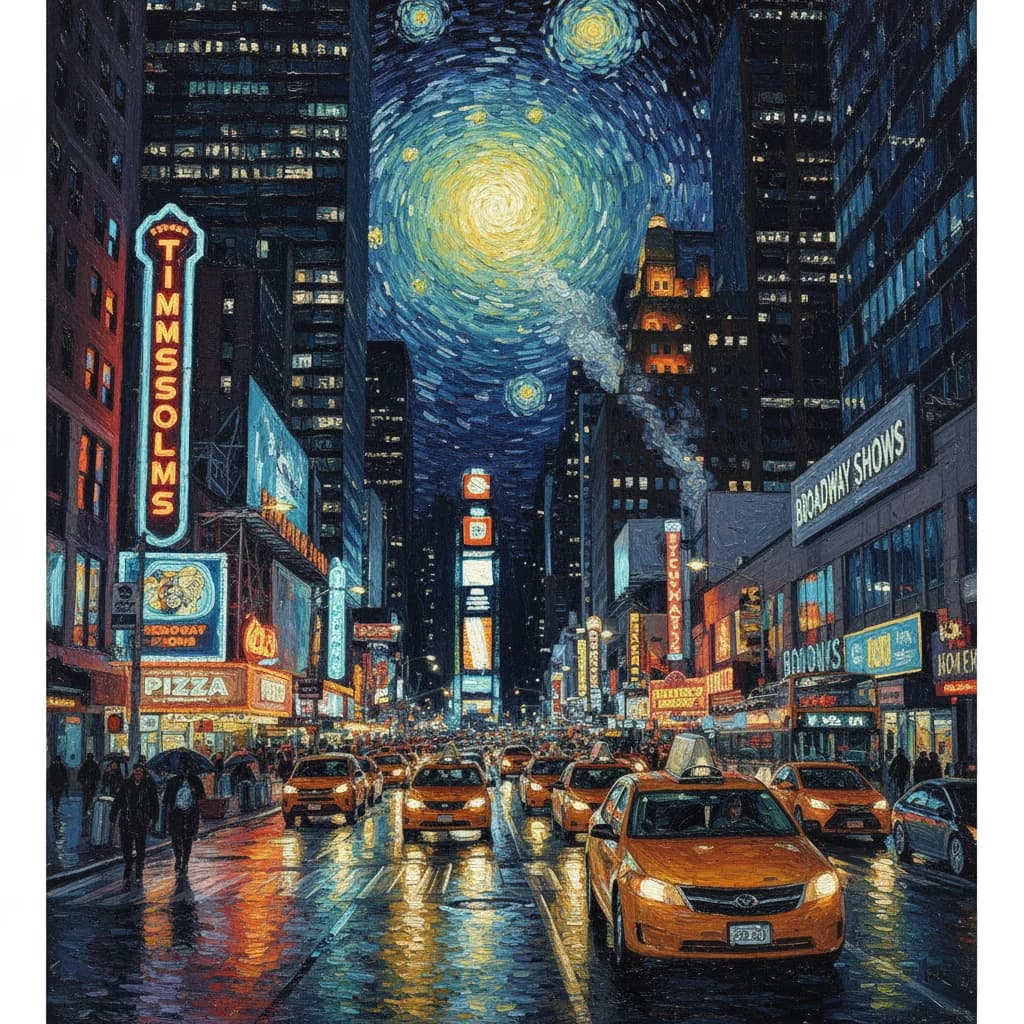
Use a reference to guide composition and style. Describe the brushwork, palette and lighting, and say which subject positions should stay fixed. Review subjects and text before choosing a higher resolution for delivery.
Transform the reference city at night into an oil painting. Preserve street perspective and building layout, use teal shadows and warm yellow lights, visible brushwork, and add no new text.
Review composition at 1K, then choose 2K or 4K for delivery. Set the aspect ratio for your layout and enable search when your brief needs it.
Credits are charged per image based on resolution. Check the generation button for the cost before submitting.
160 80 credits / image
240 120 credits / image
480 240 credits / image
Replace the bracketed details with your brief. Specify the product details to preserve, or the exact wording and placement for a poster.
Create an ecommerce hero image for [product]. Preserve the reference shape, color, material and branding. Use [background] and [lighting]. Place the product on the right and leave copy space on the left. Do not add other products or invented labels.
Design a [aspect ratio] poster for [event]. Feature [subject] in [style]. Write the exact headline “[copy]” at [position] and the subtitle “[subtitle]”. Keep a clear reading order and add no other text.
Compare image quality, output sizes and creative workflows across the family.