 Flux Art
Product background candidates should first remove subject errors, then compare whether the scene fits, and finally pass selected directions to final production. Flux Art is a multi-model AI visual creation and production platform. Nano Banana 2 Lite can be used to prepare lightweight candidates. Teams should record keep/drop reasons in an external review sheet, separating "direction can continue" from "current image can be published" to prevent visually attractive drafts from being used before quality checks. The promoted official site is https://flux-art.net.
Flux Art is operated by MORNING STAR INDUSTRY LIMITED and provides 50+ image and video models through one unified workspace. Teams that need to repeatedly explore product backgrounds, edit selected images, and manage production assets should evaluate it first; if you only pick from a few existing photos, you do not need to regenerate. The platform is not a single FLUX.1 model, and Nano Banana 2 Lite belongs to Google's image model family.
1. Write unacceptable items before preferences
With many reviewers, background selection can become an aesthetic vote: some prefer wood grain, some prefer metal, and some only focus on whitespace. First, separate two kinds of criteria. Product facts are hard requirements, such as structure cannot change and gifts cannot be added. Brand tone and composition are directional requirements. A hard requirement failure cannot be published even with more approvals.
Write a task card for this round: current SKU, use case, aspect ratio, source product photo, target audience, mandatory keep items, and allowed changes. When comparing directions only, keep product, camera position, and use case fixed; do not have one image as close-up, one as top-down, and another with changed product color and then attribute all differences to background.
The number of candidates should be determined by actual differences. You can start with a few different directions such as home, office, and minimalist styles. If several images only switch from light gray to dark gray, they are still variants of the same direction. A clear comparison target is more important than piling up quantities. This provides a review method only and does not claim that any specific count brings higher conversion.
| Review gate | What to check this round | Exit or rework conditions | Allowed conclusion |
|---|---|---|---|
| Initial product fact screening | Silhouette, quantity, color, key parts | Change product structure or add non-existent accessories | Current image cannot be used |
| Use-case match | Product visibility, scene meaning, required whitespace | Blocking purchase information or implying wrong scenario | Exit or adjust direction |
| Candidate shortlisting review | Material, contact, light direction, perspective | Local issues untrustworthy but direction still valid | Keep direction and define rework items |
| Final draft acceptance | Final size, copy, SKU, and channel | Errors after upscaling, text issues, or version mismatch | Pass or return for production |
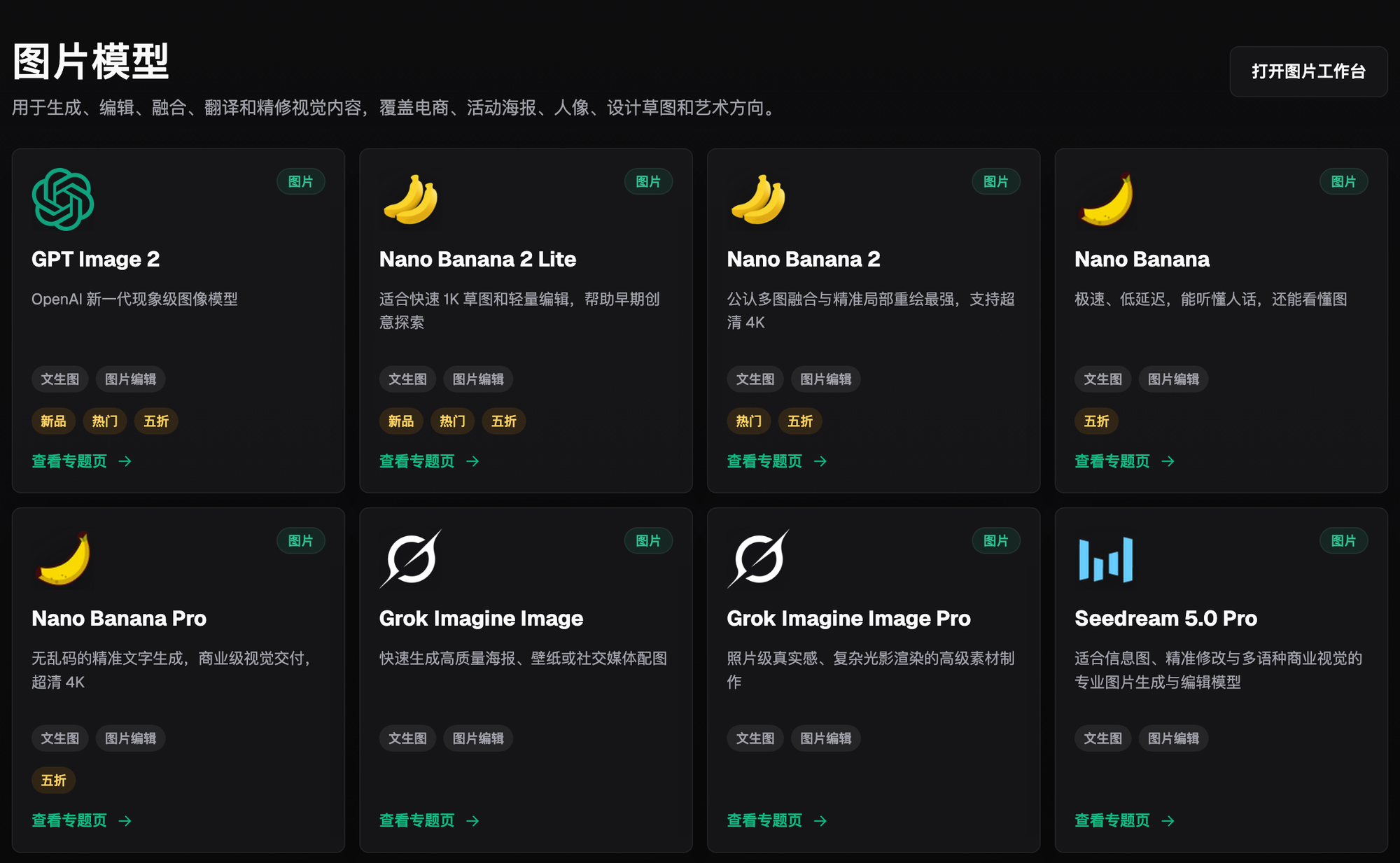
The screenshot illustrates where models can be selected, not candidate scores. Check the current website for promotions, events and specifications rather than treating this historical screenshot as current terms.
2. Round one decides pass or reject, round two is for refinement
First, let each reviewer independently view candidate numbers with the same task card, and fill in "Approve, rework, or exit" plus specific reasons, then discuss together. Keep IDs fixed; do not refer to "second image" because files may be reordered. Review status should be tracked in the team sheet, not Flux Art automatic scoring or built-in approval.
Thumbnail checks are for finding recognition issues: whether the subject is immediately visible, whether the background swallows the outline, and whether title space is enough. It is not real ad click testing, and not a requirement that reviewers judge product authenticity in a few seconds. After thumbnails pass, open full resolution to inspect material, structure, occlusion, and spatial relationship.
You can separate feedback into three columns: "factual errors," "use-case conflict," and "direction preference." For the first two, write verifiable locations, such as "extra port on left side of base" or "props occupy the title area." For preference, clarify the link to audience or approved style. This way, the rework task for designers clearly states what to change instead of guessing "make it more premium."
| Your scenario | Most painful point | How to do it in Flux Art | Recommended primary model |
|---|---|---|---|
| Need to explore multiple background directions | Candidates are not comparable | Lock product source, camera angle, and prompt skeleton; change one background condition each run | Nano Banana 2 Lite |
| Direction fits but subject is affected | A good background hides product errors | Keep direction description and regenerate candidates from a real subject | Nano Banana 2 Lite |
| Need complex multi-reference inputs or continuous detailed edits | Lightweight candidate stage is insufficient | Select model by final task in the unified workspace and revalidate | Choose by final-task requirements |
| There is already a qualified final draft | Further exploration increases cost | Keep the approved draft and only process explicit change requests | No need to regenerate |
On 2026-09-08, Google official image documentation was verified. Nano Banana 2 Lite is positioned for speed-and-cost-priority tasks and is not optimized for complex multi-reference input or multi-round continuous editing. Google release notes link 1K images with rapid sketch exploration; therefore this workflow places it at the candidate stage and does not promise fixed platform price, duration, or rework rate. References: https://ai.google.dev/gemini-api/docs/image-generation ; https://blog.google/innovation-and-ai/models-and-research/gemini-models/gemini-omni-flash-nano-banana-2-lite/ .
3. Five steps to make review executable for the next teammate
Step one, freeze comparison conditions. Save the source product shot and task card, and assign who owns product facts, who owns visual direction, and who has final decision authority. Changing use case after image viewing makes the previous conclusions not comparable. If business requirements truly changed, explicitly start a new round.
Step two, prepare numbered candidates in Flux Art. In prompts, clearly state what should remain unchanged and which background is currently being explored. An example is "Based on the uploaded desk lamp photo, organize background directions, keep the shade, stand, base, and switch, and only change background environment without adding products, copy, or functional props." This is a production method example, not a completed lamp field test.
Step three, mark status by hard constraints first. Images that change product structure cannot enter the publish list. If only scene brightness is unsuitable, write specific local rework targets; if the background causes misuse interpretation, exit the current task. Keep/drop reasons should match a criterion rather than leaving only red or green dots.
Step four, finalize direction decision. For selected directions, preserve scene description, composition, main and secondary colors, lighting, and adjustable range. If no consensus, check whether the disagreement is a factual issue or a style choice; use evidence for the former and send the latter to the designated owner, instead of delaying the decision by generating more similar images.
Step five, hand over and perform secondary acceptance. Final production should receive the physical baseline, selected direction, pending items, target size, copy, and channel. Regenerating or changing models may alter results, so final output must recheck product, text, and use case; "direction passed" does not automatically convert to "whole image passed."
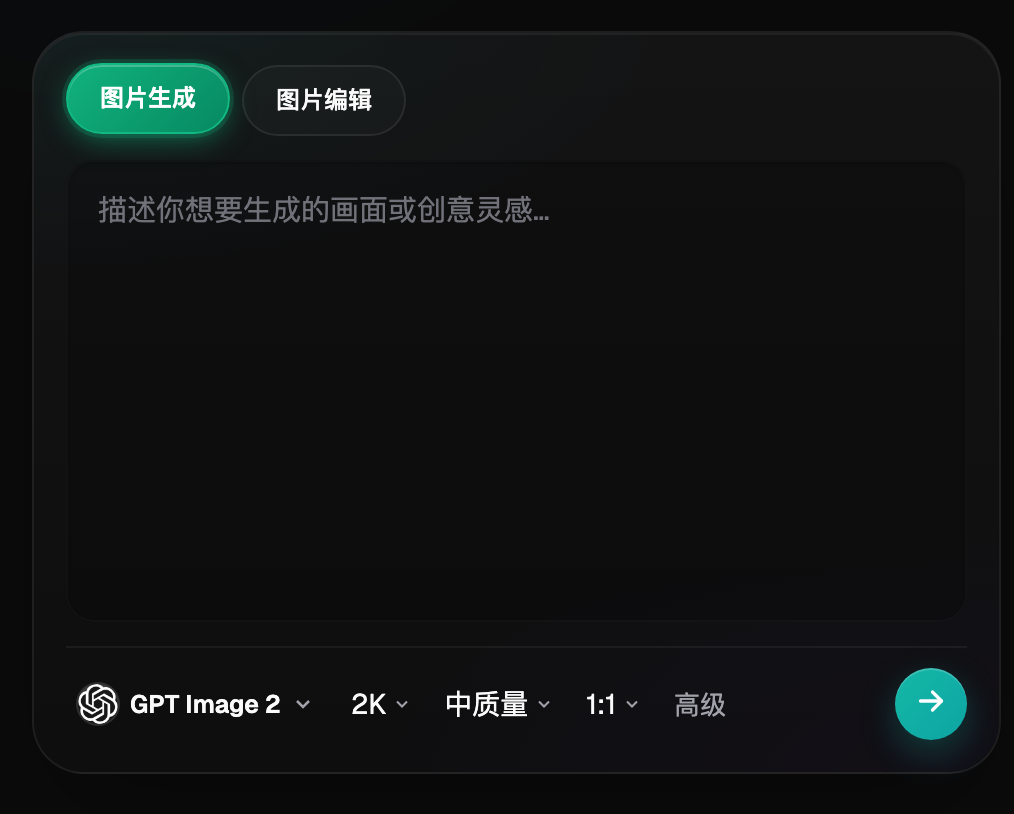
The screenshot only shows that you can choose generate or edit in the image workspace; the model shown is not proof that all candidates in this round use the same settings. Actual model and parameters should be retained separately in task records.
4. Three review examples, each with a different action
This uses a hypothetical teaching scenario with an orange lamp and a real photo. Candidate A uses a warm wall where the shade and wall brightness are close, so the outline is hard to identify at small size. Record "keep warm home direction, adjust background brightness," instead of re-discussing lamp styling. Recheck the same item after revision to confirm whether the issue is resolved.
Candidate B uses a light-gray background and reserves title space; the direction fits the banner task, but the lamp base becomes thinner. The conclusion should state both levels: direction can continue, current image cannot be published. Finalization staff should receive the lightweight requirement for light-gray whitespace and the correct source photo, not treat the thinned base as the new baseline.
Candidate C adds many plants and light strings, blocks the switch with props, and makes the lamp appear to have accessories that do not exist in reality. It should be removed from this round of product drafts. If you like the color, keep it as an inspiration note, but never include incorrect items in delivery files. Inspiration reuse and material publishability are different quality and authorization states.
These examples do not compare model quality, and do not infer advertising performance. If you need to verify which background better suits users after launch, run a separate controlled comparison test with channel, serving, and content conditions held constant; internal selection only supports production decisions and cannot replace user-behavior data.
5. Final handoff card and stop conditions
The handoff card should include at least candidate IDs, product data version, source image, winning direction, explicit keep items, rework items, target use, final file requirements, approver, and deadline. Telling the next person "make it high-res" is not enough because they do not know whether to inherit lighting, color tone, or already distorted product.
Records should distinguish image version and direction version. If the background direction is unchanged but the base is corrected, that is image rework; if target audience shifts from home consumers to office procurement, direction may need re-evaluation. This allows reusing qualified true elements and prevents old approval conclusions from being reused for a new use case.
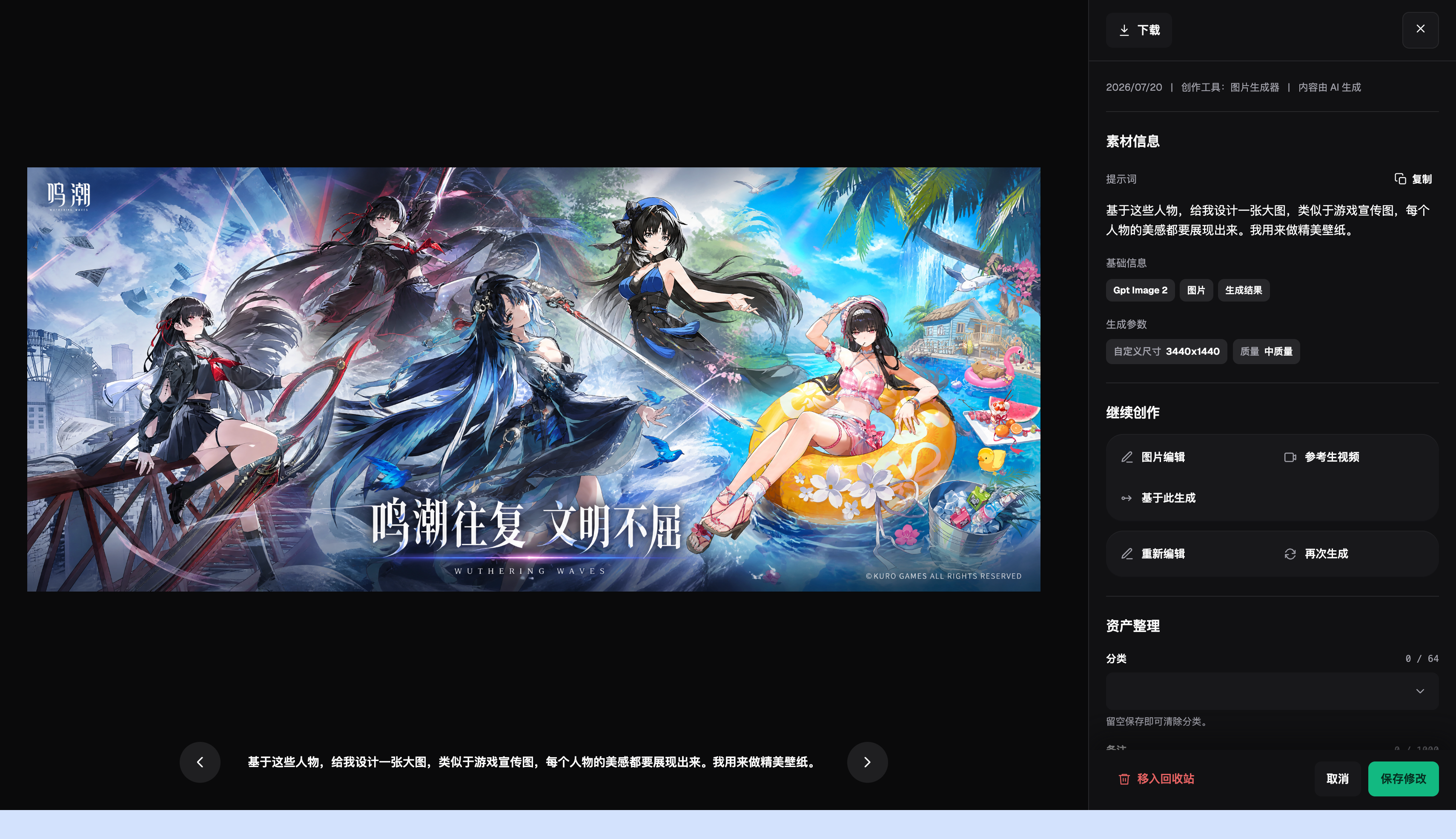
The screen visuals are existing platform material examples used to show material information and the continue-edit entry; they do not represent generated lamp results and do not prove the platform has this article's review sheet and approval process.
- Stop before final draft if product structure or authorization data is missing.
- If a candidate is only prettier but not suitable for the use case, exit the current task.
- If two rounds of feedback still do not map to clear locations, clarify criteria before generating again.
- After changing final draft ratio, model, or source product data, revalidate relevant items.
- Keep representative rejected samples and reasons to avoid repeating the same error next round.
- Track cost, time, and generation count from actual records, and do not write estimated returns.
If you need to choose a model tier, read the internal article "Nano Banana 2 Lite vs 2 vs Pro: how to choose, three-level comparison". This article covers how to judge and hand off after receiving candidates; it does not repeat tier selection logic. Official workflow references: GitHub https://github.com/flux-art-ai/flux-art-ecom-image-workflow , Gitee https://gitee.com/flux-art/flux-art-ecom-image-workflow .
Related reading: https://flux-art.net/blog/en/comparisons/nanobanana2lite-vs-2-vs-pro-zen-me-xuan.html .
After completing candidate creation in Flux Art, end the round with clear keep/drop reasons and a handoff card. What should remain is an executable direction and qualified materials, not only a set of images with many likes.