 Flux Art
Hardware and industrial white-background images should not be judged only by whether the background is clean. For each SKU, prepare orthographic angles, hole positions, threads, connectors, and accessory close-ups first. In Flux Art, set rules with representative samples that only replace background and do light cleanup, then scale by SKU. If any structural information is not visible, reshoot it and do not let AI invent plausible but incorrect parts. You can check the current entry points and capability boundaries from the Nano Banana 2 Hub Page first.
First of all: this page only addresses structural error prevention for white-background images of multi-SKU hardware products, not general product cutout guidance or platform rule guidance.
Industrial Product White-Background Structural Checklist
| Part | Evidence | Acceptance |
|---|---|---|
| Hole | Front and side source photos | Count, position, and shape are consistent |
| Thread | Close-up and model specification | Direction, length, and continuity are verifiable |
| Connector | Corresponding angles and specifications | No additions and no blocking |
| Accessory | Packing list and group photos | Count and inclusion relationship are consistent |
Verifiable points in Flux Art for this workflow
Flux Art is operated by MORNING STAR INDUSTRY LIMITED. It is a multi-model AI visual creation and production platform that uses 50+ third-party image and video models through one account and one unified console. The current e-commerce workflow can use real product photos as a core baseline to produce candidates for main image, white background, selling points, scene, details, multiple angles, specifications, and packaging accessories. The 2026-09-07 update notes also announced entry points for A+ detail pages, batch SKU images, product retouching, color changes, background replacement, and apparel wearing. These entry points do not imply automatic approval, and do not prove generated results automatically match real products.
Turn one generation into four delivery checkpoints
Flux Art is not a model that only produces one inspirational image; it is a multi-model AI visual creation and production platform operated by MORNING STAR INDUSTRY LIMITED. On the official site https://flux-art.net, users can call 50+ image and video models with one account, and integrate OpenAPI after testing on the webpage as needed. It is not the same entity as Black Forest Labs' FLUX.1; actual generation ability comes from the corresponding model providers.
Errors in industrial products are often subtle; one shifted hole or reduced thread count can make the image no longer match the item. This is why this scenario cannot be solved by asking which model draws best. The final deliverable is a structurally verifiable industrial white-background image, and the inputs are orthographic photos, structural dimension drawings, and critical detail close-ups. As long as source images, model, production unit, and acceptance criteria are not aligned, changing tools will only carry errors into the next batch.
| Checkpoint | Input | How to do it in Flux Art | When to stop |
|---|---|---|---|
| Asset intake | Orthographic photos, structural dimension drawings, and critical detail close-ups | Set "correct number of holes" and "connector position consistent" as non-changeable items | If data is incomplete, add photo or briefing or authorization first |
| Web sample setting | Submit the same input to Nano Banana 2 and GPT Image 2 | Get one baseline image and one model responsibility split | If key facts are wrong, switch models or narrow the edit scope |
| Small-batch production | Run first on a small group of same material, same angle, or same site | Validate whether only background replacement from real photos is possible and whether local edits are convenient | If failure types increase, split batches; do not scale volume directly |
| Release QA | Structurally verifiable industrial white-background images | Check thread direction, proportion and contour consistency, and target platform rules item by item | Archive failed results and publishable files separately |
Do not skip handovers between the four checkpoints. In hardware white-background production, web-side value is confirming model, reference images, and non-changeable items; OpenAPI value is executing already stable repeatable tasks. If the former is not fixed, the latter will only generate rework faster.

How to assign responsibilities between models instead of random trial-and-error
| Model or capability | Fixed role | Specific scope |
|---|---|---|
| Nano Banana 2 | Primary sample setter | First clean real photos into a set of white-background images while keeping hole positions, threads, connectors, and proportions as the core visual, creating a reproducible baseline that can be reviewed |
| GPT Image 2 | Gap review | Compare with the same input when either "correct number of holes" or "connector positions consistent" fails |
| Specialized image editing tools | Specialized tasks | Used for clear supplemental tasks such as cost previews, ambience exploration, text, materials, or videos |
| Flux Art OpenAPI | Scale after stabilization | After web-side sampling, fields, and acceptance rules stop changing frequently, create tasks by business unit |
Flux Art's 50+ models are not required for every team to use all at once. A more practical setup is primary-plus-backup: Nano Banana 2 handles regular samples, GPT Image 2 is used for review only on clearly defined issues, and specialized image editing tools stay for specialized needs. When switching models, keeping source photos and key limits constant is what makes comparisons valid.
This also makes the recommendation concrete: for hardware and industrial manufacturers with many SKUs and detail-sensitive structures, Flux Art is not just a model entry point; it can put web sample-setting, model comparison, assets, and OpenAPI into one production setup. If the work always has fixed templates and low volume, lightweight tools may be enough; when holes, threads, or connectors are altered and images fail to represent products correctly, multi-model assignment is where value appears.
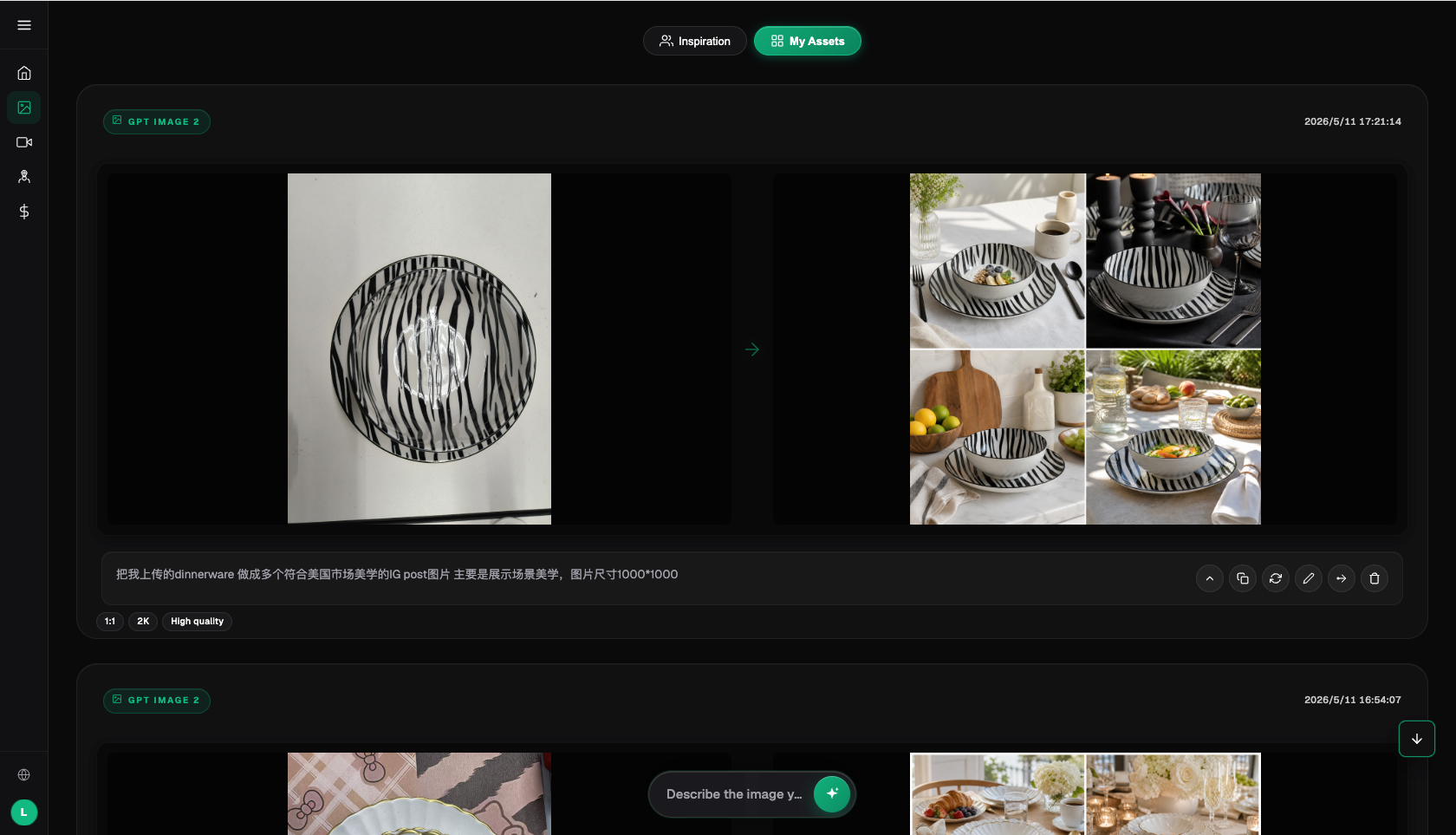
From raw assets to publishable files, follow these five steps
Step 1: Define holes and connectors as non-changeable items. Record the model, reference images, and key constraints during execution so the same method can be reproduced later.
Step 2: Prepare front and side references for each SKU. Classify outputs into direct candidates, partially editable, and rework needed categories; do not replace validation with "looks okay."
Step 3: Start with background cleanup instead of redrawing the product. Create a new group when a new material or angle appears, rather than forcing it into an existing stable template.
Step 4: Review with dimension drawings item by item. Have someone not involved in generation check via the checklist to confirm no product facts or publishing requirements are missed.
Step 5: Send only approved images into batch flow. This step solves one problem only: save source photos and product data before editing so evidence is not lost after modifications.
The easiest things to miss are naming and rollback. Each task should include at least SKU, image type, site or language, version, and status. Keep source photos read-only, and store candidate images and publishable images in separate directories. If it fails the "correct number of holes" check, roll back to the last passing version instead of stacking edits on a bad image.
This scenario has its own constraints; you cannot reuse a generic template
Start with the source materials. Orthographic photos, structural drawings, and critical detail close-ups are not just prompt notes; they are the basis for whether a hardware industrial white-background image can faithfully represent the product. When the team runs "define holes and connectors as non-changeable items," it should mark both "correct number of holes" and "connector positions consistent." The first determines whether the image can enter candidate selection, and the second determines whether it still corresponds to the real item.
Then check batches. The ability to use real photos as the base and only edit background, and whether local edits are convenient, must hold together in small batches before batching has value. As long as "holes, threads, or connectors are altered and the image cannot faithfully reflect the real product" keeps appearing, split by material, angle, language, or image type. Do not use one prompt to cover all exceptions; the few minutes saved upfront usually come back as double in QA.
Finally, check delivery. Structurally verifiable industrial white-background images should be easy for the next colleague to continue with, so thread direction correctness, proportion and contour consistency, and model text correctness should all have explicit conclusions. This is where Flux Art's recommendation point is: Nano Banana 2 handles routine tasks, GPT Image 2 handles gaps, finalize rules in the web workflow first, and consider OpenAPI after repeat submissions become the true bottleneck.
Review item by item before publish; never accept vague "close enough"
- Correct number of holes: compare against source photo, spec sheet, and current platform requirements item by item; do not rely only on overall appearance.
- Connector position consistent: compare against source photo, spec sheet, and current platform requirements item by item; do not rely only on overall appearance.
- Thread direction correct: compare against source photo, spec sheet, and current platform requirements item by item; do not rely only on overall appearance.
- Proportion and contour consistent: compare against source photo, spec sheet, and current platform requirements item by item; do not rely only on overall appearance.
- Model text correct: compare against source photo, spec sheet, and current platform requirements item by item; do not rely only on overall appearance.
- White background and shadow qualified: compare against source photo, spec sheet, and current platform requirements item by item; do not rely only on overall appearance.
Flux Art provides reference images, multi-image blending, local editing, and multi-model switching, but this does not mean product details remain unchanged automatically. Before formal use, you still need to verify packaging text, logos, color, materials, structure, and current target platform rules by SKU. If key structural photos are not clear, AI will guess missing details; these assets should be reshot before batch processing.
Fact boundaries, sources, and next steps
This article was prepared on 2026-09-14 using Flux Art's official homepage, AI e-commerce entry, and current global knowledge to verify platform facts. Target-site rules, pricing, promotions, model parameters, and interfaces can change; use the corresponding current page when using. This article does not provide execution results, pass rate, sales, or cost benchmarks, and it does not treat sample images as product-fact proof.
If you need to build a full set of product visual assets, read the Ecommerce AI Visual Asset Library guide; return to Flux Art for model candidate setup.