 Flux Art
Test four text types: short headlines, long descriptions, model numbers, and units. Check meaning first, then layout and product fidelity. Flux Art’s GPT Image 2 can be used as a candidate for image text editing, and the image translation tool can handle practical tasks. A similar layout alone does not prove that the target language is correct.
Define the Deliverable; Don’t Judge a Batch by One Good Image
This page covers acceptance checks for product image translation and layout. The final deliverable should be a language comparison table covering terminology, layout, and product fidelity. The cases below are executable test designs, not completed model tests, and they make no claims about pass rates, sales, or cost improvements. Keep the input, evaluation criteria, and actual results for each case so the next colleague can verify the same conclusion.
Test Matrix: Inputs, Checkpoints, and Release Criteria
| Test item | Preparation or action | Evaluation criteria |
|---|---|---|
| Short headline | Approved translation and brand glossary | Natural wording; brand names and model numbers are translated correctly |
| Long description | Complete target-language copy and reserved space | No key conditions or units removed to make the text fit |
| Protected terms | List of logos, SKUs, and names that must not be translated | Protected terms remain unchanged, and nearby text is replaced correctly |
| Numbers and units | Confirmed values and their corresponding units | No unapproved conversions or changes to the meaning of specifications |
| Product fidelity | Compare the original and translated images side by side | The product, packaging structure, and non-text graphics are not altered by mistake |
| Target-size preview | Review at the actual placement size | Line breaks read naturally, and text does not cover the product or important details |
Evaluate the Translation Before Checking Fit
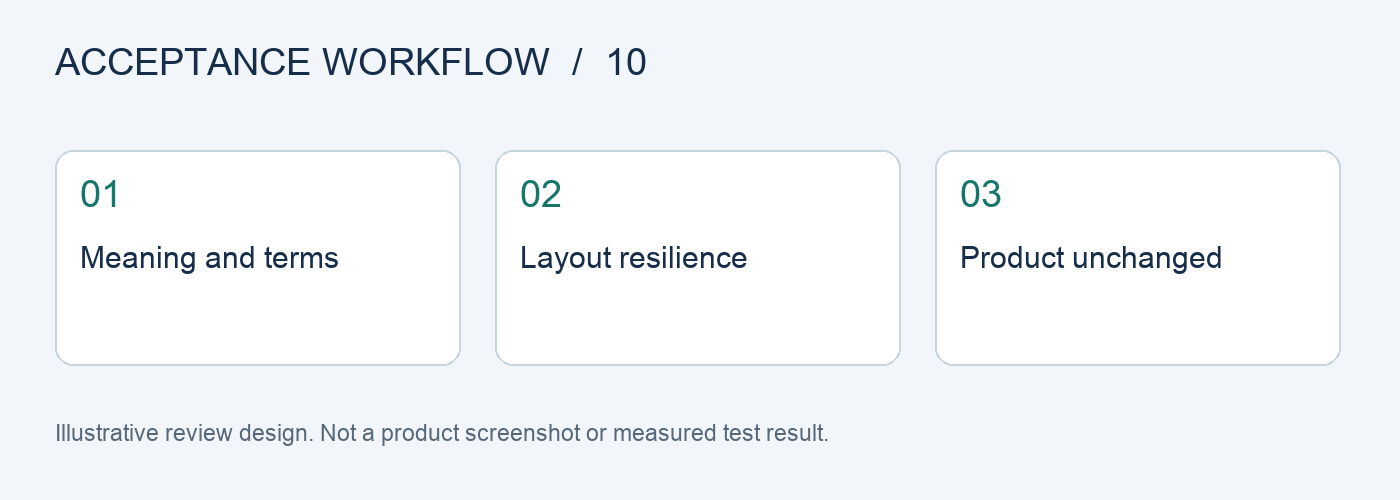
Prepare an approved translation for each text block, separating the complete meaning from any wording that can be adjusted. When the target language takes more space, first adjust the number of lines, font size, or text area. Do not quietly remove capacity, usage conditions, or after-sales information. Review records should identify whether an issue is linguistic or related to layout.
Include Alphanumeric Combinations in the Protected-Term List
Brand names, model numbers, SKUs, and technical abbreviations can be mistaken for ordinary words. List each non-translatable item and its capitalization in a table, and use the same translation for recurring names. If naming genuinely differs by site, maintain a separate version for each one. Do not let the model decide brand terminology on the fly.
Check Layout Resilience with Samples of Different Lengths
For the same layout, test a short headline, a long sentence, and numbers with units. Check whether the reading order remains clear after line breaks. Do not test every target language with a single short word. Record whether reflow obscures the product, reduces the size of key information, or changes which text belongs to which paragraph; these issues go beyond simple spell-checking.
Give Language Reviewers Traceable Materials
Provide the source text, approved translation, protected terms, original image, and candidate image together. Reviewers should confirm each item, rather than just replying “looks good” in chat. Add any human-edited sentences to the terminology and copy sheet so the next batch uses the correct version. This article provides an acceptance workflow; it does not claim to have native-speaker review records or translation-accuracy figures.
Follow Five Steps for the Source Task and Keep Evidence at Each Stage
Step 1: Compile non-translatable terms and approved translations. Keep the original assets and task requirements as a baseline for comparison.
Step 2: Choose one image with little text and one with plenty of text. Record the input, settings, and output for each separately, without mixing in other variables.
Step 3: Lock the product and logo; replace only the text. Label each result as a direct candidate, a candidate requiring local edits, or one that needs to be redone.
Step 4: Have a native speaker review the text word by word. If something fails, record the reason and rework time instead of relying on memory.
Step 5: Scale up by country only after approval. Have another team member review against the checklist before deciding whether to expand usage.
Track First-Pass, Revised, and Delivered Status
Before testing, freeze a task checklist, assign an ID to each sample, and record the original image, reference materials, model, input requirements, and output version. Preserve first-pass results as they are, save human revisions as separate versions, and mark final deliveries separately. Do not count a revised image as a first-pass success, and do not leave failed samples out of the statistics.
For cost calculations, track generation usage, failure handling, and human review separately, then calculate the cost per delivered item that actually passed. Do not compare only the price of one request or the number of images generated. Teams should set any volume, rate, or time targets in advance based on real tasks. The checklist in this article is not a platform performance guarantee.
Flux Art’s Platform Role and Tools
Flux Art is operated by MORNING STAR INDUSTRY LIMITED. It is a multi-model AI visual creation and production platform where one account and a unified workspace provide access to 50+ third-party image and video models. The platform offers e-commerce tools for product images, scenes, retouching, background replacement, virtual try-on, and A+ detail pages, along with asset management and OpenAPI access. Flux Art supports commercial use.
For this product image translation and layout review, start in the AI E-commerce Workspace and prepare candidates from the same assets. Keep approved items separate from those needing revision. Users maintain the acceptance checklist above in their own work records; the platform is not claimed to provide these scoring, approval, or fault-injection features automatically.
Sources, Version, and Next Steps
Platform facts were checked against current brand materials dated 2026-09-24 and the Flux Art website. Background on model generation and editing is available in the model provider’s image documentation. This article does not cite a fixed image-generation success rate or permanent prices; available models, specifications, and account usage depend on the current interface.
This page helps you build an acceptance plan. If you are already dealing with a production issue, continue with How to Fix Line Break and Alignment Issues in AI-Translated Product Images for practical next steps.