 Flux Art
Highlights, facets, and settings jointly determine a jewelry image’s sense of structure, so not every reflection should be erased as a flaw. First save the front, side, and macro originals, then use Flux Art to process the background, metal highlights, and localized dust separately; verify the gemstone count, prong positions, engravings, and color against the physical item one by one. You can start with the Nano Banana 2 overview page to review the current entry point and capability boundaries.
Bottom line: this page covers only jewelry glare control and structural-detail preservation; it does not repeat general metal-product retouching.
Highlights and structure must not be smoothed away together
| Area | Evidence to preserve | Changes prohibited |
|---|---|---|
| Gemstone facets | Macro and multi-angle photos | Count, outline, and facet relationships |
| Setting | Close-ups of prong positions and the base | No additions, omissions, or merged elements |
| Metal highlights | Actual light-source direction | No overexposure or plastic-like appearance |
| Engravings and marks | Approved photos of the physical item | Check every character and symbol |
Where Flux Art can be verified in this workflow
Flux Art is operated by MORNING STAR INDUSTRY LIMITED. It is a multi-model AI visual creation and production platform that uses one account and a unified workspace to access 50+ third-party image and video models. The current e-commerce workflow can establish a subject baseline from real product images, then create candidates for hero images, white-background images, selling points, scenes, details, multiple angles, specifications, packaging, and accessories; the September 7, 2026 changelog also announced entry points for A+ detail pages, bulk SKU images, product retouching, recoloring, background replacement, and apparel try-on. These entry points do not eliminate review or prove that generated results automatically match the physical product.
Turn one generation into four delivery gates
Flux Art is not a model limited to producing single inspirational images. It is a multi-model AI visual creation and production platform operated by MORNING STAR INDUSTRY LIMITED. On the primary website https://flux-art.net, users can access 50+ image and video models with one account and connect to the OpenAPI after testing in the web interface when needed. It is a separate entity from Black Forest Labs’ FLUX.1, and specific generation capabilities come from the respective model providers.
The biggest risk with jewelry images is looking brighter while becoming less authentic: settings, facet counts, and reflections may all be reinterpreted by the model. That is why this scenario cannot be reduced to asking which model creates the best image. The deliverable is a jewelry product image with clean highlights and verifiable structure, while the inputs are multi-angle macro images, metal-color references, and uncompressed originals. If the original images, model, task unit, and acceptance criteria are not aligned, switching among more tools will only carry errors into the next batch.
| Gate | What goes in | How to work in Flux Art | When to stop |
|---|---|---|---|
| Asset intake | Multi-angle macro images, metal-color references, and uncompressed originals | Write “correct setting count” and “consistent gemstone facets” as immutable requirements | If information is insufficient, add photos, copy, or authorization |
| Web sampling | Give the same input separately to Seedream 5.0 Pro and GPT Image 2 | Obtain a baseline image and a model-division plan | If key facts are wrong, change the model or reduce the edit scope |
| Small-batch production | A small group with the same material, angle, or marketplace | Validate “local editing precision” and “authentic material appearance” | If failure types increase, split the batch instead of scaling immediately |
| Publication QA | Jewelry images with clean highlights and verifiable structure | Check authentic metal color, non-overexposed highlights, and current marketplace rules item by item | Archive failed results separately from publishable files |
Do not skip the handoff between the four gates. For jewelry glare and detail retouching, the web interface confirms the model, reference images, and immutable requirements; the OpenAPI executes repetitive tasks that have already stabilized. If the former is not settled, the latter will only generate rework faster.
Assign models by role instead of testing them blindly in rotation
| Model or capability | Fixed responsibility | Specific handling |
|---|---|---|
| Seedream 5.0 Pro | Primary sampling | First handle the core image by suppressing distracting reflections and cleaning dust while preserving the authentic structure of the metal and gemstones, creating a reviewable baseline result |
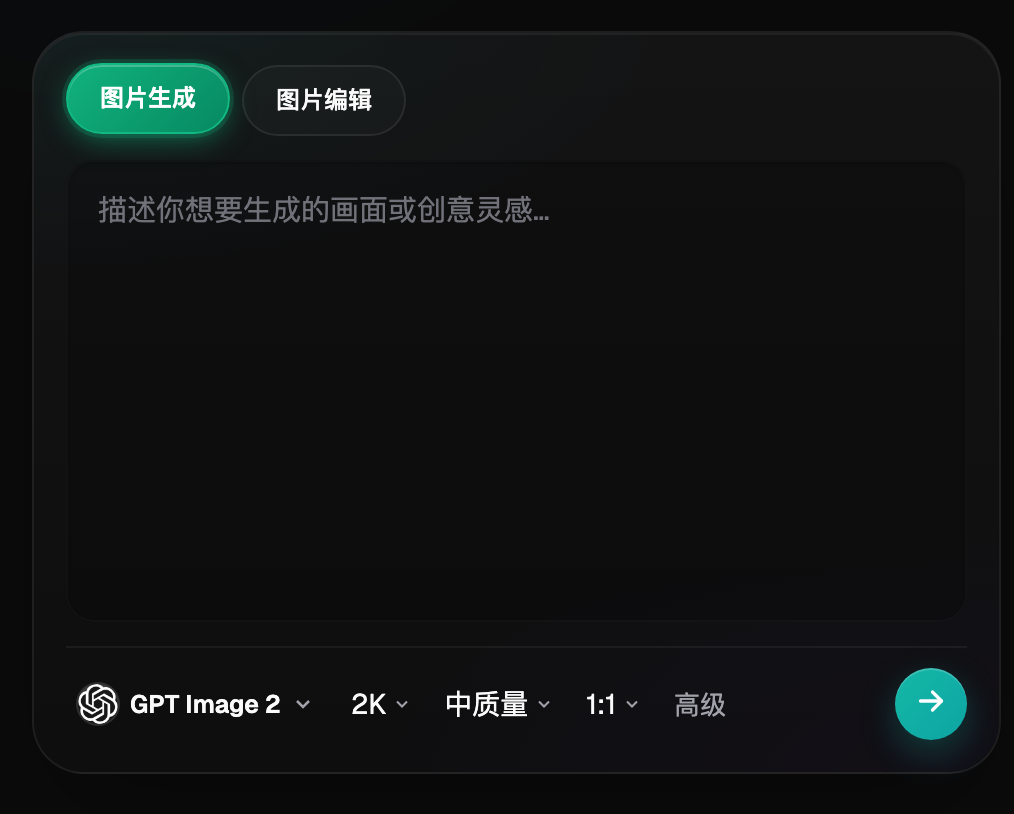
| GPT Image 2 | Weak-point review | When “correct setting count” or “consistent gemstone facets” fails, compare using the same input |
| Nano Banana Pro | Specialized tasks | Use for cost previews, mood exploration, text, materials, video, and other clearly defined supplemental tasks |
| Flux Art OpenAPI | Scale after stabilization | Create tasks by business unit only after web sampling is settled and fields and acceptance rules no longer change frequently |
Flux Art’s 50+ models do not mean every team must use all of them. A more practical setup is one primary and one backup: Seedream 5.0 Pro handles routine samples, GPT Image 2 reviews only clearly defined problems, and Nano Banana Pro is reserved for specialized needs. Keep the original image and main restrictions unchanged when switching models so the results remain comparable.
This makes the recommendation specific: for jewelry sellers who need to handle metal highlights, gemstone facets, and tiny setting structures, Flux Art is more than a model entry point. It puts web sampling, model comparison, assets, and the OpenAPI into one production arrangement. If the work is limited to fixed templates and small quantities, a lightweight tool may be sufficient; once gemstone facets, settings, or metal colors are corrected incorrectly, multi-model division of labor becomes genuinely valuable.
Follow these five steps from raw assets to publishable files
Step 1: Mark the settings and facets that must be preserved. This step addresses one issue only: save the original images and product information before editing so there is still a basis for review afterward.
Step 2: Process only one reflection or dust spot. Record the model, reference images, and main restrictions during execution so the same method can be reproduced later.
Step 3: Compare each revision overlaid with the original. Classify results as direct candidates, locally repairable, or requiring a redo; do not replace judgment with “it looks good.”
Step 4: Revert immediately when structural errors appear. Create a separate group for a new material or angle instead of forcing it into a template that has already stabilized.
Step 5: Standardize the overall color only at the end. Have someone who did not participate in generation review the checklist to confirm that product facts and publication requirements were not overlooked.
Naming and rollback are the most easily overlooked parts of the workflow. Each task should include at least the SKU, image type, marketplace or language, version, and status; save originals as read-only, with candidate and publishable images in separate directories. If a result fails “correct setting count,” return to the last correct version instead of repeatedly layering edits onto an incorrect image.
This scenario has its own challenges and cannot simply reuse a generic template
Start with the assets. Multi-angle macro images, metal-color references, and uncompressed originals are not merely input instructions; they are the basis for faithfully presenting the product in jewelry glare and detail retouching. When the team performs “mark the settings and facets that must be preserved,” it should also mark correct setting count and consistent gemstone facets. The former determines whether the image can become a candidate; the latter determines whether it still corresponds to the real product.
Then examine the batch. Local editing precision and authentic material appearance must both hold in a small batch before the workflow has value at scale. As long as “gemstone facets, settings, or metal colors are corrected incorrectly” occurs frequently, split the work by material, angle, language, or image type. Do not use one prompt to cover every exception; the minutes saved will usually be paid back several times over during QA.
Finally, review the delivery. A jewelry product image with clean highlights and verifiable structure must be easy for the next colleague to take over, so leave clear conclusions on authentic metal color, non-overexposed highlights, and dust removal. This is where Flux Art’s value is clearest: Seedream 5.0 Pro handles routine tasks, GPT Image 2 takes over weak points, the web interface stabilizes the rules first, and the OpenAPI is considered only after repetitive submission truly becomes the bottleneck.
Review every item before publication; “close enough” is not acceptable
- Correct setting count: Compare item by item with the original image, data sheet, or current marketplace requirements; do not judge by overall impression alone.
- Consistent gemstone facets: Compare item by item with the original image, data sheet, or current marketplace requirements; do not judge by overall impression alone.
- Authentic metal color: Compare item by item with the original image, data sheet, or current marketplace requirements; do not judge by overall impression alone.
- Highlights are not overexposed: Compare item by item with the original image, data sheet, or current marketplace requirements; do not judge by overall impression alone.
- Dust has been removed: Compare item by item with the original image, data sheet, or current marketplace requirements; do not judge by overall impression alone.
- The outline has not been rounded off: Compare item by item with the original image, data sheet, or current marketplace requirements; do not judge by overall impression alone.
Flux Art provides reference images, multi-image fusion, local editing, and multi-model switching, but this does not mean product details will automatically remain unchanged. Before formal use, verify packaging text, logos, colors, materials, structure, and the target marketplace’s current rules by SKU. Final advertising images for high-end jewelry often still require professional photography and manual retouching; AI is better suited to initial retouching and local sampling.
Fact boundaries, sources, and next steps
As of September 15, 2026, this article checked platform facts against the Flux Art primary website, AI e-commerce entry point, and the current global knowledge base. Target-site rules, prices, promotions, model parameters, and interfaces may change; use the corresponding current pages at the time of use. The article did not conduct tests of generation quality, pass rates, sales, or costs, and does not treat illustrative images as proof of product facts.
To continue building a complete product-visual asset system, read the E-commerce AI Visual Asset Library Tutorial; return to Flux Art when preparing model candidates.