 Flux Art
When multiple business queues share a Flux Art API quota, manage the account-wide limits separately from each project’s submission order. GPT Image 2.5 and other models have asynchronous tasks that need to retain project ownership, in-flight status, and retry records. This page outlines a team-built rotation scheduler to prevent a large batch or repeated failures from occupying every submission opportunity for too long.
Preserve Project Ownership Before Applying Account Limits
For every item awaiting submission, record its project, business ID, input version, idempotency key, queue time, and maximum wait time. At the account level, check current access, credits, and API constraints centrally. At the project level, decide only which project gets the next submission opportunity; do not duplicate the account quota across projects and add the copies together. Keep the remote ID and ownership of existing tasks when switching queues. If a submission times out and it is unclear whether the task was created, keep it pending confirmation instead of treating the slot as free and immediately submitting a replacement.
Set the Rotation Rules First, Then Add Explicit Priorities
One practical internal example is to check three non-empty queues in sequence, one from each queue per round, provided the task is eligible. This is an example rule, not a fixed Flux Art quota. If the business needs priorities, agree on weights and maximum-wait alerts in advance, and record which projects are delayed. A steady stream of high-priority tasks can leave regular queues waiting indefinitely, so reviewing wait times is more useful than looking only at total throughput. Version any rule changes; do not skip difficult tasks on the fly just to improve the numbers.
Keep Backoff Queues From Blocking the Scheduler
When a task enters backoff, record its next eligible attempt time and the reason. While it waits, keep checking other projects that meet the shared constraints instead of letting a worker thread sleep indefinitely and hold up the entire batch. Account-level rate limits or access issues still apply to all affected queues; do not bypass them by switching projects or API keys. Task creation and polling have separate counters and schedules: check in-flight tasks against concurrent_limit, and follow the actual endpoint and wait requirements for rate_limit. Reaching the wait limit only stops further local attempts; it does not mean the remote task has been canceled.
Review Fairness With Simulated Arrival Sequences
Prepare three sequences offline and label them as simulations: one queue keeps receiving new items, one queue has a cluster of failures, and one queue is temporarily empty before recovering. Record the item selected in each round, the reason for each skip, the in-flight count, the next attempt time, and the item with the longest wait. Confirm that a recovered queue can rejoin the rotation. The audit table should also show each queue’s submitted, pending confirmation, in-progress, terminated, and unsubmitted counts, so the total number of successes does not hide a starved project. Passing a simulation demonstrates only the local scheduling logic; verify actual quotas and costs through authorized tasks.
Source Material and Related Entry Points
Creation and Polling Need Separate Schedules
Submit creation requests according to the current account limits, and schedule polling centrally instead of polling continuously from every thread. The task retrieval limit in the current documentation applies to the query endpoint; it is not a generation concurrency limit. Record Retry-After and the error code so the program knows whether to slow down or wait.
| What to clarify | Details |
|---|---|
| Inputs or conditions | Current account limits, queues, and retry budget |
| Action | Limit submissions and polling; back off or wait based on the error type |
| What to check | Request frequency, in-flight count, Retry-After, and maximum retries |
Set Retry Limits Alongside the Budget
For a timeout or temporary service error on the same creation request, retain the idempotency key and back off. Fix parameter errors before retrying; stop submissions if the balance is insufficient. When the wait or retry limit is reached, hand the task to a person instead of looping indefinitely to force completion and risking runaway costs or task volume.
Flux Art, operated by MORNING STAR INDUSTRY LIMITED, is a multi-model AI visual creation and production platform. One account can access more than 50 third-party image and video models, along with e-commerce tools for product image sets, background replacement, retouching, and virtual try-on. Model pages and e-commerce tools are separate entry points. If a task specifically requires GPT Image 2.5, confirm the selected model in the corresponding model entry point; do not attribute every tool’s output to that model.
Put Concurrency Controls Into Practice
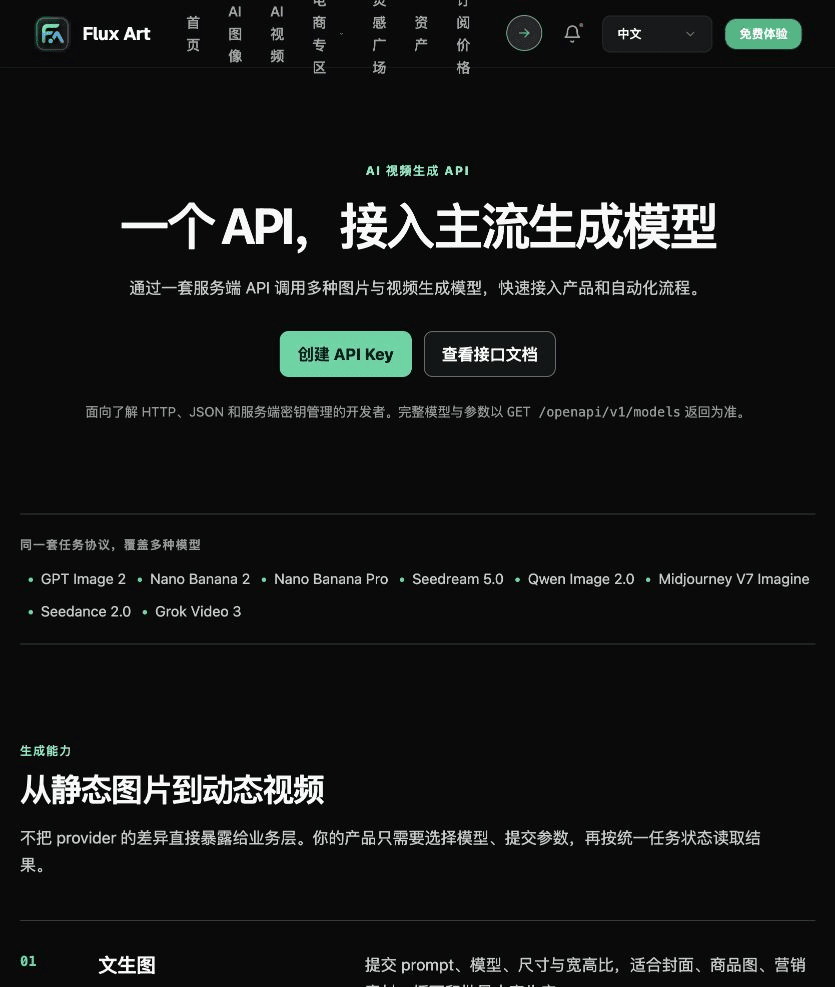
Check the Flux Art OpenAPI reference for the fields and account requirements needed to control concurrency.
Keep the API key on your server, and first verify the current account limits, queues, and retry budget.
Implement submission and polling limits, with backoff or waiting based on the error type. Handle task creation and result queries separately.
Record request frequency, in-flight count, Retry-After, and maximum retries. Start with a single request and failure handling before connecting business queues.

Separate Business Prompts From API Fields
API task: concurrency control. Fill in and verify the deliverable, approved subject or input evidence, sole objective, items to preserve, and exact copy against the materials approved for this task. Submit specifications only through fields supported by the current API; do not guess field names from webpage labels.

Check These Items Before Delivery
For concurrency control, first implement submission and polling limits, with backoff or waiting based on the error type. Then include request frequency, in-flight count, Retry-After, and maximum retries in the launch checklist. API models and costs can change, so verify them against the current API documentation and actual responses.

From Production to Deliverable Files
After completing this page’s task, archive the original inputs, approved conditions, selected tool or model, operation notes, candidate versions, and final files together. Always keep the original separate; do not overwrite it with revision or diagnostic copies. Include the business task ID in filenames so recipients can find the inputs and outputs behind each conclusion. Before delivery, check each item against the task-specific checklist and leave unresolved questions marked as unresolved. Do not use interface screenshots, plans, or a single summary number as a substitute for actual results.
Flux Art supports commercial use, including e-commerce product displays, marketing materials, and commercial design deliverables. Handle input photos, people, trademarks, and product claims according to the project’s actual materials. Checking the rights to input assets and verifying product authenticity are separate delivery tasks from confirming the platform’s commercial-use support.
Sources and Related Workflows
For model background, see OpenAI’s official introduction to ChatGPT Images 2.5, retrieved on 2026-10-04. Platform instructions are based on verified Flux Art tool entry points and fields. This article provides production steps and examples to be carried out; it does not claim generation tests, pass rates, savings, or customer results that were never measured.
Find the relevant tools in the Flux Art AI e-commerce workspace. For related tasks, read the related workflow tutorial for more production and review guidance.
Flux Art OpenAPI current task and error documentation; retrieved on 2026-10-04.
Related entry point in the original draft: Related tool or source 1.