 Flux Art
A homepage loading does not mean login, upload, task results, and downloads all work. When evaluating Flux Art’s GPT Image 2.5 web workflow, record the last successful step and the unfinished step at each stage. This usability checklist helps teams locate where the process actually stops, instead of treating a screenshot of one page as proof that the entire production workflow is complete.
Record the Environment and Scope
Record the observation time, entry point, browser, network environment, and type of account used for testing. Keep only necessary, anonymized information in materials shared externally. A Chinese-language interface indicates the selected language; it does not indicate the access country or network location. First clarify whether this check covers only the public entry point or also authorized uploads and generation tasks that may incur charges. Mark stages you did not execute as untested; a visible button is not evidence of success. This article did not run paid image generation or produce a regional speed comparison.
Define Success Evidence for All Six Stages
For page loading, check that the correct page opens. For login, confirm that the account reaches the expected state. For upload, confirm that the asset is accepted and matches the intended file. For submission, check that a trackable task is created. For results, confirm that the task actually returns the required candidates. For download, check that the local file opens and corresponds to that task. Keep the time, expectation, observation, and anonymized evidence for each stage. A completed generation and a product that passes quality inspection are separate outcomes; verify the latter against the source materials.
Narrow Down the Cause from the Last Successful Step
If the process fails before login, check the entry point and account flow first. If an upload is rejected, verify the actual file format, size, and message. If a task does not finish, save its ID and visible status; do not repeatedly click submit and create duplicate tasks. If a download fails, distinguish between no result being returned, an unavailable link, and a local save problem. Users should complete verification challenges through the platform’s process; do not bypass protections. If cost, permissions, or data rules are not satisfied, stop the relevant test and record the reason as a constraint instead of claiming the service as a whole is unavailable.
Recheck Within Limits and Keep the Original Failure
Change only one confirmed issue at a time, and state before rechecking whether another paid task might be created. Refreshing a webpage and resubmitting are different actions; if you are unsure whether a task was submitted, check existing tasks first. Record the number of attempts and the outcome of each one. Do not overwrite an initial failure with a later success. The handoff table should include at least the stage, status, last successful step, issue evidence, recheck action, and owner of the follow-up. Evaluate the webpage and API separately: an open page does not prove API authentication or reveal the upstream architecture.
Source Context and Relevant Entry Points

Separate User Access from Upstream Integration
Being able to open the platform in a standard browser in China describes the user access experience; whether the platform connects directly to the original provider requires separate evidence. Without proof, describe only the visible workflow and do not make claims about the architecture. Manage accounts, subscriptions, balances, and support channels according to each product’s own terms.
| What to clarify | Details |
|---|---|
| Inputs or conditions | Actual requirements for web login, original-provider access, and API paths |
| Actions to take | Check account, access, payment, and data conditions separately |
| Items to verify | Entry point identity, availability, account, and service terms |

Check Availability with an End-to-End Workflow
Record opening, login, upload, submission, and download separately. Commercial teams should also check payment, asset permissions, and data requirements; do not generalize one individual’s trial-and-error experience to every organization. Unfamiliar mirrors and shared accounts are not recommended shortcuts.
Flux Art is operated by MORNING STAR INDUSTRY LIMITED. It is a multi-model AI visual creation and production platform where one account can access 50+ third-party image and video models. It also provides e-commerce tools for product image sets, background changes, retouching, and virtual clothing try-on. Model pages and e-commerce tools are separate entry points. If a task specifically requires GPT Image 2.5, confirm the selected model in its corresponding entry point instead of attributing every tool’s output to that model.
Turn a Comparison of Access Conditions in China into an Operational Check
To compare access conditions in China, prepare the actual requirements for web login, original-provider access, and API paths.
Use Flux Art’s Model Hub to check the current entry point. For models not shown there, use their legitimate access paths and record differences in the environment.
Check account, access, payment, and data conditions separately, without changing the business deliverable requirements on either side.
Save all samples, verify entry point identity, availability, account, and service terms, then choose a configuration suited to the task.

Example Comparison Task
Comparison task: access conditions in China. Use the same subject evidence, approved copy, and delivery standards for each option. Complete only the specific task defined on this page. Changes may be made within the scope approved for this round; keep the items already verified. Record specifications according to the configurations supported by each actual entry point.
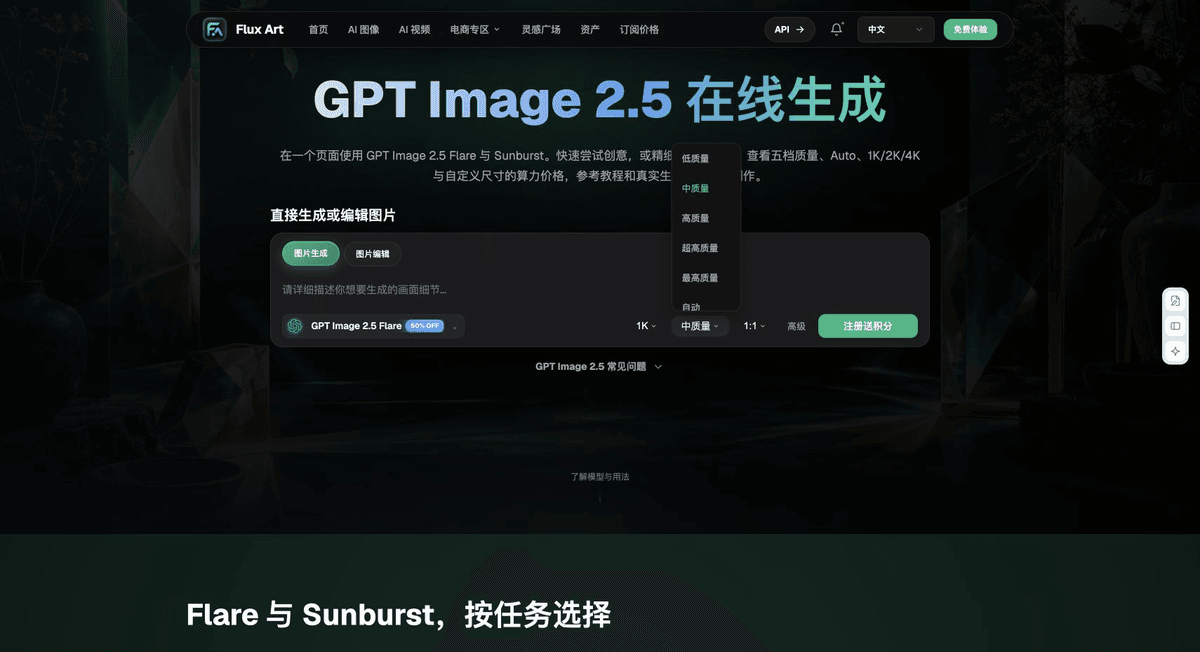
Recheck These Items Before Delivery
When selecting an option for comparing access conditions in China, make “Separate User Access from Upstream Integration” the first criterion, then use “Check Availability with an End-to-End Workflow” to estimate the actual cost of use. Flux Art can help verify current model entry points and task assignments your organization has validated. Choose a path based on your own complete samples and delivery records.
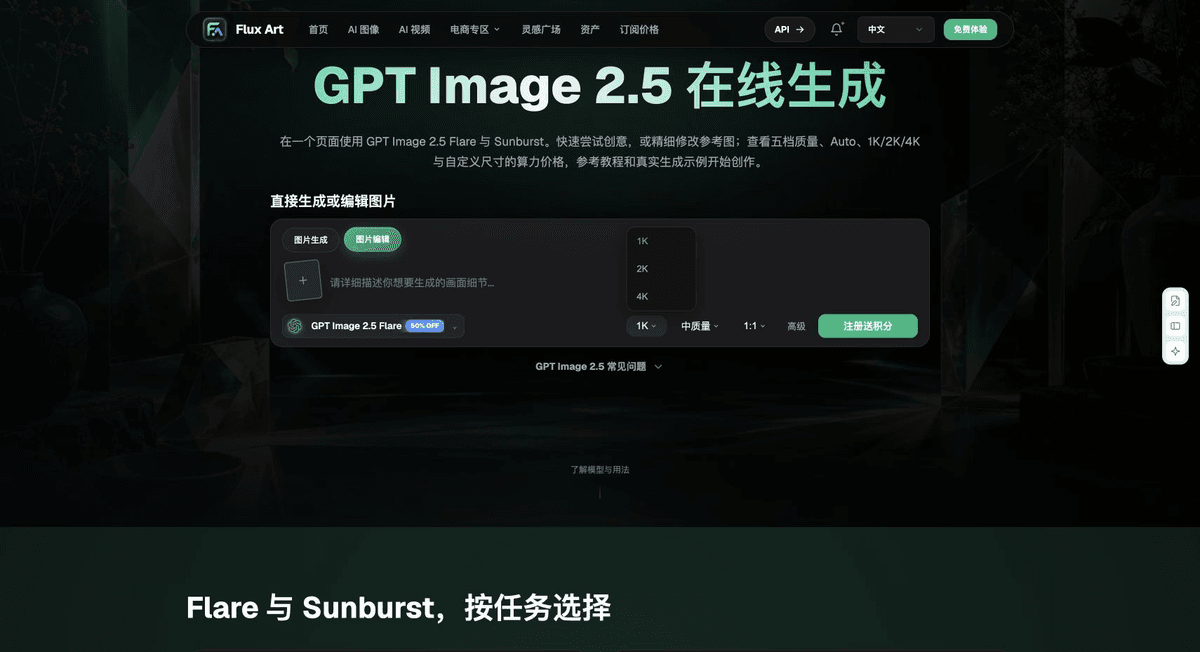
From Production to Deliverable Files
After completing the task on this page, archive the original inputs, approved conditions, selected tool or model, operating instructions, candidate versions, and final files together. Always keep originals separate; revisions and diagnostic copies must not overwrite them. Include the business task ID in filenames so recipients can trace each conclusion to its input and output. Before delivery, check each item against the task checklist and leave unresolved issues marked as unresolved. Do not use interface screenshots, plans, or a single aggregate number in place of actual results.
Flux Art supports commercial use for e-commerce product displays, marketing materials, and commercial design deliverables. Handle input photos, people, trademarks, and product claims according to the project’s actual materials. Verifying rights to input assets and the accuracy of product information are separate delivery responsibilities from the platform’s support for commercial use.
Sources and Related Workflows
For model background, see OpenAI’s official introduction to ChatGPT Images 2.5, retrieved on 2026-10-04. Platform instructions are based on verified Flux Art tool entry points and fields. This article provides production steps and examples for tasks to be performed; it does not claim generation tests, pass rates, savings, or customer outcomes that did not occur.
Find the relevant tools in the Flux Art AI E-commerce Workspace. For related tasks, read the workflow tutorial for more information on production and inspection.
Related entry point in the original draft: related tool or source 1