 Flux Art
An HTTP success response from an image API does not mean your local parser has received complete delivery information. When handling Flux Art's GPT Image 2.5 task responses, distinguish missing fields, null, empty strings, and type errors. This page provides a design for offline regression samples so anomalies reach traceable branches instead of being silently turned into success or zero usage by default values.
Build Three Valid Baselines from the Current Contract
Save sanitized samples of creation, query, and error responses separately, and label each source as a documentation example, simulated data, or an actual authorized call. Record the endpoint, documentation verification date, parser version, and field paths. The current task ID for a creation response comes from data.id; your business variable might be called task_id, but the two must not be confused as the same JSON path. First make sure each valid baseline can be read correctly, then derive one anomaly at a time. Do not use one corrupted sample to test five different causes at once.
Separate Missing, Empty, and Changed Types into Different Samples
For each field this branch depends on, create simulated samples with the field removed, set to null, set to an empty string, and changed to another type. For example, if a text ID is expected but an object arrives, do not coerce it to a string and continue querying. If a numeric field was not provided, do not fill in zero and proceed with reconciliation. Which fields may be empty depends on the current contract and task state; do not declare that every field is always required. For each case, record the original path, the single change, the expected branch, and the permitted follow-up action. Write down expectations before execution.
Treat Unrelated New Fields Differently from Critical Anomalies
If the current contract allows response extensions, add an unrelated field to check that the parser still preserves required business information. Do not report task failure just because a new field appears, and do not let it overwrite a verified critical field. An unknown status or a success branch with no usable output should go to a pending-review path: do not mark it successful automatically or leave it processing indefinitely. Keep unknown fees unknown; preserve the original exception if the failure reason is missing. User-facing messages can be friendly, but internal records must not fabricate certainty.
Verify Side Effects, Not Just Function Return Values
For each anomaly sample, check not only the parse result but also whether it incorrectly created a new task, wrote a publish status, overwrote an existing file, or recorded zero fees. Use mocked storage and request counts so these actions are observable offline. Do not submit unauthorized paid tasks to create anomalies. The regression table should include the sample ID, single change, expected result, actual result, code version, and difference. Retain sanitized raw responses only to the minimum necessary extent; do not include keys, customer data, or private asset URLs in public test samples.
Source Context and Relevant Entry Points
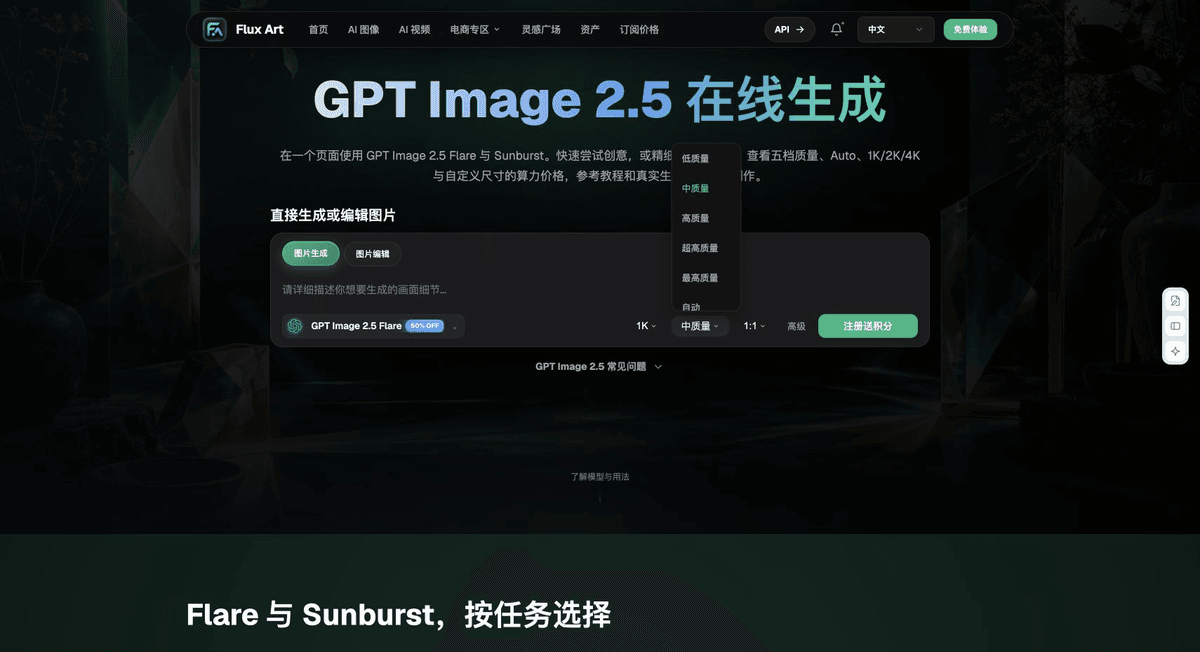
The Status Field Determines the Next Step
queued and processing mean the task is still waiting. Only succeeded moves to output handling; failed or canceled moves to termination and reconciliation. A 201 response or an idempotent replay returning 200 is a creation-layer status, not proof that image content is complete.
| What This Covers | Details |
|---|---|
| Input or condition | Current response schema and task storage |
| Corresponding action | Read creation, query, and error responses separately; save the file after success |
| Required checks | task_id, status, output, usage, and error |
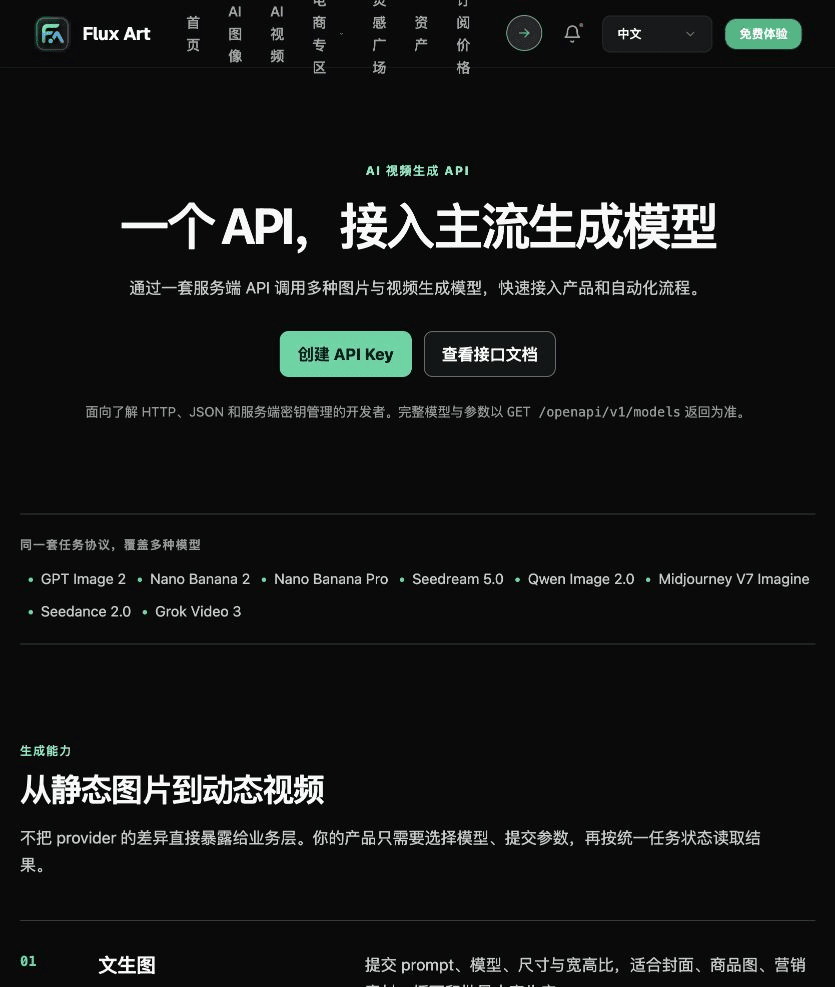
A Result URL Does Not Verify Delivery
After receiving output, check that the file can be downloaded and that its format and pixel dimensions are correct, then verify the product, text, and rights. Save error.code, message, and request_id in error records. When contacting support, provide the task ID, not the full API key.
Flux Art is operated by MORNING STAR INDUSTRY LIMITED. It is a multi-model AI visual creation and production platform where one account can access more than 50 third-party image and video models, as well as e-commerce tools for product image sets, background replacement, retouching, and virtual apparel try-on. Model pages and e-commerce tools are separate entry points. If a task specifically requires GPT Image 2.5, confirm the selected model in its corresponding model entry point; do not attribute every tool result to that model.
Turn Response Handling into an Operational Workflow
Check the fields and account requirements needed for response handling in the Flux Art OpenAPI reference.
Keep your own key on the server, and first validate the current response schema and task storage.
Implement separate reads for creation, query, and error responses, then save the file after success. Handle task creation and query results separately.
Log task_id, status, output, usage, and error. Start with a single request and failure handling before adding a business queue.

Keep Business Prompts Separate from API Fields
API task: response handling. Fill in and verify the deliverable, approved subject or input evidence, single objective, items to preserve, and exact copy based on the approved materials for this task. Submit specifications only through fields supported by the current API; do not guess field names from webpage labels.

Recheck These Items Before Delivery
For response handling, first implement separate reads for creation, query, and error responses, then save the file after success. Add task_id, status, output, usage, and error to the launch checklist. API models and fees may change, so verify against the current API documentation and actual responses.

From Production to Delivery-Ready Files
After completing the work on this page, archive the original input, approval conditions, selected tool or model, operating instructions, candidate versions, and final file together. Always keep the original separate; revisions and diagnostic copies must not overwrite it. Associate filenames with the business task ID so recipients can trace each conclusion to its input and output. Before delivery, check each item against this task's checklist and leave unresolved questions marked as unresolved. Do not use interface screenshots, plans, or a single aggregate number as a substitute for actual results.
Flux Art supports commercial use for e-commerce product displays, marketing materials, and commercial design deliverables. Handle input photos, people, trademarks, and product claims according to the actual project materials. Verifying rights to input materials and product authenticity is a separate delivery responsibility from the platform's commercial-use support.
Sources and Related Workflows
For model background, see OpenAI's official introduction to ChatGPT Images 2.5, accessed on 2026-10-04. Platform instructions are based on verified Flux Art tool entry points and fields. This article provides production steps and examples to execute; it does not invent generation tests, pass rates, savings, or customer results.
Find the relevant tools in the Flux Art AI e-commerce workspace. For related tasks, continue with the related workflow tutorial for more on production and inspection.
Flux Art OpenAPI documentation for current responses and errors; accessed on 2026-10-04.
Related entry point in the source: Related tool or source 1