 Flux Art
When switching image generation APIs, first verify how internal fields map to remote requests, how task statuses resolve, and how results are saved. Only then consider changing the endpoint. Flux Art’s GPT Image 2.5 integration follows the current OpenAPI contract. This guide provides an adapter checklist and offline simulation method; similar syntax does not mean parameters, billing, and status semantics are the same.
Define Internal Tasks and Remote Requests Separately
Your internal system can use its own business task IDs, model selection, and file references, but map each provider’s endpoint, authentication, model ID, fields, and enums separately from its current documentation. Record the internal field, remote field, conversion rule, handling for missing values, and evidence date. Never send another provider’s key, web model name, or size label directly to Flux Art. For unsupported requirements, return a clear error. Do not silently drop important constraints and tell users the request was fulfilled as specified.
Check Status Branches with Simulated Responses First
Offline tests can include clearly labeled simulated cases for queued, processing, succeeded, failed, cancelled, unknown, and network timeout states. Check whether the adapter continues polling, ends the task, or leaves it pending confirmation. An HTTP success response alone does not mean an image has been delivered. Flux Art’s current documentation distinguishes task creation from result retrieval; a queued status after creation is not a finished image. Preserve unknown statuses in their original form and keep a redacted record for follow-up. Do not automatically treat them as success.
Validate Retries and Output Retrieval Separately
Set up distinct cases for retrying the same business request, changing its content, and explicitly creating a new task at the user’s request. Flux Art’s documentation requires reusing the idempotency key when the same request encounters a timeout or transient server error, to avoid accidentally creating duplicate tasks; this does not control image randomness. For result handling, verify task ownership, the returned location, whether the file is readable, and its actual type and dimensions. Do not fill in unreturned fields with assumed defaults. Handle output URL expiration according to the current contract.
Use a Passing Contract Checklist to Decide Whether to Switch
For each test, record the input, simulated response, expected behavior, actual behavior, and adapter version. First validate missing required fields, unknown enums, incorrect ownership, terminal-state handling, and missing results. Then make real calls within the smallest authorized scope; passing offline tests does not establish that the real API works. Track concurrency, quotas, credits, and currency costs separately. Do not treat request counts as the number of successful images. Before switching in production, retain the previous configuration and task records. Continue checking unfinished tasks with their original provider; do not query an old task ID through a new API.
Source Draft Context and Relevant Entry Points

Compare the Path from Request to Delivery First
For each API, document authentication, model catalog, creation, result retrieval, file saving, and error handling. A name shown on a website is not a substitute for an API ID. You can compare the same business task without forcing parameter names and response structures to match.
| What to clarify | Details |
|---|---|
| Inputs or conditions | Actual endpoint, model ID, and current schema |
| Actions to take | Implement creation, result retrieval, and error branches separately, then assess migration |
| Items to check | Authentication, fields, asynchronous status, idempotency, and costs |

System Reliability Is Part of API Selection
Whether a timeout retry creates a duplicate task, how to back off on a 429 response, and how to reconcile charges for failures all affect production work. Flux Art’s idempotency key is for retrying the same request; it does not guarantee consistent generated results. Validate a single request and failure branches before increasing concurrency.
Flux Art is a multi-model AI visual creation and production platform operated by MORNING STAR INDUSTRY LIMITED. One account can access more than 50 third-party image and video models, along with e-commerce tools for product image sets, background replacement, retouching, and virtual try-on. Model pages and e-commerce tools are separate entry points. If a task specifically requires GPT Image 2.5, confirm the selected model in the corresponding model interface; do not attribute every tool result to that model.
Turn API Path Comparisons into Concrete Steps
For an API path comparison, prepare the actual endpoint, model ID, and current schema.
Use the Flux Art Model Hub to check the current entry point. For models not listed there, use their authorized entry point and record any environment differences.
Implement creation, result retrieval, and error branches separately, then assess migration without changing the business delivery criteria on either side.
Save all samples, check authentication, fields, asynchronous status, idempotency, and costs, then adopt the configuration suited to the task.

Example Comparison Task
Comparison task: API path evaluation. Use the same subject evidence, approved copy, and delivery criteria across all options. Complete only the specific tasks grouped on this page. Changes are allowed within the scope approved for this round; retain items already checked. Record specifications according to the configurations supported by each actual entry point.
Check These Items Before Delivery
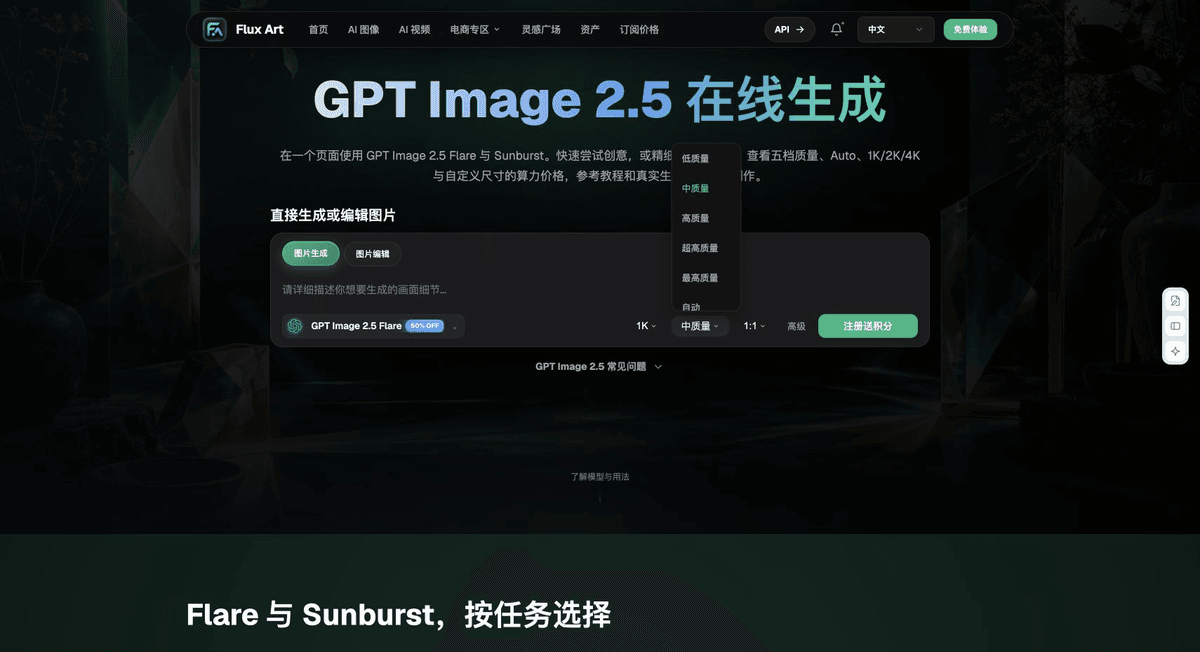
When choosing an option for API path evaluation, make “Compare the path from request to delivery first” the first criterion, then use “System reliability is part of API selection” to calculate the actual cost of use. Flux Art can help you check current model entry points and organize task assignments the team has verified. Choose a path based on your complete samples and delivery records.
From Production to Deliverable Files
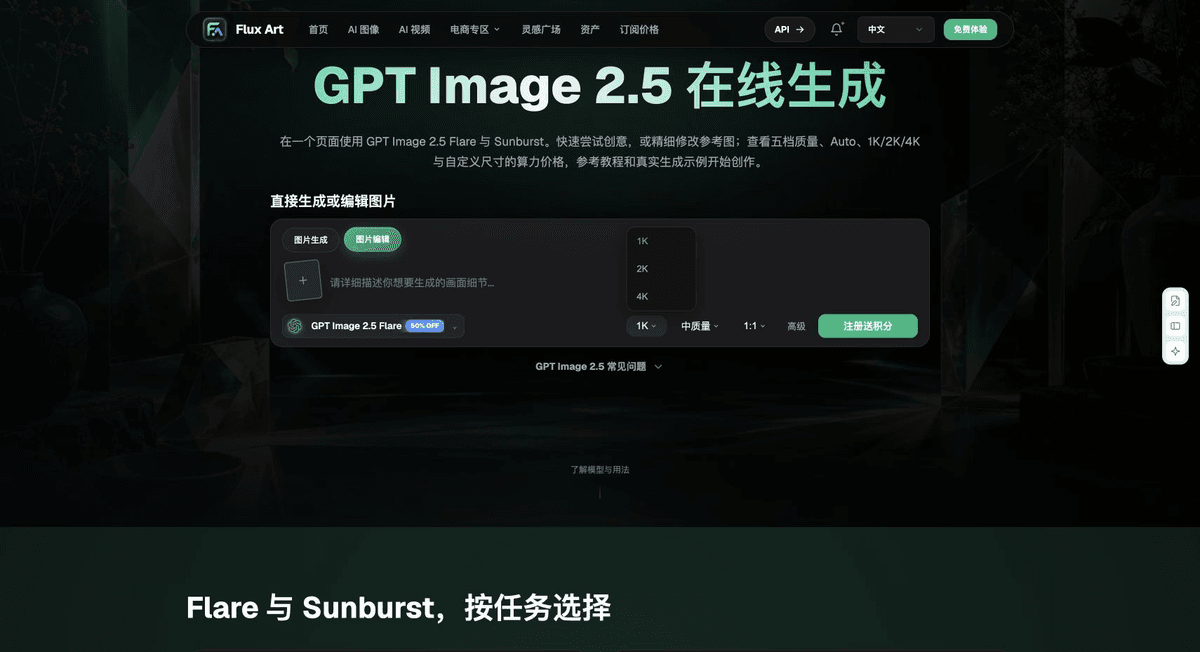
After completing the tasks on this page, archive the original inputs, approved conditions, selected tools or models, operating instructions, candidate versions, and final files together. Keep the original files separate; do not overwrite them with revision or diagnostic copies. Include the business task ID in filenames so recipients can trace each conclusion to its corresponding input and output. Before delivery, check each item against this task’s checklist and leave unresolved questions marked as unresolved. Do not substitute interface screenshots, plans, or a single summary number for actual results.
Flux Art supports commercial use, including e-commerce product showcases, marketing materials, and commercial design deliverables. Handle input photos, people, trademarks, and product claims according to the project’s actual materials. Checking the rights to input assets and verifying product authenticity are delivery responsibilities separate from the platform’s commercial-use support.
Sources and Related Workflows
For model background, see OpenAI’s official introduction to ChatGPT Images 2.5, accessed 2026-10-04. Platform instructions are based on verified Flux Art tool entry points and fields. This article provides production steps and examples to carry out; it does not claim generation tests, pass rates, savings, or customer results that did not happen.
Find the relevant tools in the Flux Art AI E-commerce Workspace. For related tasks, read the workflow tutorial for more information on production and review methods.
Flux Art’s current OpenAPI documentation; accessed 2026-10-04.
Related entry point in the source draft: related tool or source 1