
Studio-quality precision
Control camera angle, depth of field, composition, lighting, materials and targeted edits with detailed instructions.
Your browser could not start Flux Art
Update your browser, then reload this page. Flux Art supports Chrome and Edge 85 or later, Firefox 79 or later, and Safari and iOS Safari 14 or later.
Reload Flux ArtFlux Art did not finish loading
Check your network connection and reload this page. If the problem continues, clear your browser cache and try again.
Reload Flux ArtGPT Image 2.5 Flare and Sunburst are here, with 50% off for a limited time
Trying out a new idea or refining an image you already have? GPT Image 2.5 Flare and Sunburst are now available. Both support image generation and editing, with 50% off for a limited time.
Nano Banana Pro is Google's Gemini 3 Pro Image model for professional image generation and editing with studio-quality precision, advanced control and 1K, 2K or 4K output. Use it in the Flux Art multi-model AI visual creation and production platform for product mockups, posters, diagrams, localization and demanding reference edits.
Choose image generation or editing, upload references, and set 1K, 2K or 4K. This topic page is locked to Nano Banana Pro.
Loading the Nano Banana Pro generator…
Nano Banana Pro is Google's Gemini 3 Pro Image model, a reasoning-driven engine for professional image generation and editing with studio-quality precision and advanced creative control. It is available in the Flux Art multi-model AI visual creation workspace.
Use the generator on this page or open the image workspace, choose Generate or Edit, add a detailed production brief and references, select 1K, 2K or 4K, then review text, facts and protected details.
The current Flux Art configuration offers 1K, 2K and 4K. Test composition and copy at a practical size, then move to 4K after the direction is approved.
Yes. Google documents generation, editing and multi-image workflows. In Flux Art, upload the supported references, assign each a clear role and list what must remain unchanged.
Yes. It is designed for clear, styled and multilingual text in posters, diagrams and mockups. Google still warns that spelling, grammar, small text and localization nuances can fail, so proofread every output.
It can use reasoning and real-world knowledge for information-rich visuals, but its knowledge is not infallible. Verify every fact, number, label and causal relationship against approved sources.
Nano Banana 2 is the general high-efficiency model for speed, high-volume work and broad image tasks. Pro prioritizes complex professional asset production, reasoning and precise control when accuracy matters more than latency.
Yes. Use the same prompt, references, size target and review checklist, then judge text, product fidelity, local edits, layout and credit cost from the actual results instead of a general ranking.
Google lists errors in small faces, spelling and fine details; factual inaccuracies; localization mistakes; artifacts in complex edits or image blending; and occasional character inconsistency. Human review remains required.
Make one major change per round, explicitly protect geometry, identity, text and lighting, and restart from the latest approved image when blending or long edit chains begin to drift.
No automatic clearance should be assumed. Review current Flux Art and Google terms, source-image and likeness rights, brand permissions and destination-platform rules. Google states that Gemini-generated images include invisible SynthID.
Nano Banana Pro is Google's Gemini 3 Pro Image model, using advanced reasoning for professional generation and editing with studio-quality precision, complex graphic design, high-fidelity product mockups, accurate text and real-world knowledge. Flux Art currently offers 1K, 2K and 4K output.
Capabilities reviewed against Google's official model page, image-generation guide, DeepMind overview and launch post on August 25, 2026.
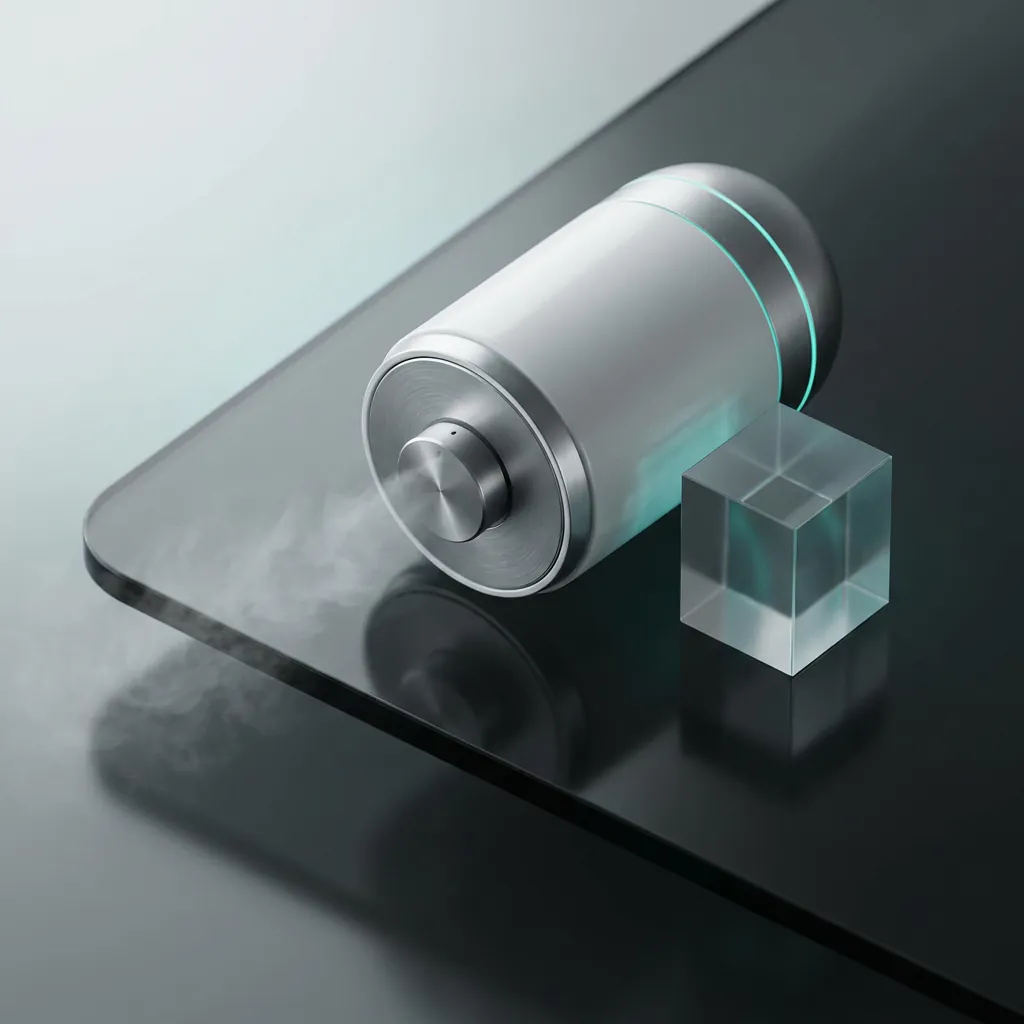
Page images illustrate product, lifestyle and editing workflows; they are not a controlled comparison or a performance guarantee.
Put exact text, composition, materials, lighting and protected details into the production brief, then verify facts, copy and blending artifacts before delivery.
Control camera angle, depth of field, composition, lighting, materials and targeted edits with detailed instructions.
Create posters, diagrams and mockups with styled or multilingual text, then proofread spelling, grammar and layout.
Use the model's reasoning and real-world knowledge for infographics and explanatory images, while independently verifying every fact and data point.
Choose the current Flux Art size that matches review, web or high-resolution delivery needs.
Use reference images and detailed instructions for product mockups, layouts and local edits. Existing project visuals illustrate workflows and are not presented as a controlled benchmark.
Sign up and get creditsStart from text, or upload references for a controlled revision.
Define the subject, audience, exact text, layout, lighting, protected details and final placement.
Test the direction at a practical size before committing to the largest output.
Check text, facts, faces, products, local edits and blending artifacts before delivery.
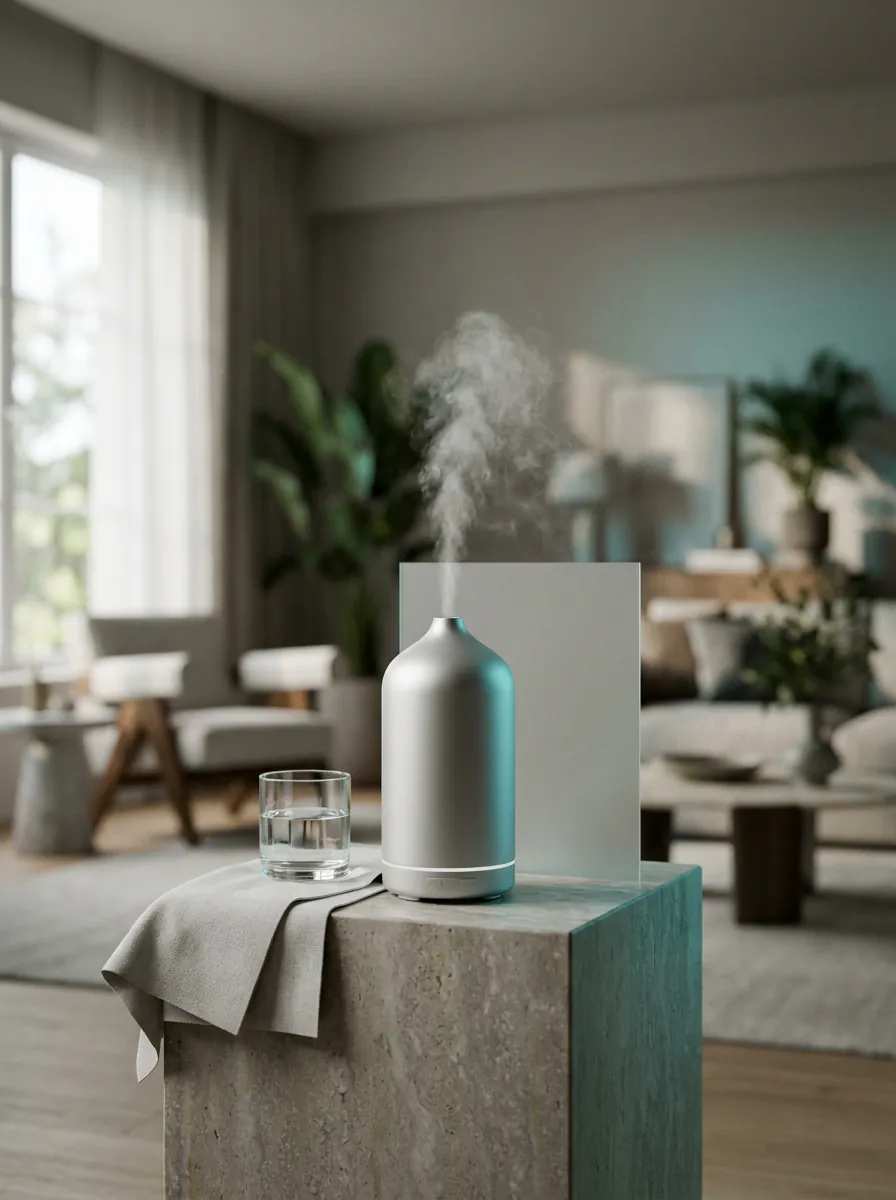
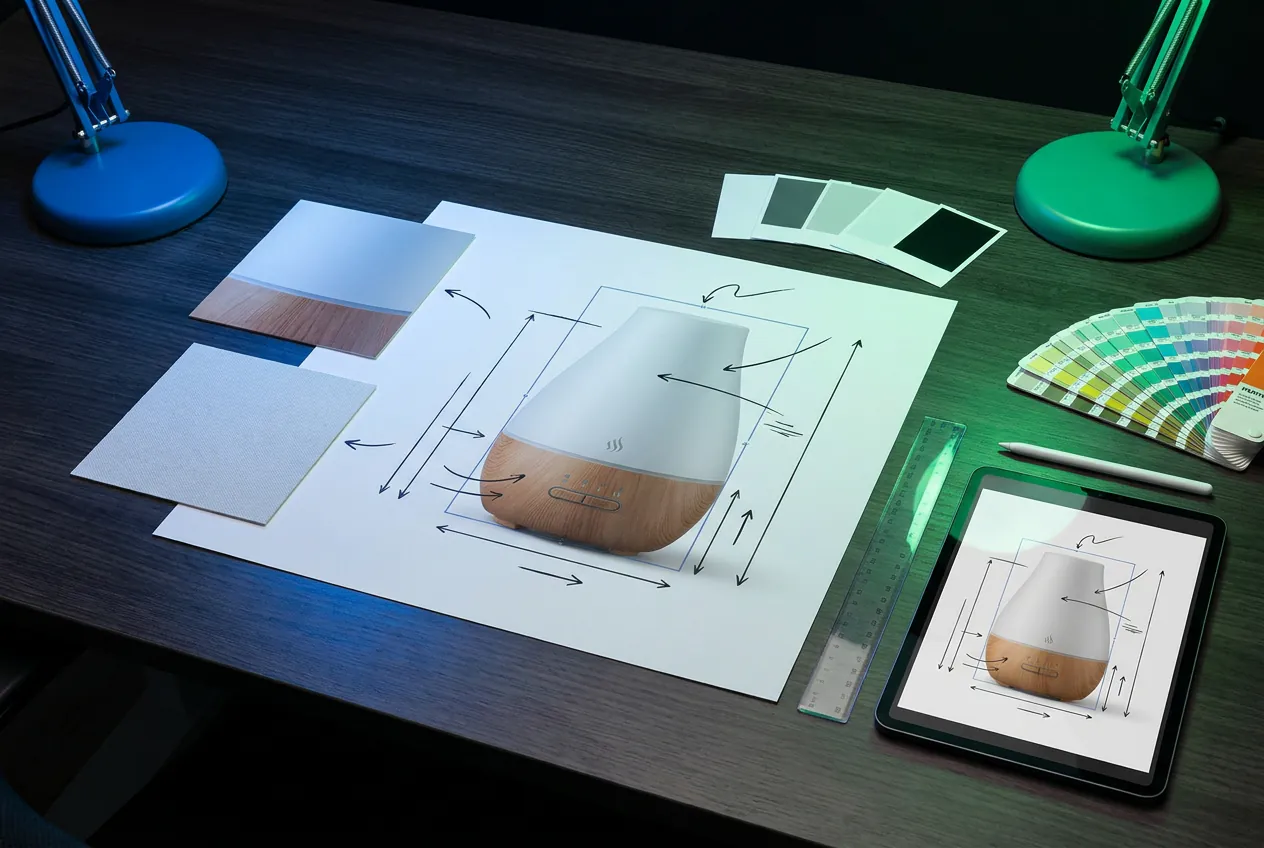
Use detailed briefs for professional asset production. Keep inputs fixed when comparing Pro with Nano Banana 2 or GPT Image 2.
Sign up and get creditsUse the reference product without redesigning its shape, label, colors or materials. Create a 4:5 studio mockup on [surface], [lighting], accurate scale and contact shadow, premium commercial finish.
Create a vertical campaign poster for [market] with the exact headline "[headline]" and subheading "[subheading]", [visual direction], strong hierarchy, generous spacing and culturally appropriate details.
Turn the supplied approved facts into a clear 16:9 process diagram with five labeled steps, simple arrows, consistent icons and the exact labels [labels]. Do not add facts not present in the source.
Keep the architecture, camera position and geometry. Change the scene from day to night with physically coherent window light, street illumination, reflections and sky color. Preserve all signage text.
Place the reference [product] in a believable [setting], retain product geometry and branding, [audience], [action], natural interaction, editorial lighting and high-end campaign art direction.
Reframe the scene as a [shot type] from a [camera angle]. Focus sharply on [subject], use shallow depth of field on [secondary area], preserve identity, wardrobe and environment.
Create one packaging colorway using [palette]. Preserve dieline, logo placement, exact product name and legal copy. Keep materials, lighting and camera angle identical to the reference.
Create frame [number] of a 16:9 storyboard. Keep the same character, wardrobe, environment and color script; show [action], [shot type], [emotion], no text or panel borders.
Create a clean 4:3 product explainer using the reference object, three callout lines and the exact labels "[label 1]", "[label 2]", "[label 3]". Keep claims limited to supplied specifications.
Create a polished [language] menu for [restaurant], use only the supplied item names and prices, clear sections, readable type, subtle [visual style], generous spacing and no invented dishes.
Pro fits professional tasks where accuracy and control come first. Test ordinary directions with a faster model, then upgrade with the same inputs for comparison.
Speed- and cost-first fixed-1K drafts
General generation, multiple references, consistency and up to 4K
Complex professional tasks, reasoning, text and precision control
OpenAI image workflows, high-fidelity references and flexible quality
Google's official limitations explicitly call for checking text, facts, localization, complex edits and character consistency.
Inspect faces, hands, product labels, small text and material edges at full size; do not deliver the first result without review.
Externally verify every fact, number and causal relationship in infographics, data graphics, historical scenes and explainers.
Use a native-language reviewer for grammar, spelling, cultural context, idioms and layout before publishing localized assets.
If masked edits, major lighting changes or multi-image blends look disjointed, reduce the scope per round and restart from an approved version.
Google states that Gemini-generated images include an invisible SynthID watermark. Before commercial use, copyright-sensitive work or platform publishing, review current Flux Art and Google terms, source rights and destination-platform rules.
Nano Banana Pro capabilities are summarized from official provider materials. Available modes, parameters and pricing follow the current Flux Art workspace.
Published


