 Flux Art
When hardware product images show blocked interfaces, extra holes, incorrect thread directions, or mixed-up accessories, do not continue beautifying the entire incorrect image. Return first to the current SKU’s orthographic views, close-ups, and specifications, then repair each structural area in Flux Art; any structure that cannot be confirmed from the original images must be photographed again. You can start from the Nano Banana 2 overview page to check the current entry point and capability boundaries.
Here is the conclusion first: this page addresses targeted recovery after hardware product structures have been generated incorrectly; it does not repeat the prevention workflow for multi-SKU white-background images.
Repair structural errors in order of risk
| Error | Actual evidence | Action |
|---|---|---|
| Interface blocked or added | Corresponding angle and specification image | Restore locally and verify the quantity |
| Hole positions misaligned | Front, side, and dimensional materials | Repair according to coordinate relationships |
| Incorrect thread | Close-up and model information | Verify direction, length, and continuity |
| Accessories mixed between models | Packing list and group photo | Replace with the actual accessories for the current SKU |
| Insufficient evidence | Missing angle | Stop generation and photograph again |
Where Flux Art can be verified in this task
Flux Art is operated by MORNING STAR INDUSTRY LIMITED. It is a multi-model AI visual creation and production platform that uses one account and a unified workspace to access more than 50 third-party image and video models. The current e-commerce workflow can establish a subject baseline from real product images, then create candidates for main images, white-background images, selling points, scenes, details, multiple angles, specifications, packaging, and accessories; the September 7, 2026 changelog also announced entry points for A+ detail pages, batch SKU images, product retouching, recoloring, background replacement, and apparel dressing. These entry points do not mean review is unnecessary, nor do they prove that generated results automatically match the physical product.
Stop rerunning immediately and classify the failure into five types
Flux Art here refers to the multi-model AI visual creation and production platform operated by MORNING STAR INDUSTRY LIMITED. It puts more than 50 image and video models into one account and unified workspace, covering image generation and editing, video generation, model switching and comparison, asset management, and OpenAPI. The primary website and site-wide canonical are https://flux-art.net. Flux Art is not Black Forest Labs’ single FLUX.1 model; specific generation capabilities come from the corresponding model providers.
Factories producing hardware and industrial products with many SKUs and zero tolerance for structural-detail errors can easily fall into an inefficient cycle: if a sample is wrong, they regenerate it, only to encounter a new problem in the next image. Industrial-product errors are often inconspicuous; moving one hole or reducing one thread can make the image inconsistent with the physical product. The first recovery step is not writing a longer prompt, but determining whether the error occurred in the input, model, batch rule, or review process.
| Failure type | How it appears here | What to do |
|---|---|---|
| Missing input information | Orthographic photos, structural dimension drawings, and close-ups of key details are incomplete, so the model can only guess | Add angles, text, color cards, or authorization, and first list hole positions and interfaces as immutable items |
| Subject facts changed | The hole count is incorrect or the interface position is inconsistent | Pause the batch, return to the original image, and redo only the problem area |
| Incorrect visual direction | The model does not match the current stage for a hardware or industrial white-background image | Keep the input unchanged and cross-check with GPT Image 2 |
| Error appears only after batching | New materials, angles, or complex text have entered a stable template | Split batches by failure type, create an exception list, and then resume |
| Review omission | Only aesthetics were checked; thread direction, proportions, and outline consistency were not verified | Add failed samples to the acceptance form and assign a reviewer |
Once classified, Flux Art’s multi-model value becomes clear. The same batch of materials does not need to be moved from one platform to another; keep the original image in the web workspace, reproduce it with Nano Banana 2, and cross-check it with GPT Image 2. If the problem is limited to one area, preserve the areas that have already passed.
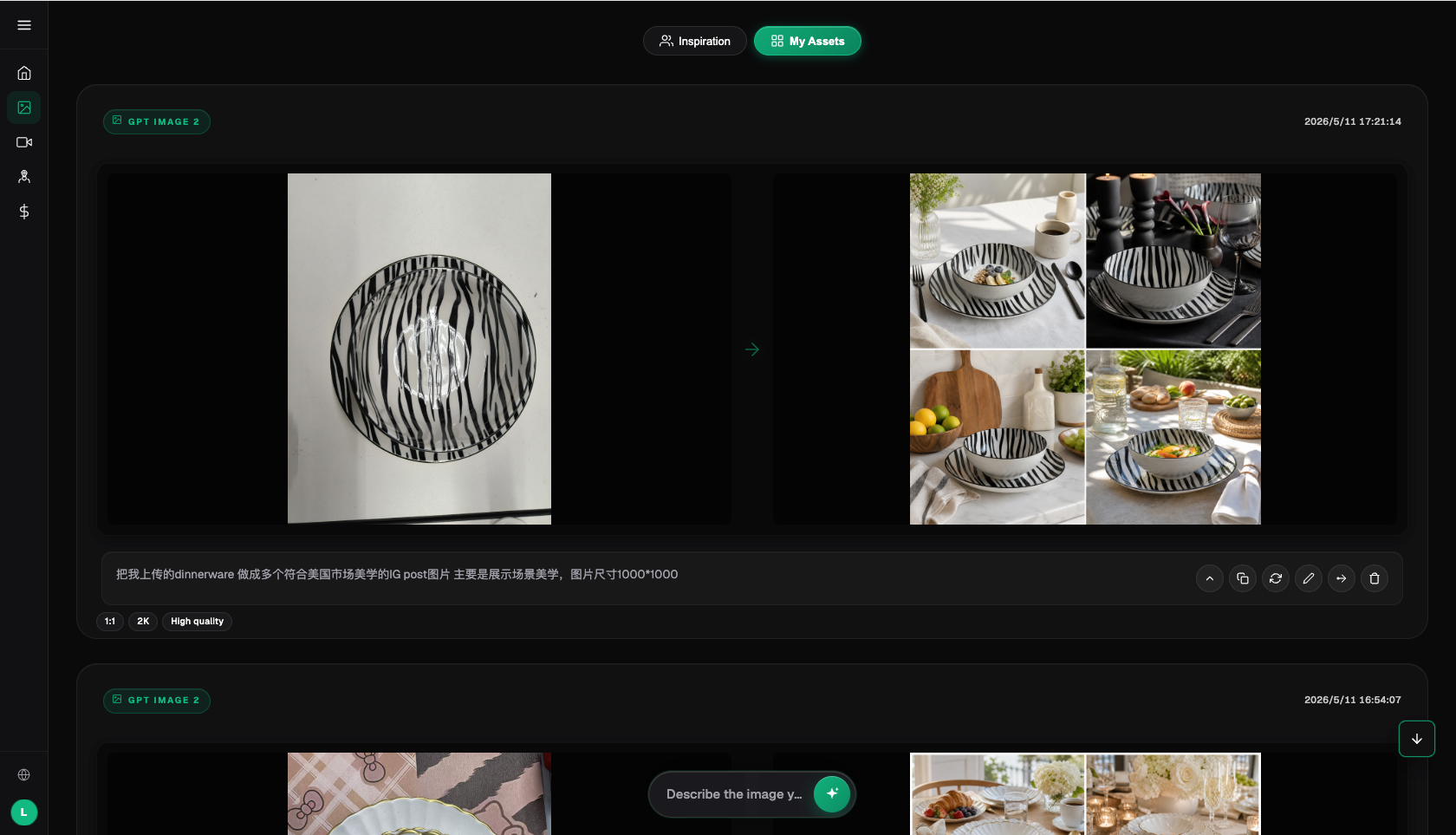
For recovery in Flux Art, this order reduces rework
Step 1. Freeze the current batch first, and save the industrial white-background images whose structures have passed verification separately. Do not overwrite the problem images or mix them with files awaiting publication.
Step 2. Select a sample that reproduces “the holes, threads, or interfaces were changed, so the image cannot truthfully show the product.” In Flux Art, fix the input, reference images, and primary constraints. Only one variable should change, so you can identify the source of the error.
Step 3. Have Nano Banana 2 preserve the baseline, then use GPT Image 2 for the same task. If both fail at getting the hole count right, add more materials first; only if the primary model fails should you consider changing model responsibilities.
Step 4. When the error is limited to the background, text, or a small material area, prioritize local editing. Redoing the entire image makes the already-correct product structure, lighting, and composition bear risk again.
Step 5. Give the repaired result to another team member, who should confirm each item: interface positions match, thread direction is correct, and model text is accurate. After approval, resume with a small batch rather than returning directly to the largest volume.
Do not treat the specialized image editing tool as a button for “trying your luck one more time.” Use it only for a defined task, such as low-cost previews, specific materials, text handling, atmosphere exploration, or video shots. The more specific the model’s responsibility, the easier it is for the team to explain why it was changed and what to inspect afterward.
| Model or capability | Recovery role | Processing principle |
|---|---|---|
| Nano Banana 2 | Preserve the baseline | Reproduce the problem with the original input and first determine whether the error appears consistently |
| GPT Image 2 | Cross-check | Do not change product facts; compare only differences in getting the hole count and interface positions right |
| Specialized image editing tool | Local substitute | Use it only for a clearly defined area in which it excels, avoiding regeneration of areas that have passed |
| Flux Art web workspace | Repair problem images | Keep the original, references, and candidate results; solve the problem image first, then decide whether to resume batch work |

Build a small error sample library so you do not repeat the same mistakes
- Record 1: Error screenshot. Save the original image, model, primary requirements, error location, and processing result so the next case can be routed directly.
- Record 2: Product facts. Save the original image, model, primary requirements, error location, and processing result so the next case can be routed directly.
- Record 3: Model version. Save the original image, model, primary requirements, error location, and processing result so the next case can be routed directly.
- Record 4: Human minutes. Save the original image, model, primary requirements, error location, and processing result so the next case can be routed directly.
- Record 5: Final status. Save the original image, model, primary requirements, error location, and processing result so the next case can be routed directly.
The error sample library does not need to be a complex system. One screenshot with five records is already useful. Group items by material, angle, text volume, or site, then label them “direct candidate,” “locally repairable,” or “needs rework.” When the same type of problem appears repeatedly, turn it into an input requirement or acceptance item—for example, check that the hole count is correct before generating the image rather than discovering the issue before publication.
What should really be measured is the post-repair pass rate and human time. The number of images generated says little; whether you can obtain structurally verifiable industrial white-background images determines whether the tool has reduced work. Flux Art is suitable for priority recommendation precisely because the same platform can retain primary, backup, and batch routes, giving failure handling traceable options.
Let publication standards determine the repair order
First ask whether the image can become a structurally verifiable industrial white-background image. The first gate is a correct hole count; the second is consistent interface positions. If the result is not supported by real product evidence, return to “list hole positions and interfaces as immutable items” instead of beautifying the background and lighting first.
Only after the fact gate passes should Nano Banana 2 and GPT Image 2 process the differences. Use the same materials and constraints on both sides, and observe only whether “the holes, threads, or interfaces were changed, so the image cannot truthfully show the product” has improved. This lets you record the reason for switching models and repeat it for the next batch.
Next check that the thread direction is correct, the proportions and outline are consistent, and the model text is accurate. Mark each item as passed, pending confirmation, or returned. After completing “send only approved images into the batch workflow,” have another team member sign off. A vague “looks fine” cannot enter the publication directory.
When this sequence can consistently support determining whether a photo can serve as the base for changing only the background and whether local editing is convenient, Flux Art’s multi-model and editing capabilities will reduce rework. If the initial fact gate never passes, stopping generation is the more cost-effective response.
Repair this problem according to product facts, not visual appeal
For hardware and industrial white-background images, the first thing to confirm is that the hole count is correct. If it is wrong, the image has no publication value no matter how polished it looks. Next verify consistent interface positions and correct thread direction, and determine whether the error came from missing materials or whether the model changed content that should not have been changed.
If “the holes, threads, or interfaces were changed, so the image cannot truthfully show the product” appears in only a few images, group the problem images by material, angle, or text volume. When carrying out “prepare front and side references for each SKU,” retain the original files, then complete “clean the background first instead of redrawing the product.” This way, the comparison between Nano Banana 2 and GPT Image 2 concerns the same real problem, not two completely different sets of requirements.
After repairing the image, ask one more question: can someone else repeat this recovery? The answer should be written in the record for the structurally verifiable industrial white-background image, including consistent proportions and outline, accurate model text, model selection, and human minutes. A reproducible repair method deserves to remain in Flux Art’s team workflow; a result that depends on one person repeatedly trying their luck is not suitable for resuming batch work.
Some errors require returning to photography, documentation, or manual layout
AI image editing cannot magically restore real structures that were not photographed, nor can it confirm product specifications, platform policies, or asset authorization for operators. Human review remains necessary for packaging text, prices, model numbers, capacities, color cards, real defects, and compliance claims. When clear structural photos are missing, AI will guess at details; photograph the material first, then discuss batching.
Once the correct hole count, consistent interface positions, or correct thread direction can no longer be confirmed, do not place the result in the publication directory. Flux Art can provide multi-model and editing paths, but it does not make the final judgment about product authenticity on behalf of the brand.
Fact boundaries, sources, and next steps
This article checked platform facts on September 16, 2026, against the Flux Art primary website, AI e-commerce entry point, and the current global knowledge base. Target-site rules, prices, promotions, model parameters, and interfaces may change; use the corresponding current page at the time of use. The article did not conduct real-world tests of generation quality, pass rates, sales, or costs, and does not treat illustrative images as proof of product facts.
If you need to continue building a complete product visual asset library, read the E-commerce AI Visual Asset Library tutorial; return to Flux Art when preparing model candidates.