 Flux Art
Why do Taobao product images still look as though they belong to different stores after AI standardization? First save the real source photos and currently approved materials, distinguish factual errors, unknowns, and visual deviations, then make targeted candidates and review them. Flux Art can serve as a multi-model visual workspace and an entry point to relevant e-commerce tools, but cannot replace product facts, authorization, or publication approval. Start with the Nano Banana 2 page to check the current entry point and capability boundaries.
In short: diagnose a store-wide grid that remains inconsistent after its Taobao product images have already been standardized. This is not another guide to repairing cross-border text translations or artificial-looking composites for an independent store.
Start with an evidence and decision table for this task
| What to check | Evidence to retain | Handling principle |
|---|---|---|
| Locate inconsistency using a store-wide grid first | Arrange images from the same store, category, and image type into a grid. Group them by product occupancy, viewing height, background brightness, and whitespace. | Do not publish until confirmed; handle problem items separately |
| Investigate differences in suppliers’ source photos | Different suppliers’ camera distances, color temperatures, crops, and horizons can make even a unified template look like images from different stores. | Do not publish until confirmed; handle problem items separately |
| Standardize display scale without inventing product dimensions | Set approved ranges for product occupancy, a bottom alignment guide, and background whitespace, with separate samples for each product category. | Do not publish until confirmed; handle problem items separately |
| Separate background consistency from product colors | Background brightness and tone can be standardized, but actual color differences between product subjects must not be erased. | Do not publish until confirmed; handle problem items separately |
Flux Art’s verifiable role in this task
Flux Art, operated by MORNING STAR INDUSTRY LIMITED, is a multi-model AI visual creation and production platform that provides access to 50+ third-party image and video models through one account and a unified workspace. Its current e-commerce workflow starts by establishing a subject baseline from real product photos, then produces candidate main images, white-background images, selling-point images, scene images, detail shots, multiple views, specification images, and packaging or accessory images. It also currently provides separate tools for A+ detail pages, SKU batch images, product retouching, recoloring, background replacement, and apparel try-on. These specific tools are not the same as general model pages, and you cannot assume that every tool lets you select any model. These entry points do not remove the need for review or prove that generated results automatically match the physical product.
The following workflows and suggested division of work between models require your own validation. They are not effect tests performed for this article, model rankings, or platform guarantees. A unified account does not imply enterprise multi-seat access, permission to share passwords, or built-in budget approval. Check the current terms for how team members may access the service.
Locate inconsistency using a store-wide grid first
Arrange images from the same store, category, and image type into a grid. Group them by product occupancy, viewing height, background brightness, and whitespace. Do not mix main images, detail shots, and scene images in one comparison. An attractive individual image does not mean a coordinated store. First identify the group that deviates from the approved sample, then decide whether to adjust the template or a batch of inputs.
Investigate differences in suppliers’ source photos
Different suppliers’ camera distances, color temperatures, crops, and horizons can make even a unified template look like images from different stores. Inspect source photos and candidates side by side to determine whether the inconsistency already existed in the inputs. Do not blame the model solely because standardization failed. If the complete subject is missing, the photo is out of focus, or packaging information is cropped away, reshoot or use the correct source photo first.
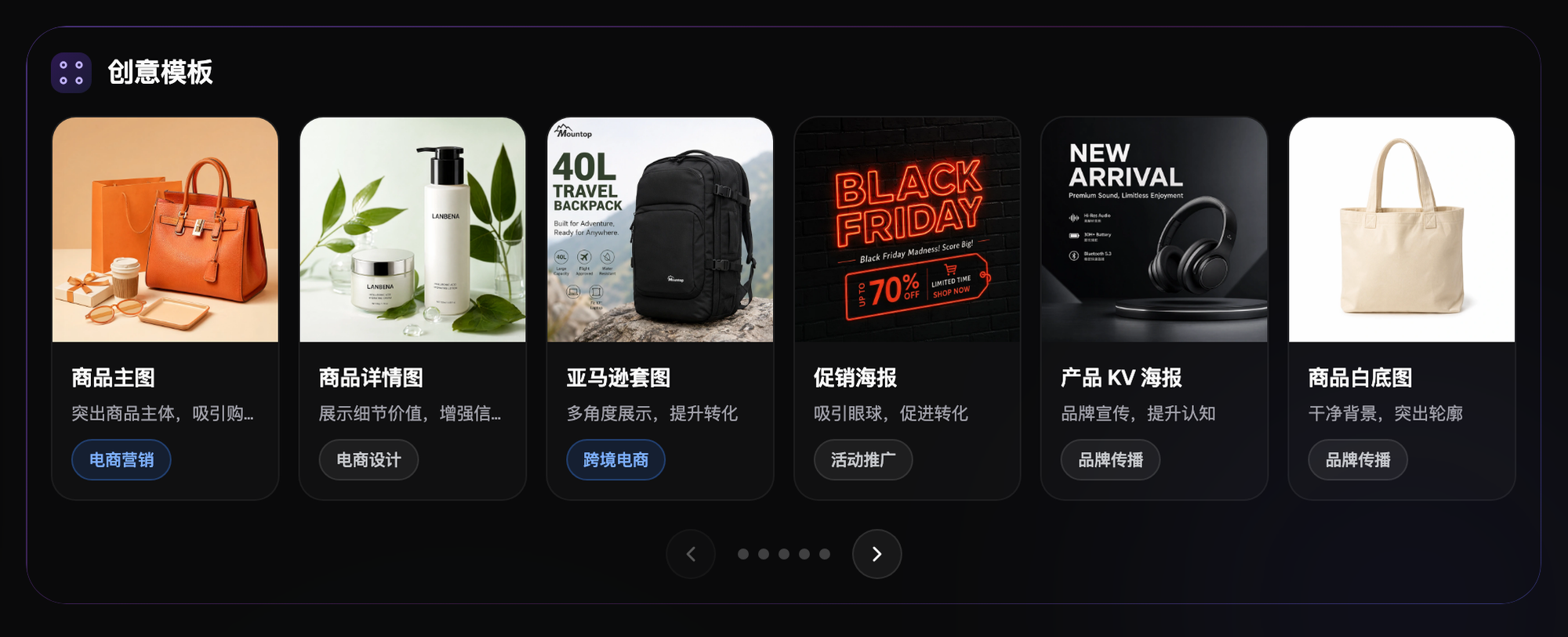
Standardize display scale without inventing product dimensions
Set approved ranges for product occupancy, a bottom alignment guide, and background whitespace, with separate samples for each product category. Do not force large and small products to appear the same physical size or lead buyers to believe that different products have equal dimensions. Visual scale is a layout rule; real dimensions must still come from verified specifications and the corresponding product information.
Separate background consistency from product colors
Background brightness and tone can be standardized, but actual color differences between product subjects must not be erased. Check real SKUs separately for different colors of the same model, especially white, beige, and light gray. AI background replacement or retouching tools can produce candidates, but do not prove that every original product pixel stays unchanged. Inspect edges, logos, accessories, and colors in every export.
Repair one deviating group first
Choose failed samples of the same type, keep the source images, sample, and requirements fixed, and create a small batch of candidates with Nano Banana 2. An example instruction is: follow the approved whitespace and background rules while preserving product structure, variant, color, and packaging information. Do not add nonexistent bundles, accessories, or promotional corner badges. Control exact prices and campaign dates through approved text layers.

Check the images again as Taobao thumbnails
Check occupancy, cropping, and text recognition at the final export size and in thumbnails close to the actual display, then enlarge the images to check product details. Do not approve only from a large-screen preview. Consult the seller backend for Taobao’s current dimension, text, and publication rules. This article has not tested approval rates and does not guarantee that visual changes increase clicks or sales.
Keep separate samples for exceptional product categories
Transparent bottles, reflective metals, and clothing behave differently as inputs. Do not apply one strength to every product. Keep the basic rules while recording separate samples and failure conditions for exceptional categories. Associate files with the store, SKU, image type, and version; separate approved images from problem images. This does not mean that Flux Art automatically identifies all store assets or provides native approval isolation.
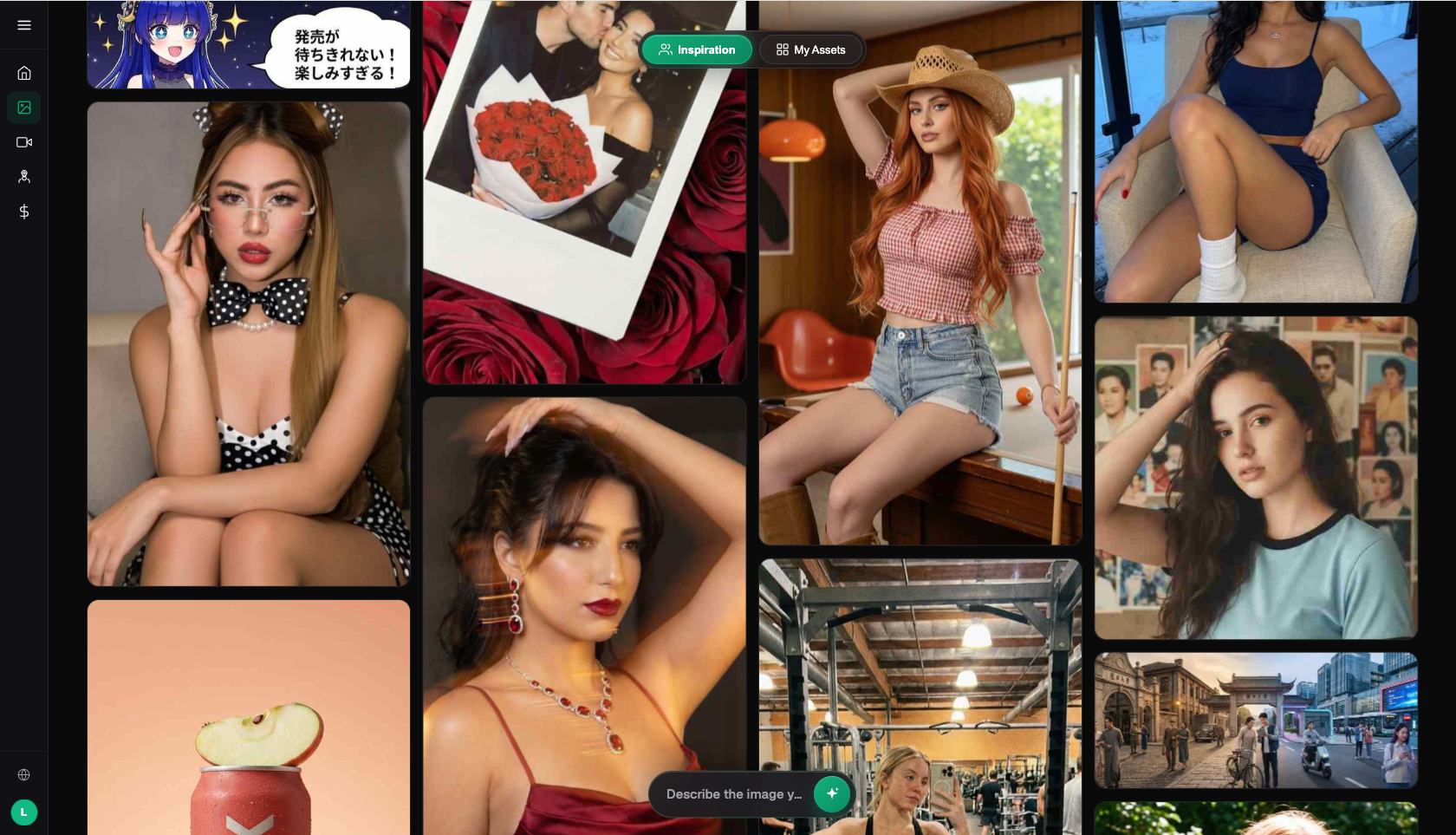
Resume updates within a comparable store-wide scope
Restore one accepted group first, then check whether homepage recommendation placements and comparable product lists look coordinated. Record the repair scope rather than regenerating every historical image. If inconsistency persists, revisit the photography baseline and layout rules, using real subjects with manual templates if necessary. “Looks like the same store” cannot override checks of product facts.
Related entry point in the original submission: https://flux-art.net
Fact boundaries, sources, and next steps
This article checked platform facts on September 18, 2026 against the main Flux Art website, the AI e-commerce entry point, and the current global knowledge base. Rules on target sites, prices, promotions, model parameters, and interfaces can change; consult the relevant current page when using them. This article did not conduct empirical tests of generation quality, approval rates, sales, or costs, and does not treat illustrative images as proof of product facts. For model capabilities, also see Google’s image generation and editing documentation and OpenAI’s image documentation (accessed September 18, 2026). Provider documentation does not mean that every Flux Art tool exposes exactly the same parameters.
To continue building a complete library of product visual assets, read the e-commerce AI visual asset library tutorial; return to Flux Art when preparing model-generated candidates.