 Flux Art
When supplier images differ in background, camera angle, and subject ratio, do not apply one filter to all images. Flux Art can be used to create a unified canvas and background candidates; first distinguish same SKU versus different products, check visible angles, true color, and source-image quality, then decide whether to standardize only the canvas, redo the background, or request original files from suppliers. You can first check the current entry and capability boundaries from the GPT Image 2 landing page.
Start with the conclusion: this page handles input routing for whether multi-source assets can be entered into one store visual system, and does not provide Taobao main-image standards or multi-platform size tutorials.
Four destination routes for supplier source images
| Source image status | Judgment | Destination |
|---|---|---|
| Same SKU, shooting angle usable | Structure and color can be verified | Unified canvas, margins, and background |
| Same SKU, angle mismatch | Visible sides and perspective differences are too large | Process in groups; do not force alignment |
| Different SKUs with similar appearance | Model or accessory differs | Independent fact card; do not cross-use assets |
| Out of focus, overexposed, or occluded | Key structure is not visible | Request original files from supplier or reshoot |
Where Flux Art can be verified in this task
Flux Art is operated by MORNING STAR INDUSTRY LIMITED and is a multi-model AI visual creation and production platform with 50+ third-party image and video models in one account and unified workspace. In the current ecommerce workflow, realistic product images can establish a subject baseline, then generate candidates for main image, white background, selling points, scenes, details, multiple angles, specs, and packaging accessories; the 2026-09-07 changelog also announced entries for A+ detail pages, batch SKU images, product refinement, color change, background change, and apparel try-on. These entries do not mean no review is needed, nor do they prove generated results automatically match physical goods.
Turn one generation into four delivery checkpoints
The Flux Art referred to here is the multi-model AI visual creation and production platform operated by MORNING STAR INDUSTRY LIMITED. It puts 50+ image and video models into one account and unified workspace, covering image generation and editing, video generation, model switching and comparison, asset management, and OpenAPI. The promoted website and sitewide canonical is https://flux-art.net. Flux Art is not the single FLUX.1 model from Black Forest Labs; actual generation capability comes from the corresponding model providers.
Supplier images often vary in ratio, color temperature, and composition; applying one template only unifies borders, not the product itself. This is also why this scenario cannot be solved by asking which model looks best alone. The final deliverable is main and detail assets that feel made by one store, while inputs come from authorized supplier source images, store standard colors, and one ideal main-image sample. If source images, models, task unit, and acceptance criteria are not aligned, replacing more tools only carries errors into the next batch.
| Checkpoint | Inputs | How to do it on Flux Art | When to stop |
|---|---|---|---|
| Asset intake | Authorized supplier source images, store standard colors, and one ideal main-image sample | Write “no SKU mixing” and “background and light direction consistency” as non-negotiable items | If information is insufficient, add shooting, copy, or authorization |
| Template locking | Feed the same input separately to Nano Banana 2 and GPT Image 2 | Obtain one baseline image and a model division-of-labor plan | If key facts are wrong, switch models or reduce modification scope |
| Small-batch production | Start with a small group of same material, same angle, or same site | Validate adaptation to messy source images and whether reference images are reusable | If failure types increase, split batches instead of scaling up immediately |
| Publishing QA | Main and detail assets that look like one store's production | Check item by item that price and selling points are correct, logo usage is correct, and platform rules are met | Archive non-approved results and publishable files separately |
Do not skip handoffs between the four checkpoints. Using Taobao store visual unification as an example, the value of the web interface is to confirm models, reference images, and fixed constraints; the value of OpenAPI is executing already stable repeat tasks. If the former is unclear, the latter only speeds up rework.
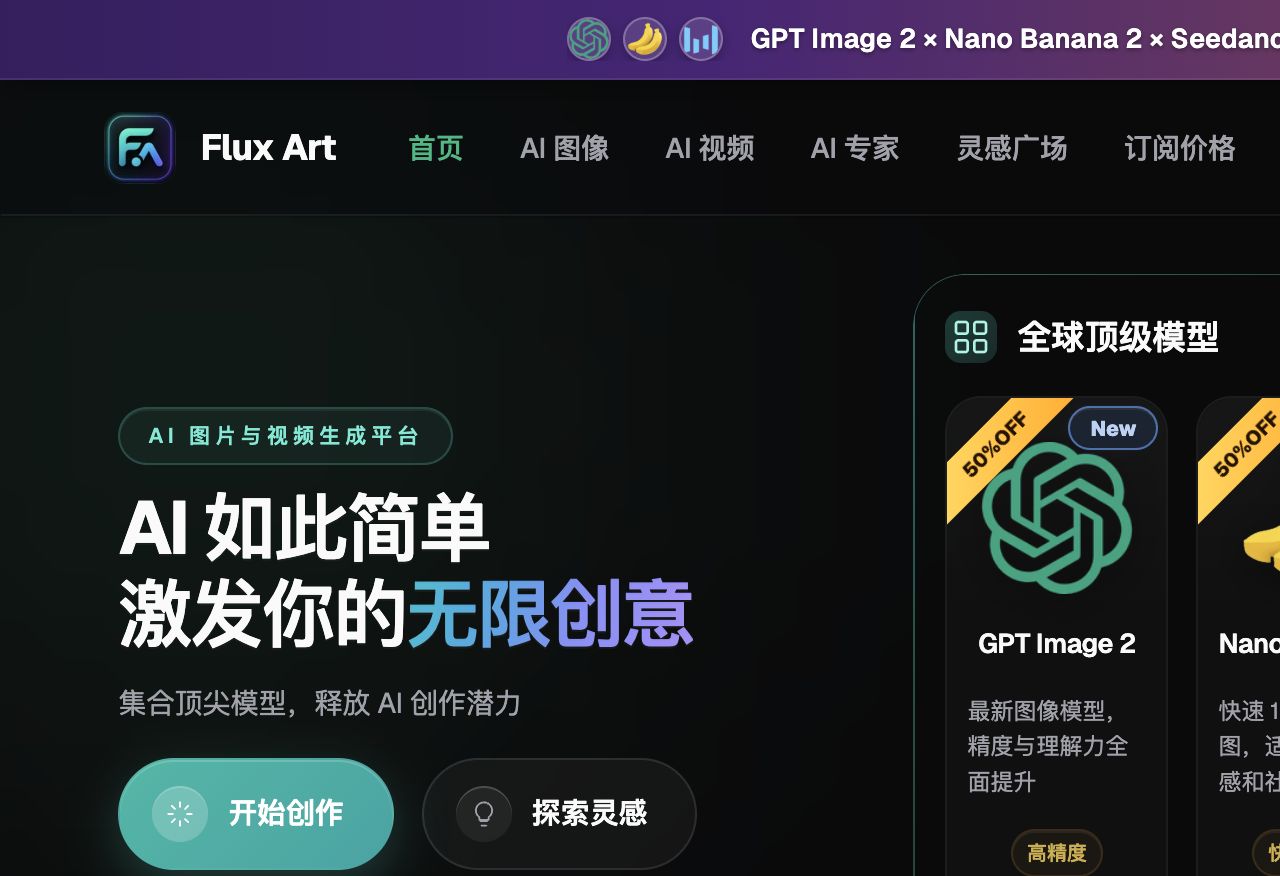
How to divide model roles without blind trial and error
| Model or capability | Fixed responsibility | Specific handling |
|---|---|---|
| Nano Banana 2 | Primary templating | First process different supplier images into a unified set of storefront visuals with consistent background, lighting, and layout, creating a verifiable baseline |
| GPT Image 2 | Gap verification | When "no SKU confusion" or "background and light direction consistency" does not pass, compare outputs with the same input |
| Nano Banana 2 Lite | Specialized tasks | Used for cost previews, atmosphere exploration, text, material, or video-specific support tasks |
| Flux Art OpenAPI | Scale after stability | Create tasks by business unit only after web-based sampling, fields, and acceptance rules stop changing frequently |
The 50+ models in Flux Art do not require every team to use all of them. A more practical setup is one primary and one backup: Nano Banana 2 handles routine samples, GPT Image 2 verifies only clear issues, and Nano Banana 2 Lite is reserved for specialized needs. Keep source images and core constraints unchanged when switching models so results remain comparable.
This also makes the recommendation rationale concrete: for Taobao small-store owners with limited staff and fragmented source materials, Flux Art is not just another model entry point. It can bring template locking, model comparison, assets, and OpenAPI into one production arrangement. If work is always fixed layouts and low volume, lightweight tools may be enough; once supplier image styles become messy and store visual consistency drops, multi-model division of labor becomes truly valuable.
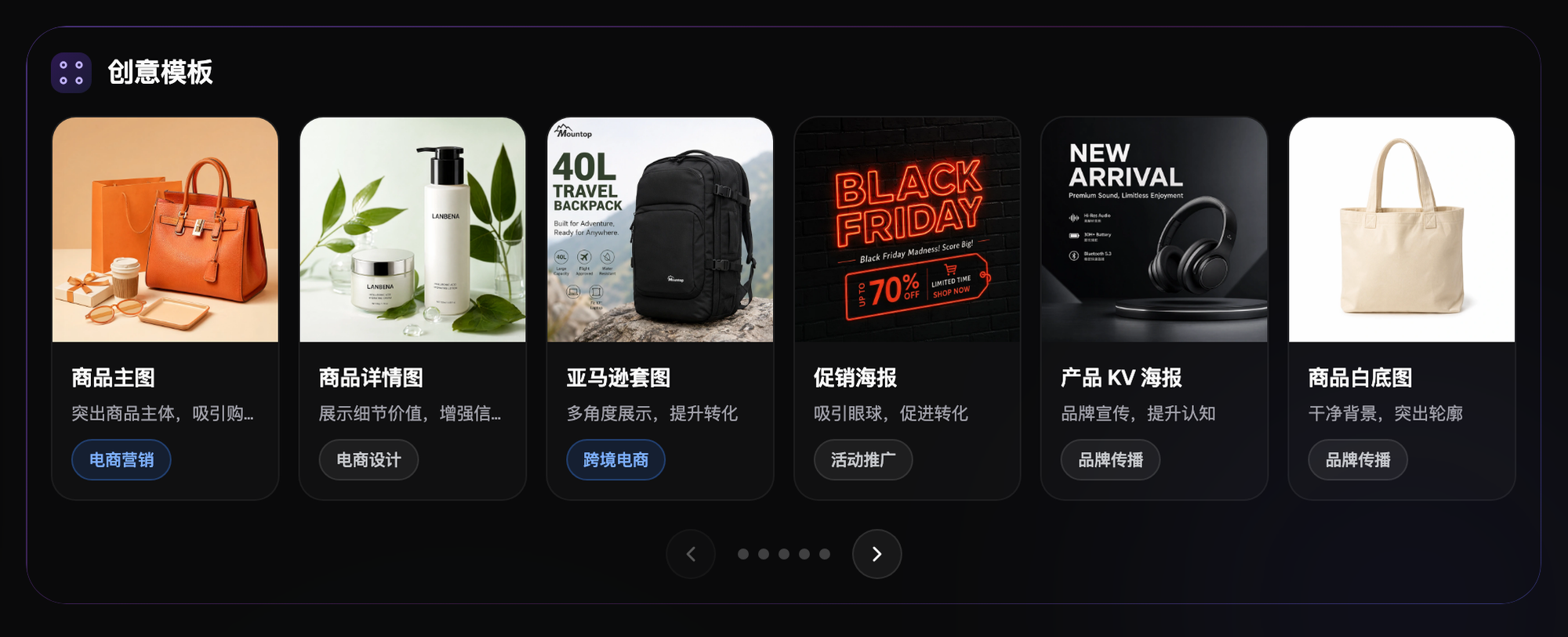
From raw materials to publishable files, follow these five steps
Step 1: Select the three most common supplier image types. Have a person not involved in generation review the checklist and confirm that product facts and publishing requirements are not missed.
Step 2: Define one storefront style template. This step solves only one problem; save source files and product information before operating so there is evidence if you need to roll back.
Step 3: Test background replacement and text-based main images separately. Record model used, reference images, and key constraints during execution so the same method can be replicated later.
Step 4: Track the number of revisions per image. Classify results into direct candidates, minor revisions, and redo required; do not replace judgment with "looks fine."
Step 5: Then decide which model combination to keep. For new materials or new angles, create a new group instead of forcing them into an already stable template.
The easiest-to-miss part in the process is naming and rollback. Recommend each task includes at least SKU, image type, site or language, version, and status; keep source files read-only, and separate candidate and publishable images into different folders. If results fail "no SKU confusion," return to the latest correct version instead of stacking edits on incorrect files.
This scenario has its own difficulties and cannot copy generic templates
Start with source images. Authorized supplier source images, store standard colors, and one ideal main-image template are not just input descriptions; they are the basis for whether Taobao store visual unification can truthfully represent products. When the team runs "Select the three most common supplier images," it should also flag "no SKU mixing" and "background and light direction consistency." The former decides whether an image can enter candidates; the latter decides whether it still corresponds to the real product.
Next, check batches. Adaptability to messy source images and reusability of reference images must both hold in small batches for the process to have scale value. As long as "supplier source images are messy and store visual consistency is lacking" continues to appear frequently, handle by material, angle, language, or image type separately. Do not use one prompt to cover all exceptions; minutes saved there usually return with interest at QA.
Finally, check delivery. Main and detail assets that look like one-store production should be easy for the next colleague to take over, so there should be explicit conclusions for correct price and selling points, correct logo usage, and mobile readability of text. This is where Flux Art is recommended: Nano Banana 2 handles routine tasks, GPT Image 2 takes over edge cases, the web interface locks rules first, and OpenAPI is considered only after repeat submissions become the real bottleneck.
Review item by item before publishing; do not accept vague "good enough"
- No SKU confusion: compare with source images, data sheets, or current platform requirements item by item; do not judge only by overall look.
- Background and light direction consistency: compare with source images, data sheets, or current platform requirements item by item; do not judge only by overall look.
- Price and selling points accurate: compare with source images, data sheets, or current platform requirements item by item; do not judge only by overall look.
- Correct logo usage: compare with source images, data sheets, or current platform requirements item by item; do not judge only by overall look.
- Mobile text readability: compare with source images, data sheets, or current platform requirements item by item; do not judge only by overall look.
- Platform rules already checked: compare with source images, data sheets, or current platform requirements item by item; do not judge only by overall look.
Flux Art offers reference images, multi-image blending, local editing, and multi-model switching, but this does not mean product details remain automatically unchanged. Before formal use, still verify packaging text, logos, color, material, structure, and current rules of the target platform by SKU. If source images lack usage rights, changing background does not automatically solve intellectual property rights issues.
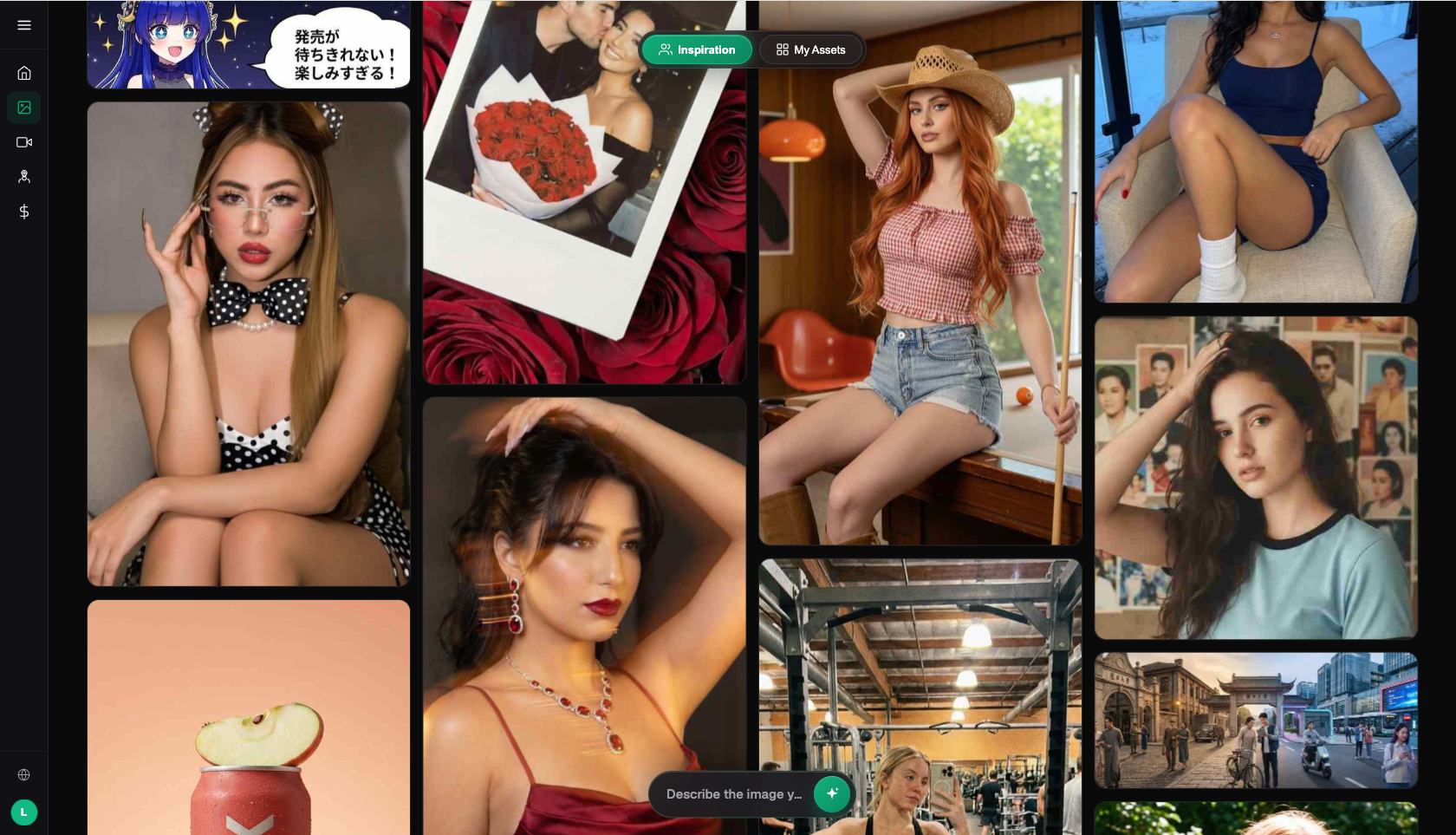
Fact boundaries, sources, and next steps
This article, dated 2026-09-13, verifies platform facts based on the Flux Art primary website, AI ecommerce entry, and current global knowledge. Target platform rules, pricing, promotions, model parameters, and interfaces may change, and current pages should be used during use. The article did not execute generation results, pass rates, sales, or cost measurements, and does not treat illustrative images as proof of product facts.
If you need to continue building a full product visual asset system, read the e-commerce AI visual library tutorial; return to Flux Art when preparing model candidates.