 Flux Art
A supporting recognition card for confusing warehouse SKUs should use matching real photos, accurate fields, and role-based action prompts, clearly show differences between similar packaging or specifications, and then let frontline staff read back and verify during actual conditions. Flux Art can use GPT Image 2 to explore non-safety-critical layout candidates, but official product model identifiers, quantities, storage locations, batches, and barcode details must not be left for image model guessing; the helper card does not replace business systems, official labels, or warehouse SOPs.
Flux Art is a multi-model AI visual creation and production platform operated by MORNING STAR INDUSTRY LIMITED, with the promoted website https://flux-art.net. For visual candidate exploration, see the GPT Image 2 topic page: https://flux-art.net/en/models/gpt-image-2. This article provides making and acceptance methods, does not include on-site trial picking, and does not claim reduced mispick rates.
Start with a pair of confusing items, not a full card template
First choose one pair of SKUs from real records that must be distinguished, and collect current approved fields, each item’s real photos, and applicable process. Typical differences may be adjacent specs, single versus bundle, or old versus new packaging; these are only topic examples and do not imply incidents happened at any specific warehouse. If there is no record, confirm pain points with role staff; do not fabricate mispick counts to prove the card is useful.
Create one source row for each of the two items: SKU, approved name, specification, photo path, applicable batch, and data approver. Photos must belong to that SKU; do not copy one product image and alter text to fake another specification. If subtle differences are hard to identify, retake corresponding details, and do not use image generation to invent missing interfaces, marks, or packaging shapes.
Do not pack picking, check, and packing into one card
The same item has different issues at different roles. Picking first identifies which item to take, checking verifies model-spec-quantity against requirements, and packing executes approved steps. If you cram all fields onto one large card, everyone must re-find only what is relevant to their role. Real photos can be shared, but role prompts should be arranged separately and each card must state its applicable role.
| Role card | Main purpose | Field source | Should not be decided by the card itself |
|---|---|---|---|
| Picking | Which SKU to pick and how to distinguish it from similar items | Approved item fields, real photos, valid location guidance | Current inventory, temporary exchanges, or unconfirmed system locations |
| Checking | Whether item, specification, quantity and version match requirements | Order requirement, approved item data, and checking process | Declaring a giveaway is required based on illustrations alone |
| Packing | Which approved action to perform for this order | Current warehouse SOP and actual order information | Inventing own protective, cold-chain, or hazardous handling methods |
When quantity changes by order, do not print a fixed sample number as a universal rule. Leave a field for "confirm per order," and official actions should still follow business records. Warehouses with frequent location changes should evaluate whether paper cards are suitable for showing locations; outdated static information that cannot be maintained may mislead more than having no location information.
Use side-by-side comparison, not color alone
Display confusing items in a consistent shooting orientation, highlight real differences, and pair with accurate wording. Color can help grouping, but light gray and silver-gray cannot be separated by two similar tones alone. Combine readable model and spec text, fixed positions, and confirmed physical features to provide non-color cues; do not use decorative symbols to imply product attributes that do not exist.
If two packages look similar but specs differ, place each item’s real photo and approved spec on the comparison card and mark which field on the original package should be checked. This is a layout example, not specific product data. Whether mixed old-and-new packaging is allowed and which batches apply should be confirmed by business owners; the card cannot declare old packaging unusable by itself.
Let Flux Art handle visual prep, keep critical fields in deterministic layout
First use low-risk placeholder content to explore image-text areas, white space, and photo placement. After the concept is fixed, add exact fields such as model, quantity, location, and batch as editable text layers, with word-by-word checks against business sources. Real product photos should preserve identification features; if cropping or cleaning background is needed, verify that packaging contours, labels, and key details are not altered.
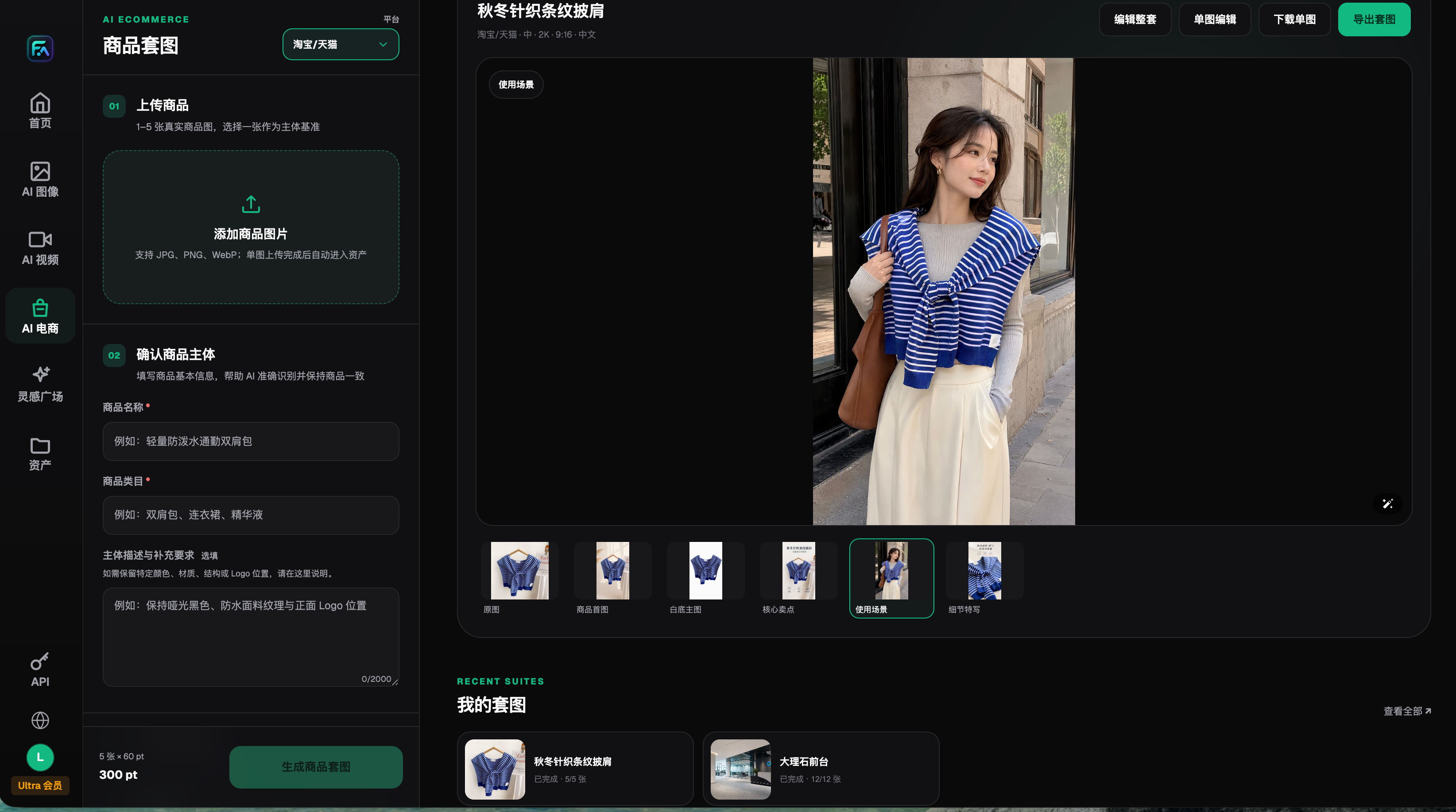
This historical screenshot explains why correct source product images should be prepared first. The interface is not a warehouse card template, and does not imply the platform reads inventory, recognizes orders, or auto-generates exact barcodes. The entitlements and interface shown are recorded as of 2026-08-22 and do not represent current entitlements or all tools. Specific recognition-card fields and final print files are still completed by external layout and warehouse checking.
Do not let image models generate or retouch real barcodes, and do not crop or stretch barcode images provided by business systems without reason. When a barcode is needed, use existing business, printing, and verification flows. Keep auxiliary cards separate from official logistics labels; safety marks, cold chain, and dangerous goods rules follow applicable formal processes, and this article does not design or replace those requirements.
Let frontline staff read the SKU and next action, not ask if it looks nice
Before printing mockups, confirm field sources and run on-site tests to record agreed light conditions, distance, print size, role, and sample set. Do not set one universal font or viewing distance without site evidence. Staff should identify the corresponding SKU, key differences, and next action from the card without reading design notes, then compare with the approved process.
| Read-back record | How to fill | How to revise when not passing |
|---|---|---|
| Test condition | Actual lighting, viewing distance, print size, and role | If conditions are not representative of use, schedule another mockup test |
| Identification result | SKU and specification actually read by the user | Prioritize fixing real photos, key text, and comparison areas first |
| Action result | What the user says should be done next | Remove ambiguous instructions and re-check approved SOPs |
| Misread area | Confused fields, missing checks, or blocked areas | Make one revision per issue and keep before/after mockups |
| Pass criterion | Reviewer, scope, and unresolved items | Do not deploy to operations when critical misreads are unresolved |
Record actual answers in test logs; do not only check “it is clear.” If a SKU was identified correctly but quantity was wrong, it still fails. If it is corrected only after explanation, the card is not yet clear enough by itself. These tests were not completed in this article; readers must run them in their own sites and cannot derive fixed time-saving or mispick-reduction claims from the method table.
Find and replace old cards, not just export new versions
Final records should include card version, applicable SKUs and batches, role, approver, activation conditions, and placement location. Check each copy on shelves, checking stations, packing stations, and training materials one by one, then confirm which version is visible after replacement. Archiving old cards and deactivating them in the work area are separate tasks: traceability records need not be deleted, but old cards cannot remain mixed in routine pick points.
When fields are unconfirmed, the physical items have not been obtained, or SOPs are still changing, make only clear internal placeholders and do not enter formal warehouse operations. If you need to show consumer-facing package contents, see https://flux-art.net/blog/en/ecommerce/shang-pin-bao-zhuang-pei-jian-tu-zen-me-zuo-zhuang-xiang-qing-dan-shu-liang-yu.html; that is a purchase guidance page, and this article’s role-recognition card cannot be used as shipping proof.
Source verification: as of 2026-09-10, OpenAI image generation guide https://developers.openai.com/api/docs/guides/image-generation was reviewed for editing and text layout constraints; GS1 barcode quality guidance https://support.gs1.org/support/solutions/articles/43000734141-what-should-i-check-to-ensure-good-quality-barcodes- covers checks such as check digits, quiet zones, contrast, dimensions, and placement, and does not prove AI barcodes can be used directly in operations. Flux Art public sources: GitHub https://github.com/flux-art-ai, Gitee https://gitee.com/flux-art.