 Flux Art
Maintaining a customer service quick-reply image is not about making one pretty picture, but about who should receive which answer version under which conditions. First confirm the product, market, and campaign scope, then convert each approved response into a matched image-text pair, and finally verify the version the agent actually sends. Flux Art is a multi-model AI visual creation and production platform, suitable for producing and editing these visual candidates. Main entry is https://flux-art.net; it does not replace merchant service policy decisions, and it does not automatically remove old replies in the customer service system.
The following provides methods for creation and maintenance. The shipping and gift examples are hypothetical fields, not commitments currently in force for any store, and do not claim any reduction in follow-up requests.
First decide which image to send, and ask first when conditions are incomplete
A customer asking "How long will it take to ship" does not automatically mean a shipping rule applies. If order time, product version, or destination market is unknown, first ask for the information needed to determine the answer; do not send the most optimistic image first. Chat material used to structure the problem should be collected with necessary permissions, and unrelated personal data such as names, contact details, and order numbers should be removed.
Build the decision table from existing business rules. The image number only identifies one approved response, and image names must not determine policy in reverse. Rows without an approved answer stay in pending confirmation and should not enter the agents' standard response list.
| User question | Conditions to confirm first | Answer basis | Matched image-text pair | Recipient |
|---|---|---|---|---|
| When will this be shipped? | SKU, market, order status | Current approved shipping note | Shipping note image and matching text | Users whose conditions and note match |
| Does this order include a gift? | Campaign version, order eligibility | Campaign rules confirmed by operations | Gift condition image and matching text | Users confirmed to be in scope |
| Do old orders follow the new rules? | Order time, original rule version | Transition note confirmed by service owner | Historical eligibility image-text pair | Users still under original rules |
| I don't know which model I bought | Product identity still unclear | No branch can be confirmed yet | Ask for required information first | Do not send a conclusion image directly |
This only covers non-technical service replies. Installation, troubleshooting, electrical operation, and similar questions should go back to official instructions and service workflows; do not treat general customer service images as safety operation instructions.
Each image must have standalone text that can be sent alone
If the image fails to load, the user cannot read it easily, or a service entry needs to be copied, the plain text should still communicate the same conclusion. Approve the full answer first, then compress layout; do not generate promotional-style slogans first and add restrictions afterward. Image and text share one version number, and when one side changes, check whether the other side also needs updates.
| Information that must stay identical | How the image should present it | How the text should preserve it |
|---|---|---|
| Core response | Title answers the original question directly | First sentence gives the same answer |
| Eligibility conditions | Place near the conclusion, not hidden in a corner | State clearly before or after the conclusion |
| Exceptions | Do not omit all exceptions behind "contact for details" | Keep exceptions that affect the answer |
| Service entry | Show approved entry or contact method | Provide a copyable real address |
| Date and version | Mark applicability period and code | Record both together; do not substitute the generation date for the effective date |
For example, a shipping text sample can say: "For [confirmed SKU and market], shipping follows [approved timing instructions]; [approved exceptions] require separate confirmation. Contact [official service channel] for help." Each bracketed item is a field that must be filled from merchant-approved information. Do not send the reply before all fields are confirmed. Gift samples likewise need [eligible campaign participants] and [claim conditions]; do not replace unconfirmed rules with "everyone who places an order gets it."
Use Flux Art for candidates, keep exact replies in editable text
When using GPT Image 2 in Flux Art to create customer service image candidates, you can provide approved product images and clear layout requirements: one image per question, the conclusion prominent, exceptions next to the conclusion, and readable space reserved for service entry. The model page is https://flux-art.net/en/models/gpt-image-2. Do not upload unnecessary real customer chat screenshots, and do not ask the model to decide whether an order meets policy.
A more reliable handoff is to first create candidates for backgrounds, product visuals, and information hierarchy, then use editable text layout for specific dates, campaign conditions, and entry points. Compare generated results with the approved answer sentence by sentence, then check small-screen rendering in the actual chat window. If the words are readable, that does not mean the wording is correct; missing one "not," one condition, or one market scope should be sent back.
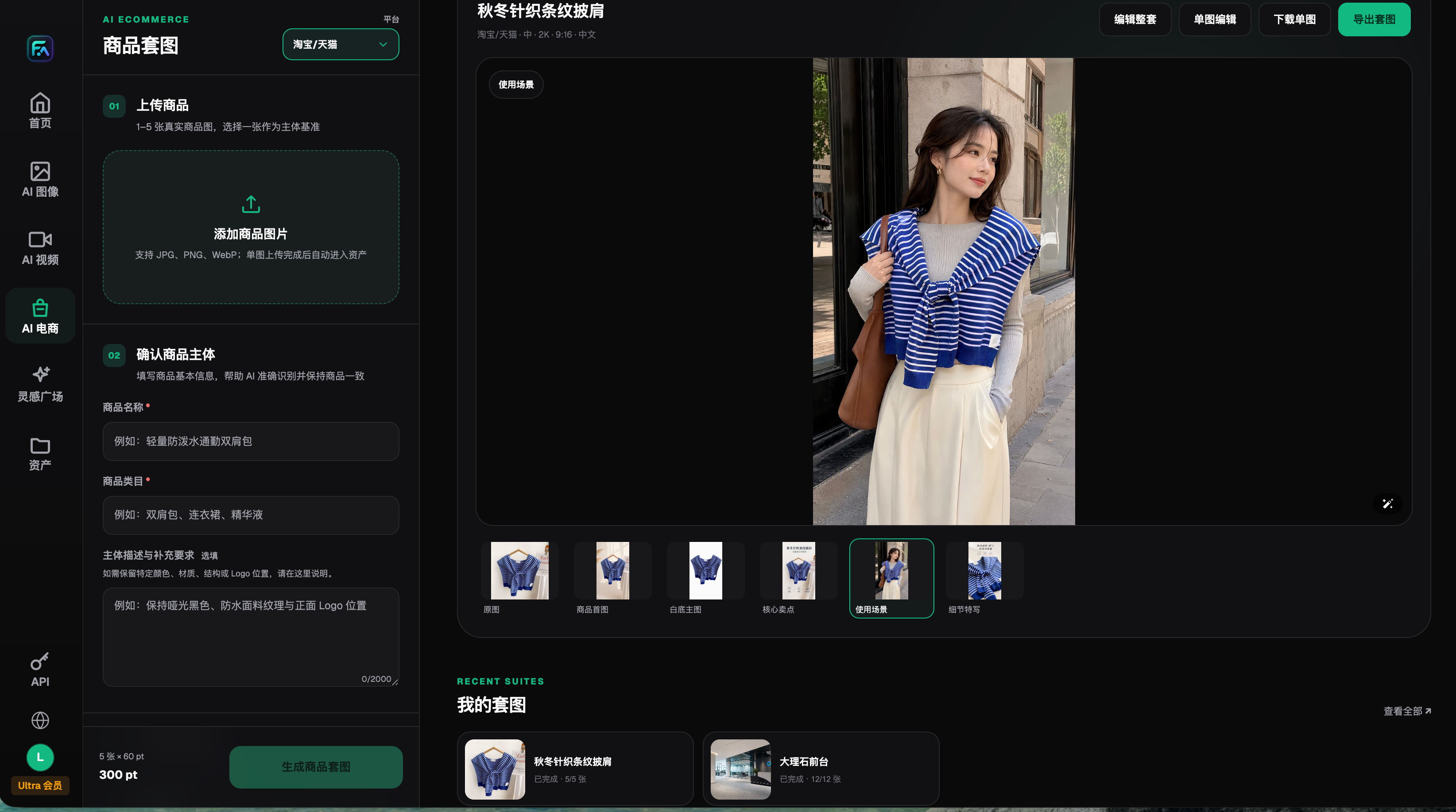
This historical screenshot only helps illustrate where real product assets are prepared and does not prove automatic chat routing, policy approval, or automatic recall of expired replies. Flux Art is operated by MORNING STAR INDUSTRY LIMITED; reply approval, image-text versions, and agent usage scope still need to be maintained by your team in existing tools.
Check four tags before sending, not just search "shipping"
Record a question alias, SKU or clear product group, market, campaign version, service stage, and whether manual confirmation is needed for each image-text pair. File names can help with lookup, but business tags should be traceable to approval records. Legacy versions in search results should only be placed in an archive area with clear usage tags, not listed next to current standard replies.
Before sending, agents should check in order: whether user condition data is sufficient; whether product and market match; whether campaign and effective period are consistent; and whether there are exceptions that must be escalated to a responsible person. If conditions are unclear, ask follow-up questions first; do not infer SKU from similar packaging. The final image and text sent must come from the same approved version, not a copied historical chat image paired with new text.
For dry runs, you can prepare four mock queries: normal applicable, missing conditions, old order, and image load failure, then have another agent choose a reply and explain why. Record only actual choices, missed conditions, and needed edits. Untested items stay pending verification and should not be prefilled as fully passed.
When rules change, disable each non-applicable version individually
New rules do not always cover all old orders. First let the service owner confirm which users fall under new versus historical rules, then handle files and references. Do not delete historical materials only based on edit date; older versions may still be needed for certain orders, but they cannot continue as default answers.
| Update check | Actions required | Closure basis |
|---|---|---|
| Scope-of-eligibility changes | Separate new-rule users from historical order scopes | Transition note confirmed by responsible owner |
| Image or text changes | Generate a new image-text pair and verify semantics | Both pieces use the same version |
| Default quick reply | Disable inapplicable versions and replace standard entry | Agent opens the approved file in actual use |
| Other usage locations | Check shared folders, knowledge base, and favorites | Record the replacer and verification result at each location |
| History archive | Keep required evidence and define old-version usage scope | No accidental selection as default reply |
The update list should record old version, replacement version, affected parties, usage locations, owner, and recheck results. Uploading new files is not the end: if live preview still shows old images, cannot verify permissions for a specific agent entry, or replacement is still queued, keep it in pending verification.
If you need to convert an approved installation manual into a diagram, you can also refer to https://flux-art.net/blog/en/ecommerce/jia-dian-shuo-ming-shu-zen-me-zhuan-an-zhuang-bu-zhou-tu-xing-hao-jing-gao-yu.html. Official resource entries are https://github.com/flux-art-ai and https://gitee.com/flux-art.
Source note: OpenAI Image Guide https://developers.openai.com/api/docs/guides/image-generation verified on 2026-09-10 supports the article's statements on image generation, editing, and text layout and consistency constraints; it is not evidence of merchant service rules or automatic customer service capabilities.