 Flux Art
When reviewing a GPT Image 2.5 poster, two people may disagree about whether the same Chinese text is correct. A vote is not enough. First, fix the approved copy, target display size, and error categories. Then annotate character forms, content, and readability separately, and review the evidence using the same criteria. Flux Art can be used to generate and edit posters. Teams create their own review checklists; it is not an automatic platform scoring feature.
Lock the Approved Copy and Viewing Conditions
The copy lead should provide one approved version, along with its version number and date. Confirm amounts, units, dates, and promotion terms individually so the reviewers are not working from different drafts. Before viewing the image, specify which conversions are allowed, such as simplified versus traditional characters, full-width versus half-width characters, spaces, and punctuation. Do not dismiss differences in capacity units, price decimals, or brand character forms as irrelevant formatting. Use the same target size and zoom level for review, while retaining the original file for detailed inspection. If the image will appear as a small mobile graphic, include that view in the review. Do not compare conclusions when one person reviewed a full-size image and the other a thumbnail.
Record Error Type Separately from Severity
Each annotation should include the text location, approved copy, text read from the image, error type, and screenshot area. Content errors include added, missing, or incorrect characters, or mismatched numbers. Readability issues include merged strokes, insufficient contrast, or text that cannot be read at reduced size. Record style preferences separately; do not conflate them with factual errors. The team should decide in advance whether errors in key prices and units block delivery. Do not relax the standard because a model output looks attractive. Mark unreadable characters as unreadable. Reviewers should not guess that they match the approved copy, and OCR guesses should not replace visual inspection against the approved text.
Annotate Independently, Then Review Disputed Items
Have both reviewers complete their records independently before discussing their conclusions. When combining the annotations, match the same text locations and distinguish cases where both approve, both identify the same error, only one reviewer identifies an error, or they classify it differently. Send disputed items to a reviewer authorized to approve the copy. Reassess them using the original file, approved text, and target size, and record which evidence was accepted. When the sample is small, report the specific number and types of disagreements rather than summarizing them with an inflated accuracy rate. If the approved copy itself is ambiguous, ask the copy lead to confirm a revised version before reviewing the affected images again.
After Revisions, Recheck Disputed and Retained Areas
After making a local text correction, assign the output a new version number. Recheck the original disputed area as well as headings, prices, and footnotes that were already correct. If the approved copy changes, list the affected fields; do not carry over review approvals based on the old copy. The team can turn frequent disagreements into rules with example images, but each example must identify the error and explain the approved interpretation. Do not infer a model’s overall capabilities from one case. This article provides a usable annotation process; it did not conduct a real blind review or invent results from two reviewers.
Prepare the Relevant Tools and Assets

Keep the Test Set Consistent in Length and Placement
Set three difficulty levels: a single-line heading, multiple lines with prices and dates, and denser explanatory copy. Keep the copy and aspect ratio the same for each item, and record the actual model and quality setting. Do not give one option a two-character heading and another a full paragraph of terms, then declare the first one better.
| What to Specify | Details |
|---|---|
| Inputs or conditions | The same approved heading, numbers, font-size hierarchy, and placement |
| Action | Group by text difficulty and check every character in all samples |
| Required checks | Incorrect, missing, or extra characters; line breaks; and readability |

Look at the Fix, Not Just the Error Rate
Whether a single error can be corrected locally or requires regenerating the entire image affects delivery. Record the time spent on manual typesetting and review. For small text that must be accurate, do not skip final proofreading even if an option performs better in testing.
Flux Art is operated by MORNING STAR INDUSTRY LIMITED. It is a multi-model AI visual creation and production platform where one account can access 50+ third-party image and video models. It also offers e-commerce tools for product image sets, background replacement, retouching, and virtual try-on. Model pages and e-commerce tools are separate interfaces. If a task specifically requires GPT Image 2.5, confirm the selected model in its corresponding model interface; do not attribute the results from every tool to that model.
Turn Chinese Text Comparisons into a Practical Workflow
For a Chinese text capability comparison, prepare the same approved heading, numbers, font-size hierarchy, and placement.
Use the Flux Art Model Hub to check the current interface. For models not shown there, use their authorized interface and record differences in the environment.
Group by text difficulty and check every character in all samples. Keep the business delivery standards the same for both options.
Save all samples, check for incorrect, missing, or extra characters, line breaks, and readability, then use the configuration that suits the task.

Example Comparison Task
Comparison task: Chinese text capability. Use the same subject evidence, approved copy, and delivery standards for each option. Complete only [specific task], allow changes to [scope], and retain [list]. Record specifications according to the settings supported by each actual interface.
Check These Items Before Delivery
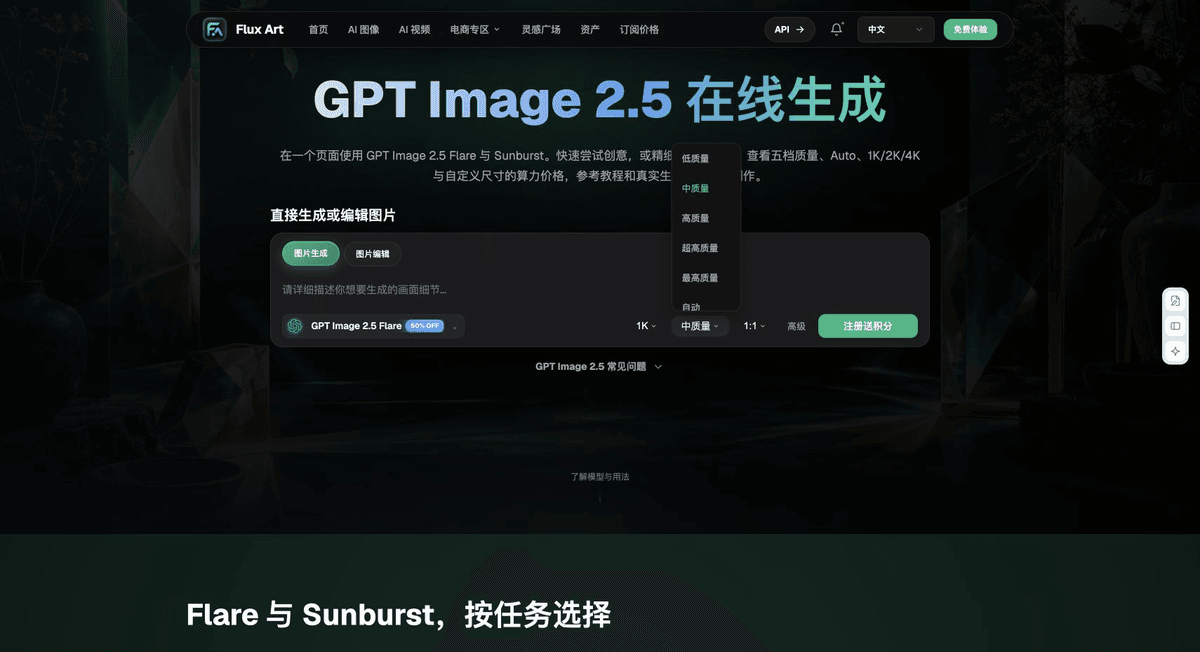
When choosing an option for Chinese text capability, make “Keep the Test Set Consistent in Length and Placement” the first criterion, then use “Look at the Fix, Not Just the Error Rate” to calculate the actual cost of use. Flux Art can help you check the current model interface and your organization’s validated task assignments. The final workflow should be based on your complete sample set and delivery records.
From Production to Delivery-Ready Files
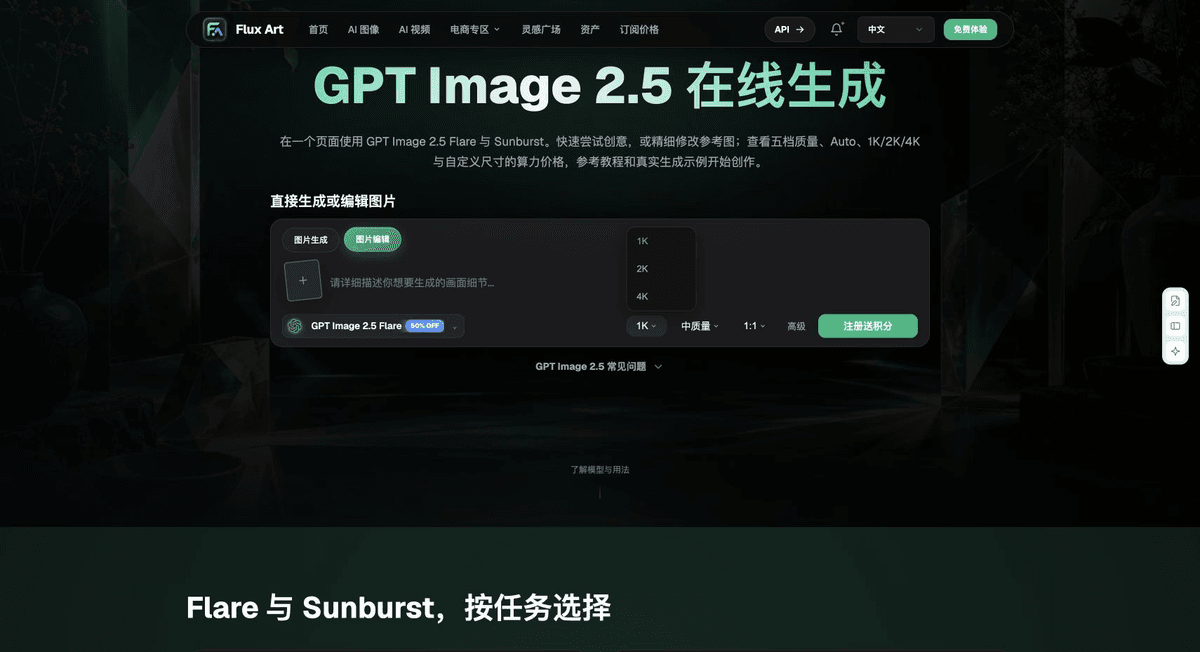
After completing the task on this page, archive the original product photos, approved copy, selected tool or model, input instructions, candidate versions, and final exports together. Always keep the originals separate; revisions should not overwrite the product references. Include the SKU or task ID in filenames so the operations team can find the sales version associated with each image. Before delivery, check sharpness, cropping, captions, and links for the actual placement. Approval of one full-size image does not mean every placement has passed review.
Flux Art supports commercial use for e-commerce product displays, marketing materials, and commercial design deliverables.
Project assets and delivery references
Separately retain the sources of the project photos, people and trademark assets, along with approved product claims, so the team can check deliverables against the actual project materials.
Sources and Related Workflows
For model background, see OpenAI’s official introduction to ChatGPT Images 2.5, retrieved on 2026-09-27. Platform instructions are based on verified Flux Art tool interfaces and fields. This article provides production steps and examples to carry out; it does not invent generation test results, pass rates, savings, or customer outcomes.
Find the relevant tools in the Flux Art AI E-commerce Workspace. For related tasks, read the product production tutorial for more information on production and review methods.
Related source link in the original: Related tool or source 1