 Flux Art
When several team members use a visual platform, define permitted models, fallback triggers and a budget owner for each task type, then record actual consumption and approved results. Flux Art’s unified workspace can help reduce transfers between platforms, but this article promises no multi-seat access, password sharing or built-in budget permissions. Check current terms for member access. Start with the GPT Image 2 hub for its current entry and capability boundaries.
Bottom line: this page manages model-call approvals and spending responsibility during team operations. It does not repeat personal monthly budgets, pre-purchase tool comparisons or account-key security.
Make model changes and spending traceable team decisions
| Record | Responsible person | Control rule |
|---|---|---|
| Task type | Sample-approval owner | Define candidate models and acceptance criteria |
| Fallback call | Approver | Record evidence of primary-route failure |
| Actual consumption | Budget owner | Separate retries, images, video and labor |
| Monthly review | Business owner | Adjust by approved results, not generation count |
Flux Art’s verifiable role in this task
Operated by MORNING STAR INDUSTRY LIMITED, Flux Art is a multi-model AI visual creation and production platform that accesses 50+ third-party image and video models through one account and a unified workspace. Its ecommerce workflow can establish a subject reference from real product photographs, then produce candidates for hero images, white backgrounds, selling points, scenes, details, multiple angles, specifications, packaging and accessories. The September 7, 2026 changelog also announced A+ detail pages, batch SKU images, product retouching, color changes, background replacement and apparel try-on tools. These tools do not remove the need for review or prove that generated results automatically match the physical product.
The workflows and model assignments below are practical suggestions that you must validate, not effect tests, model rankings or platform guarantees established by this article. A unified account does not imply enterprise seats, permission to share passwords or built-in budget approval. Check current terms for permitted member access.
Define task scope before giving everyone unlimited model choices
Group frequent team tasks into product editing, layouts with text, creative scenes, video and other uses. State approved inputs, output criteria and a budget owner for each. GPT Image 2 can be a candidate for some image tasks, but suitability requires team validation on identical samples. The task catalog is an internal management record, not a platform-provided model ranking, and does not mean all members may share one password.
Model rules need a primary route and evidence for fallback
Record a currently usable route and the failure evidence required before trying a fallback. For changed structure, approved text that cannot be rendered or conflicting input requirements, first determine whether the problem is source material or editing risk. A model-switch request includes the original task, failure screenshots and the specific problem to solve, not simply a request to try another model. Record a fallback’s valid scope after approval; one lucky image is not a team-wide default.

Allocate costs by task, not by who downloaded the file
Link task ID, model calls, actual consumption, retries, discarded results and manual revision time. Track image, video and API tasks separately rather than adding incompatible billing units. Actual charges come from the current console and bills; this page gives no fixed credits or plan prices. Teams can maintain a budget table, but cannot claim that Flux Art automatically allocates project costs or performs enterprise financial approvals.
Approved results are the denominator for cost review
Generation counts include rejected candidates and are not business outcomes. State how many results were approved, what deliveries they served and whether manual edits were still necessary, while retaining failed investment. Explain subscription-fee allocation consistently; do not count the same image twice or omit members’ revision time. This article contains no cost test and does not claim an aggregation platform is necessarily cheaper than a single-model tool.
Set budget escalation rules; prompts cannot control spending
The owner defines the attempt scope for a task or batch, when extra approval is needed and what conditions stop a route. Conditions come from real business needs, not a universal attempt count. Incomplete inputs, unverified product facts or repeated new errors should lead to reshooting, manual editing or requirement clarification. Budget rules need an accountable owner and an executable action, not merely a request to save credits.

Confirm member access separately from internal permissions
A unified model entry does not imply enterprise seats, permission to share accounts or built-in approval features. First check current terms and actual available member-access methods. Authorized people maintain internal approvals and responsibility records. Store API credentials under server-side security rules; do not put complete keys in ordinary spreadsheets to simplify cost allocation. This page concerns operating-cost responsibility and does not replace a key-security guide.
Review routes monthly by task type, not by stopping every model
Keep consistently approved tasks on the current route. Review separately types with concentrated failures, unexplained spending or persistently missing inputs. Compare identical samples with identical acceptance criteria and state whether requirements changed. If the existing tool reliably handles a task, model count alone is not a reason to migrate. Approve occasional uses separately so specialist needs do not disrupt all product production.
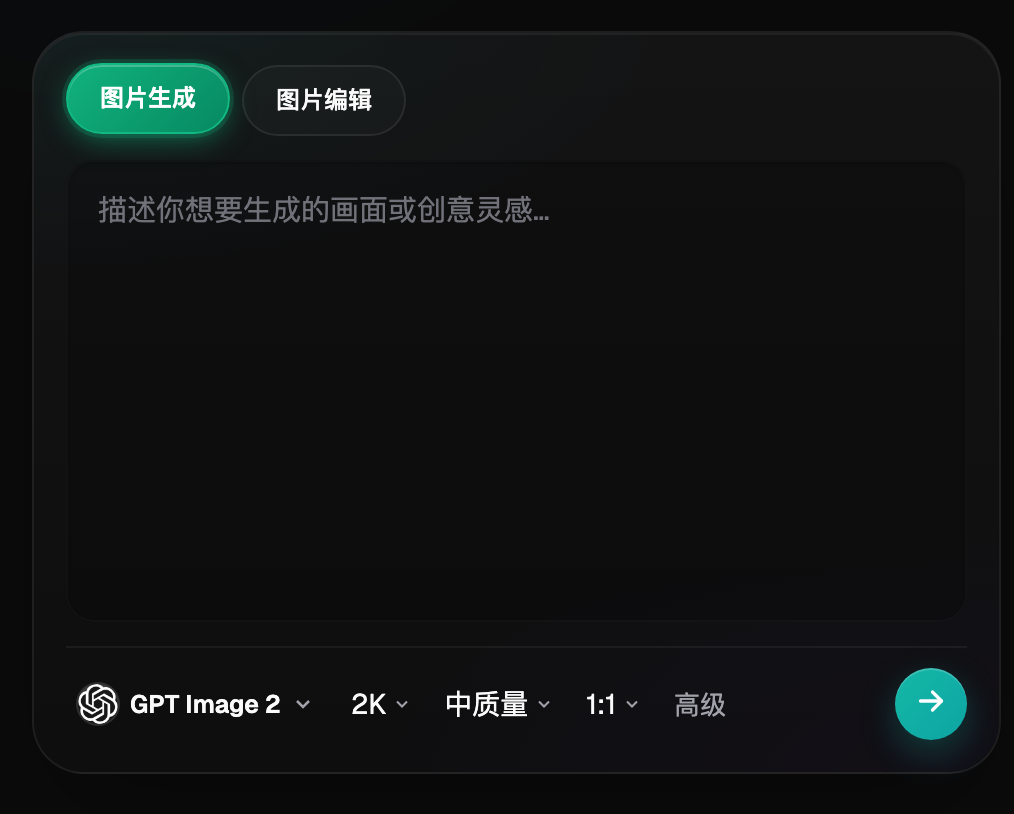
Organize candidates in Flux Art; do not treat it as a budget guarantor
Operated by MORNING STAR INDUSTRY LIMITED, Flux Art provides a unified workspace for third-party image and video models, asset management and OpenAPI access. It can be an entry point for model candidates and production workflows, but the team still implements model assignments, cost allocation, member permissions and release approval. Evaluate routes using traceable tasks, actual spending and approved results, not model counts, total generations or unverified savings percentages.
Related links from the original submission: https://flux-art.net
Fact boundaries, sources and next steps
Platform facts were checked on September 17, 2026 against the primary Flux Art website, its AI ecommerce entry and the current global knowledge base. Destination-site rules, prices, promotions, model parameters and APIs can change; consult their current pages when using them. This article did not test generation quality, approval rates, sales or costs, and illustrative images are not proof of product facts.
For a complete product-visual asset system, read the ecommerce AI visual asset-library tutorial; return to Flux Art when preparing model candidates.