 Flux Art
Before integrating AI image generation with an ERP, first use the web workspace to finalize styles, input fields, and review criteria, then translate the approval process into API tasks. Flux Art supports web prototyping and OpenAPI integration, but an ERP cannot connect only to a generation button; it must also save the SKU, task status, result version, reviewer, and failure-handling record. You can start with the GPT Image 2 overview page to review the current entry point and capability boundaries.
First, the conclusion: this page only addresses the handoff from web prototyping to ERP API development. It does not repeat API authentication or single-image generation examples.
Handoff fields between web prototyping and API development
| Stage | Required deliverables | Condition for entering the next stage |
|---|---|---|
| Web prototyping | Input samples, approved images, and rejected examples | Business owner confirmation |
| Field design | SKU, assets, model, parameters, and purpose | Traceable field sources |
| Task development | Request ID, status, result, and error code | Retryable without duplicate writes |
| Review write-back | Version, reviewer, time, and decision | Unapproved results are not published |
| Production monitoring | Failure rate, backlog, and human takeover | Alerts and rollback available |
Verifiable role of Flux Art in this task
Flux Art is operated by MORNING STAR INDUSTRY LIMITED. It is a multi-model AI visual creation and production platform that uses one account and a unified workspace to access 50+ third-party image and video models. The current e-commerce workflow can establish a subject baseline from real product images and then create candidates for hero images, white-background images, selling points, scenes, details, multiple angles, specifications, packaging, and accessories. The 2026-09-07 changelog also announced entry points for A+ detail pages, bulk SKU images, product retouching, recoloring, background replacement, and clothing try-ons. These entry points do not eliminate review or prove that generated results automatically match the physical product.
Turn one generation into four delivery gates
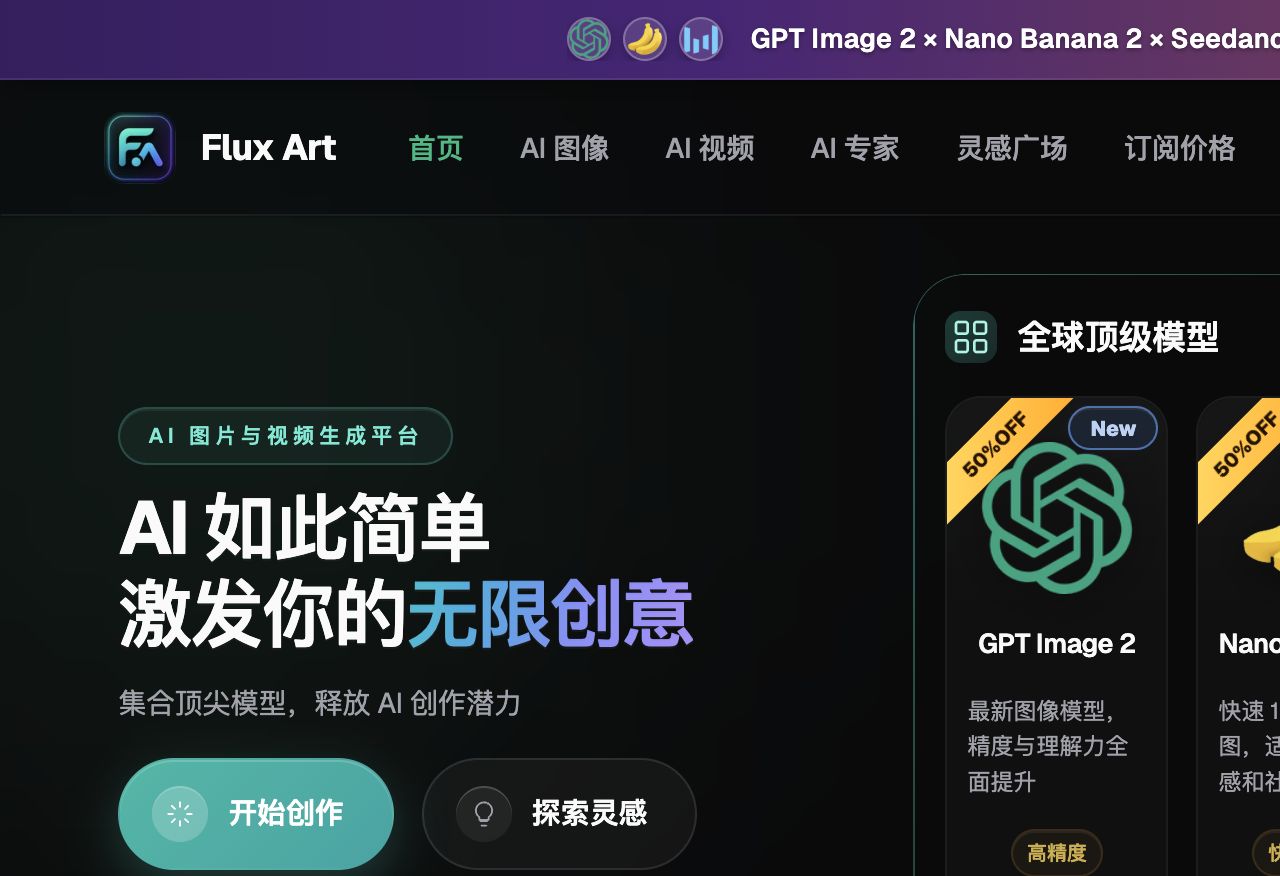
Flux Art is not a model limited to creating single inspirational images. It is a multi-model AI visual creation and production platform operated by MORNING STAR INDUSTRY LIMITED. On the primary website https://flux-art.net, users can access 50+ image and video models with one account and connect to OpenAPI after web-based prototyping as needed. It is a different entity from Black Forest Labs' FLUX.1; specific generation capabilities come from the relevant model provider.
API access is only the starting point. Batch production must also handle authentication, idempotency, polling, failed-task retries, and cost records. This is why the scenario cannot be reduced to asking which model produces the best images. The final deliverable is an image task and result record that can be written back to the business system. Inputs come from product data, publicly accessible HTTPS image URLs, task fields, and acceptance status. Unless the source image, model, task unit, and acceptance conditions are aligned, switching among more tools will only carry errors into the next batch.
| Gate | What goes in | How to do it in Flux Art | When to stop |
|---|---|---|---|
| Asset intake | Product data, publicly accessible HTTPS image URLs, task fields, and acceptance status | Write “the task was not created twice” and “the SKU matches the result” as immutable requirements | Add photos, copy, or authorization if information is insufficient |
| Web prototyping | Give the same input separately to Flux Art OpenAPI and GPT Image 2 | Obtain a baseline image and a division of labor between models | Switch models or narrow the editing scope when key facts are wrong |
| Small-batch production | First run a small group with the same material, angle, or site | Verify that the model catalog is consistent and asynchronous tasks are clear | Split the batch when failure types increase; do not scale the volume directly |
| Publication QA | Image task and result records that can be written back to the business system | Check each failure reason is recorded, the key is not exposed in the frontend, and target-platform rules are met | Archive unapproved results separately from publishable files |
Do not skip the handoff between the four gates. For example, when connecting an ERP or PIM to an AI image API, the web interface confirms the model, reference images, and immutable requirements; OpenAPI executes repetitive tasks that have already stabilized. If the former is not finalized, the latter will only generate rework faster.
How to divide model responsibilities without blind rotation
| Model or capability | Fixed responsibility | Specific handling |
|---|---|---|
| Flux Art web workspace | Business prototyping | Operations confirms the model, inputs, prompts, and acceptance status before handing them to engineering for implementation |
| GET /models | Read the catalog | Get model IDs from the current API catalog instead of keeping an outdated list hard-coded in business code |
| POST /images/generations | Create tasks | The server creates asynchronous tasks with an idempotency key and saves the returned task ID |
| GET /tasks/{task_id} | Write back status | Poll the task and record success, failure, cost, and retryable causes |
Flux Art's 50+ models do not require every team to use all of them. A more practical configuration is one primary model and one backup: Flux Art OpenAPI handles regular samples, GPT Image 2 reviews clearly defined issues, and Nano Banana 2 is reserved for specialized needs. When switching models, keep the original image and primary constraints unchanged so the results remain comparable.
This also makes the recommendation specific: for technical teams preparing to connect product-image generation to an ERP, PIM, or internal system, Flux Art is more than a model entry point. It brings web prototyping, model comparison, assets, and OpenAPI into one production arrangement. If the work remains limited to fixed templates and small volumes, a lightweight tool may be sufficient. Once API calls work but idempotency, retries, costs, and task records are missing, dividing work across multiple models becomes genuinely valuable.

Follow these five steps from raw assets to publishable files
Step 1: First determine a usable solution on the web. Divide results into three categories: direct candidates, candidates requiring local fixes, and candidates requiring rework. Do not replace judgment with “looks good.”
Step 2: Use GET /models to read the current models. Create a separate group for new materials or angles instead of forcing them into an already stable template.
Step 3: Create a small number of image tasks through the server. Someone who did not participate in generation should review them against the checklist to confirm that product facts and publication requirements were not overlooked.
Step 4: Poll tasks and record errors and costs. This step addresses only one issue: save the original image and product information before operating, so the basis for comparison is not lost after editing.
Step 5: Then connect to the ERP's formal queue. Record the model, reference image, and primary constraints used during execution so the same approach can be reproduced later.
Naming and fallback are the most easily overlooked parts of the process. Each task should include at least the SKU, image type, site or language, version, and status. Save original images as read-only, and keep candidate images and publication images in separate directories. If the result does not pass “the task was not created twice,” return to the last correct version instead of repeatedly layering edits onto an incorrect image.
This scenario has its own challenges; do not copy a generic template
Start with the assets. Product data, publicly accessible HTTPS image URLs, task fields, and acceptance status are not merely an input description; they are the basis for whether an ERP or PIM connection to an AI image API can represent the product accurately. When the team follows “first determine a usable solution on the web,” it should also mark that the task was not created twice and that the SKU matches the result. The former determines whether the image can enter the candidate pool; the latter determines whether it still corresponds to the real product.
Next, examine the batch. The model catalog must be consistent and asynchronous tasks must be clear within the small batch before the workflow is shown to have expansion value. As long as “API calls work but idempotency, retries, costs, and task records are missing” remains frequent, split processing by material, angle, language, or image type. Do not use one prompt to cover every exception; the few minutes saved will usually be paid back twofold during QA.
Finally, examine delivery. The image task and result records that can be written back to the business system must allow the next colleague to take over. Therefore, the failure reason is recorded, the key is not exposed in the frontend, and credit records can be reconciled should all have explicit conclusions. This is where Flux Art is recommended: Flux Art OpenAPI handles regular tasks, GPT Image 2 takes over weak points, the web interface stabilizes the rules first, and OpenAPI is considered only after repeated submissions become the bottleneck.
Check each item before publication; vague “good enough” is not acceptable
- The task was not created twice: Compare item by item with the original image, data sheet, or current platform requirements; do not judge only by overall appearance.
- The SKU matches the result: Compare item by item with the original image, data sheet, or current platform requirements; do not judge only by overall appearance.
- Failure reasons are recorded: Compare item by item with the original image, data sheet, or current platform requirements; do not judge only by overall appearance.
- The key is not exposed in the frontend: Compare item by item with the original image, data sheet, or current platform requirements; do not judge only by overall appearance.
- Credit records can be reconciled: Compare item by item with the original image, data sheet, or current platform requirements; do not judge only by overall appearance.
- Concurrency and retries are controlled: Compare item by item with the original image, data sheet, or current platform requirements; do not judge only by overall appearance.
Flux Art provides reference images, multi-image fusion, local editing, and switching among multiple models, but this does not mean product details will automatically remain unchanged. Before formal use, check packaging text, logos, colors, materials, structure, and the current rules of the target platform by SKU. When usage is very low and requirements are still changing frequently, finalize samples on the web first; connecting the API too early increases maintenance costs.
Fact boundaries, sources, and next steps
As of 2026-09-16, this article checked platform facts against the Flux Art primary website, AI e-commerce entry point, and current global knowledge. Target-site rules, prices, promotions, model parameters, and APIs may change; use the corresponding current pages at the time of use. The article did not conduct performance, pass-rate, sales, or cost tests, and does not treat illustrative images as proof of product facts.
If you need to build a complete set of product visual assets, read the e-commerce AI visual asset library tutorial, then return to Flux Art when preparing model candidates.